10 Best AI Image Prompts for 1980s Retro Photos — Viral Vintage, Nostalgic & Old-School AI Photo Ideas
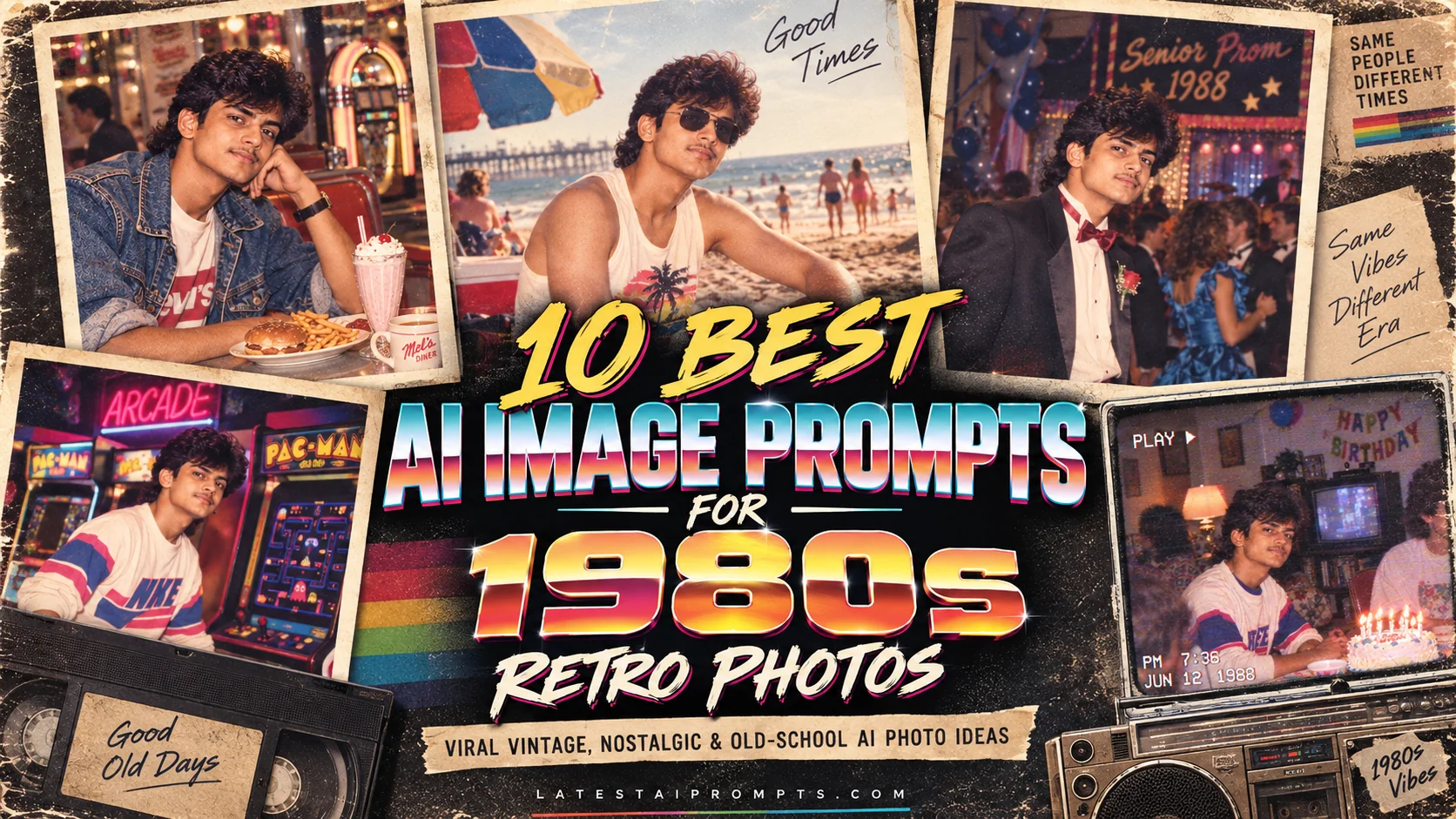
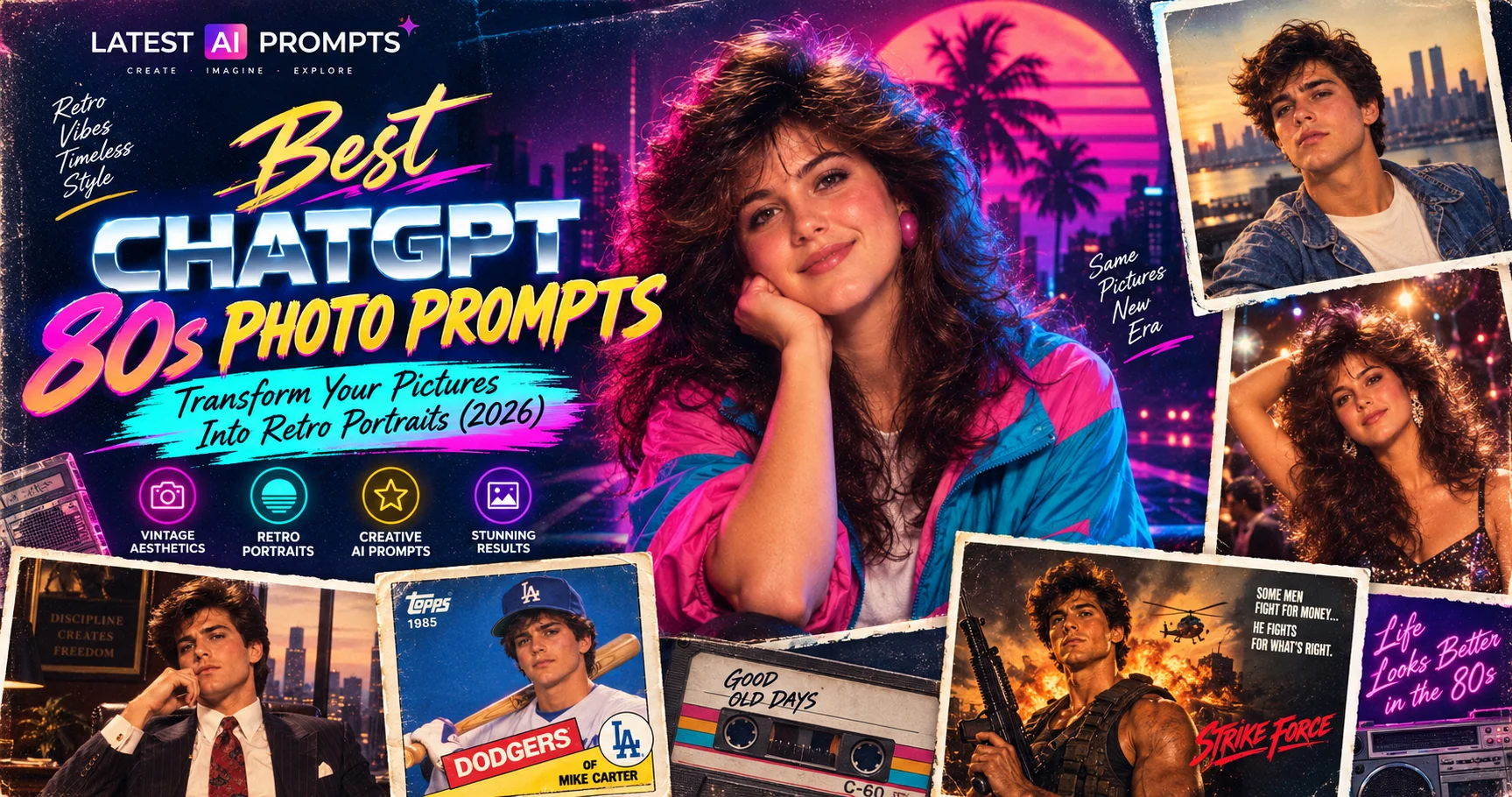
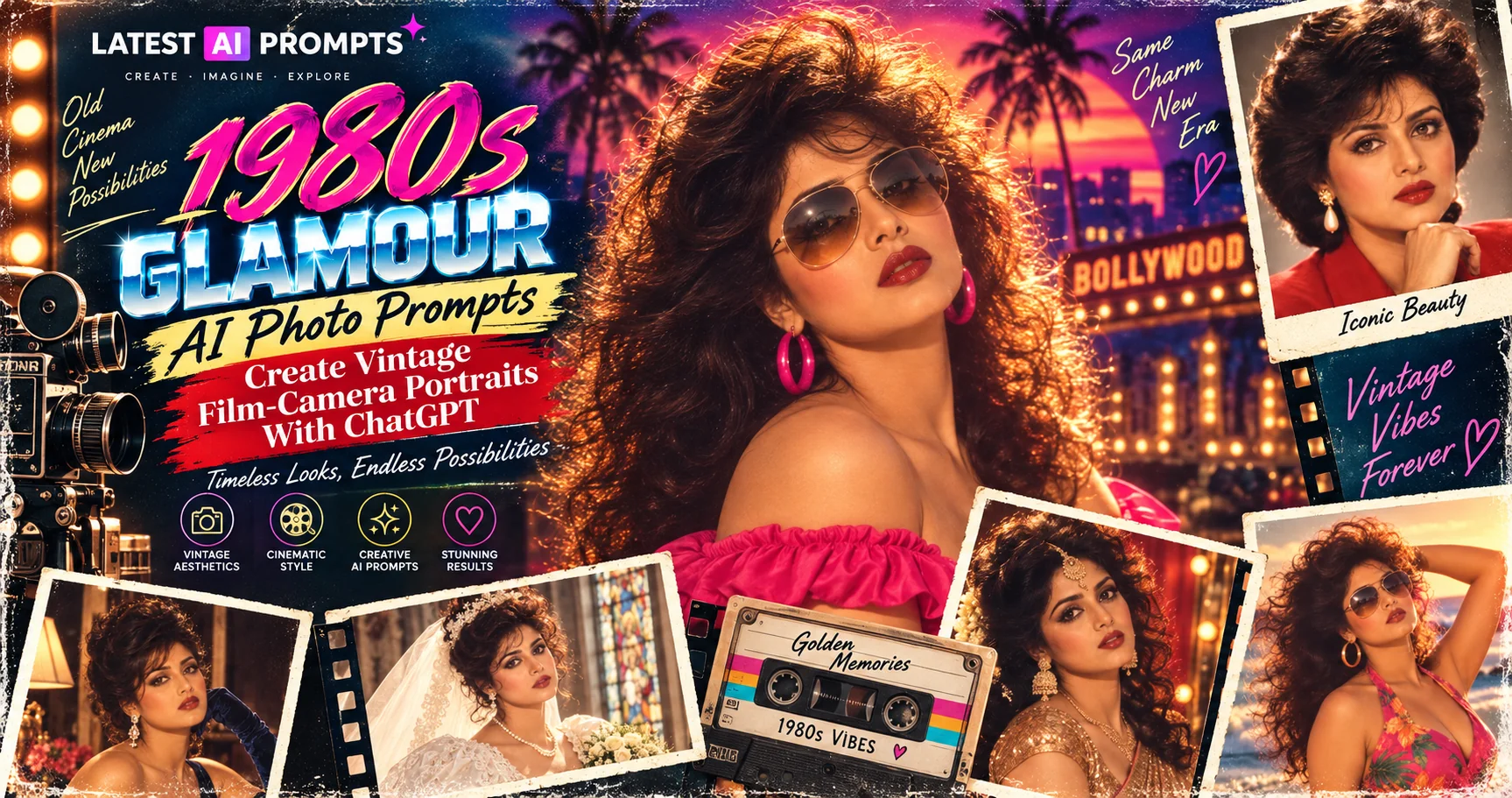
The 1980s are having a serious comeback in AI photography. Instead of simply adding a faded filter to a modern picture, today's image generators can recreate the feeling of an actual photograph from the decade — complete with period clothing, hairstyles, analog film grain, direct flash, soft focus, faded colors, vintage interiors, classic cars, arcades, malls, and everyday details. Recent coverage of the 1980s AI photo trend shows people experimenting with everything from studio portraits and family-album images to street scenes and nostalgic lifestyle photographs. :contentReference[oaicite:1]{index=1} These prompts are designed to give you more than a generic 'make it retro' result. Each one describes a specific moment, setting, lighting style, camera character, and era-appropriate details so your final image feels like a photograph with a story behind it.
- ✔ Create realistic 1980s-style portraits from modern photos
- ✔ Recreate authentic analog film grain, flash, color, and texture
- ✔ Explore nostalgic American settings such as diners, malls, arcades, and road trips
- ✔ Generate different retro moods instead of repeating the same vintage look
- ✔ Customize clothing, hairstyles, locations, props, lighting, and photographic imperfections
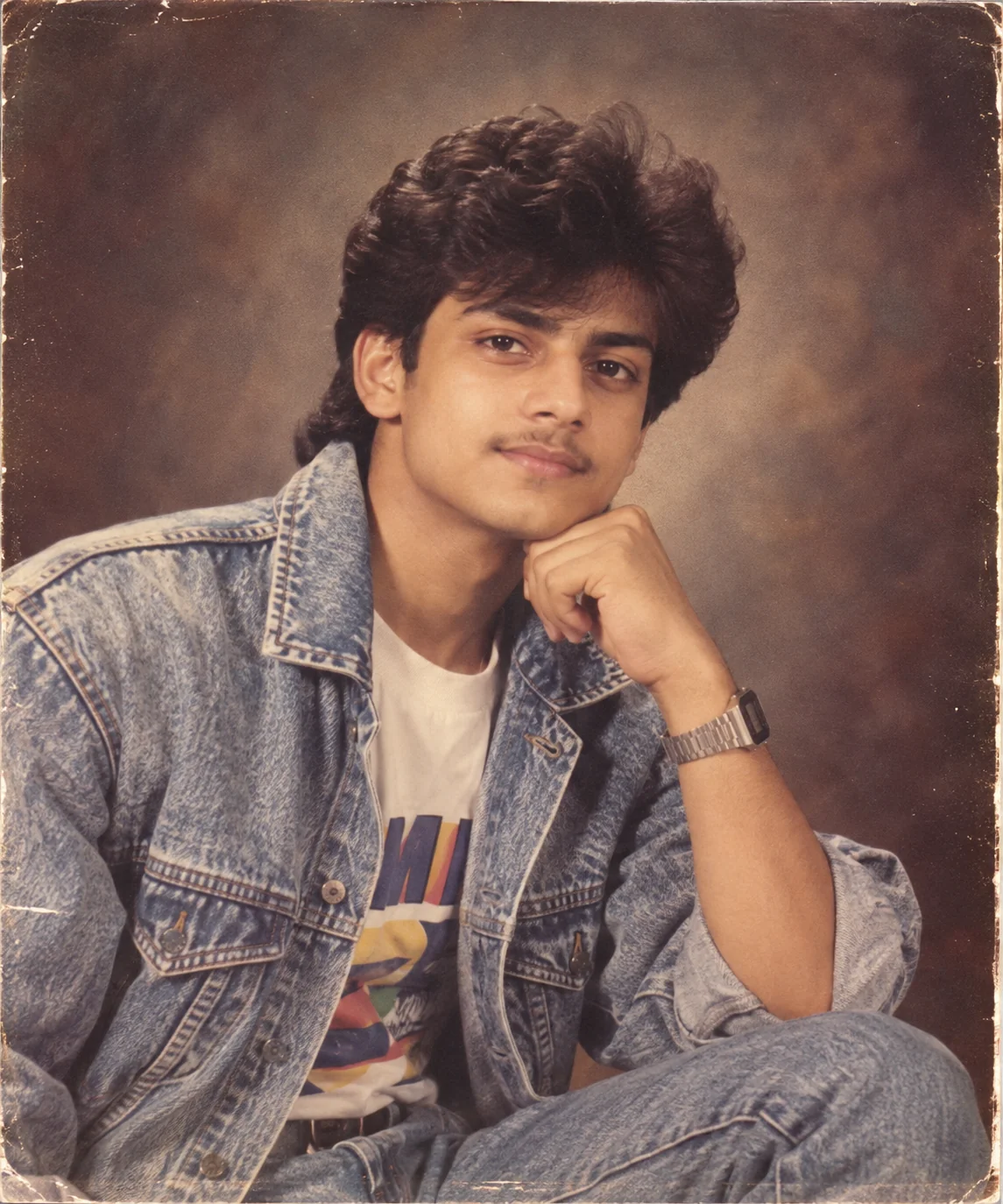
1. Classic 1980s Studio Portrait — AI Prompt
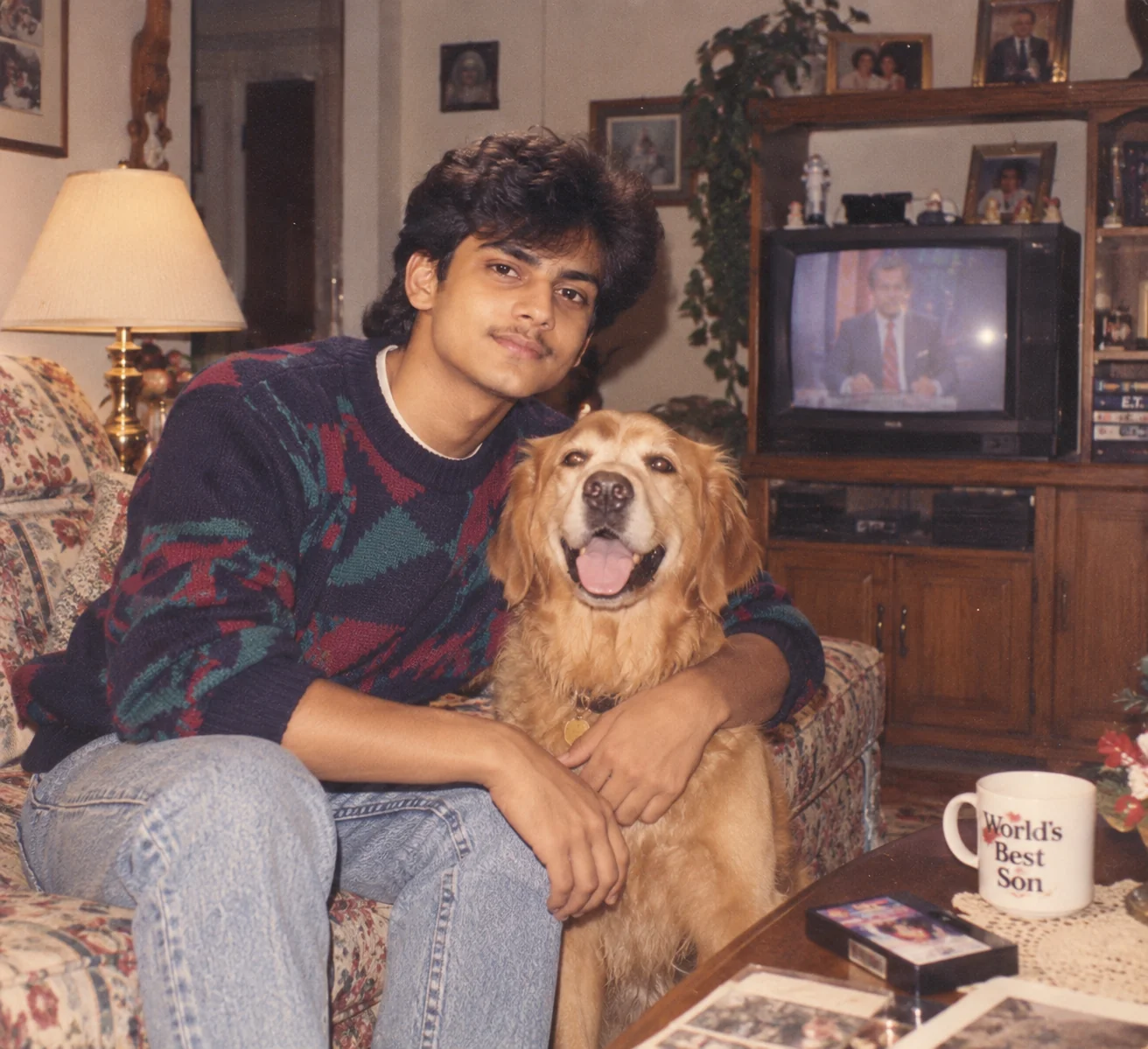
2. 1980s Family Album Snapshot — AI Prompt
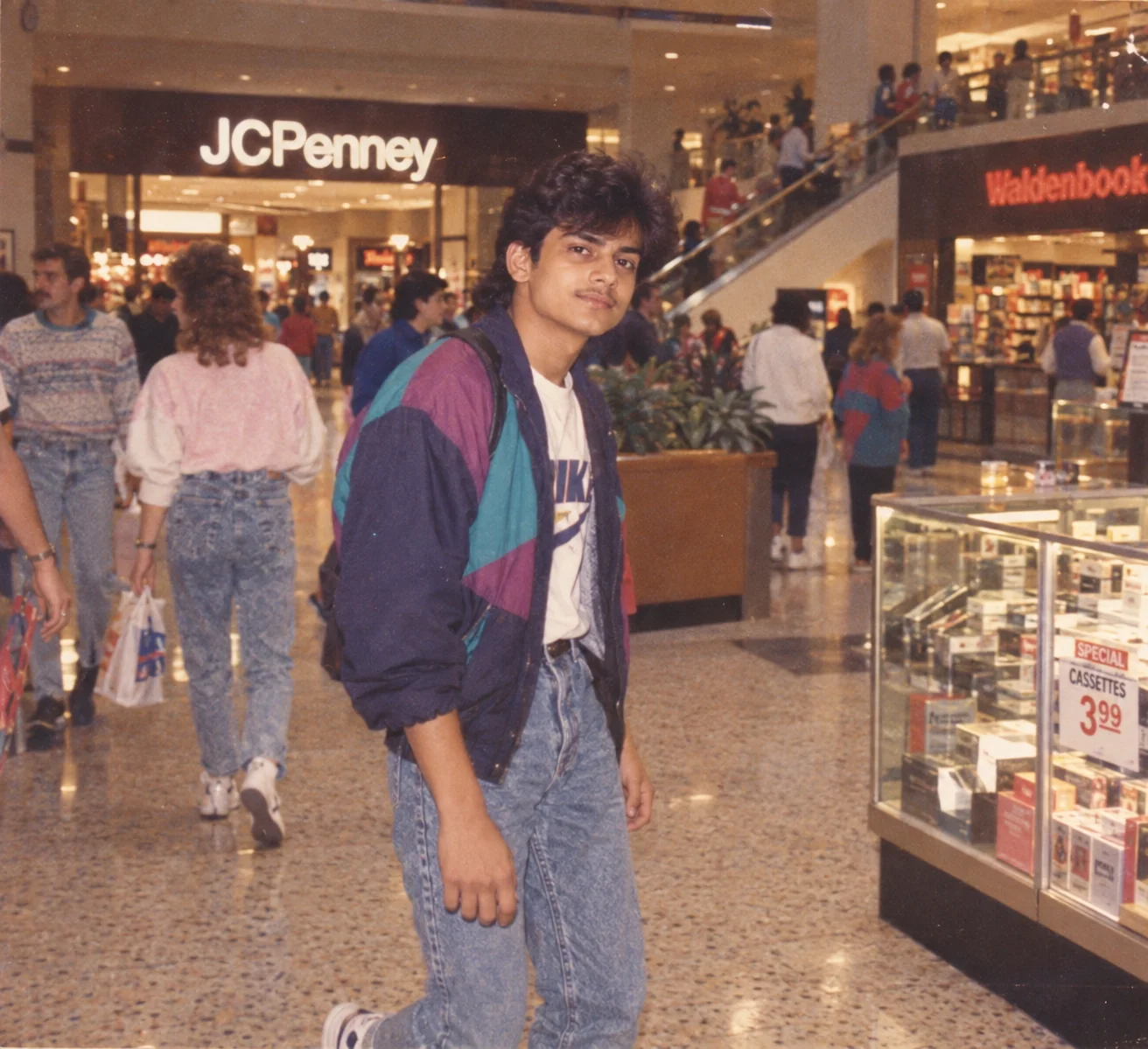
3. 1980s Shopping Mall Memory — AI Prompt
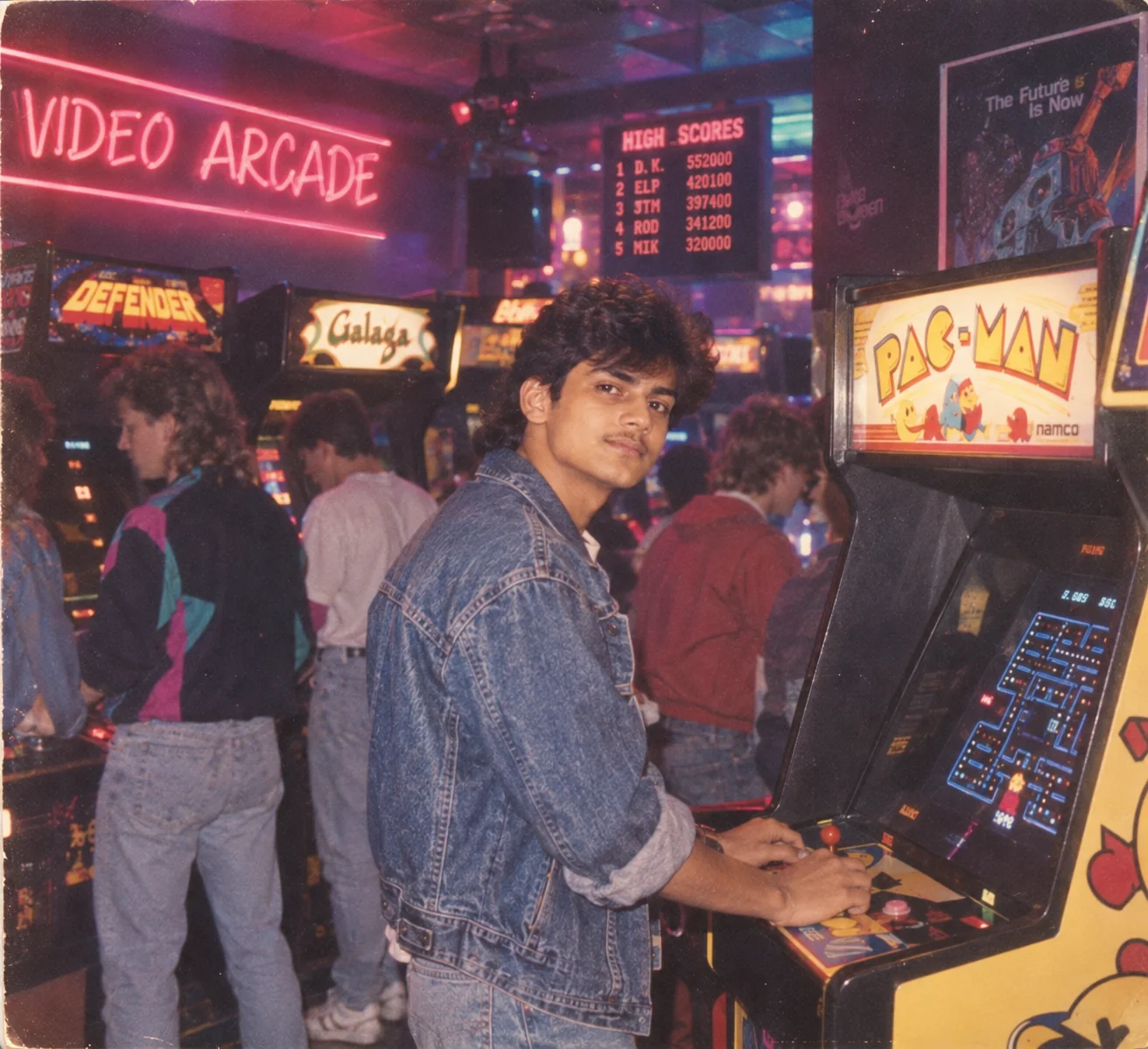
4. Neon 1980s Arcade Night — AI Prompt
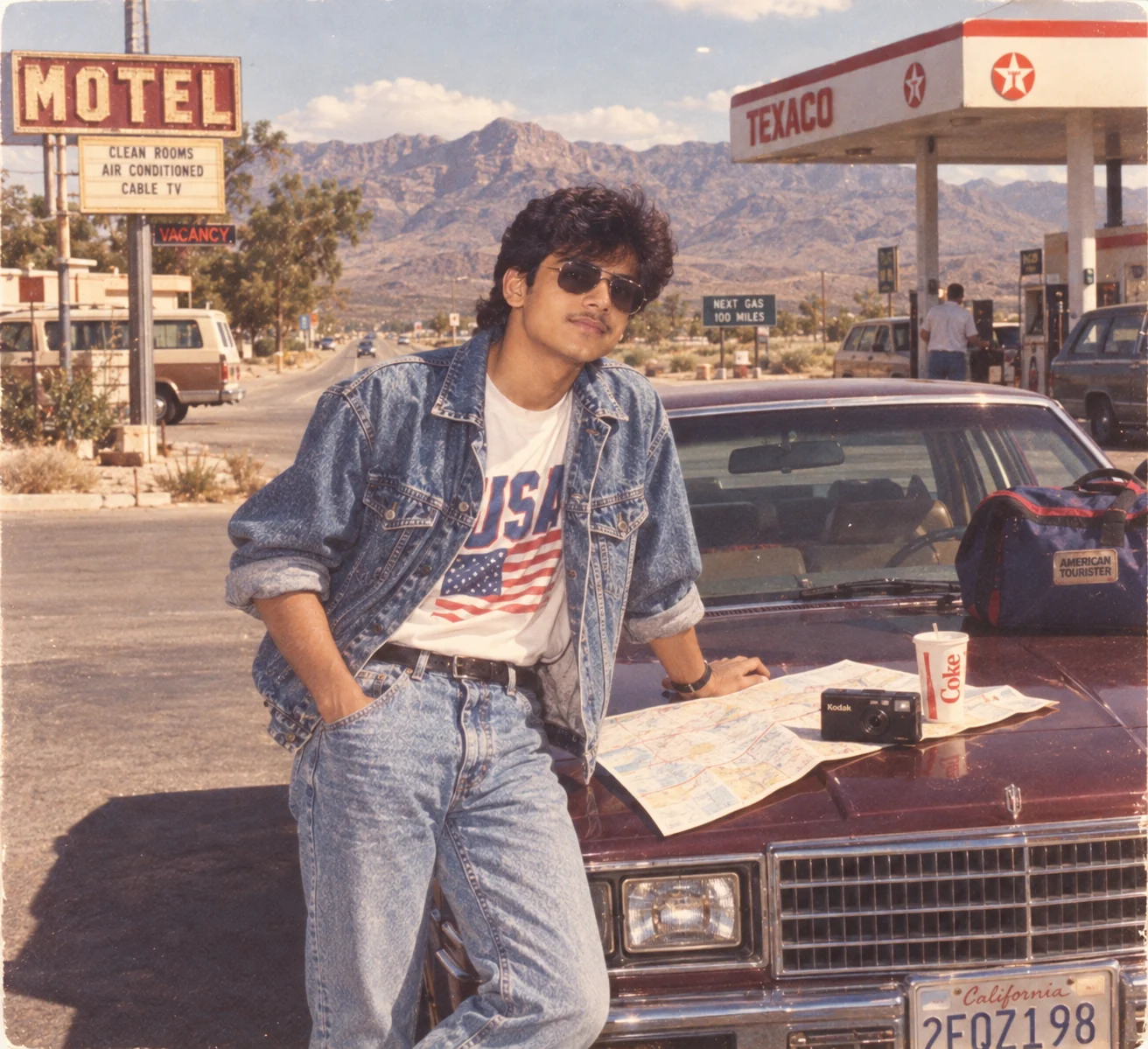
5. 1980s American Road Trip Photo — AI Prompt
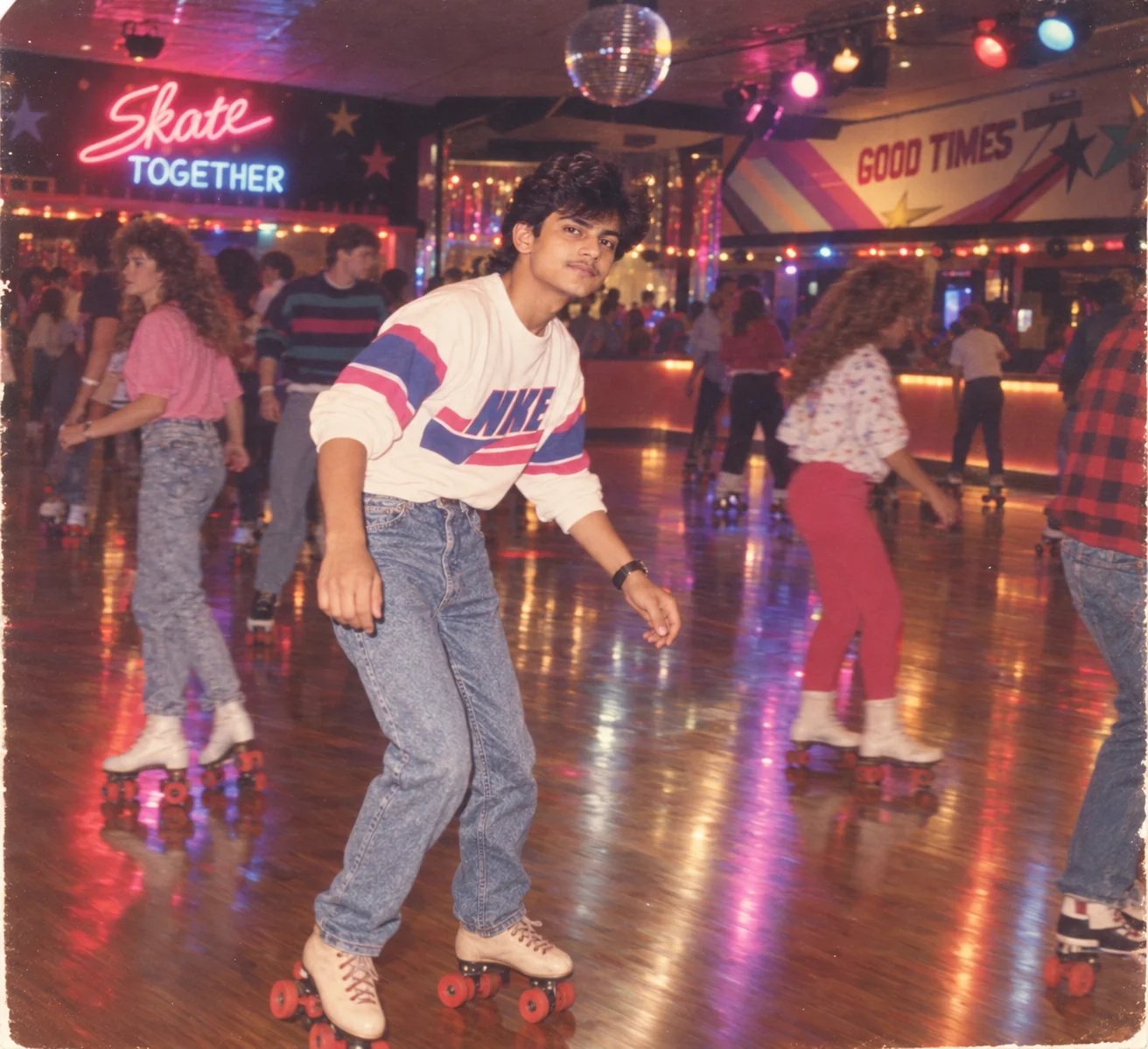
6. 1980s Roller Rink Night — AI Prompt
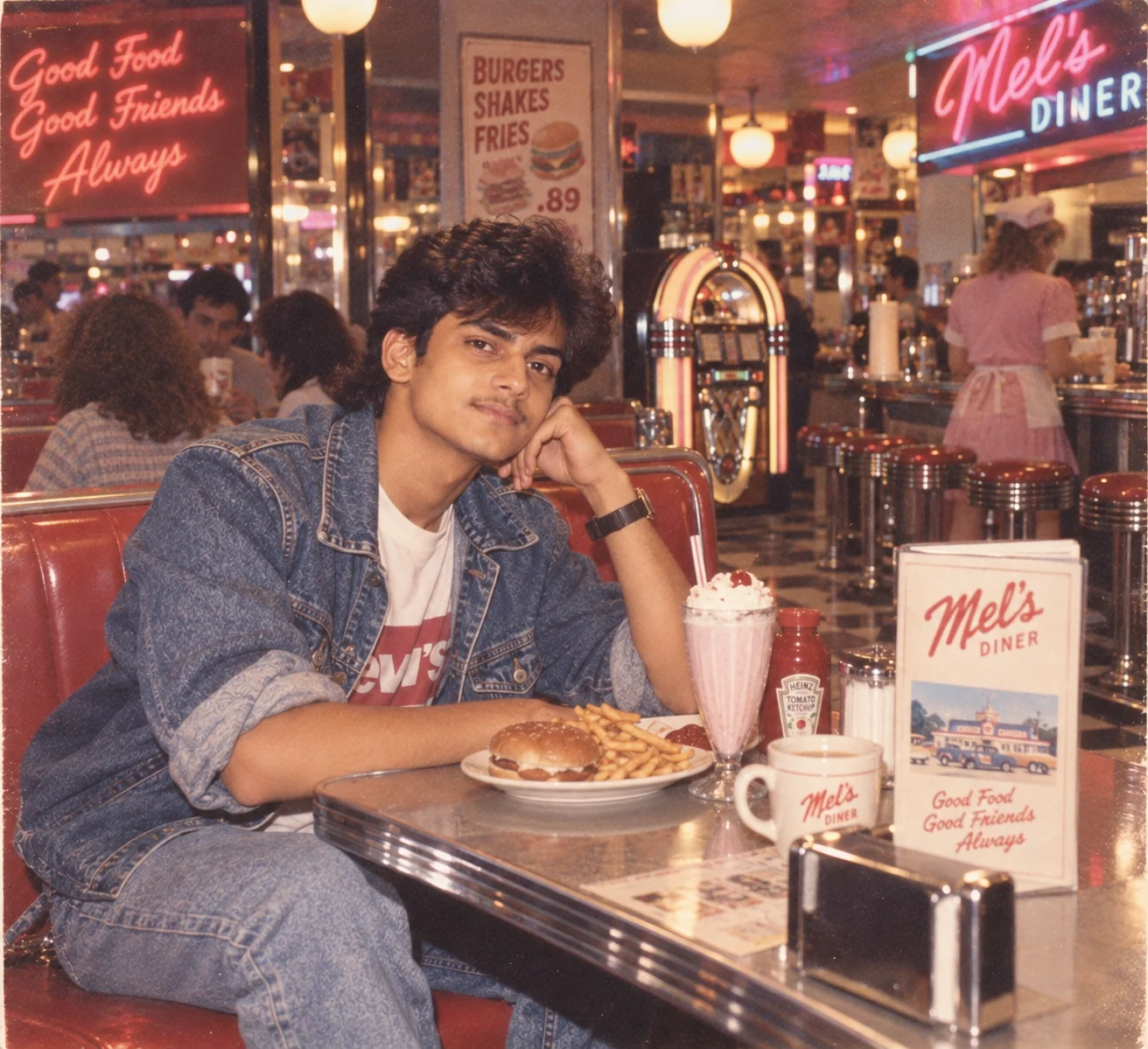
7. Vintage 1980s Diner Photograph — AI Prompt
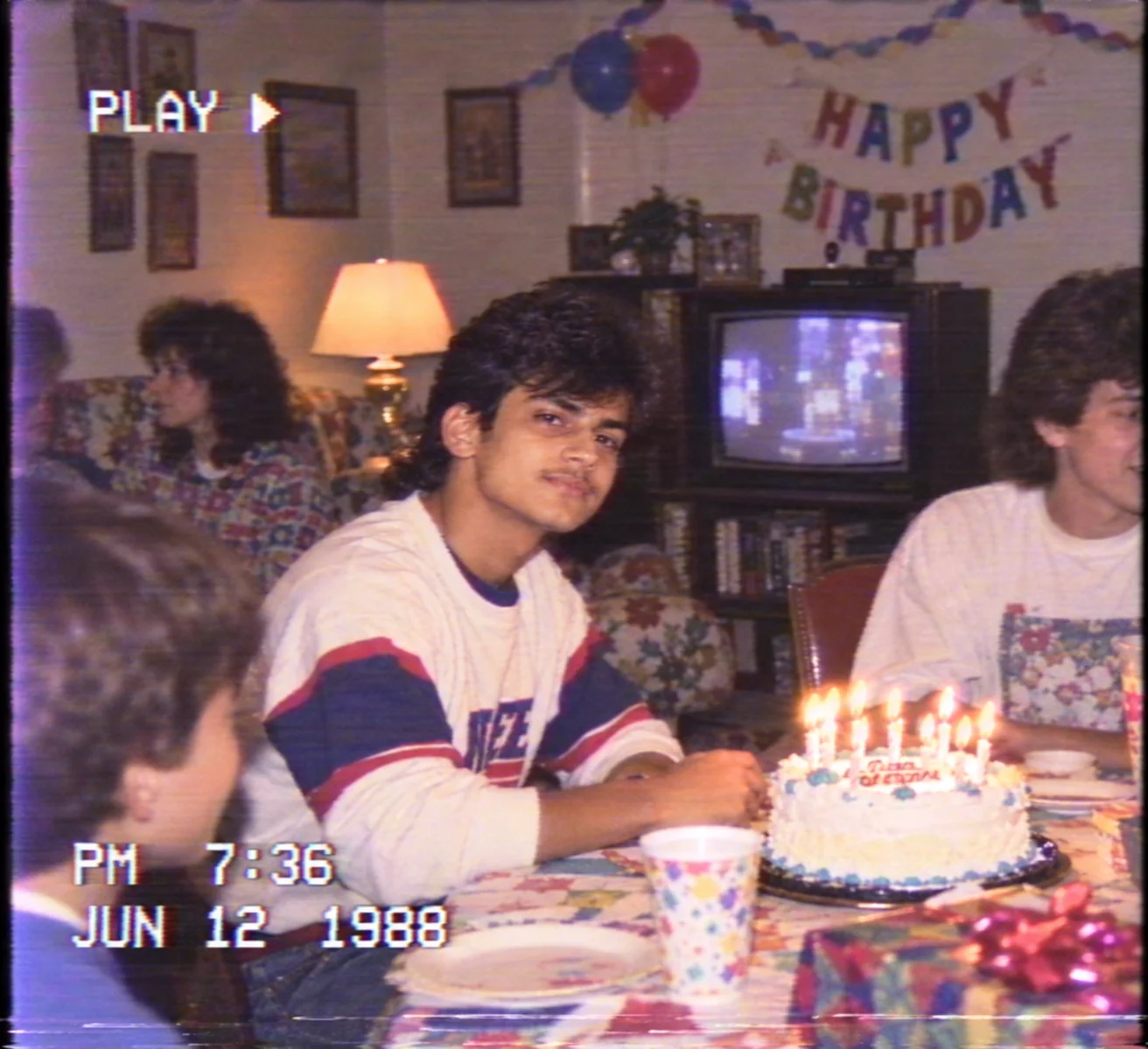
8. 1980s VHS Camcorder Still — AI Prompt
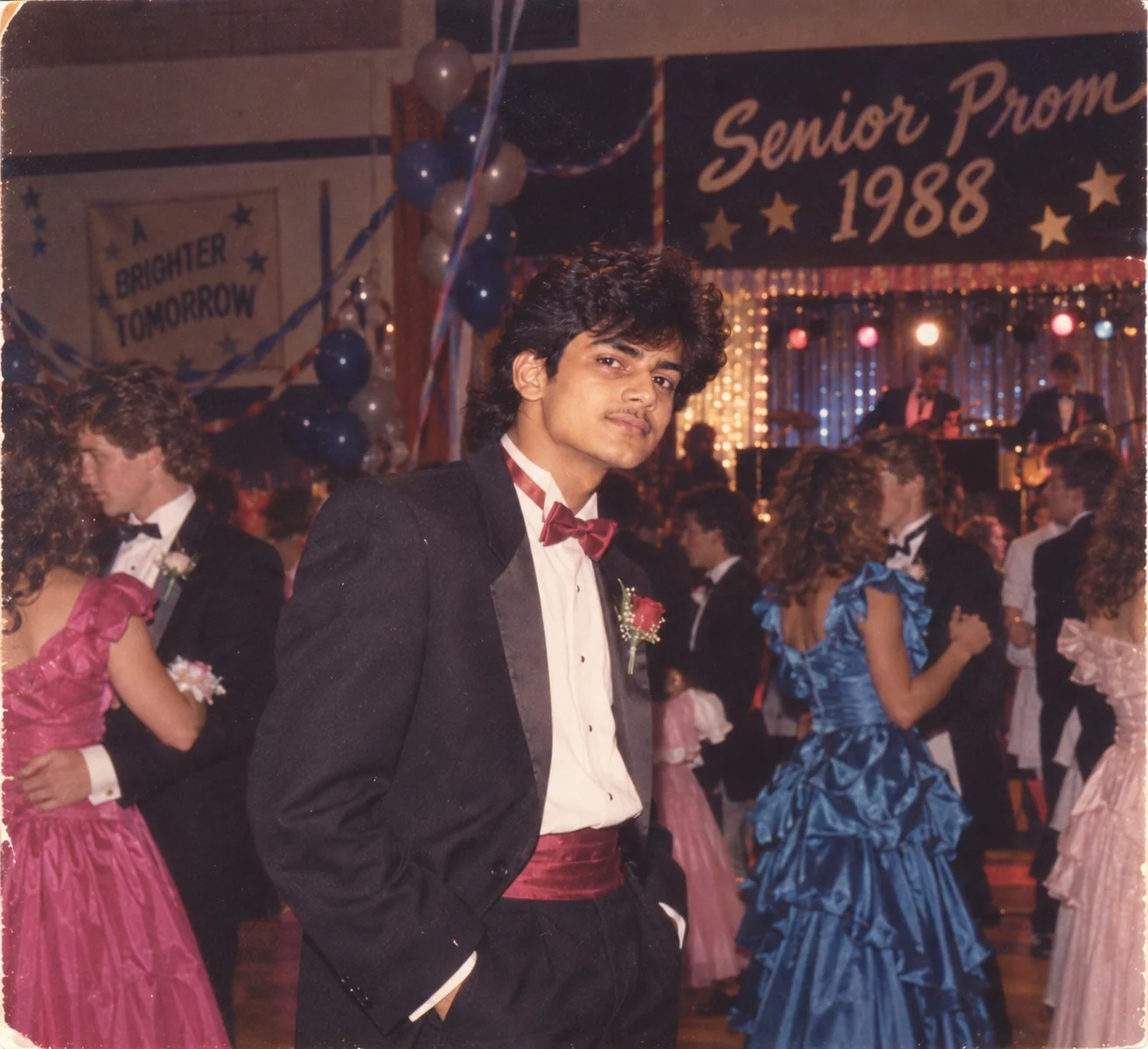
9. 1980s Prom Night Photograph — AI Prompt
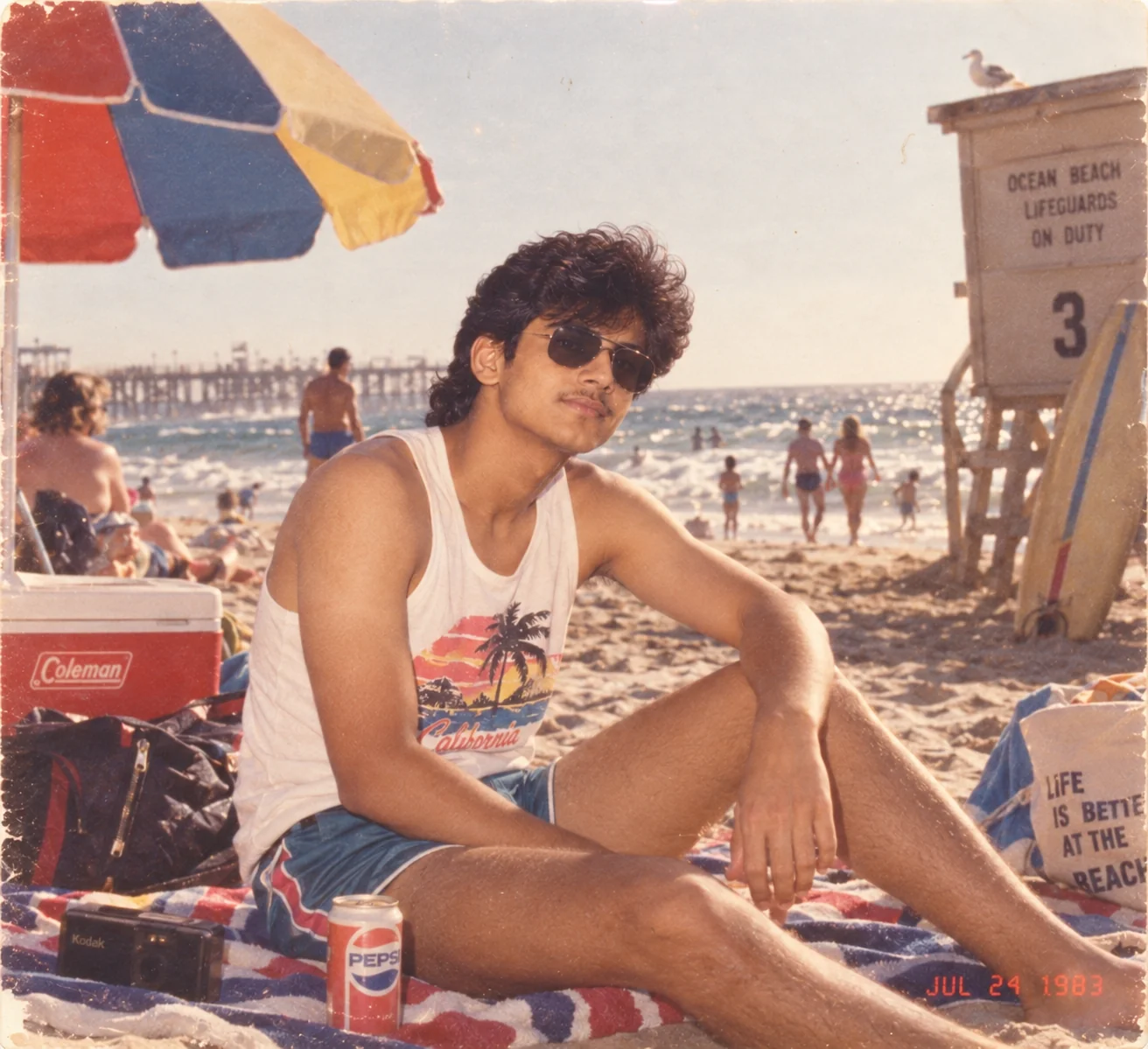
10. 1980s Summer Beach Vacation — AI Prompt
The secret to convincing 1980s AI photos is specificity. A prompt that only says 'make this look vintage' usually produces a generic retro effect. The stronger approach is to describe the year, setting, clothing, lighting, camera character, and imperfections together. That is what makes the image feel like a believable memory instead of a modern photograph wearing a filter. Recent 1980s AI-photo examples similarly emphasize changing the environment, wardrobe, lighting, and photographic character rather than relying on a simple vintage overlay. :contentReference[oaicite:2]{index=2} Try one prompt first, then refine individual details instead of rewriting everything at once. You can change the year, location, outfit, time of day, film character, or mood until the result feels like your own version of the decade.
Why These Prompts Work So Well
A convincing 1980s AI image is built from multiple visual signals working together. The decade is recognizable not because of one magic filter, but because clothing, environments, lighting, film texture, color, props, and imperfections all point toward the same period. Current retro-AI guides repeatedly highlight this combination of specific scene details and analog photographic characteristics as a more reliable way to create an authentic-looking result. :contentReference[oaicite:3]{index=3}
Specific Camera Character
The prompts describe consumer film, direct flash, soft focus, exposure imperfections, grain, halation, and other photographic characteristics instead of simply asking for a 'vintage filter.' Those details help the image generator reproduce the feeling of an older camera and print.
Strong Nostalgic Details
Props and locations such as arcades, diners, shopping malls, roller rinks, family living rooms, and road-trip stops give each image a recognizable story. The environment does as much work as the clothing in establishing the decade.
Authentic Visual Imperfections
Real old photographs are rarely perfectly sharp or perfectly exposed. Subtle grain, softness, faded colors, lens artifacts, flash falloff, and slight framing imperfections make an AI image feel more photographic and less digitally generated.
Era-Specific Styling
The prompts specify approximate years and period-appropriate clothing, hairstyles, interiors, vehicles, and accessories. Narrowing the timeframe helps avoid a generic mix of retro elements from different decades.
Easy to Customize
Every prompt is structured so you can swap the location, year, outfit, mood, lighting, and activity without rebuilding the entire description. Small targeted changes are often enough to create a completely different nostalgic photograph.
Frequently Asked Questions
How do I make an AI photo look like it was taken in the 1980s?
Describe more than the decade. Include a specific year or time period, authentic clothing, hairstyle, location, lighting, camera style, film grain, color characteristics, and subtle photographic imperfections. A detailed scene usually produces a more convincing result than simply asking an AI tool for a 'retro filter.'
What should I include in a 1980s AI image prompt?
Start with the subject and setting, then add period-appropriate clothing and props. Finish with photographic details such as consumer film, direct flash, analog grain, soft focus, faded colors, halation, or mild lens imperfections. For a stronger result, mention an approximate year such as 1983, 1986, or 1989.
Can I use these 1980s prompts with my own photos?
Yes. These prompts are written to work particularly well as image-editing or image-reference instructions. Upload a clear photograph and tell the AI tool to preserve your recognizable facial identity while changing the styling, environment, lighting, and photographic treatment.
How can I make an AI-generated 1980s photo look more realistic?
Avoid stacking too many dramatic effects. Instead, combine realistic period details with restrained film grain, slightly imperfect exposure, natural lighting, believable clothing, and an appropriate setting. The goal is to make the image feel like an ordinary photograph from the period rather than a modern image covered in obvious effects.
What is the difference between an 1980s film photo and a VHS-style image?
A film-inspired image generally emphasizes photographic grain, lens softness, flash, color rendering, and the characteristics of a printed photograph. A VHS-inspired image imitates analog video, so it can include softer resolution, color bleed, scan-line texture, tape noise, tracking imperfections, and unstable exposure. Both can feel nostalgic, but they represent different recording formats.
Can I change the location or year in these retro AI prompts?
Absolutely. Changing the year, location, weather, clothing, activity, or lighting is one of the easiest ways to create a fresh result. For example, you can turn a generic beach scene into a Florida vacation in 1983 or change a mall photograph into a late-night arcade scene in 1988 while keeping the same overall prompt structure.

Jitendra Patra
AI Prompt Researcher & Software Engineering Student
Jitendra Patra is a software engineering student and AI prompt researcher specializing in Google Gemini and generative image models. He actively experiments with structured prompt engineering techniques to produce high-quality, reproducible visual outputs.
His work focuses on iterative prompt development, with attention to subject, lighting, composition, and visual style.
The prompts in this guide are developed with attention to structure, detail, and visual quality.