15 Ultra-Realistic Portrait Prompts for AI Art — Cinematic, Studio & DSLR Quality (2026)

Ultra-realistic portrait prompts are now one of the most popular categories in AI image generation. Whether you use Midjourney, Gemini, Stable Diffusion, or DALL·E, the right prompt creates studio-quality portraits with lifelike skin texture, cinematic lighting, sharp eyes, and authentic depth. Here are the 15 best AI portrait prompts for photographers, digital artists, and brands.
- 15 ready-to-copy prompts — tested & optimized
- Works with Midjourney, Gemini, DALL·E & Stable Diffusion
- Covers cinematic, studio, outdoor, beauty & moody styles
- Each prompt includes camera specs, lighting tips & customization ideas
- 100% free — no signup required
1. Ultra-Realistic Male Cinematic Portrait — AI Portrait Prompt
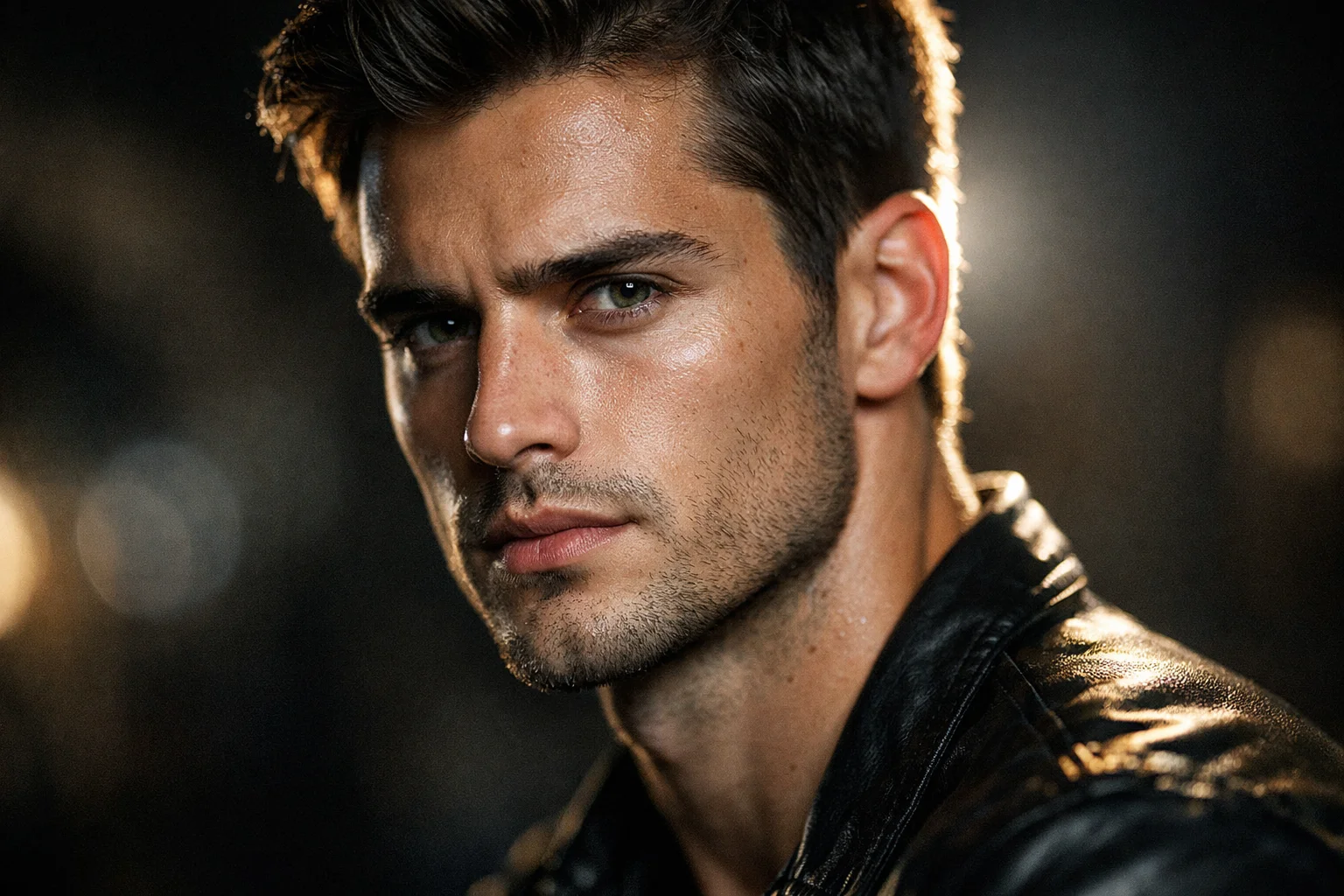
2. Elegant Soft-Light Female Portrait — AI Portrait Prompt
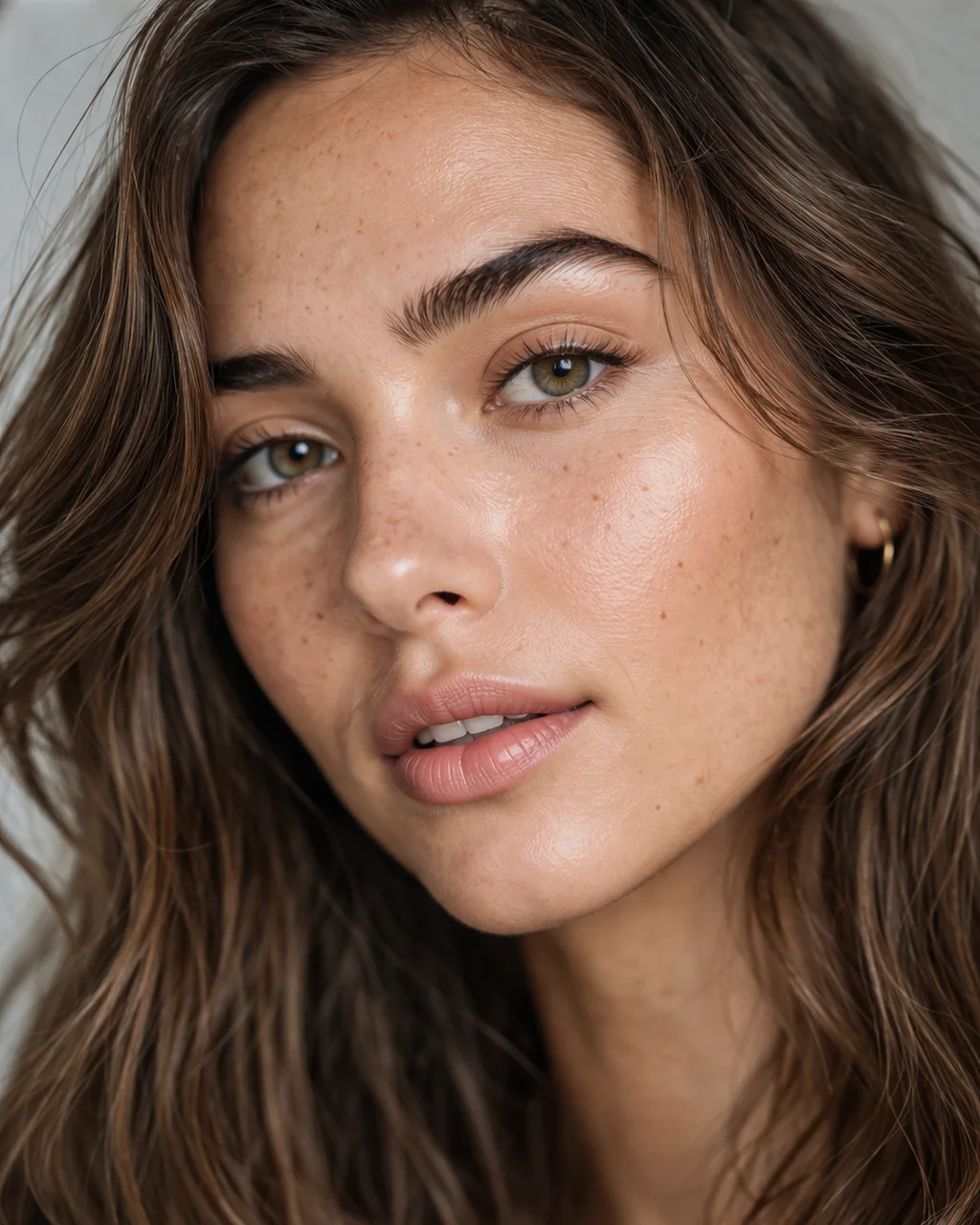
3. Elderly Man with Deep Wrinkles — Raw Realism AI Portrait Prompt
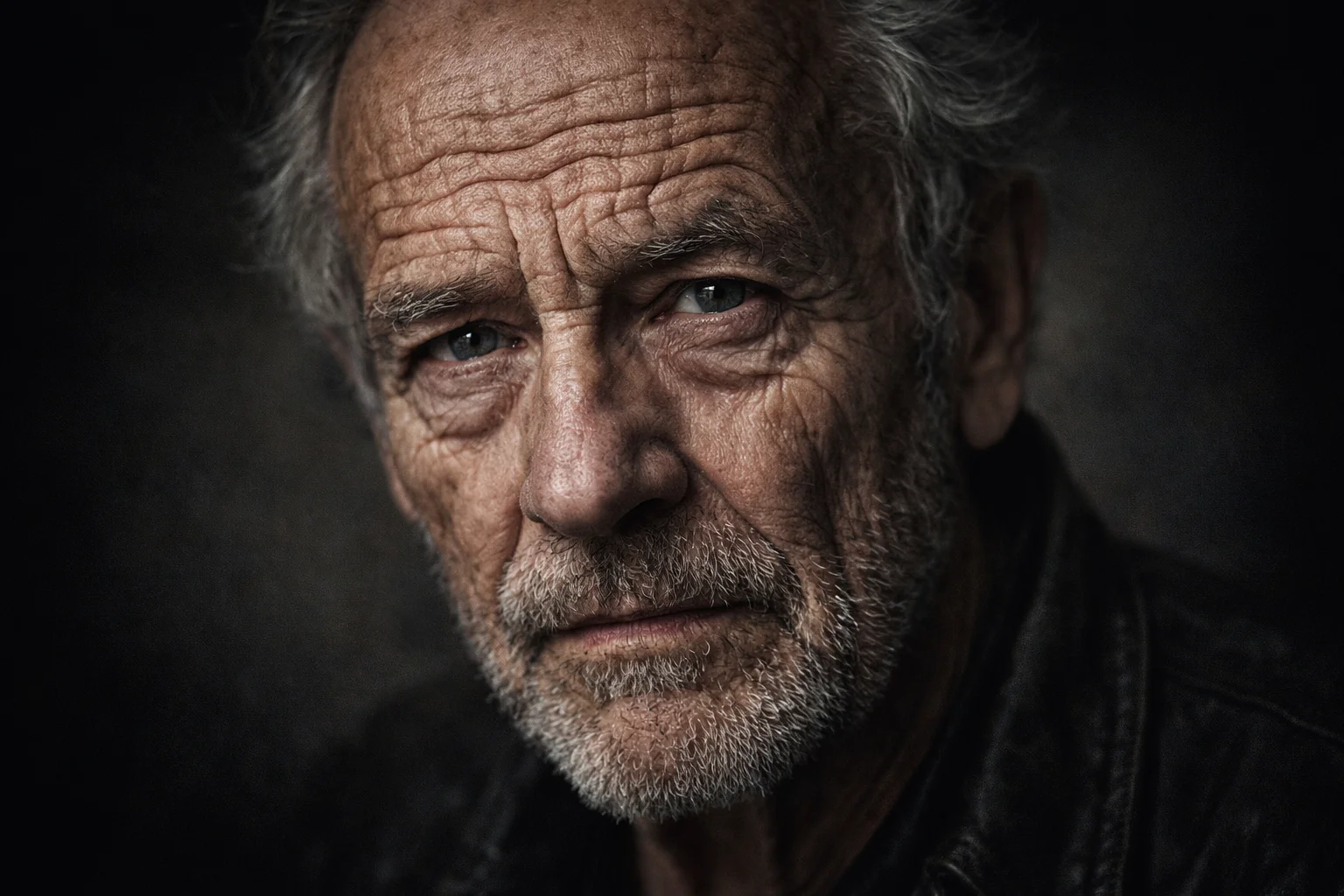
4. Freckles and Natural Sunlight Portrait — AI Portrait Prompt
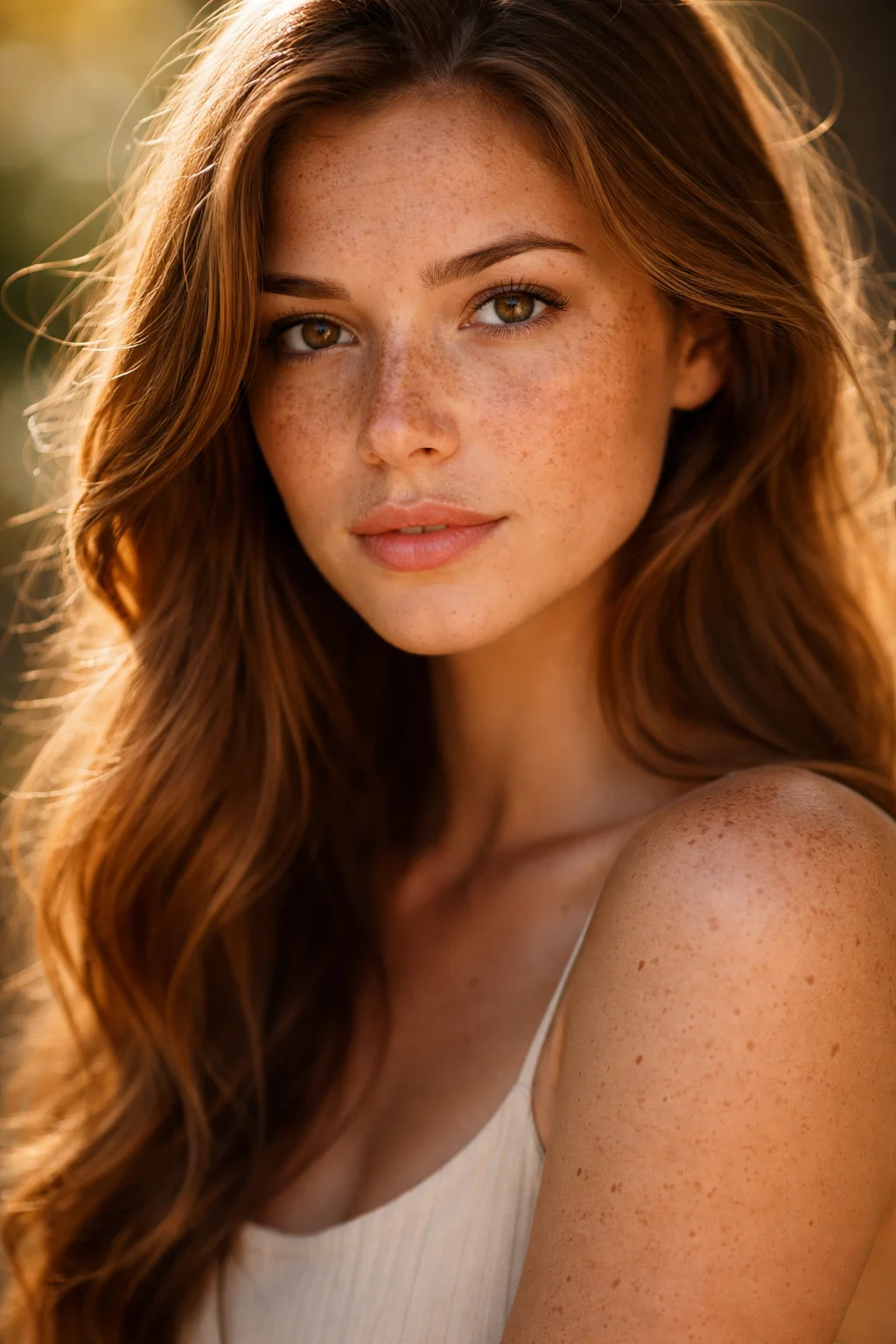
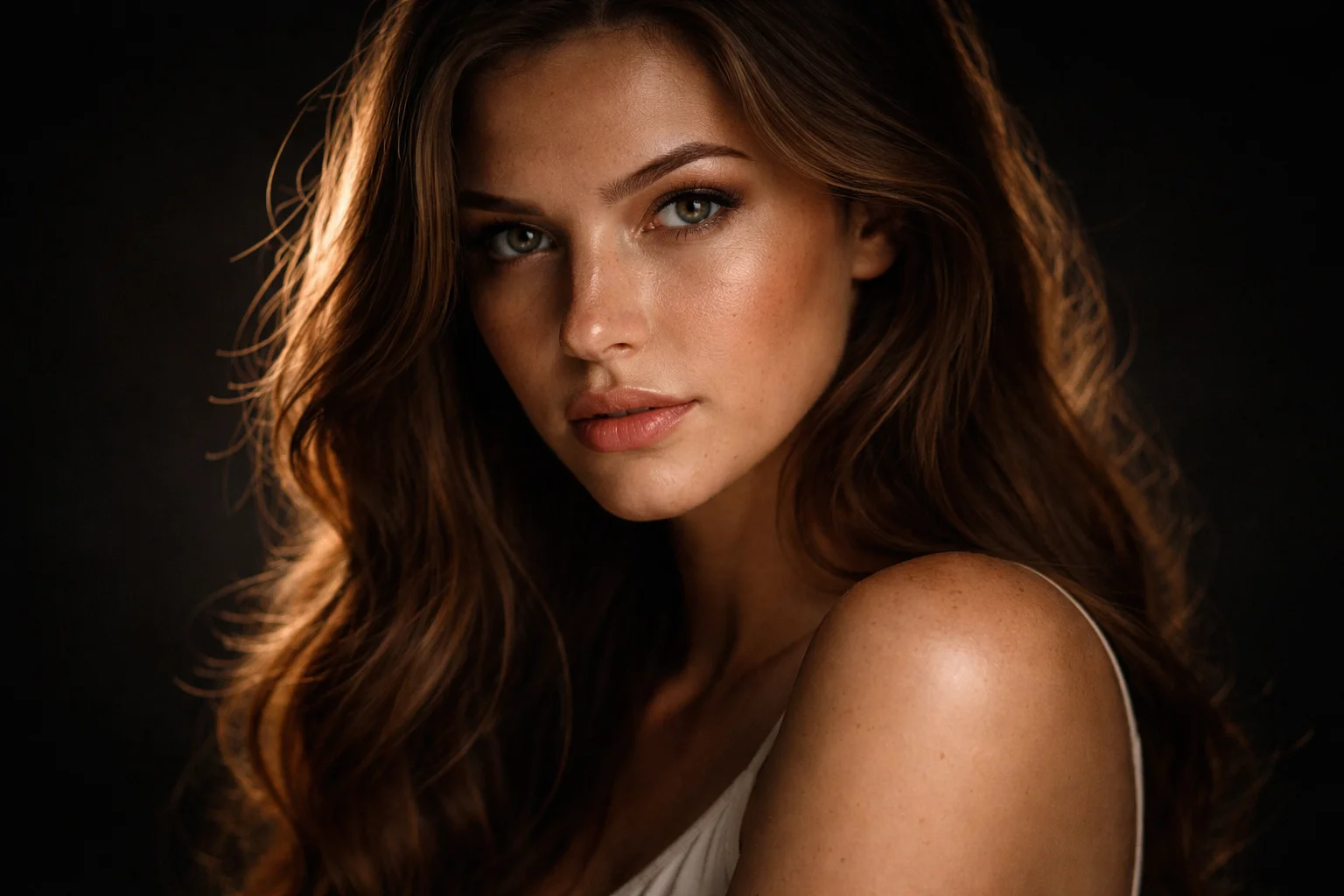
5. High-Contrast Moody Studio Portrait — AI Portrait Prompt
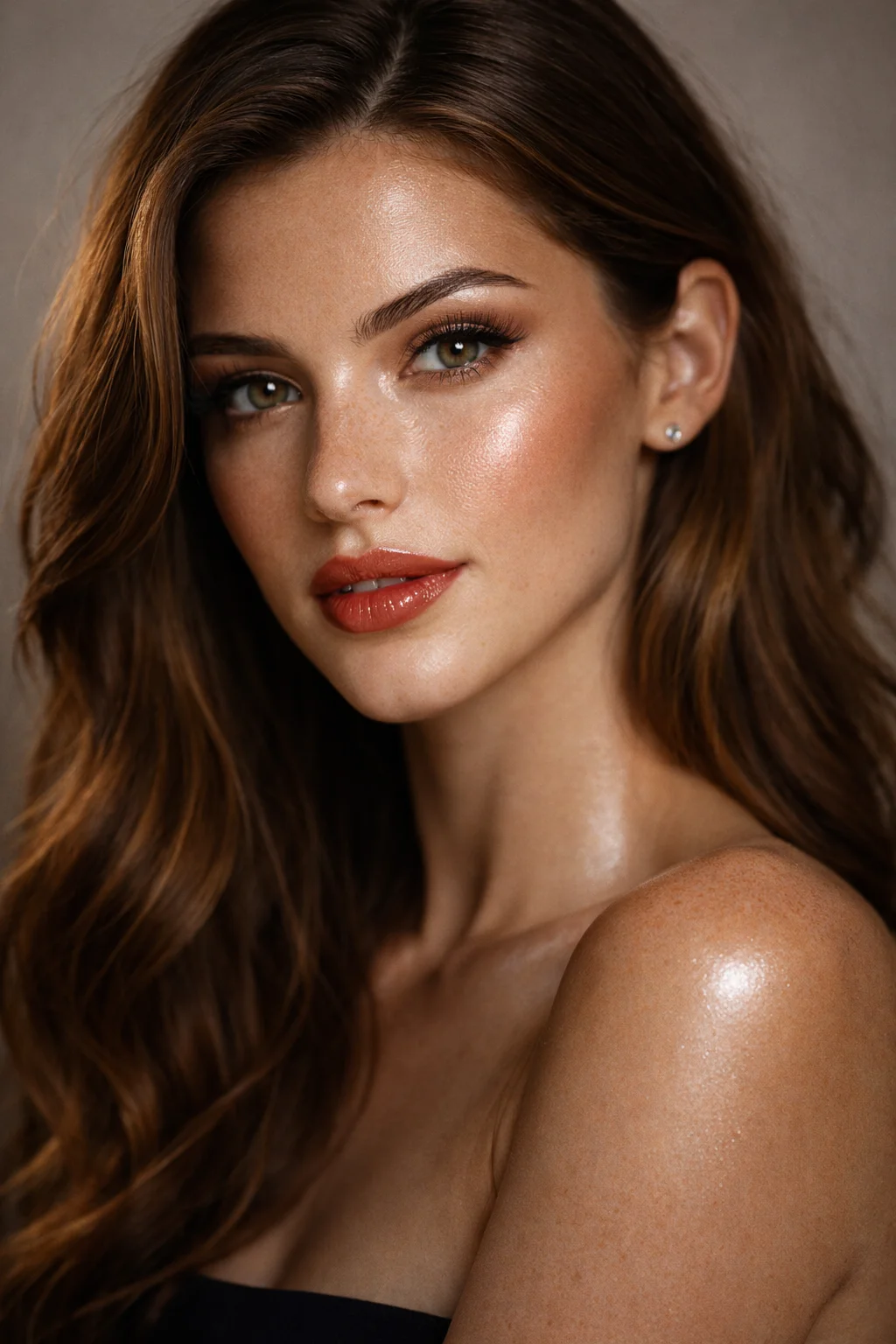
6. Fashion Model Beauty Portrait — AI Portrait Prompt
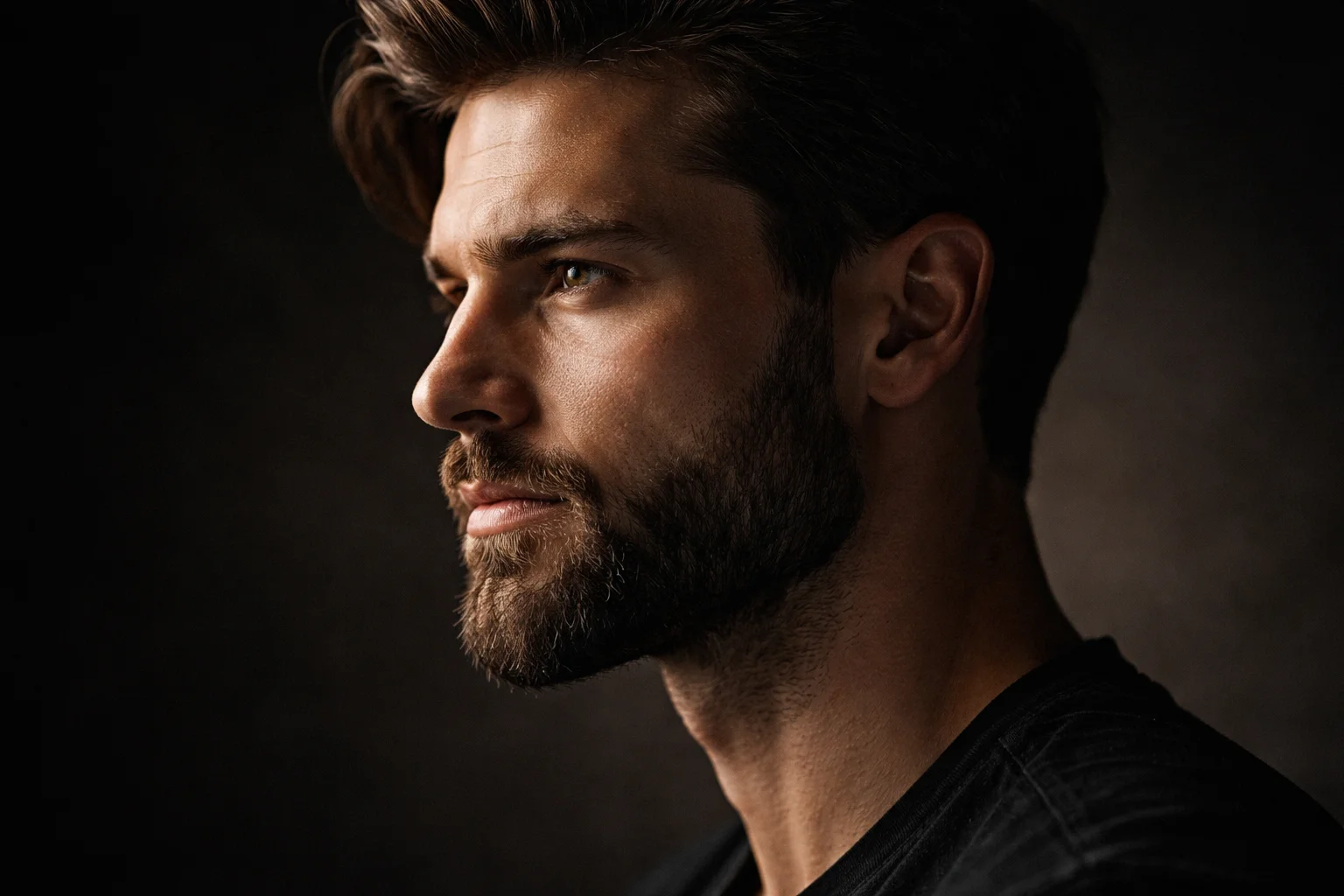
7. Realistic Bearded Man Side-Profile — AI Portrait Prompt
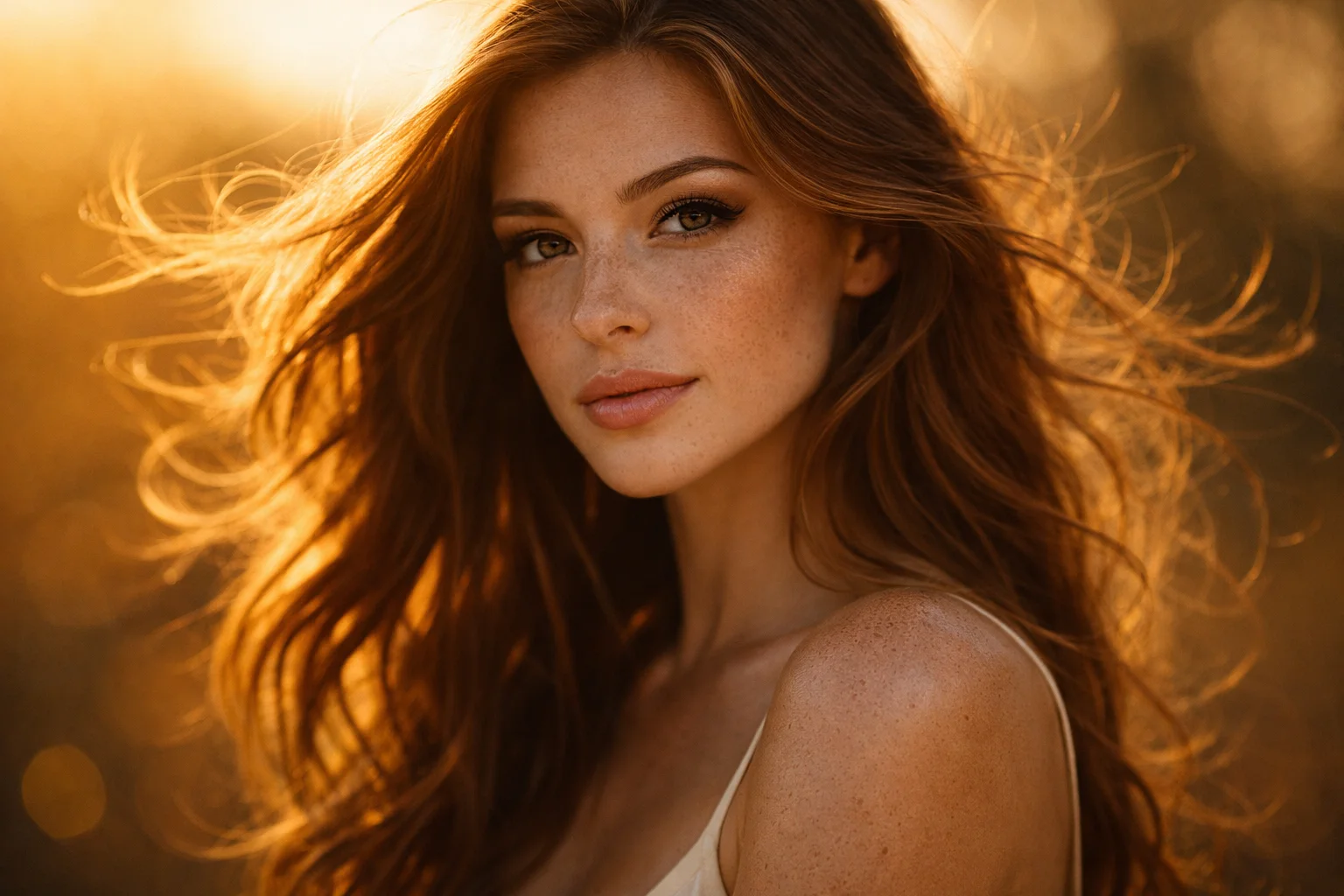
8. Woman with Wind-Blown Hair (Dynamic Motion) — AI Portrait Prompt
9. Realistic Teen Portrait with Soft Glow — AI Portrait Prompt
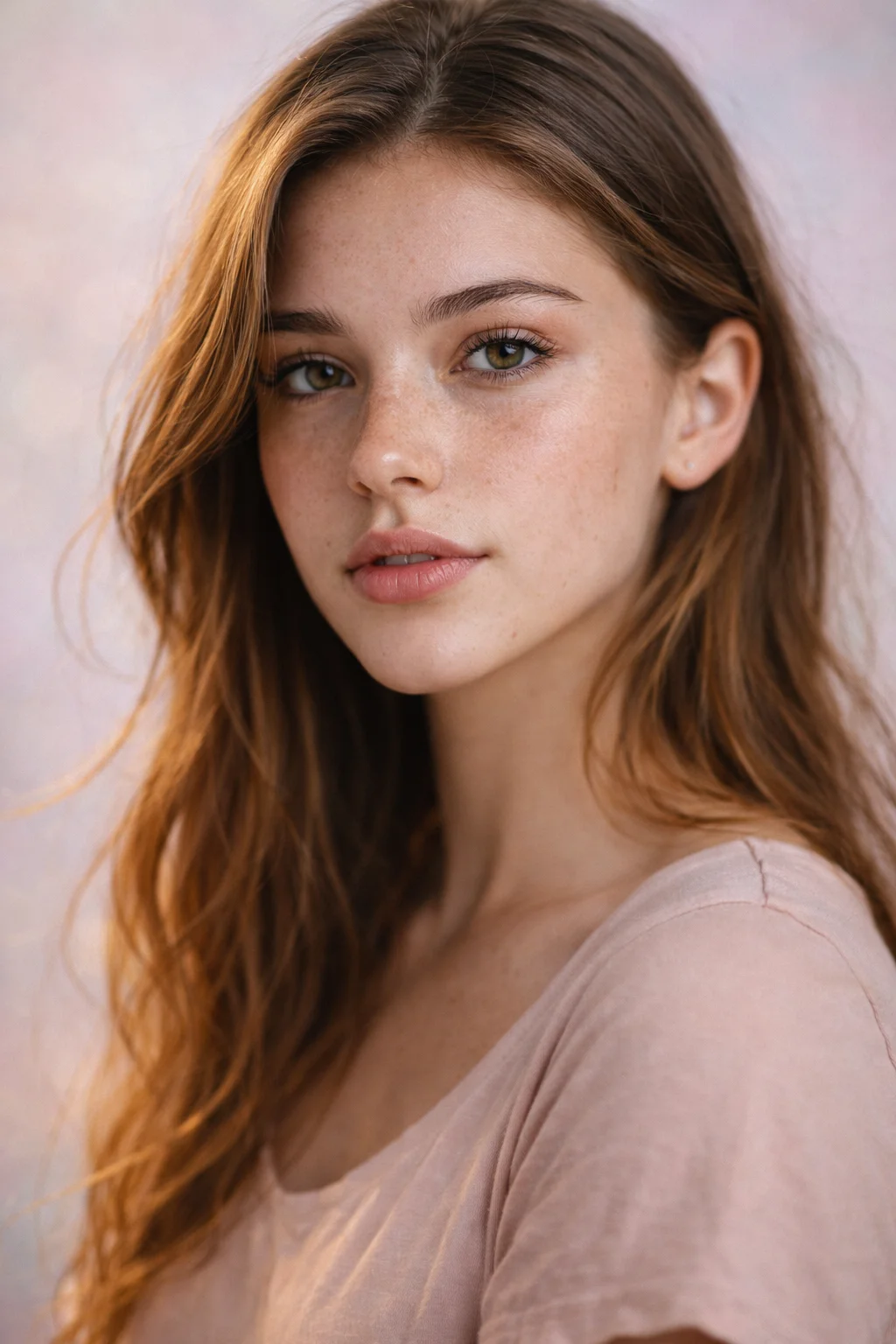
10. Rugged Outdoor Male Portrait — AI Portrait Prompt
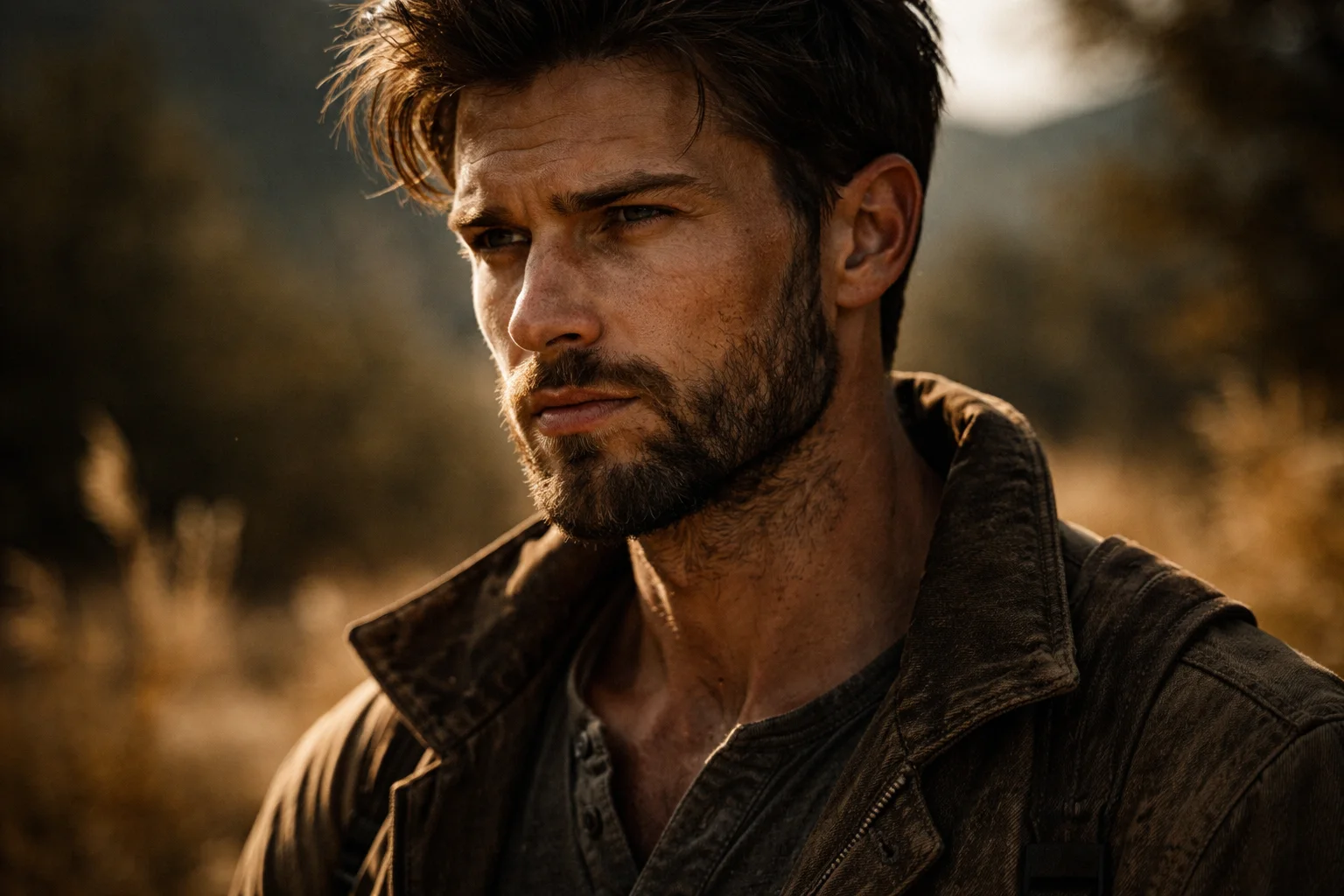
11. Dark-Skin Beauty Portrait (High Detail) — AI Portrait Prompt
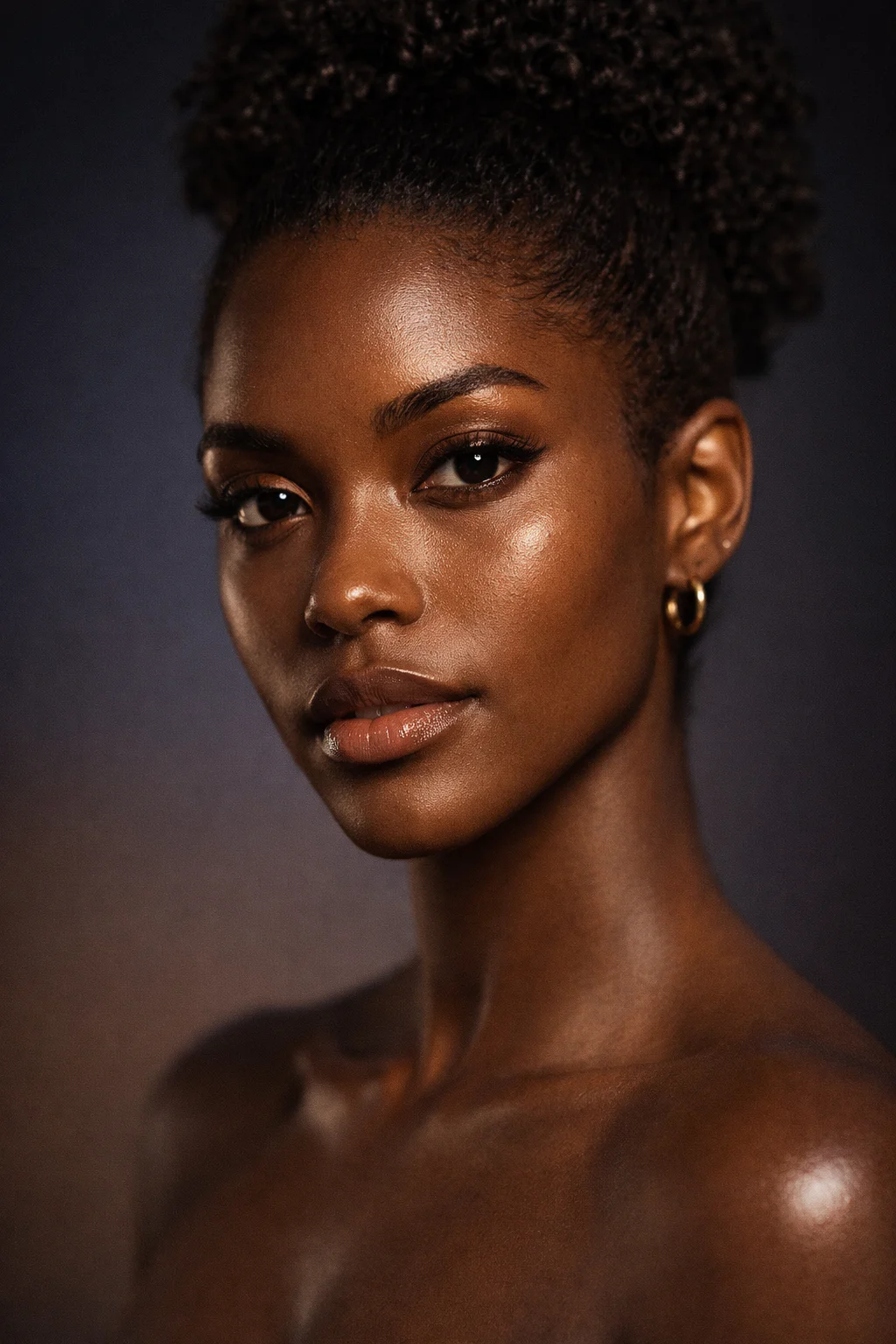
12. Cyberpunk Portrait with Neon Reflections — AI Portrait Prompt
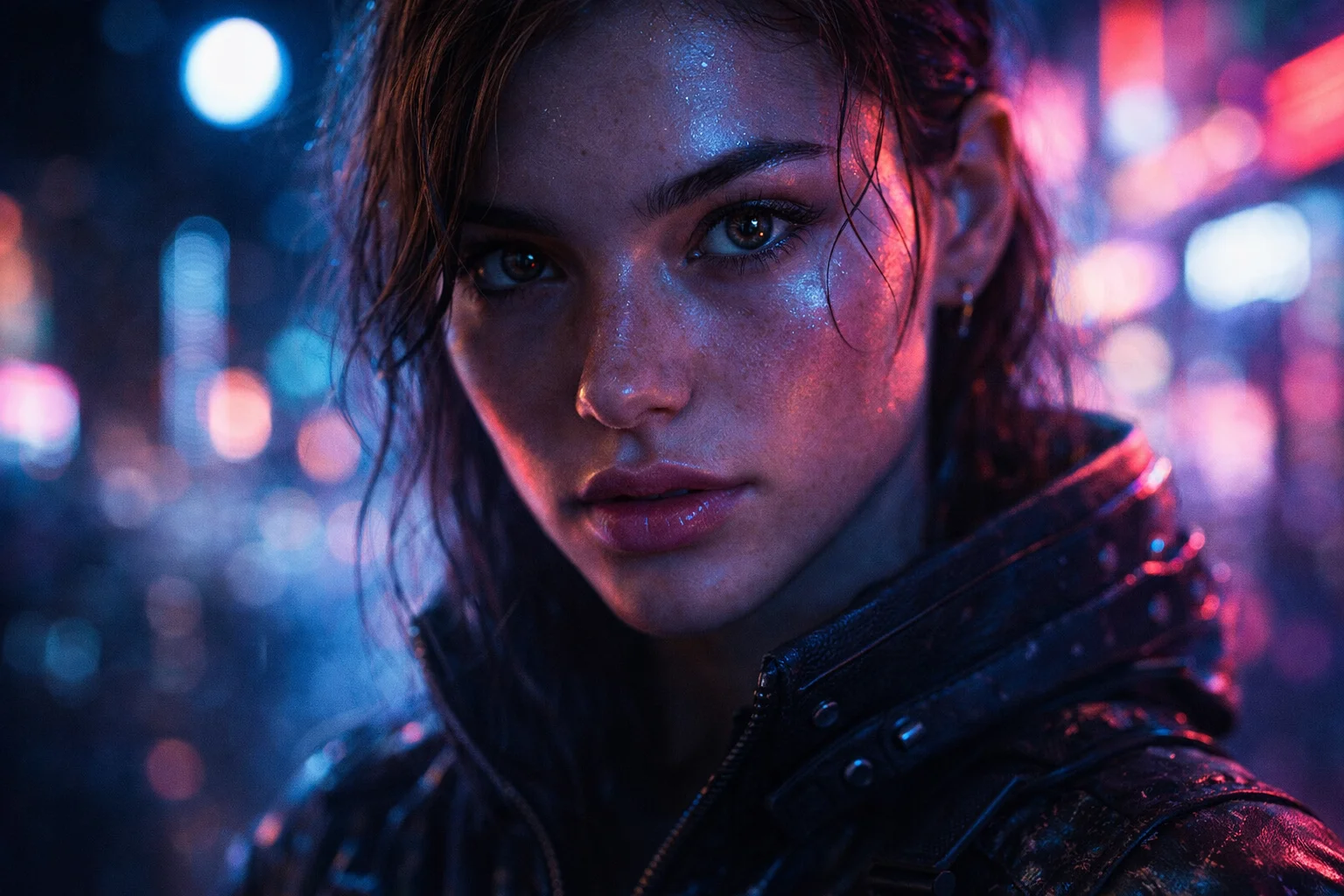
13. Portrait with Raindrops on Skin — AI Portrait Prompt
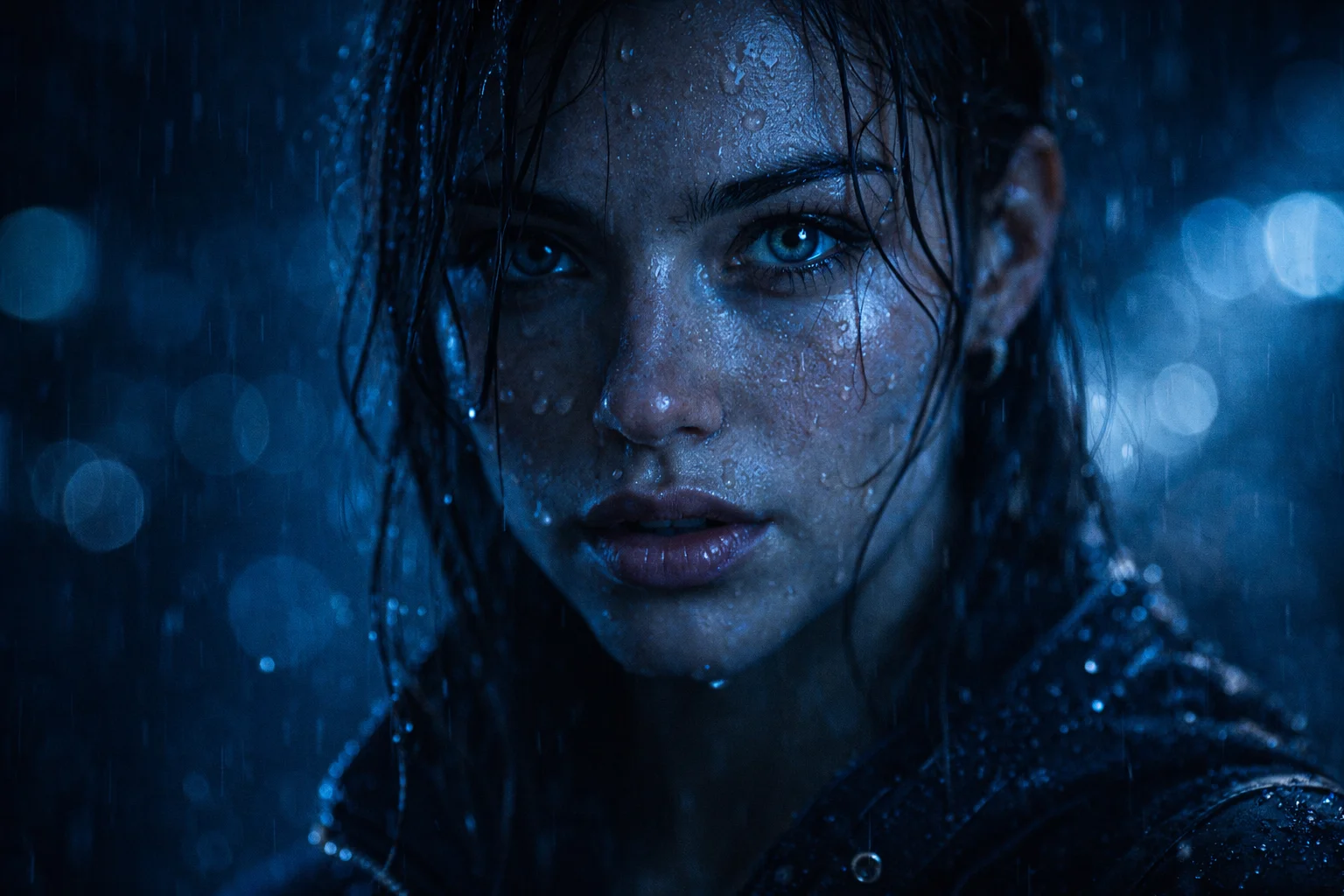
14. Smiling Female Close-Up Portrait — AI Portrait Prompt
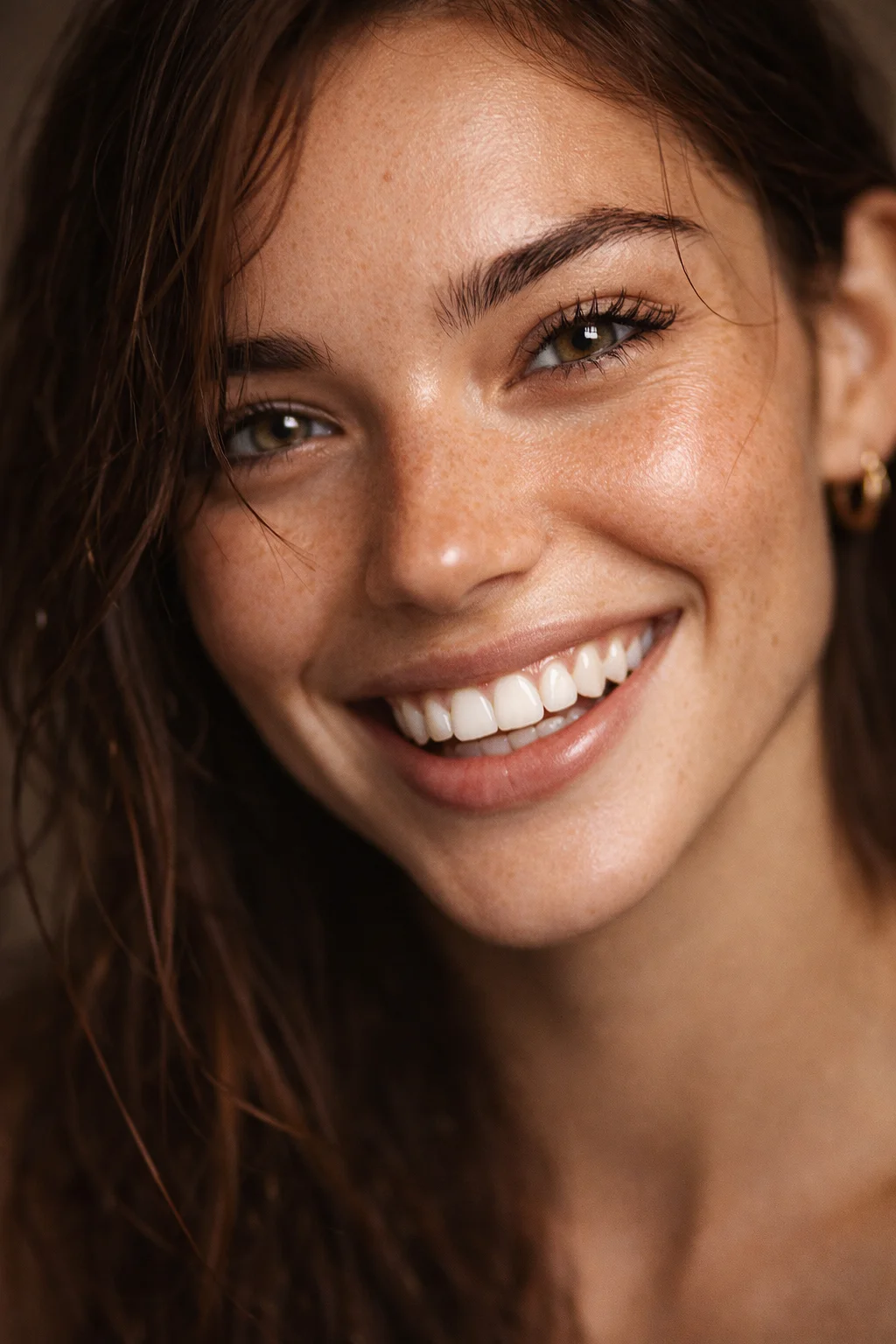
15. Hyper-detailed black & white portrait
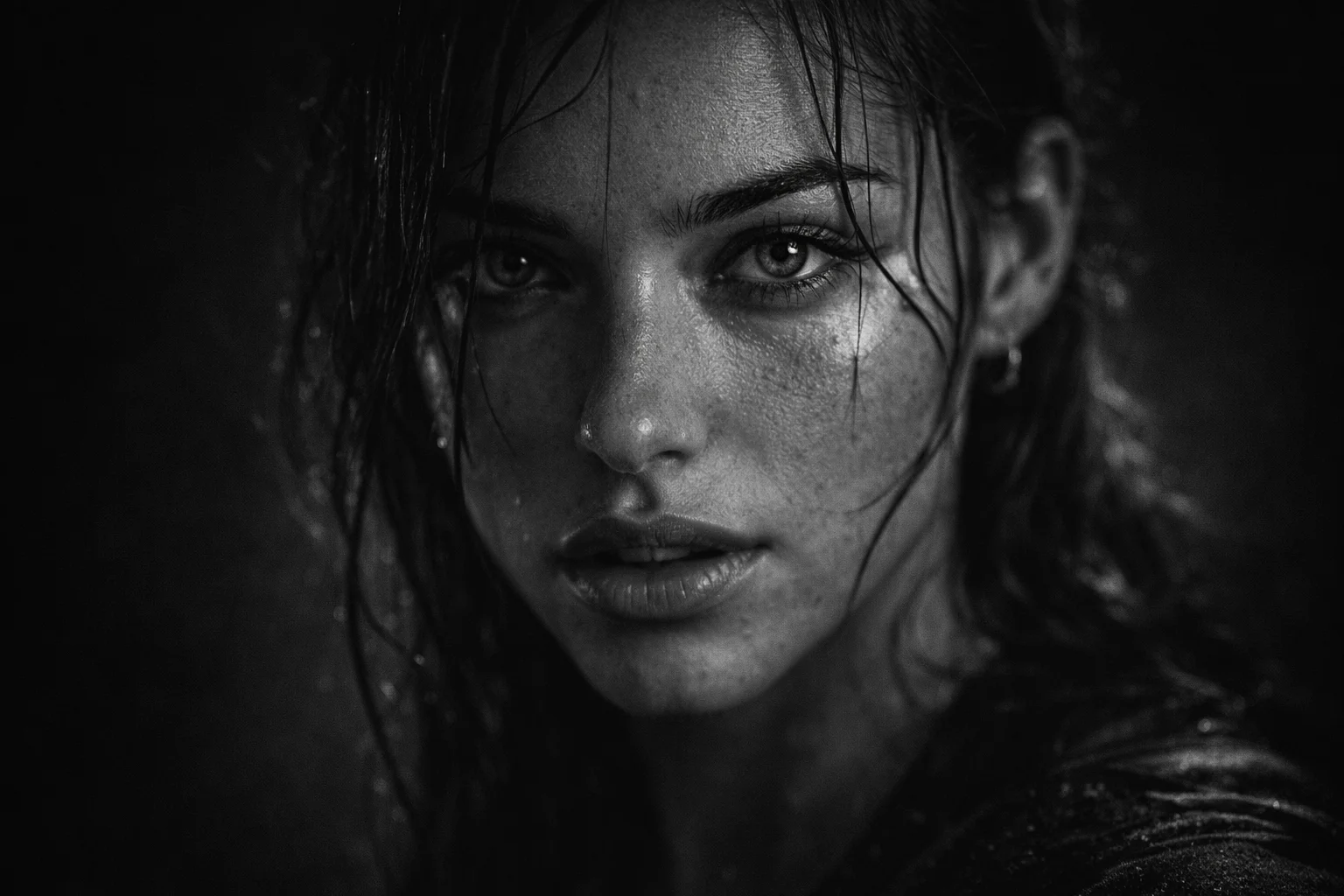
These portrait prompts work extremely well with modern AI models like Gemini, Midjourney, and Stable Diffusion. For even better realism, try adding modifiers like “DSLR depth”, “Cinematic LUT”, or “real skin micro-texture.” Experiment with aspect ratios such as —ar 4:5 for portraits and —ar 16:9 for cinematic wides.
Why These Ultra-Realistic Portrait Prompts Work So Well
Every prompt in this guide is built on the 5 core elements of professional portrait photography translated into AI prompt language:
Camera & Lens Specs
Specifying "85mm lens", "Canon EOS R5", or "Sony A7R IV" tells the AI to replicate authentic optical characteristics like natural bokeh and focal compression.
Lighting Techniques
Named lighting setups like "Rembrandt lighting", "beauty dish", or "rim light" dramatically improve facial shadow quality and dimension.
Skin & Texture Detail
Adding "visible pores", "natural skin texture", and "authentic imperfections" prevents the over-smoothed plastic look that most AI portraits suffer from.
Resolution & Grading
Tags like "8K", "4K clarity", and "cinematic grading" push the AI to maximize output fidelity and color accuracy in the final image.

Jitendra Patra
AI Prompt Researcher & Software Engineering Student
Jitendra Patra is a software engineering student and AI prompt researcher specializing in Google Gemini and generative image models. He actively experiments with structured prompt engineering techniques to produce high-quality, reproducible visual outputs.
His work focuses on iterative prompt development, with attention to subject, lighting, composition, and visual style.
The prompts in this guide are developed with attention to structure, detail, and visual quality.
Frequently Asked Questions
What are ultra-realistic portrait prompts?
Ultra-realistic portrait prompts are highly detailed text prompts that guide AI models like Midjourney or Stable Diffusion to generate lifelike portrait images with cinematic lighting, realistic textures, and natural depth.
Can these portrait prompts be used for Midjourney and Stable Diffusion?
Yes! These portrait prompts are compatible with Midjourney, Stable Diffusion, DALL·E, Google Gemini, and other modern AI image-generation tools. No modifications needed — just copy and paste.
How do I write better AI portrait prompts?
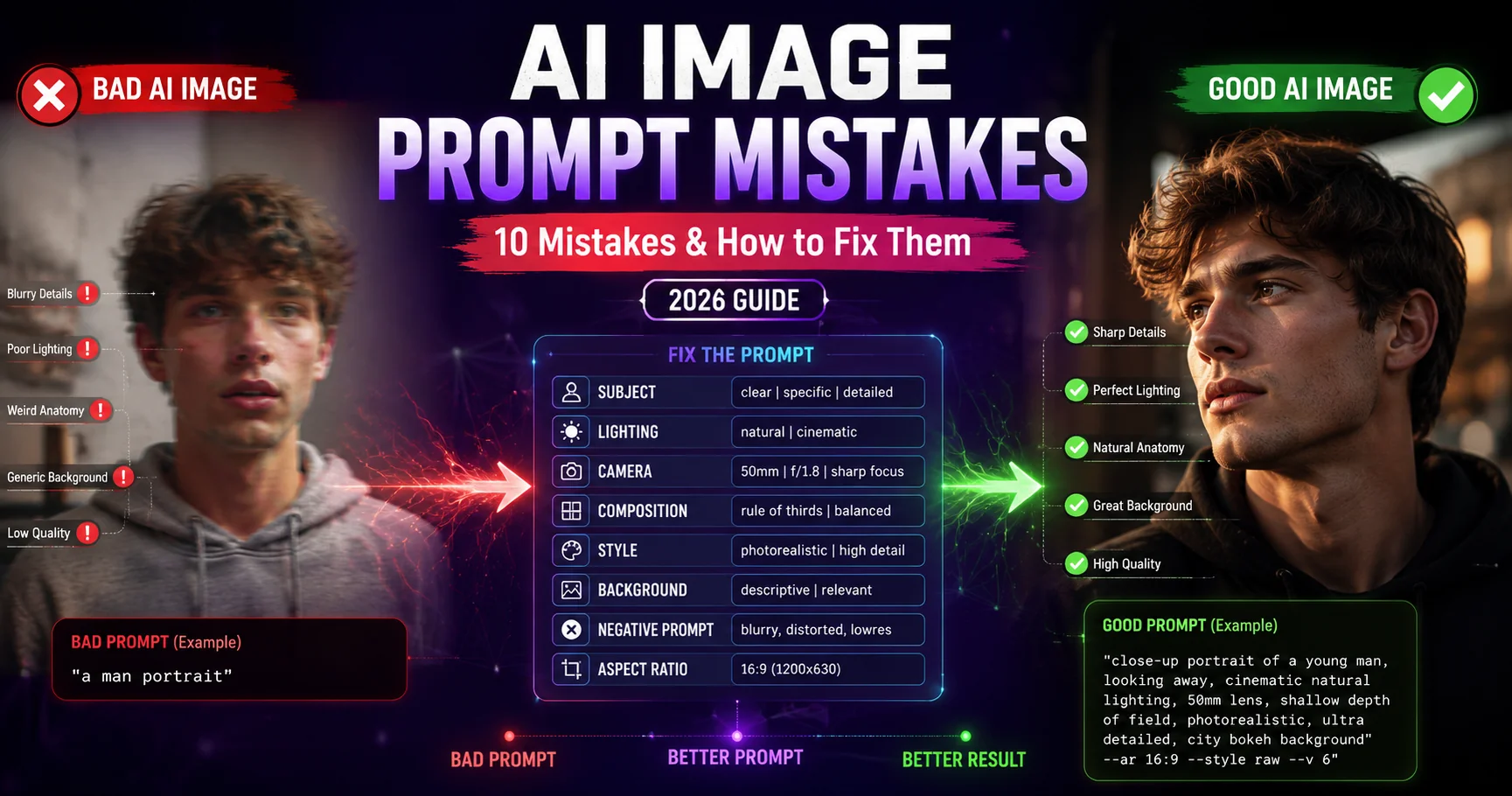
Improve portrait prompts by adding camera details (e.g., 85mm lens, Sony A7R IV), lighting style (Rembrandt, rim light), depth of field terms, skin texture descriptors, and mood-specific adjectives to achieve cinematic and photorealistic output.
Are these AI portrait prompts free to use?
Yes, all 15 portrait prompts on Latest AI Prompts are 100% free to copy and use with any AI image generator. No signup or account required.
What aspect ratio works best for AI portrait photography?
Use --ar 4:5 for Instagram portrait shots, --ar 3:2 for traditional photography proportions, --ar 16:9 for cinematic wide portraits, and --ar 1:1 for profile pictures and DP.
How do I make AI portraits look more realistic?
Boost realism by: (1) specifying a camera model and lens, (2) naming a professional lighting setup, (3) including "visible pores" and "natural skin texture", (4) adding resolution tags like "8K", and (5) using "shallow depth of field" for background blur.