10 Best Gemini AI Image Prompts — Creative & Cinematic (With Real Examples 2026)
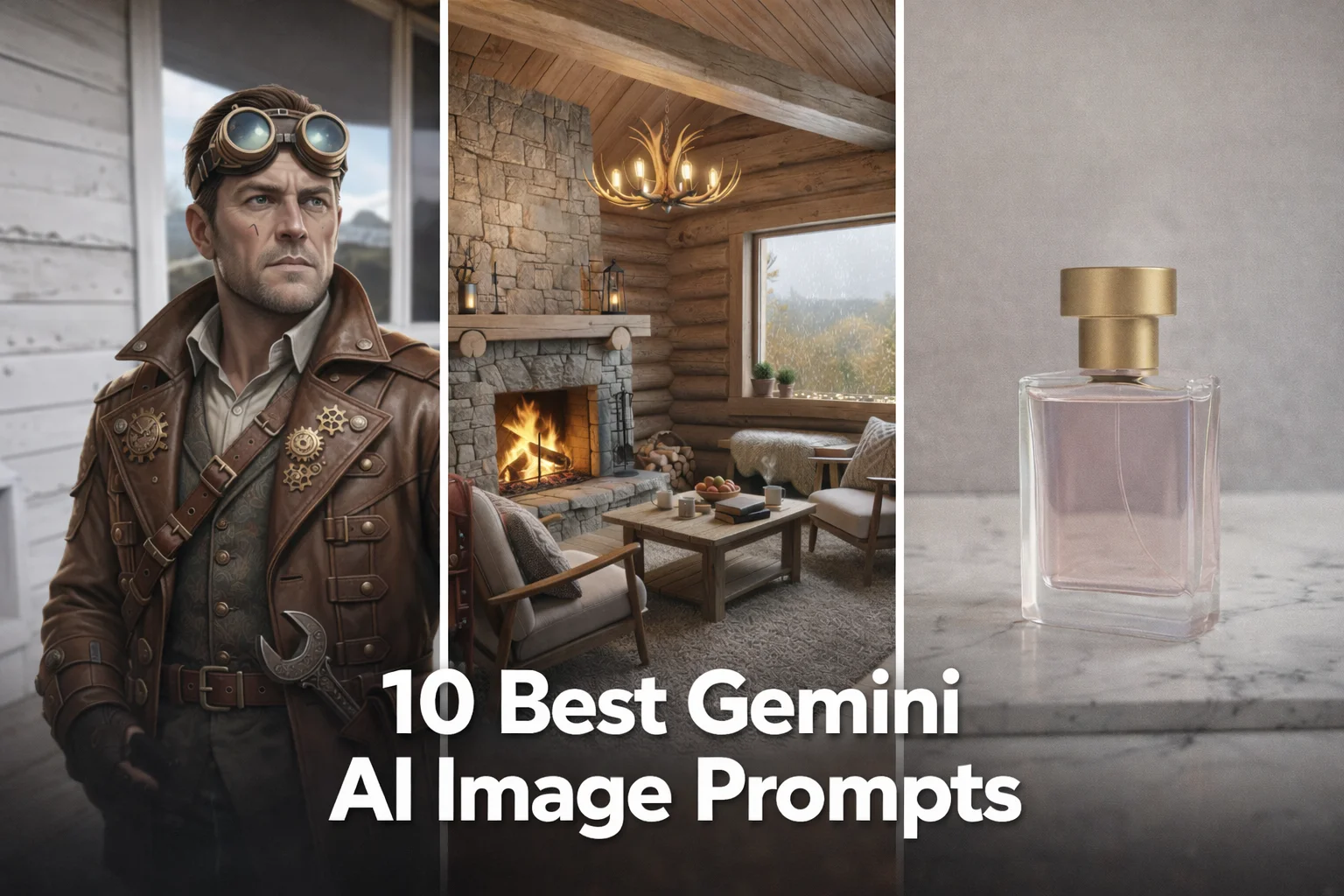
Google Gemini AI image generation has revolutionized how creators produce visuals. In this guide, we share the 10 best Gemini AI image prompts for hyper-realistic portraits, cinematic landscapes, fantasy art, product mockups, and more. Each prompt is optimized for Gemini's advanced text-to-image model with lighting, aspect ratio, and style modifiers. Whether you're a marketer, designer, or AI enthusiast, these prompts will generate stunning, print-ready images — from neon cyberpunk streets to Studio Ghibli-style vistas.
- 10 ready-to-copy prompts — tested & optimized
- Works with Gemini, Midjourney, DALL·E & Stable Diffusion
- Covers portraits, fantasy, cyberpunk, Ghibli, product & architecture
- Each prompt includes usage tips and customization ideas
- 100% free — no signup required
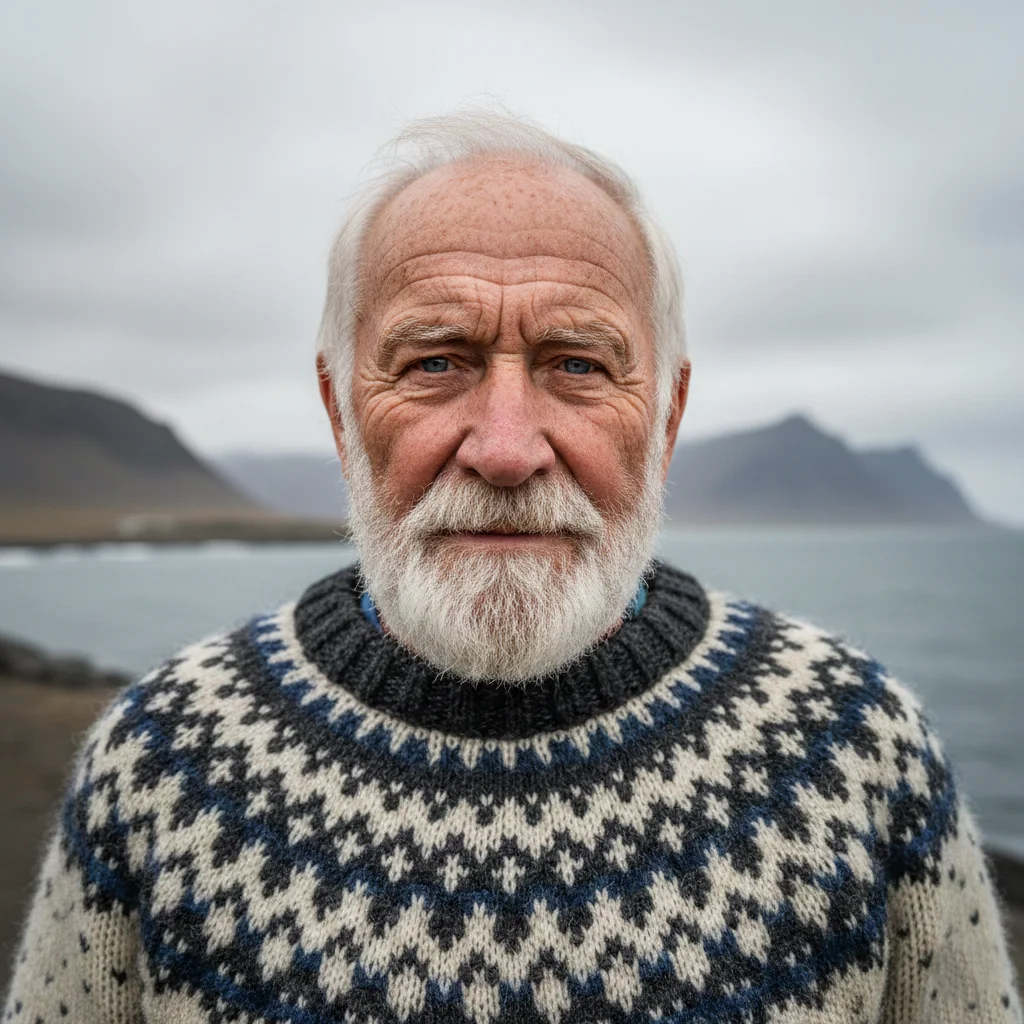
1. Hyper-Realistic Elderly Fisherman — Gemini AI Image Prompt
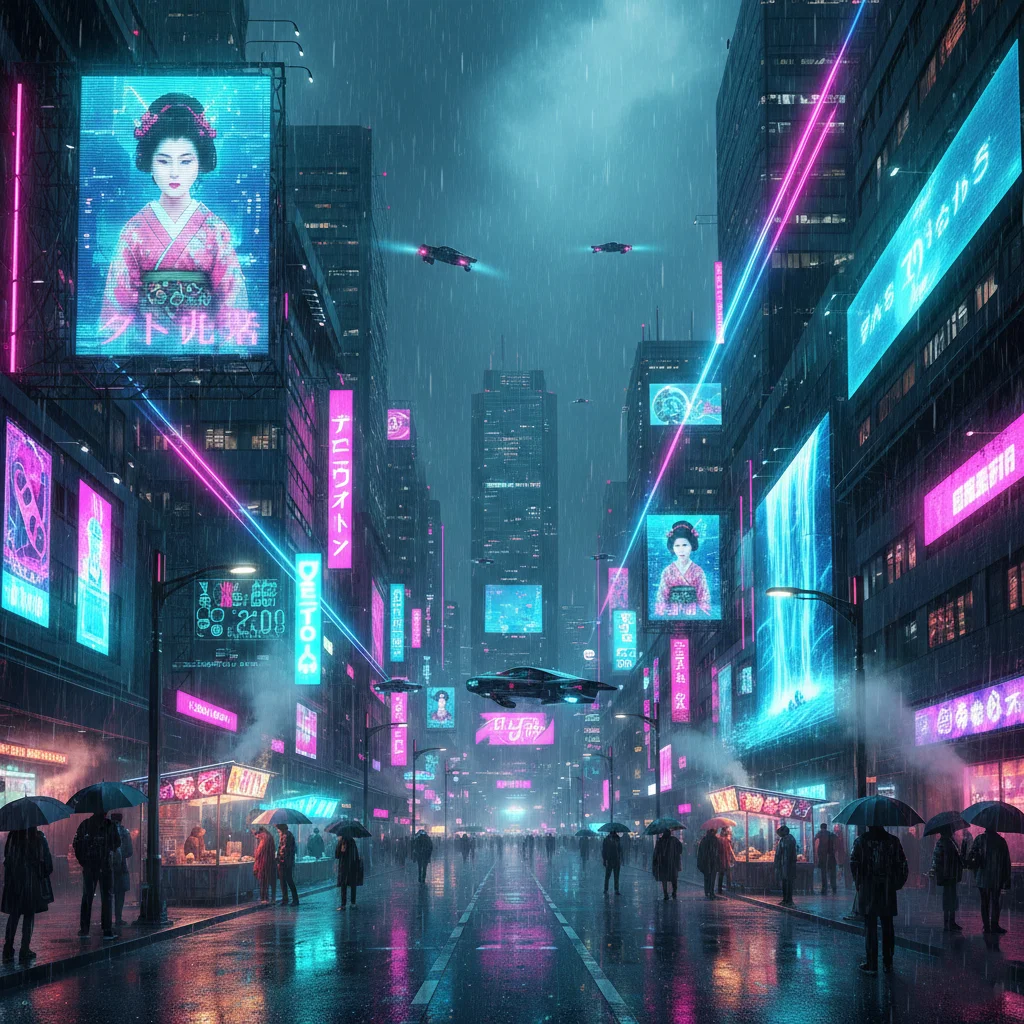
2. Neon Cyberpunk Street — Gemini AI Image Prompt

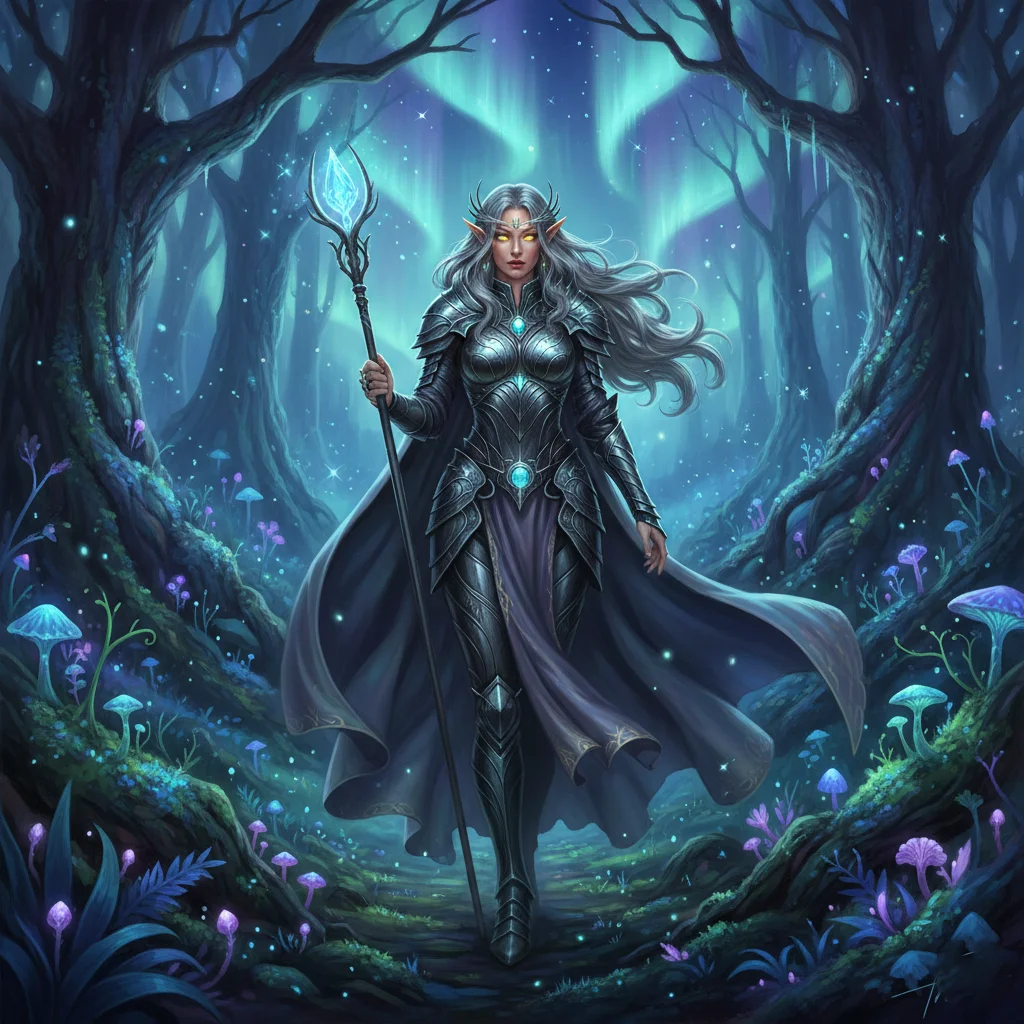
3. Fantasy Elf Queen in Forest — Gemini AI Image Prompt

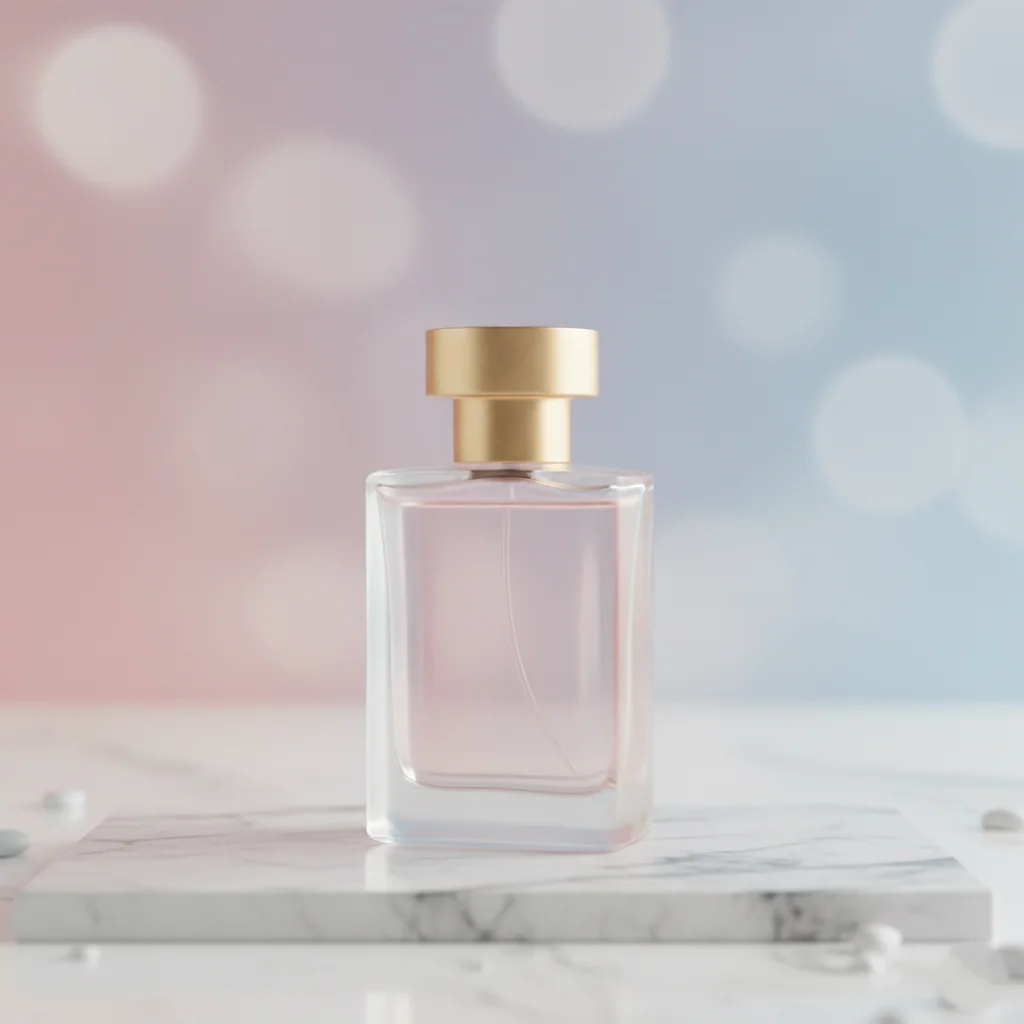
4. Minimalist Product Mockup — Gemini AI Image Prompt

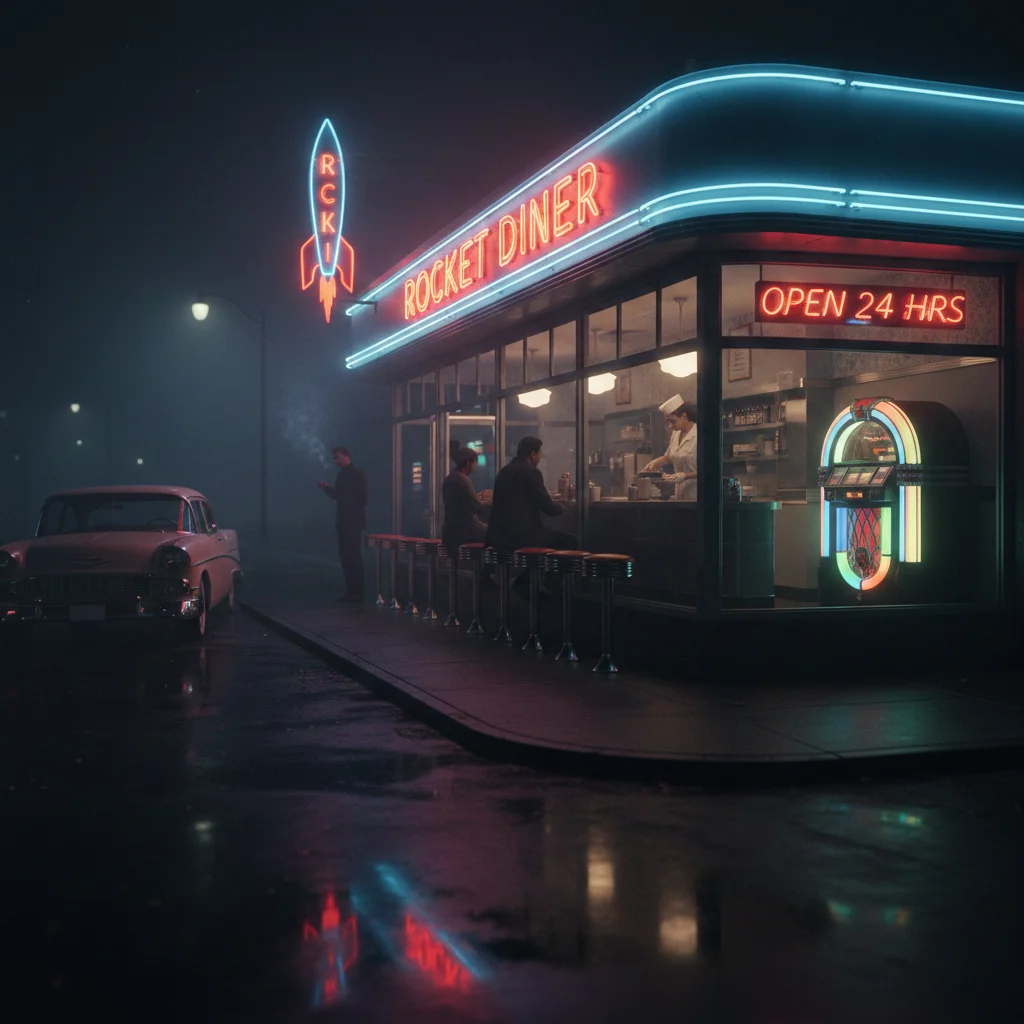
5. Retro Diner at Night — Gemini AI Image Prompt

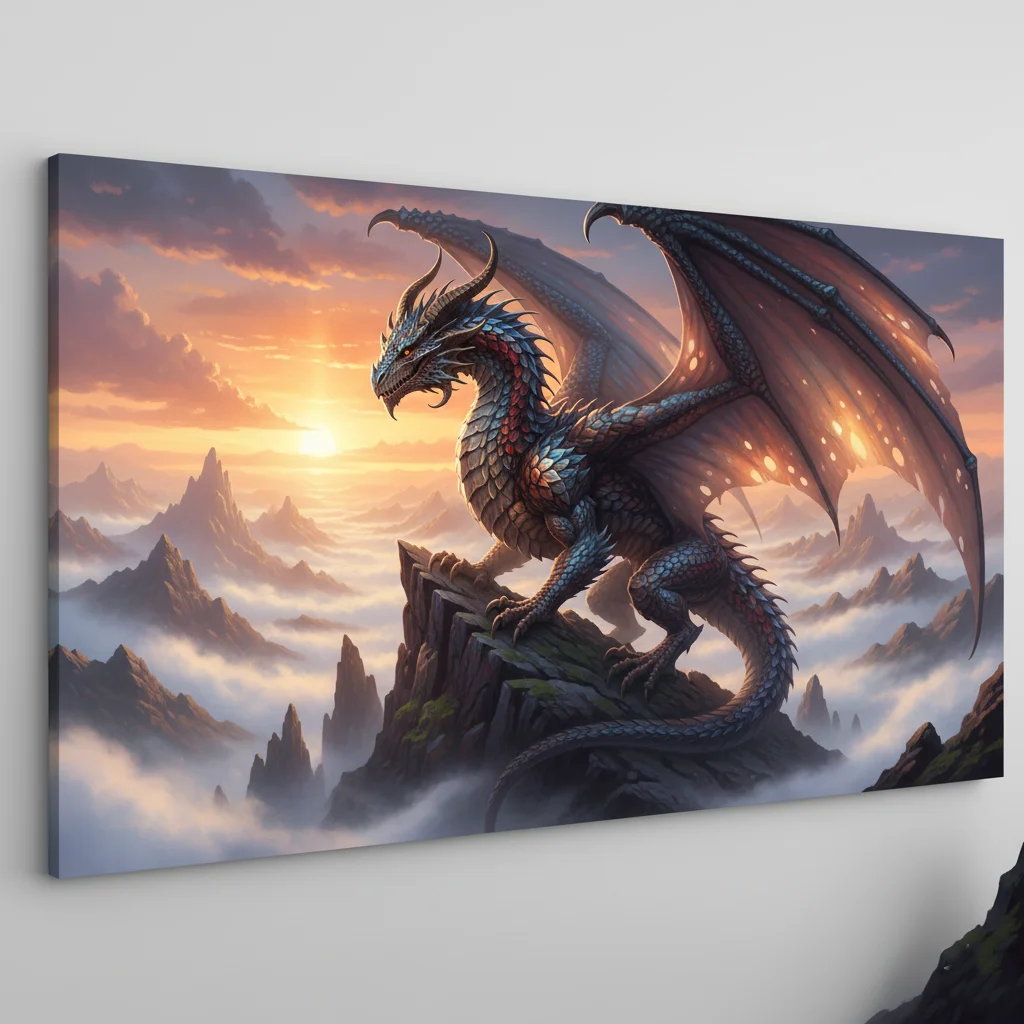
6. Majestic Dragon in Mountains — Gemini AI Image Prompt

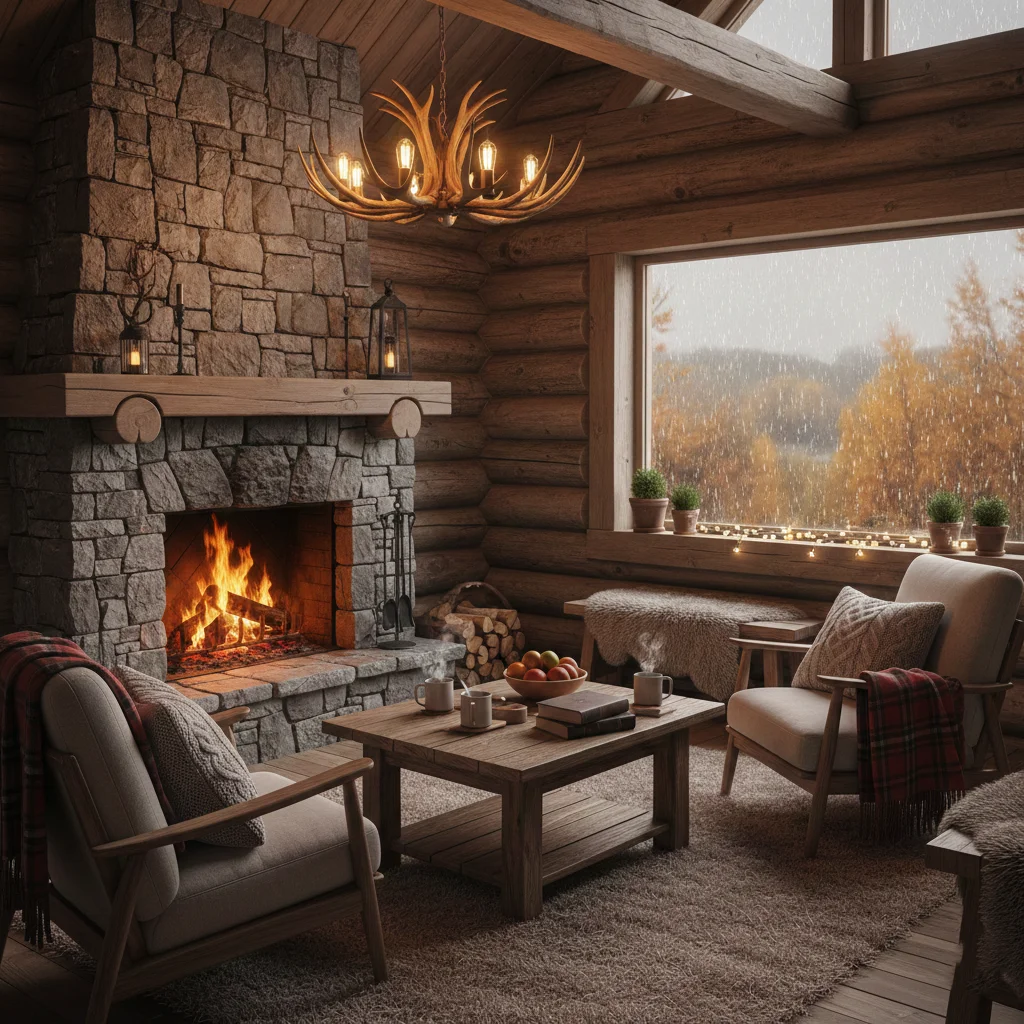
7. Cozy Autumn Cabin Interior — Gemini AI Image Prompt

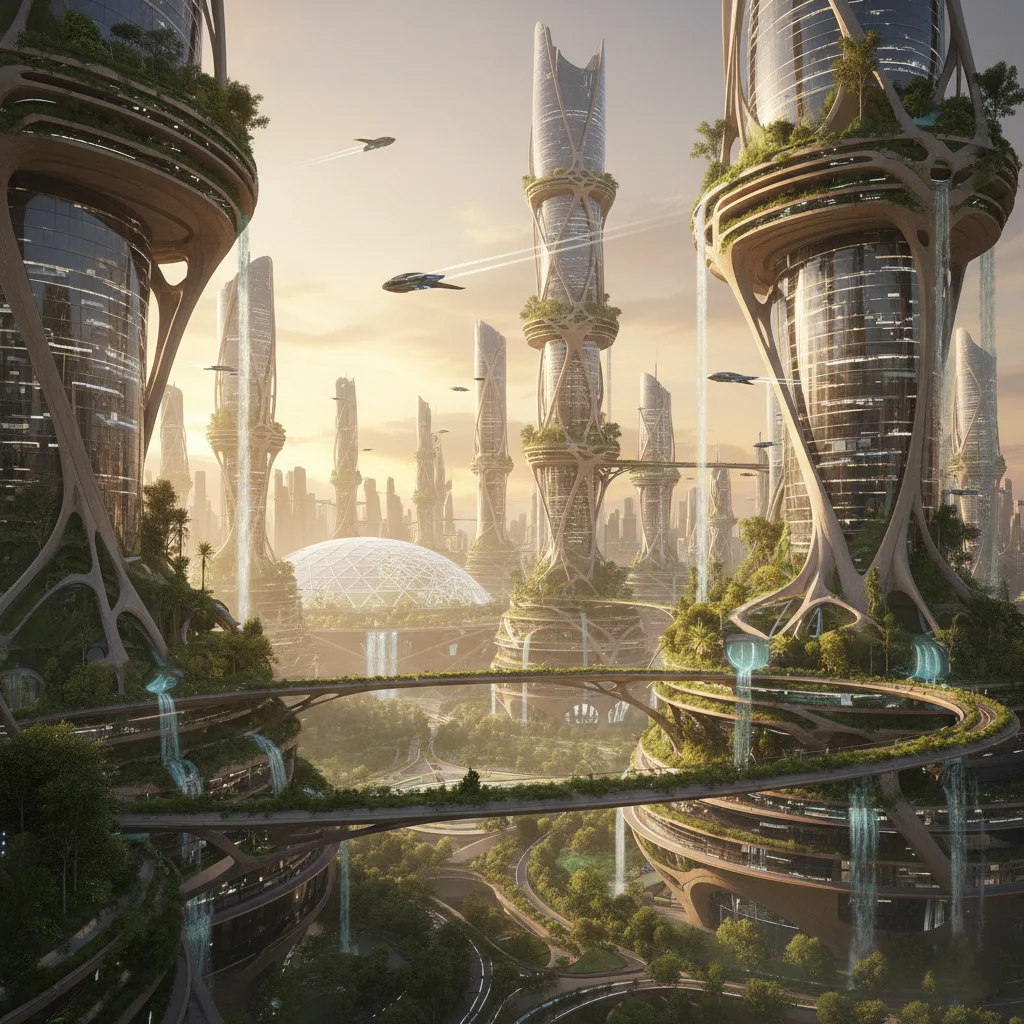
8. Futuristic Sustainable City — Gemini AI Image Prompt

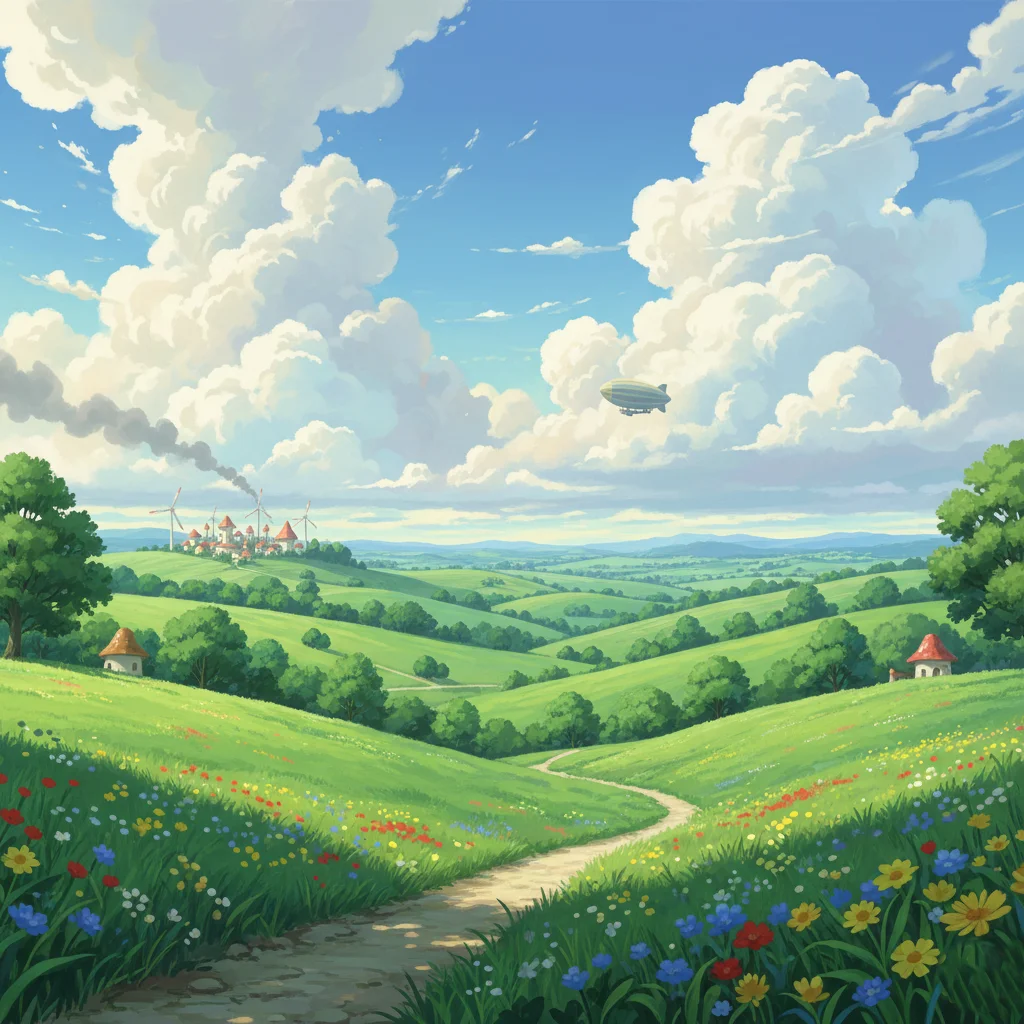
9. Studio Ghibli Style Landscape — Gemini AI Image Prompt

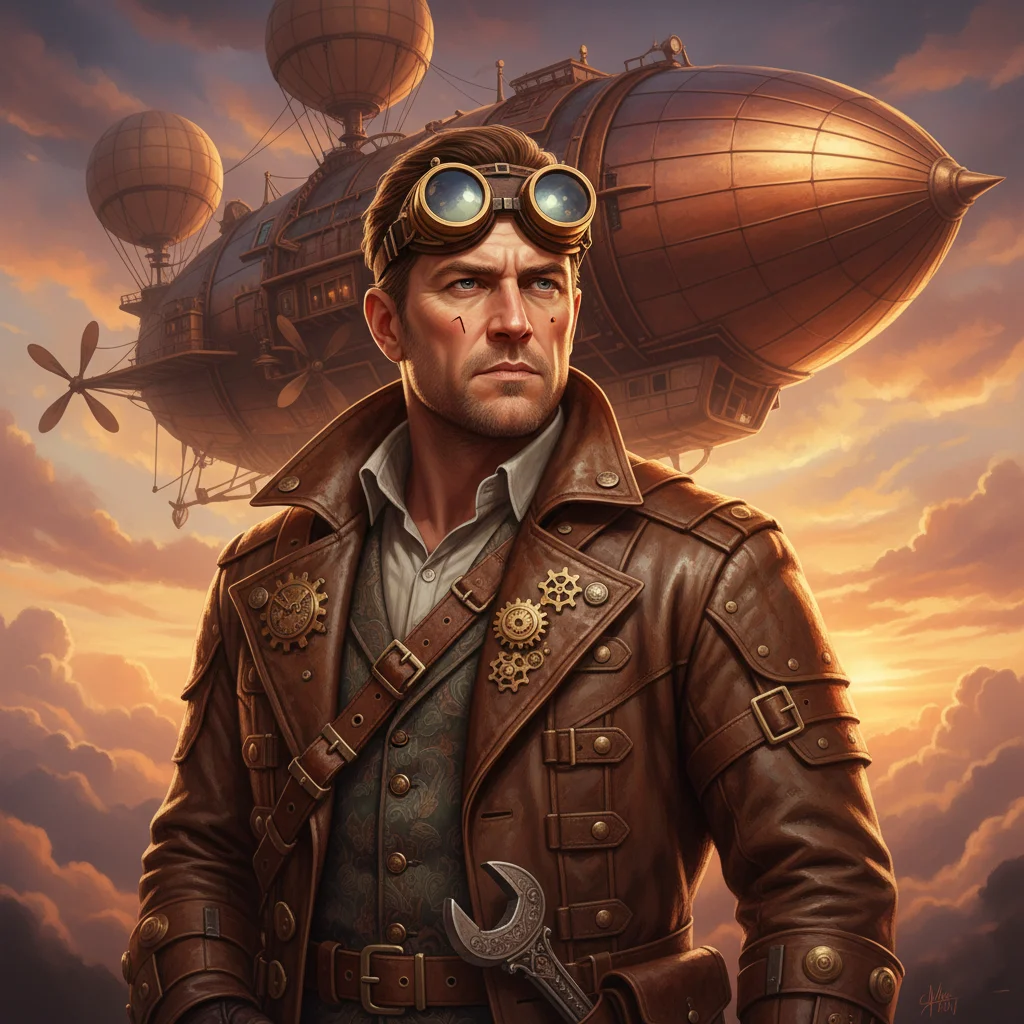
10. Steampunk Airship Engineer — Gemini AI Image Prompt

These prompts work best with Gemini AI's latest image model. For even better results, add “trending on ArtStation” or “award winning photography” at the end. Experiment with aspect ratios like —ar 16:9 for desktop wallpapers.
Why These Gemini AI Image Prompts Work So Well
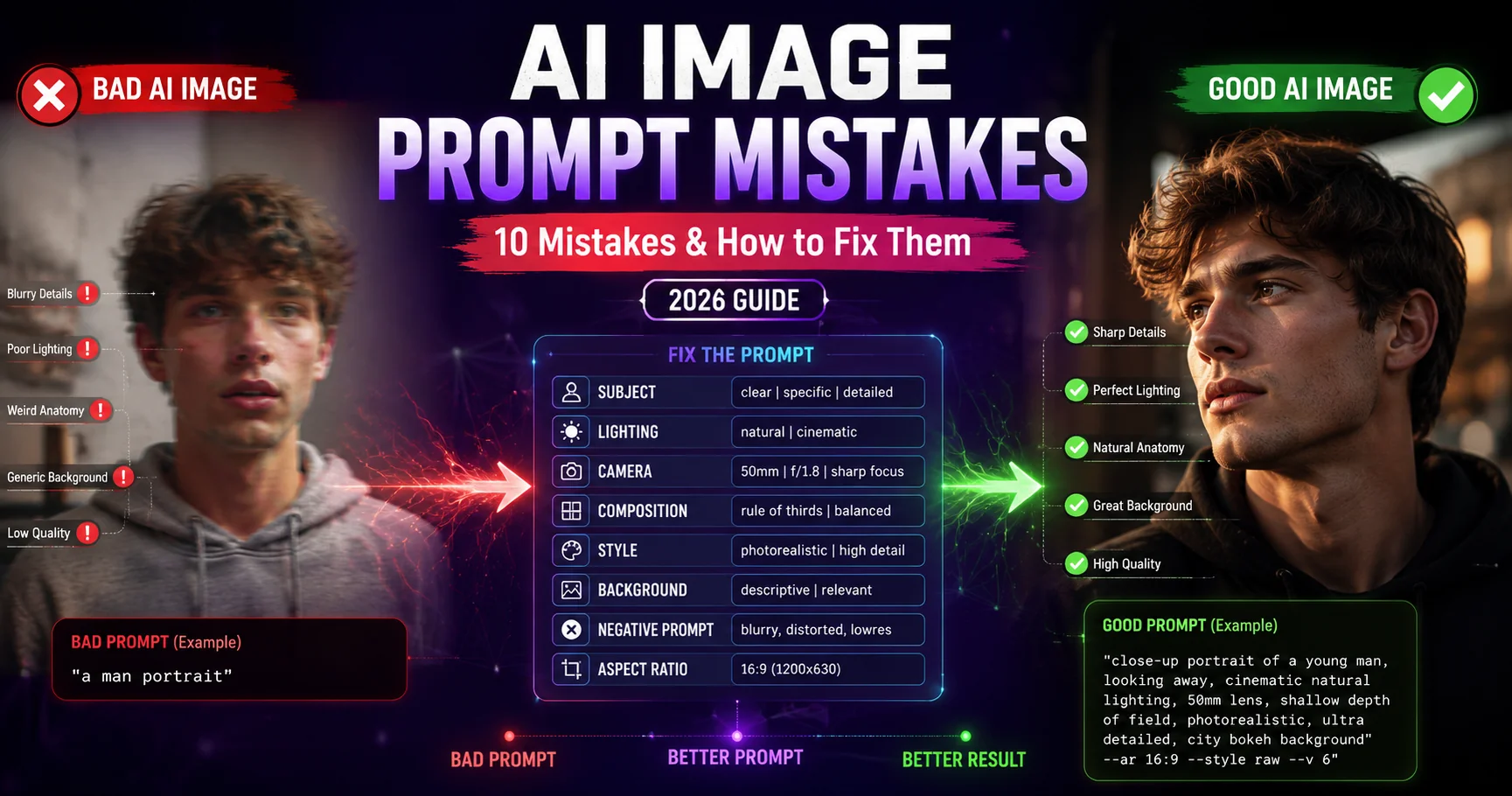
Every prompt in this guide is built on the 5 key elements of effective Gemini AI image prompts that produce consistently stunning results:
Resolution Tags
Terms like "8K", "shot on Phase One", and "ultra detailed" instruct Gemini to maximize sharpness and photographic fidelity.
Lighting & Mood
Specifying "cinematic composition", "film noir lighting", or "bioluminescent" guides Gemini's rendering of shadows, color, and atmosphere.
Style References
Mentioning artists like "Greg Rutkowski influence" or styles like "Studio Ghibli anime style" anchors the AI to a recognizable visual language.
Scene & Context
Defining the environment (Tokyo 2099, enchanted forest, mountain peak) creates immersive, story-rich images that stand out across social media.
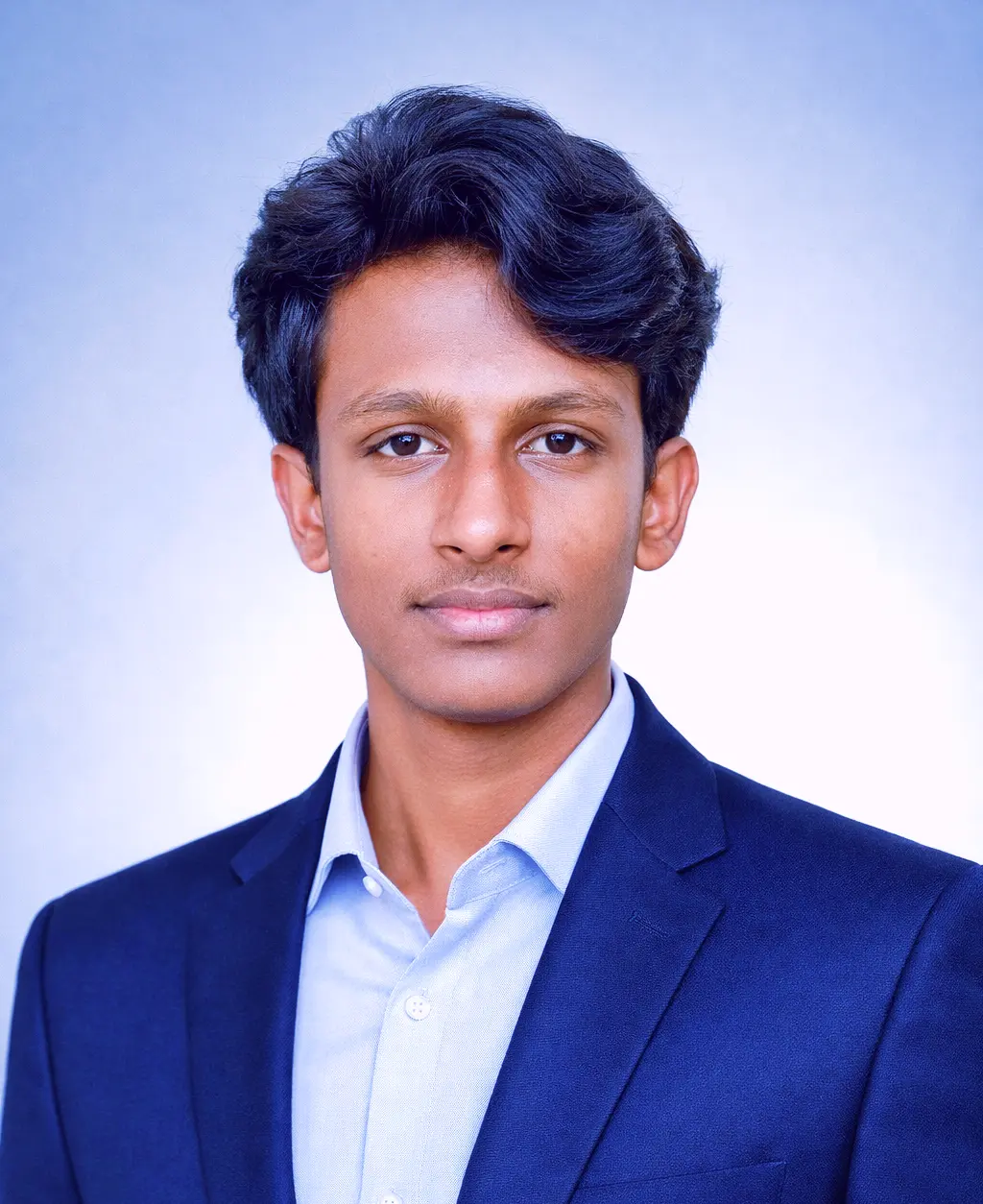
Jitendra Patra
AI Prompt Researcher & Software Engineering Student
Jitendra Patra is a software engineering student and AI prompt researcher specializing in Google Gemini and generative image models. He actively experiments with structured prompt engineering techniques to produce high-quality, reproducible visual outputs.
His research focuses on real-world testing across Gemini, Midjourney, and Stable Diffusion — emphasizing optimization, creative control, and visual realism.
This guide is based on hands-on experimentation using Gemini’s latest image model to ensure consistent, aesthetic, and performance-driven results.
Frequently Asked Questions
What are Gemini prompts for AI image generation?
Gemini prompts are creative text instructions designed for Google's Gemini AI model to generate high-quality, realistic, and artistic images from text descriptions.
How can I write effective Gemini image prompts?
Write better Gemini image prompts by adding clear context, detailed adjectives, lighting effects, and specific styles. Include resolution tags like 8K and camera references like "shot on Phase One" for photorealistic results.
Can I use Gemini prompts for both realistic and artistic images?
Yes! Gemini prompts can generate both realistic photos and creative artwork. Adjust tone, style, and perspective in your prompt to achieve the desired image type — from hyper-realistic portraits to Studio Ghibli-style illustrations.
Are these Gemini AI image prompts free to use?
Yes, all prompts on Latest AI Prompts are 100% free to copy and use with Google Gemini, Midjourney, ChatGPT DALL·E, Stable Diffusion, and other AI image generators. No signup required.
What aspect ratio should I use for Gemini AI images?
Use --ar 16:9 for desktop wallpapers and YouTube thumbnails, --ar 1:1 for Instagram posts, and --ar 9:16 for vertical reels or mobile wallpapers.
How do I get the best results from Gemini AI image prompts?
For best results: (1) specify lighting and mood, (2) add resolution tags like "8K" or "ultra detailed", (3) mention camera type (e.g., "shot on Phase One"), (4) include an artistic style reference, and (5) add "trending on ArtStation" or "award-winning photography" for quality boosts.