AI Family Photo Prompts: Realistic, Candid & Creative Portrait Ideas
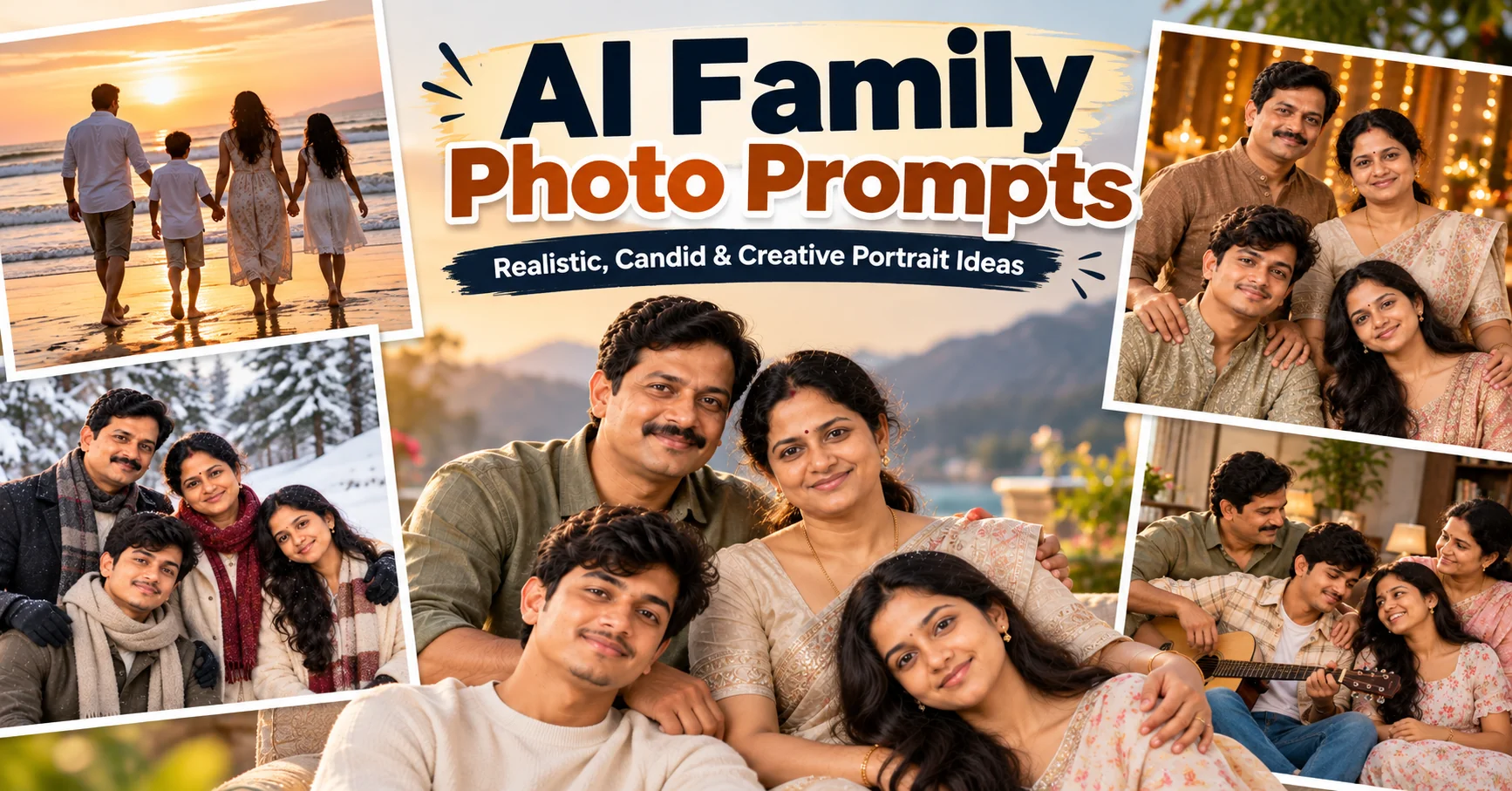
Family photos are some of the most meaningful pictures we keep, but getting everyone together for a professional photoshoot is not always easy. AI image generators now make it possible to explore polished family portrait ideas using detailed prompts that describe the people, setting, clothing, lighting, composition, and mood. The key to a convincing result is not simply asking an AI tool to create a beautiful family photo. You need to clearly describe who should appear, how everyone should be positioned, what should remain recognizable, and how the scene should be photographed. The prompts in this guide are designed around realistic family photography, from elegant studio portraits and golden-hour outdoor sessions to cozy home moments, festive celebrations, cinematic scenes, and timeless black-and-white photography. If your AI tool supports reference-image editing, you can also use a clear family photograph as the identity reference and change the environment while keeping the family members recognizable.
- ✔ Detailed AI family photo prompts for realistic results
- ✔ Studio, outdoor, lifestyle, festive, and cinematic family photography ideas
- ✔ Prompts designed for family reference photos and new image generation
- ✔ Customization tips for outfits, locations, lighting, and family size
- ✔ Natural-looking family portraits suitable for albums and social media
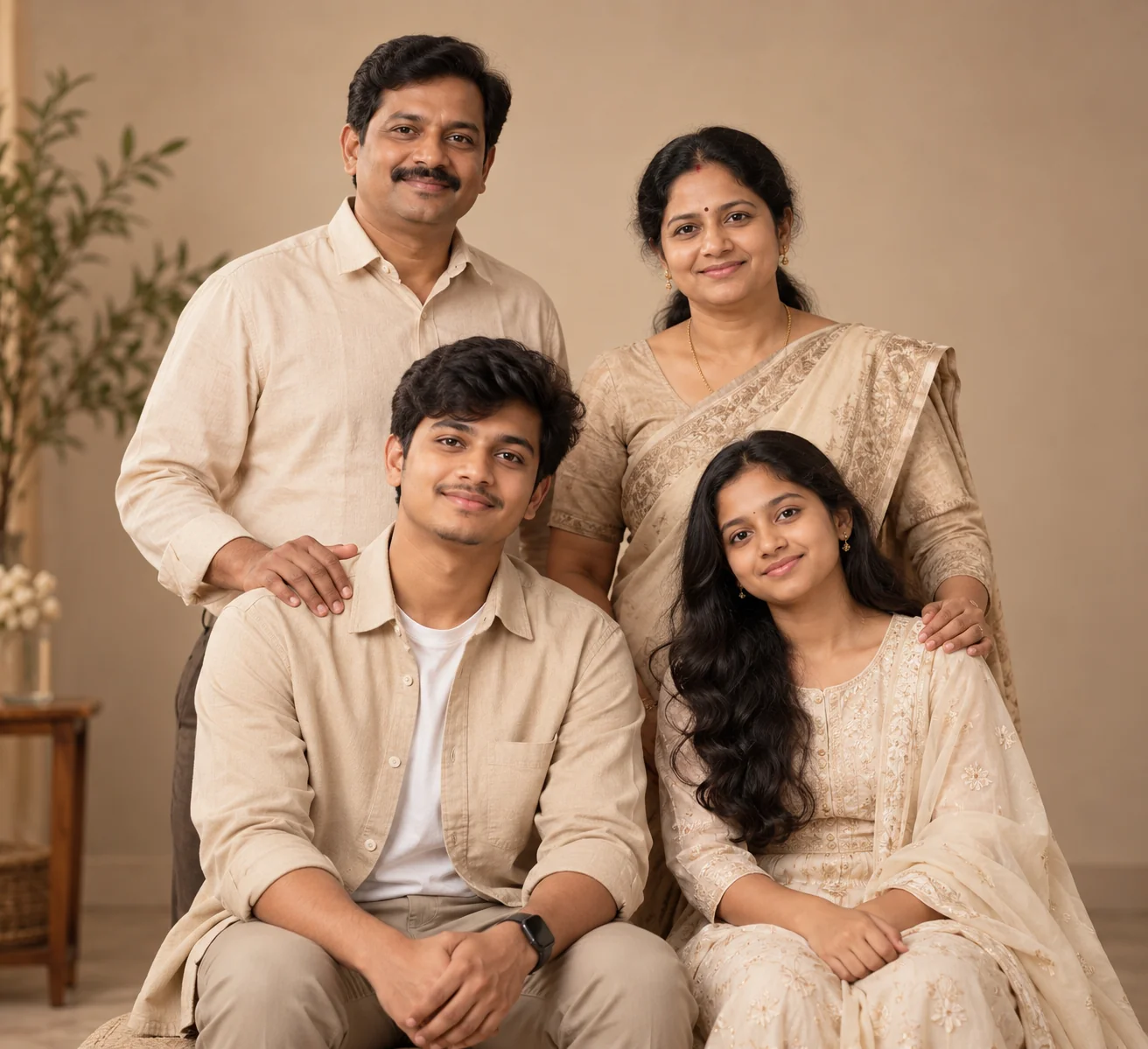
1. Elegant Studio Family Portrait — AI Prompt
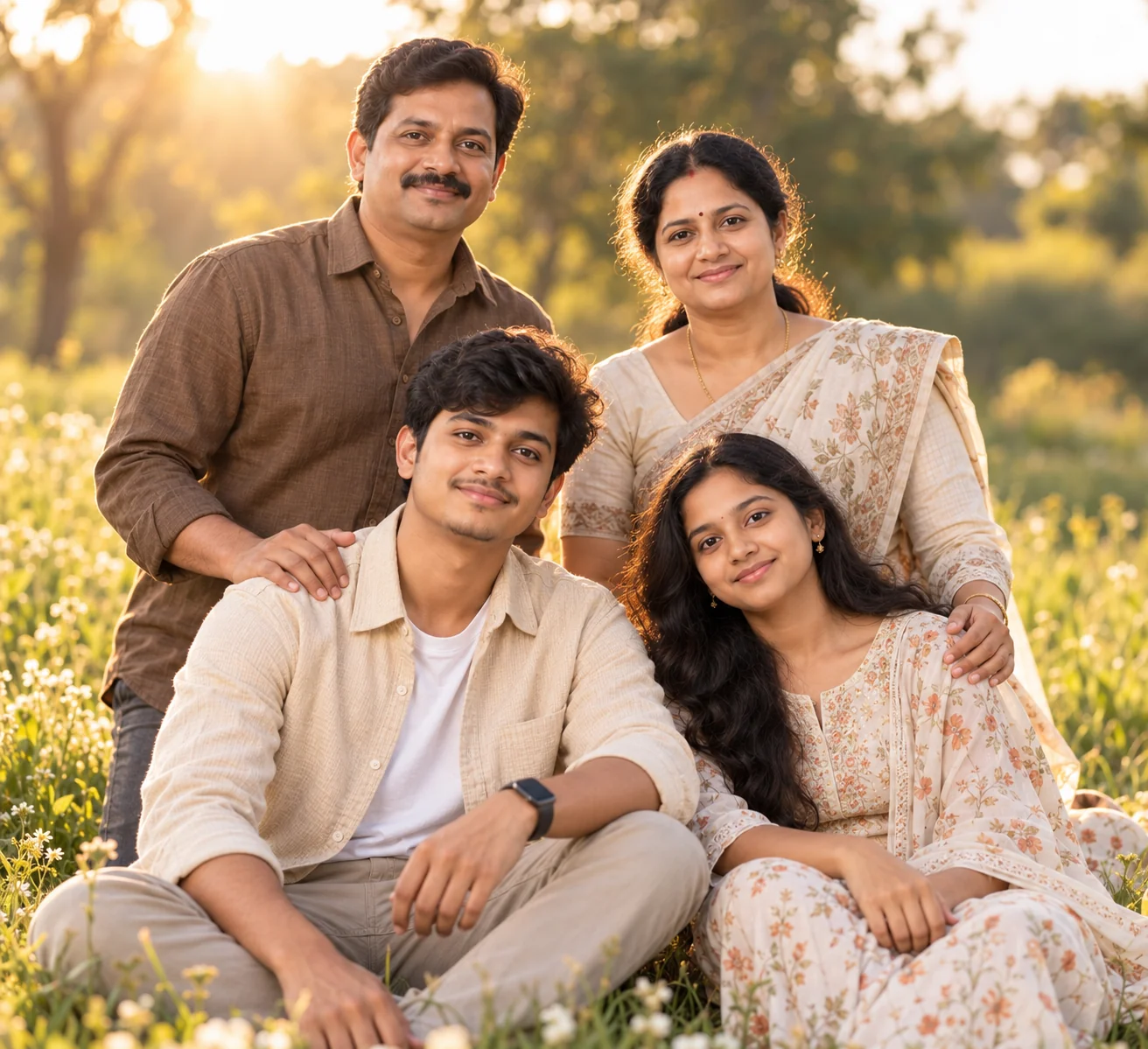
2. Golden Hour Family Photoshoot — AI Prompt
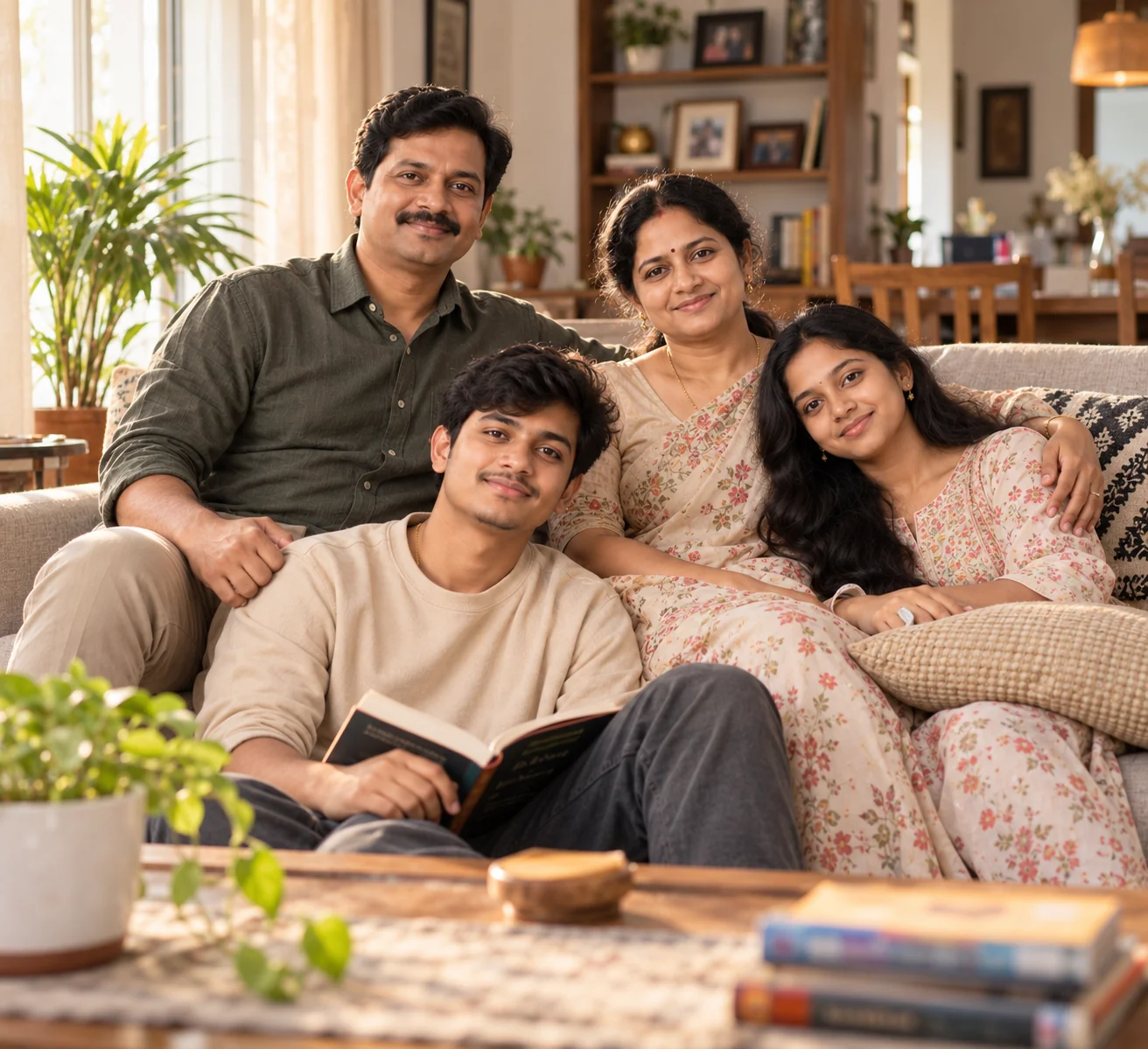
3. Cozy Family Lifestyle Photo at Home — AI Prompt
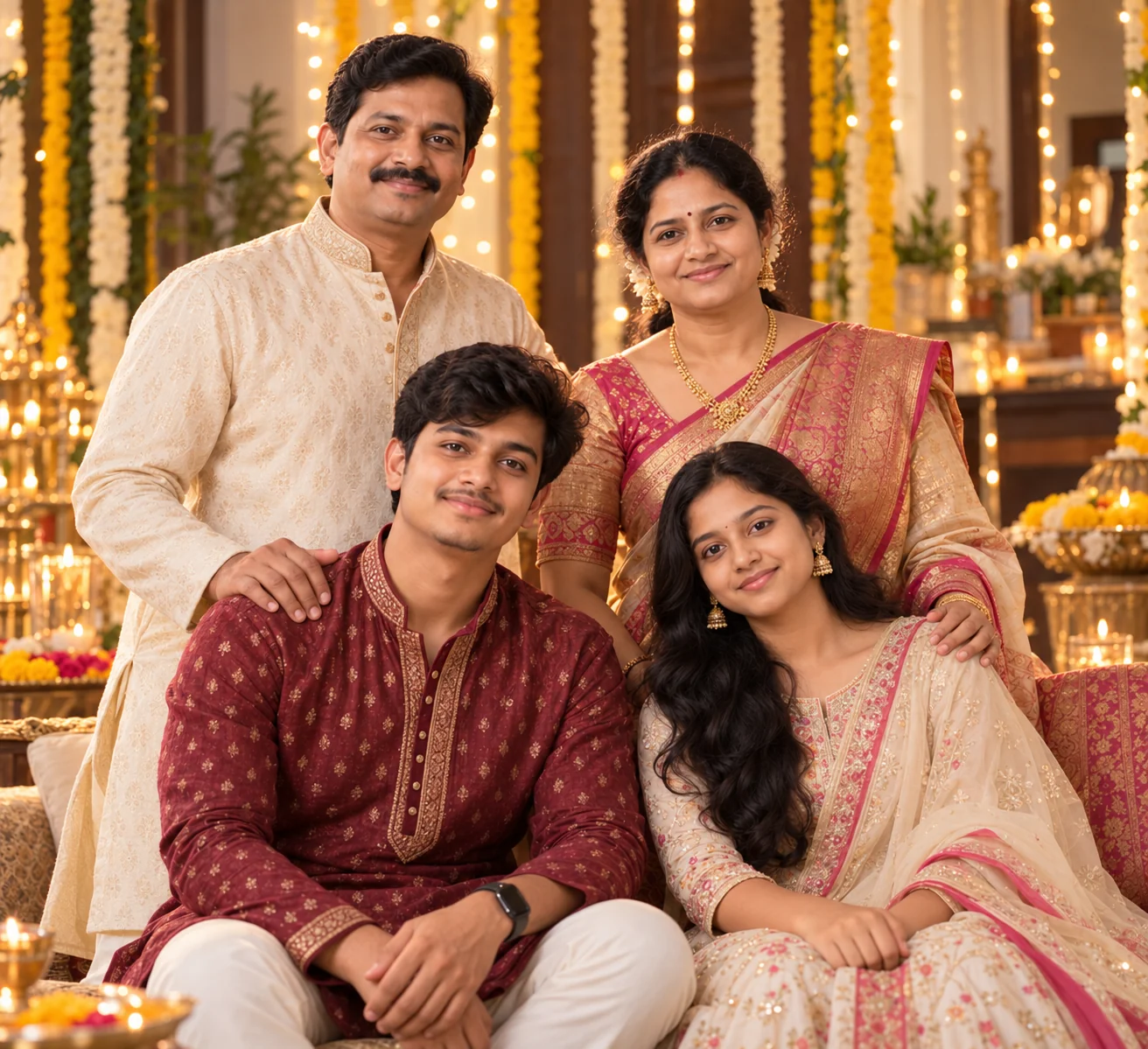
4. Festive Family Celebration Portrait — AI Prompt
5. Beach Family Portrait at Sunset — AI Prompt
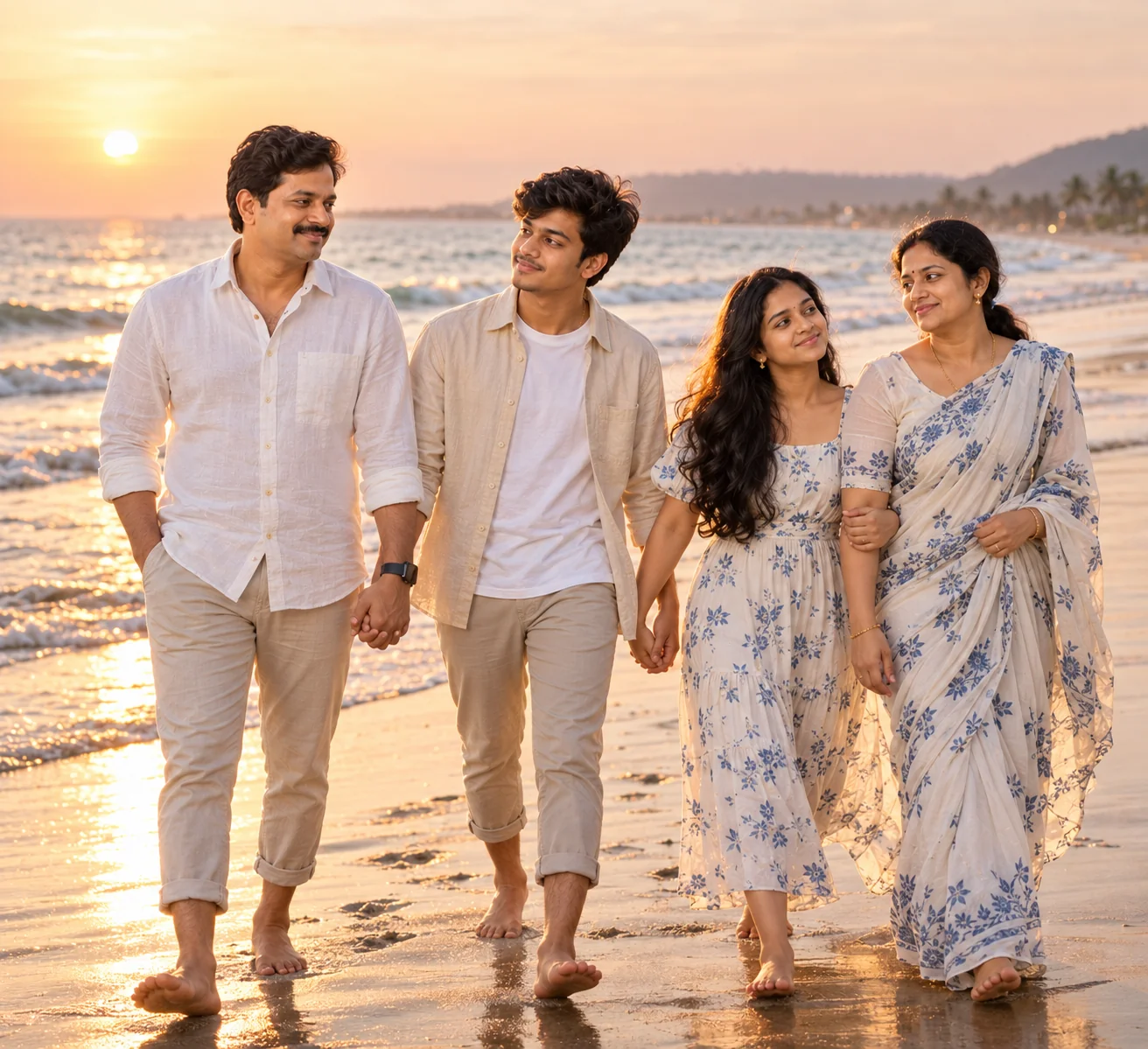
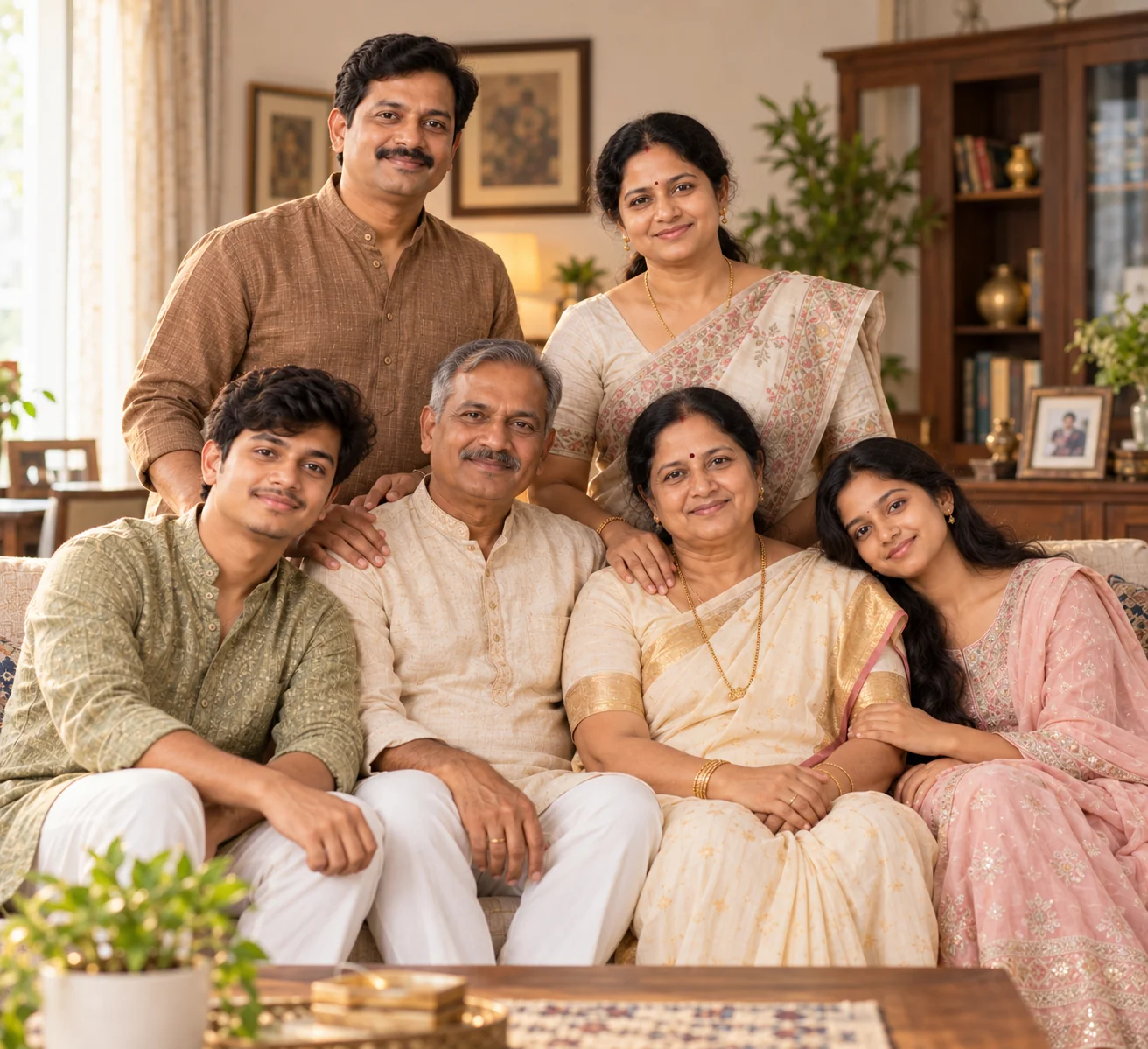
6. Multi-Generation Family Portrait — AI Prompt
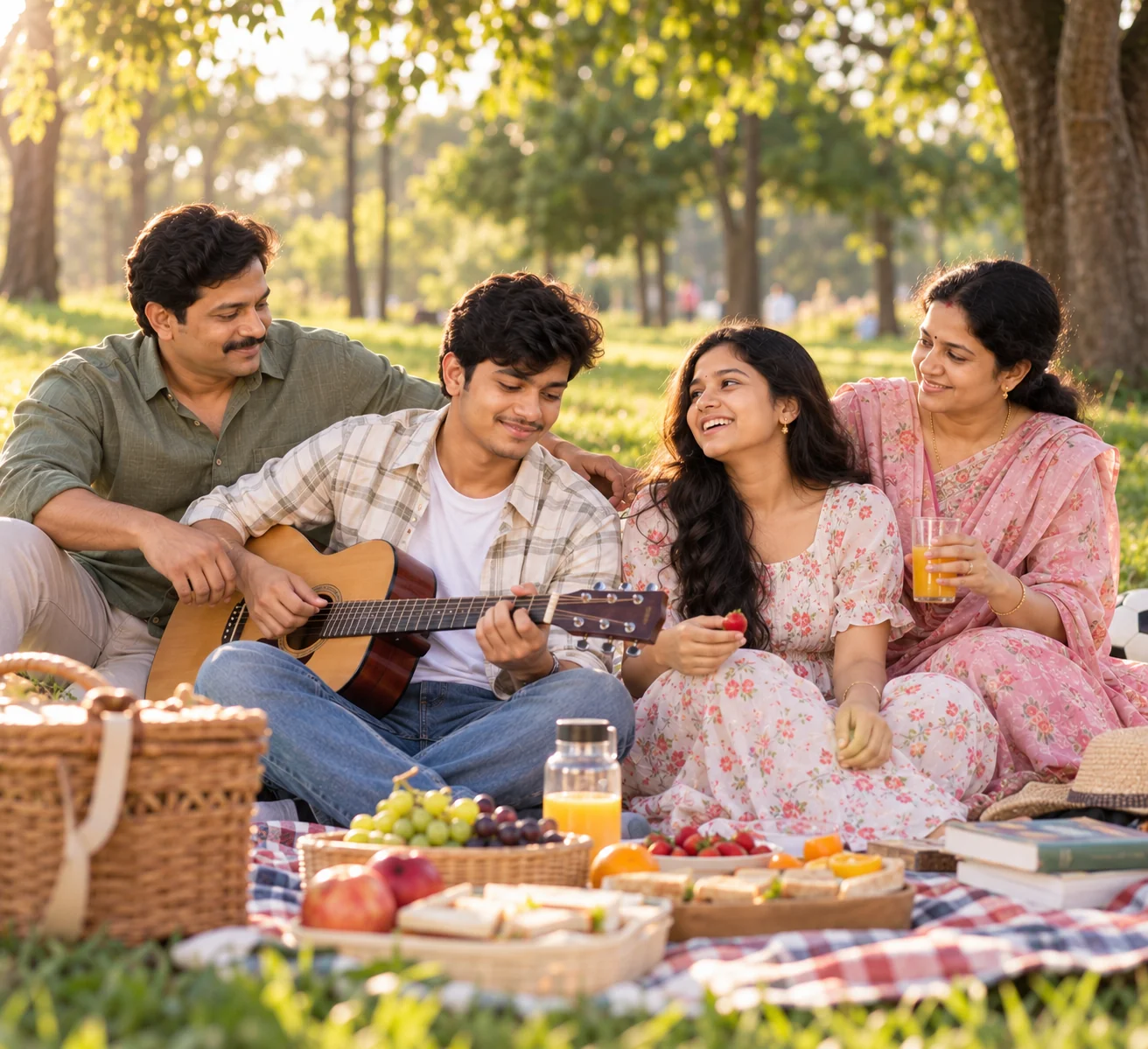
7. Candid Family Picnic Photography — AI Prompt
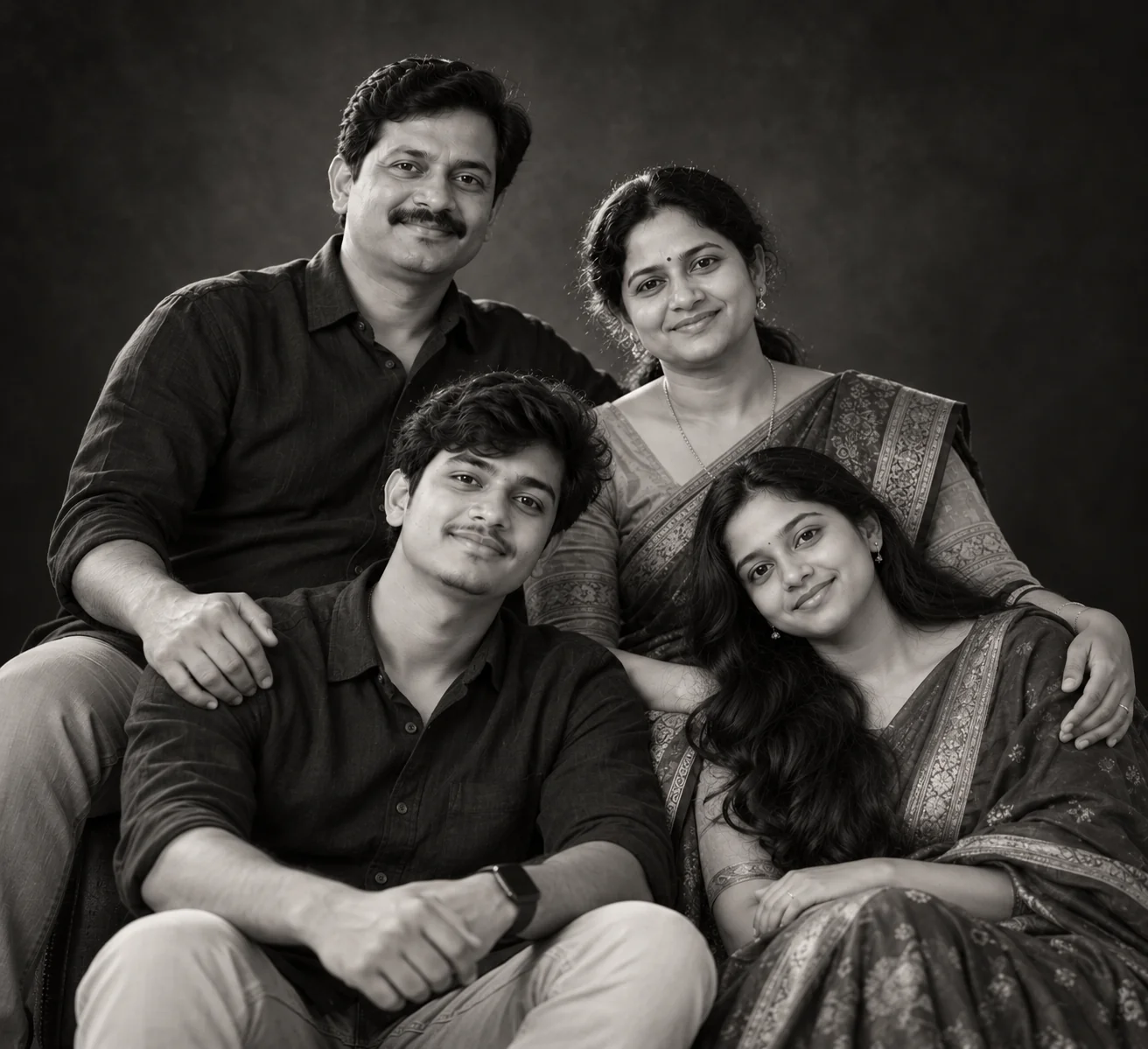
8. Cinematic Black-and-White Family Portrait — AI Prompt
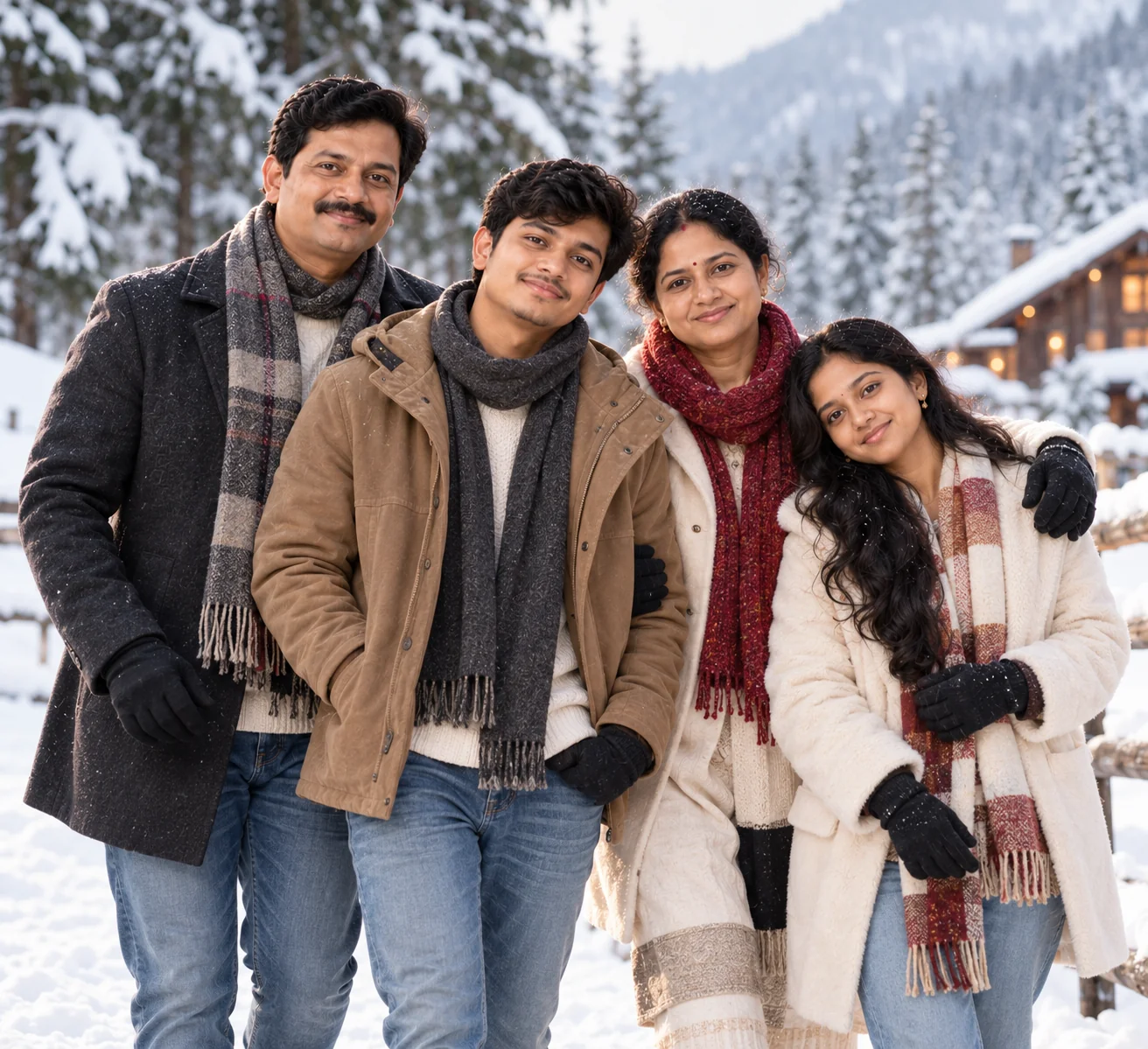
9. Winter Family Photoshoot — AI Prompt
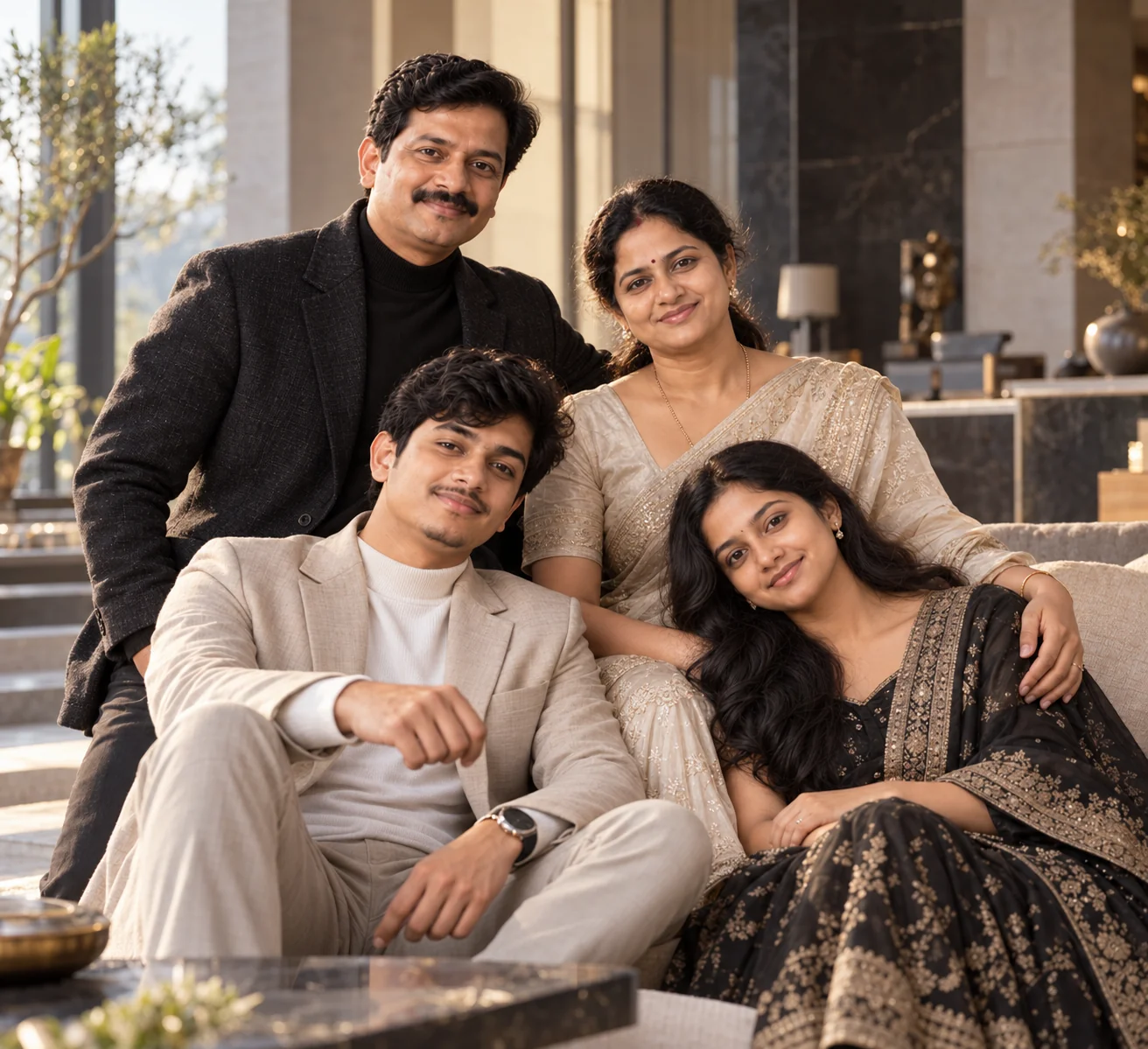
10. Luxury Family Editorial Portrait — AI Prompt
A great family photo is about more than getting everyone into the same frame. The strongest AI family portraits combine recognizable faces with believable positioning, natural interaction, thoughtful lighting, and a setting that tells a story. These prompts give you several directions to explore, from professional studio portraits and golden-hour sessions to cozy home photography, festive celebrations, beach memories, multi-generation portraits, candid picnics, winter scenes, and luxury editorial photography. When using your own family photo as a reference, start with a clear image where everyone's face is visible and avoid changing too many elements at once. If the first generation gets a face, hand, or position wrong, make a targeted correction rather than rewriting the entire prompt. You can also personalize the results by changing clothing, location, season, family activity, color palette, and photographic style. With a little experimentation, a simple family snapshot can become a polished visual keepsake while still feeling personal and authentic.
Why These Prompts Work So Well
Family images are more difficult for AI models than single-person portraits because several faces, bodies, hands, ages, and relationships have to remain consistent in the same frame. These prompts address that challenge by clearly defining the people, composition, environment, lighting, and photographic style. The result is a more controlled starting point that can be customized for different families and occasions.
Photography-Specific Direction
The prompts use practical photography language such as 35mm and 85mm lens looks, golden-hour backlighting, soft window light, shallow depth of field, documentary framing, and professional studio lighting. These details help establish a believable photographic appearance.
Clear Family Composition
Each concept explains how family members should be arranged instead of leaving the entire composition to the AI. Positioning parents, children, and grandparents deliberately can reduce awkward overlaps and make the group feel more naturally photographed.
Identity Preservation
The prompts repeatedly emphasize preserving the recognizable identity of every family member and including exactly the people shown in the reference. This is particularly useful when working with family reference images in AI editing tools.
Balanced Visual Detail
The scenes contain enough environmental detail to create a convincing setting without allowing decorations to overpower the family. Lighting, clothing, background, props, and composition are described as supporting elements rather than distractions.
Flexible Customization
Every prompt can be adapted to different family sizes, locations, seasons, celebrations, outfits, and activities. Changing one major visual variable at a time makes it easier to create several distinct versions while keeping the core family portrait consistent.
Frequently Asked Questions
What are AI family photo prompts?
AI family photo prompts are detailed instructions that tell an AI image generator how to create or transform a family photograph. They can describe the family members, their arrangement, clothing, location, lighting, camera style, expressions, mood, and background. Detailed prompts provide more visual direction than a simple request such as 'make a family photo' and can help produce more consistent results.
Can I use these AI family photo prompts with my own family picture?
Yes. If your image-generation tool supports photo uploads or image editing, you can provide a clear family photograph as a reference and then use one of these prompts to change the setting, clothing, lighting, or overall photography style. For the best identity consistency, use a high-quality image where every person's face is clearly visible and avoid heavily obscured or extremely dark faces.
How do I make an AI family photo look realistic?
Use a clear reference image and provide specific information about the family arrangement, environment, lighting, clothing, camera perspective, and expressions. Asking for natural skin texture, realistic hands, believable shadows, accurate proportions, individual hair detail, and authentic facial expressions can also help. For group images, explicitly state how many people should appear and where they should be positioned.
Can I create a family photo with grandparents and children using AI?
Yes. Multi-generation portraits work particularly well when the prompt clearly identifies the generations and specifies where each person should sit or stand. For example, grandparents can be seated naturally while parents stand behind them and children are positioned nearby. If you are using a reference image, state that exactly the same people should remain in the final image.
Which AI tools can be used for family photo prompts?
These prompts can be adapted for modern AI image generators and image-editing tools that accept detailed text instructions or reference images. The exact workflow and capabilities vary between platforms, so follow the tool's current image-upload and editing options. A reference-image workflow is generally more useful when your goal is to preserve the appearance of real family members.
How can I customize an AI family portrait?
You can customize a family portrait by changing the location, season, clothing, lighting, color palette, family activity, celebration, camera style, or composition. For example, a studio portrait can be turned into a beach sunset scene by changing the environment and lighting while keeping the family identity instructions intact. For large groups, also specify the exact number of people and their positions to make the composition easier for the AI to follow.

Jitendra Patra
AI Prompt Researcher & Software Engineering Student
Jitendra Patra is a software engineering student and AI prompt researcher specializing in Google Gemini and generative image models. He actively experiments with structured prompt engineering techniques to produce high-quality, reproducible visual outputs.
His work focuses on iterative prompt development, with attention to subject, lighting, composition, and visual style.
The prompts in this guide are developed with attention to structure, detail, and visual quality.