10 Best AI Image Prompts for Instagram-Worthy Photos — Viral Aesthetic, Trending, Stylish & Social Media AI Ideas
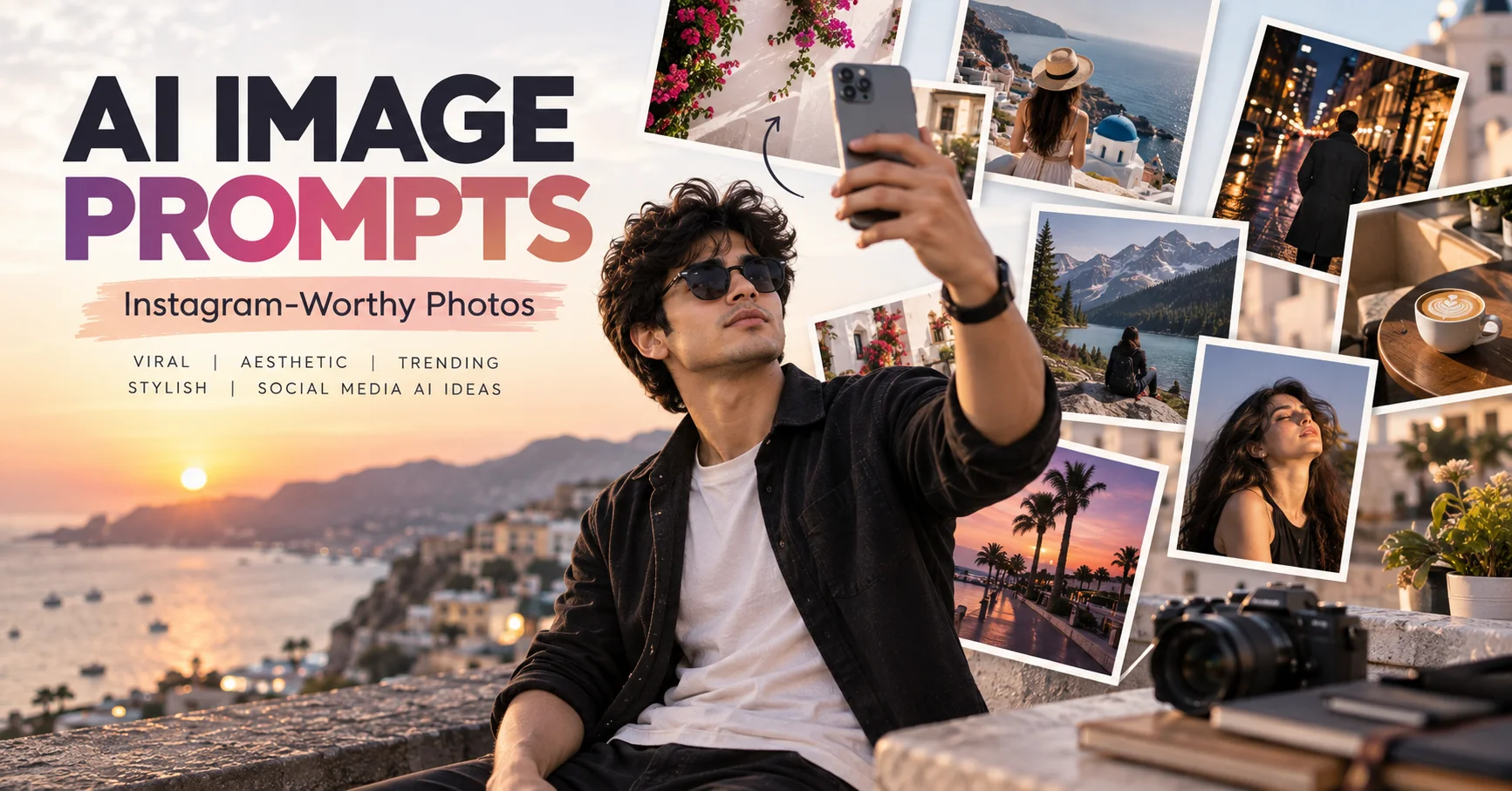
Instagram is increasingly visual, but creating photos that look polished, intentional, and genuinely worth sharing can take time, planning, and strong photography skills. AI image generators make that process much easier by letting you describe the subject, setting, lighting, composition, mood, and overall visual direction you want. The key is not simply asking an AI tool for a “beautiful Instagram photo,” but giving it enough visual information to produce a coherent result. The prompts in this guide are designed around popular social-media photography styles while keeping the instructions flexible enough for different AI image generators. Whether you want a sophisticated portrait, a travel-inspired post, a fashion editorial, a cozy lifestyle image, or a cinematic aesthetic, these prompts give you a practical starting point you can customize for your own content.
- ✔ Create polished AI photos designed for Instagram posts and social media
- ✔ Explore portrait, fashion, travel, lifestyle, editorial, and cinematic aesthetics
- ✔ Copy, customize, and reuse each prompt with your preferred AI image generator
- ✔ Control lighting, composition, mood, styling, background, and visual details
- ✔ Turn simple concepts into more distinctive and scroll-stopping visual ideas
1. Editorial Portrait — AI Prompt
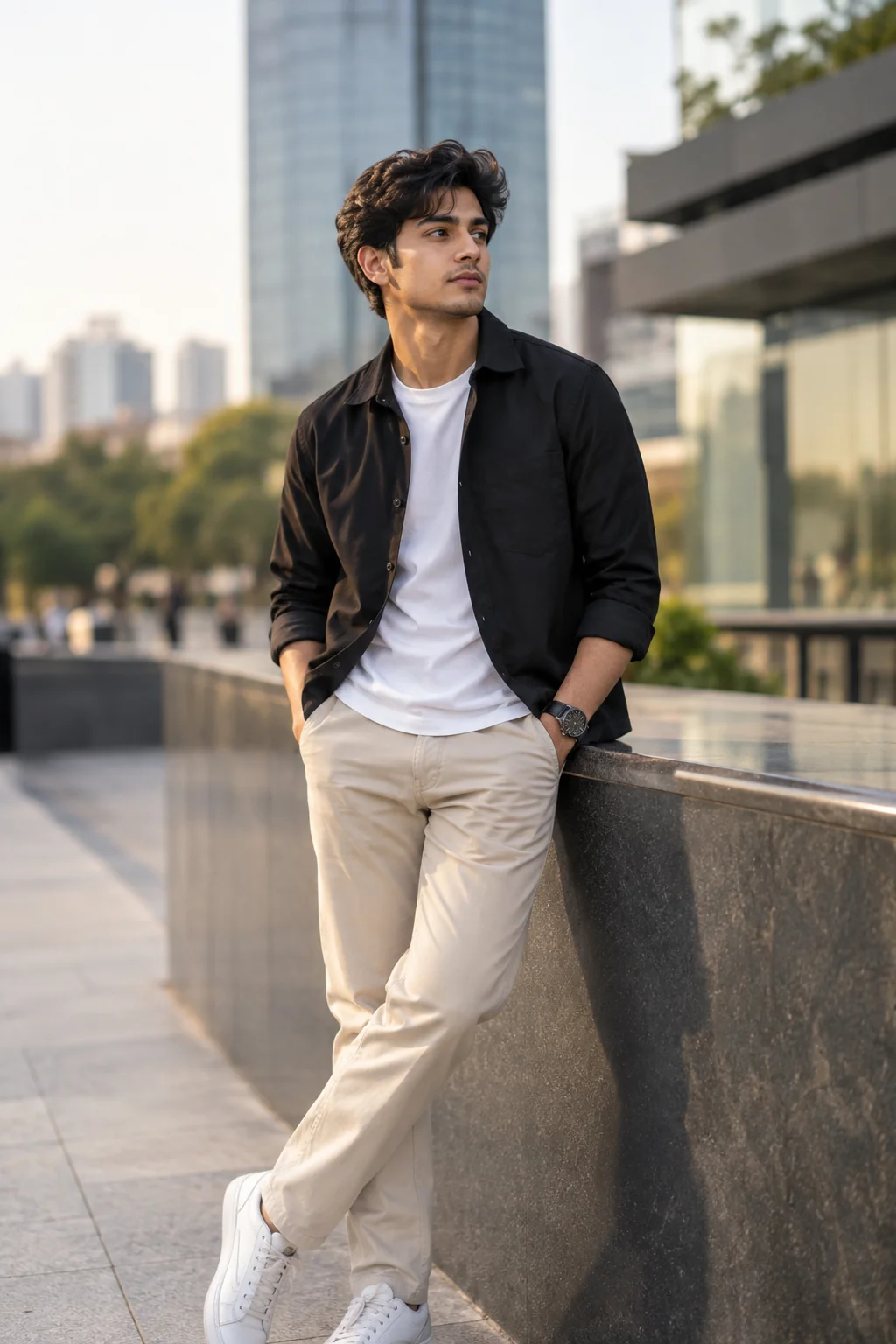
2. Golden Hour Lifestyle — AI Prompt
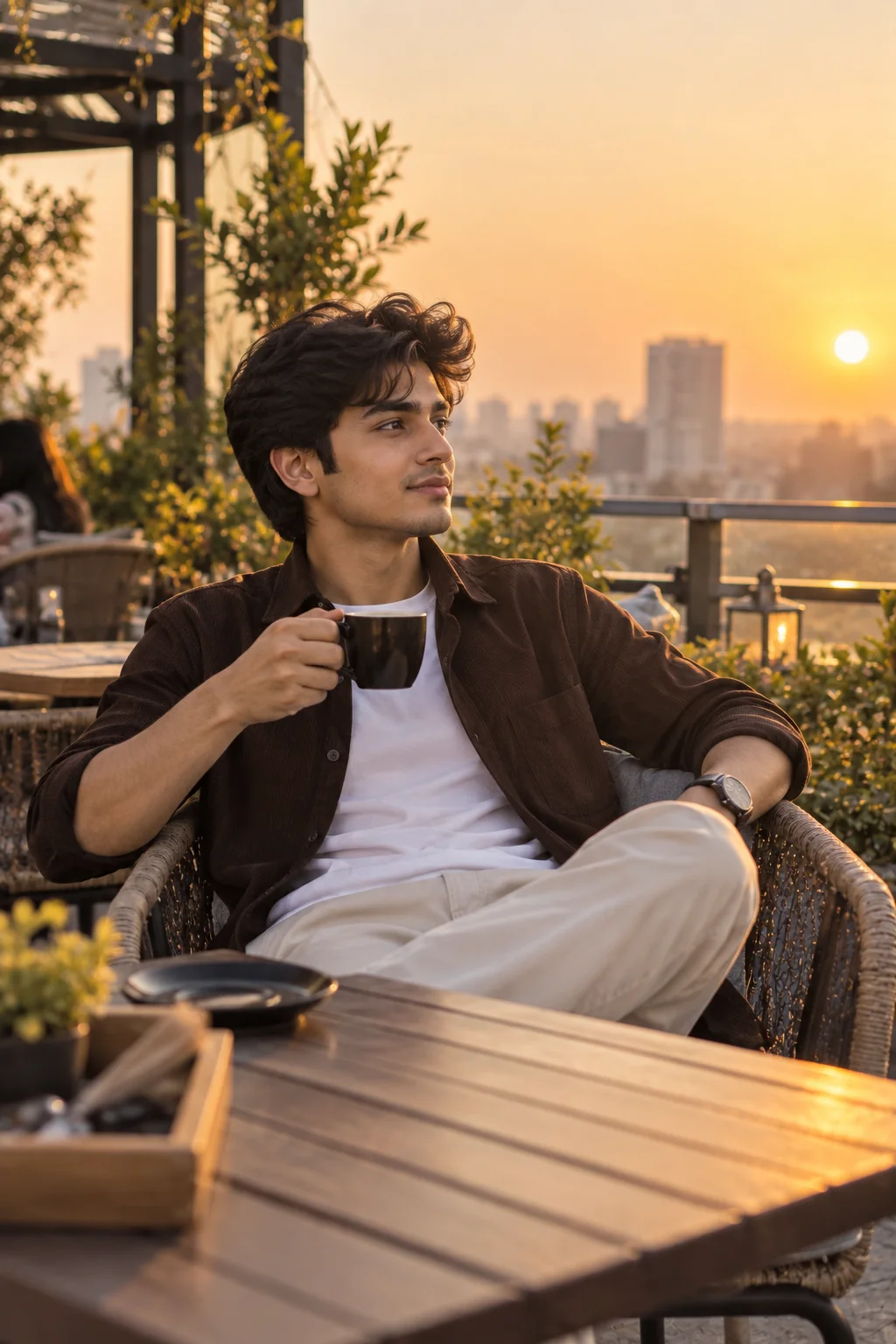
3. Luxury Fashion Street Style — AI Prompt
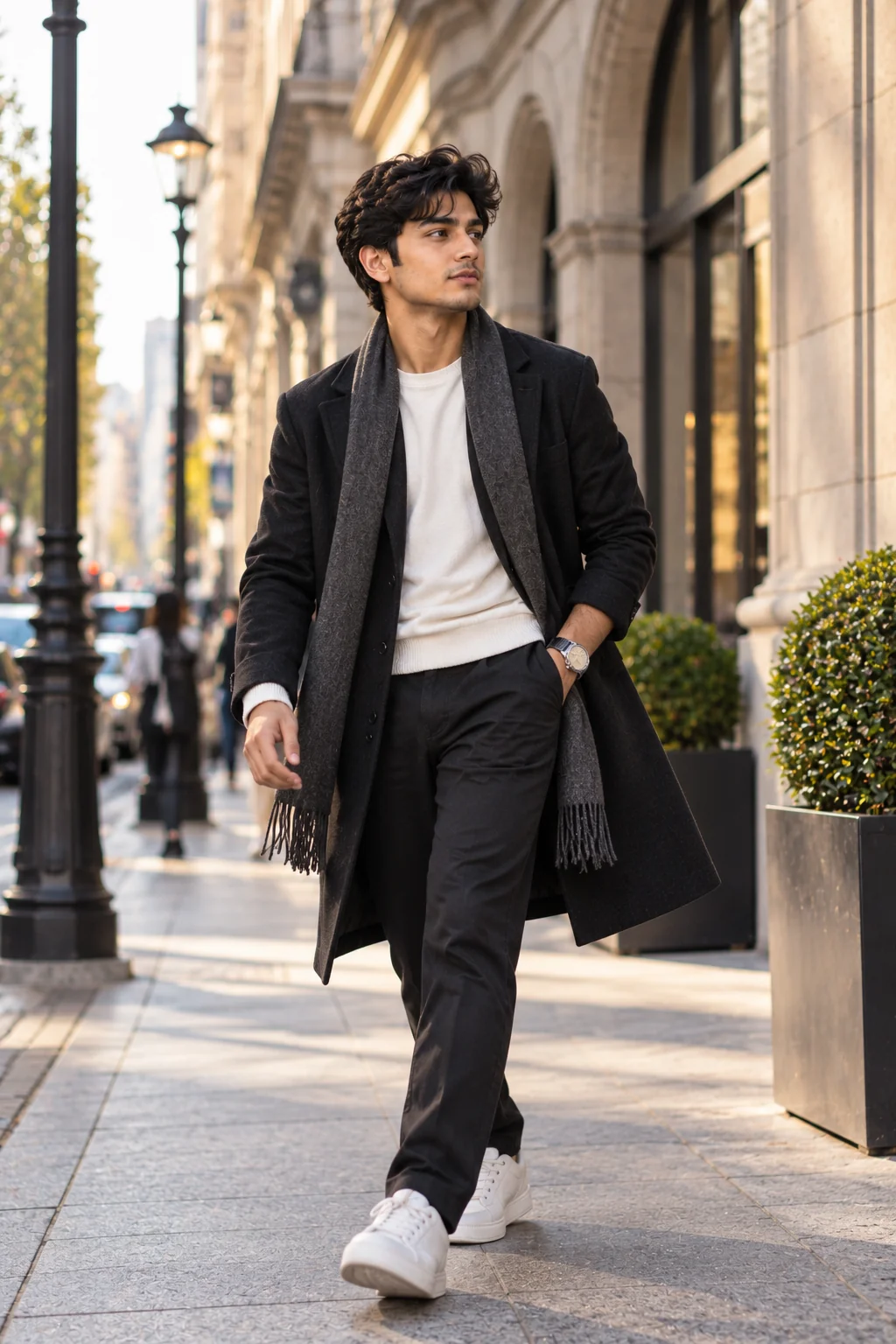
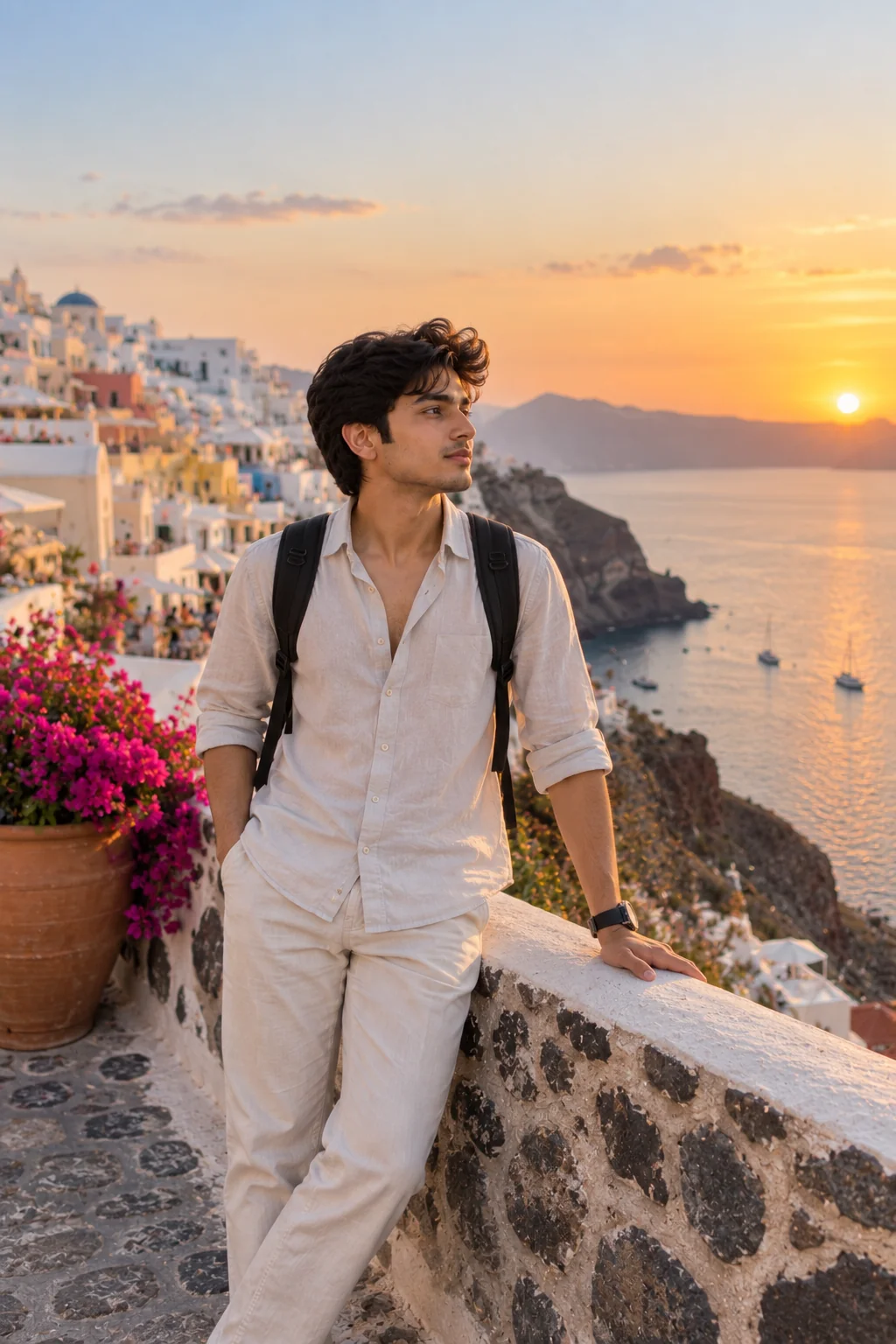
4. Dreamy Travel Escape — AI Prompt
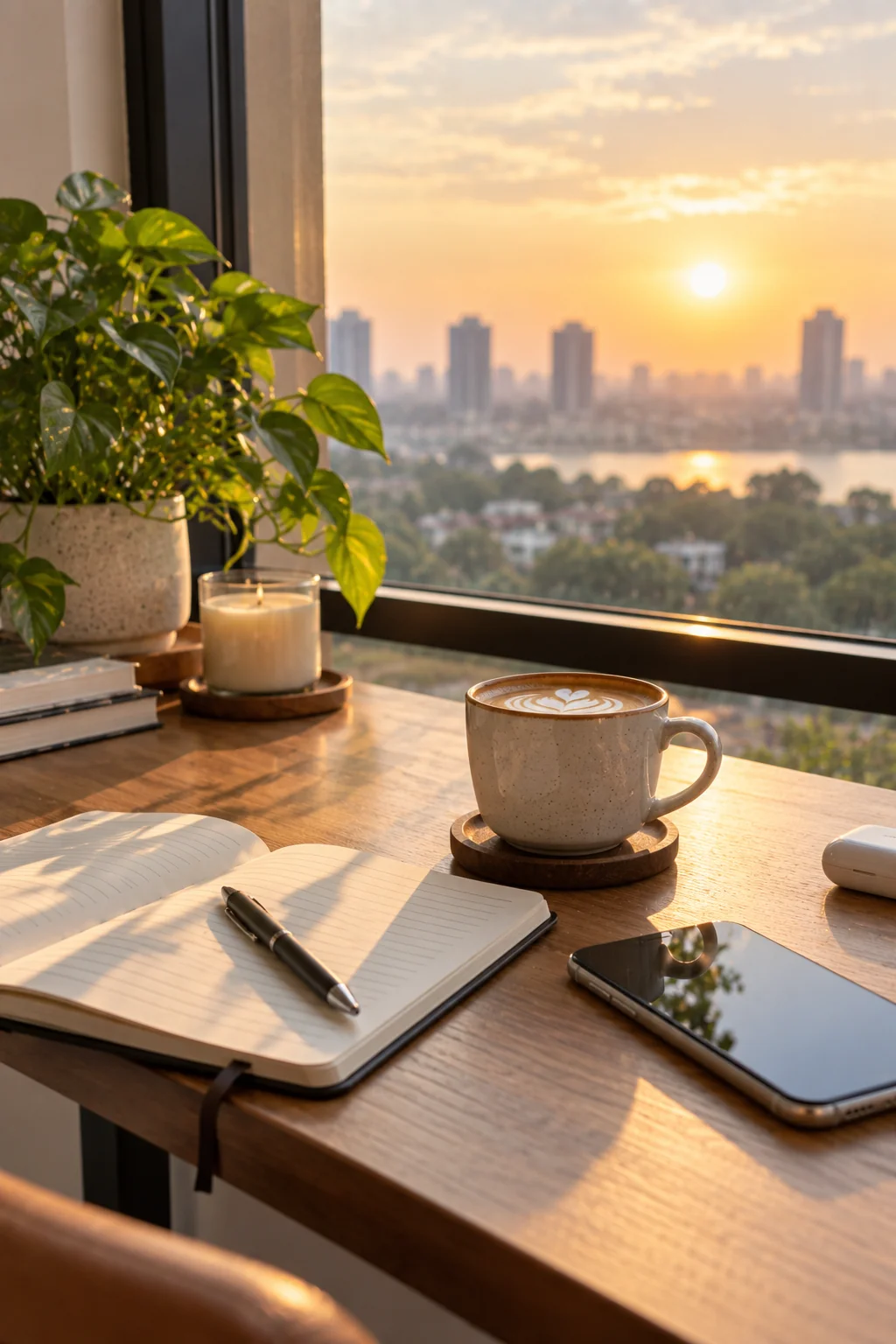
5. Minimalist Coffee & Lifestyle Aesthetic — AI Prompt
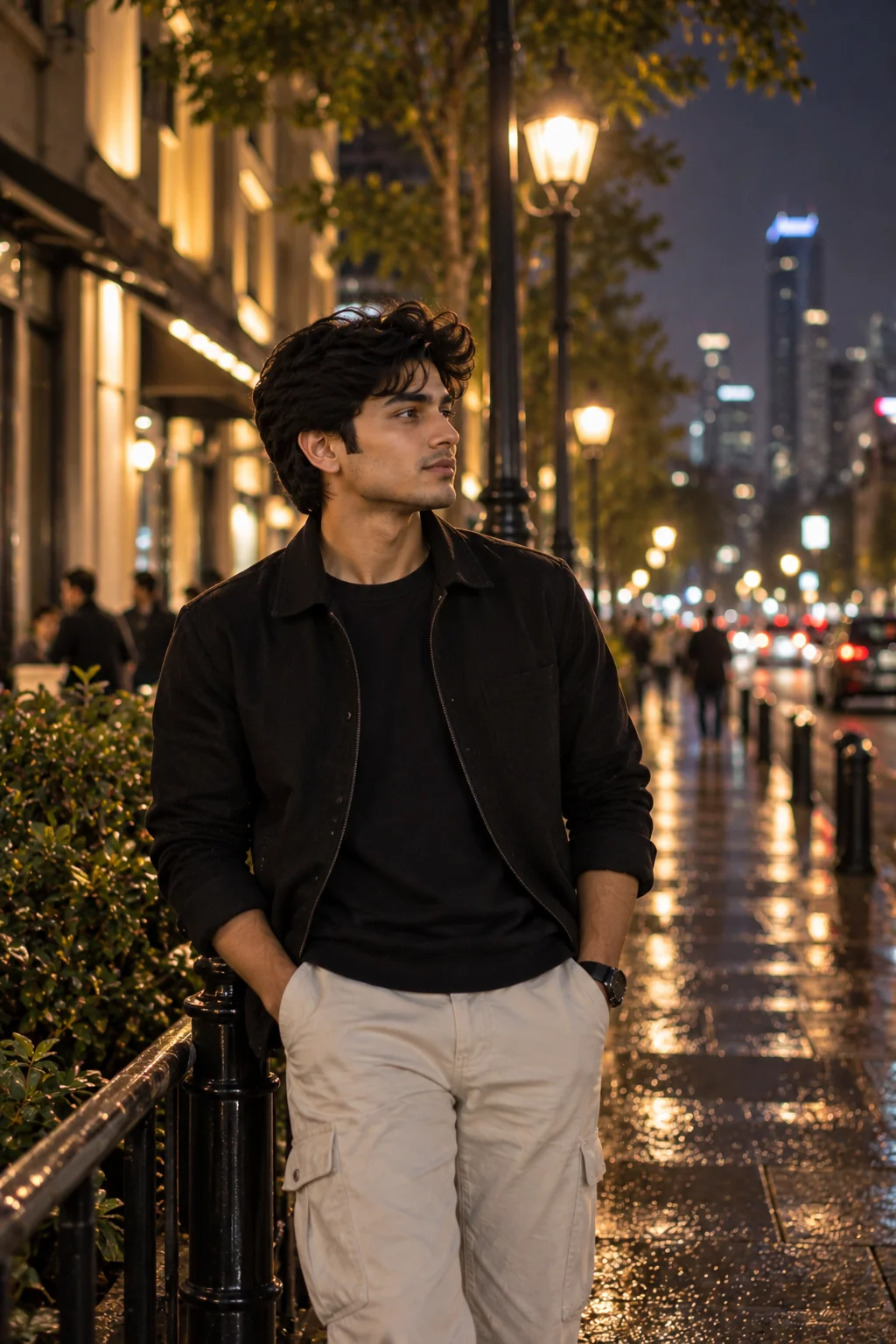
6. Cinematic Night Portrait — AI Prompt
7. Soft Pastel Beauty Portrait — AI Prompt
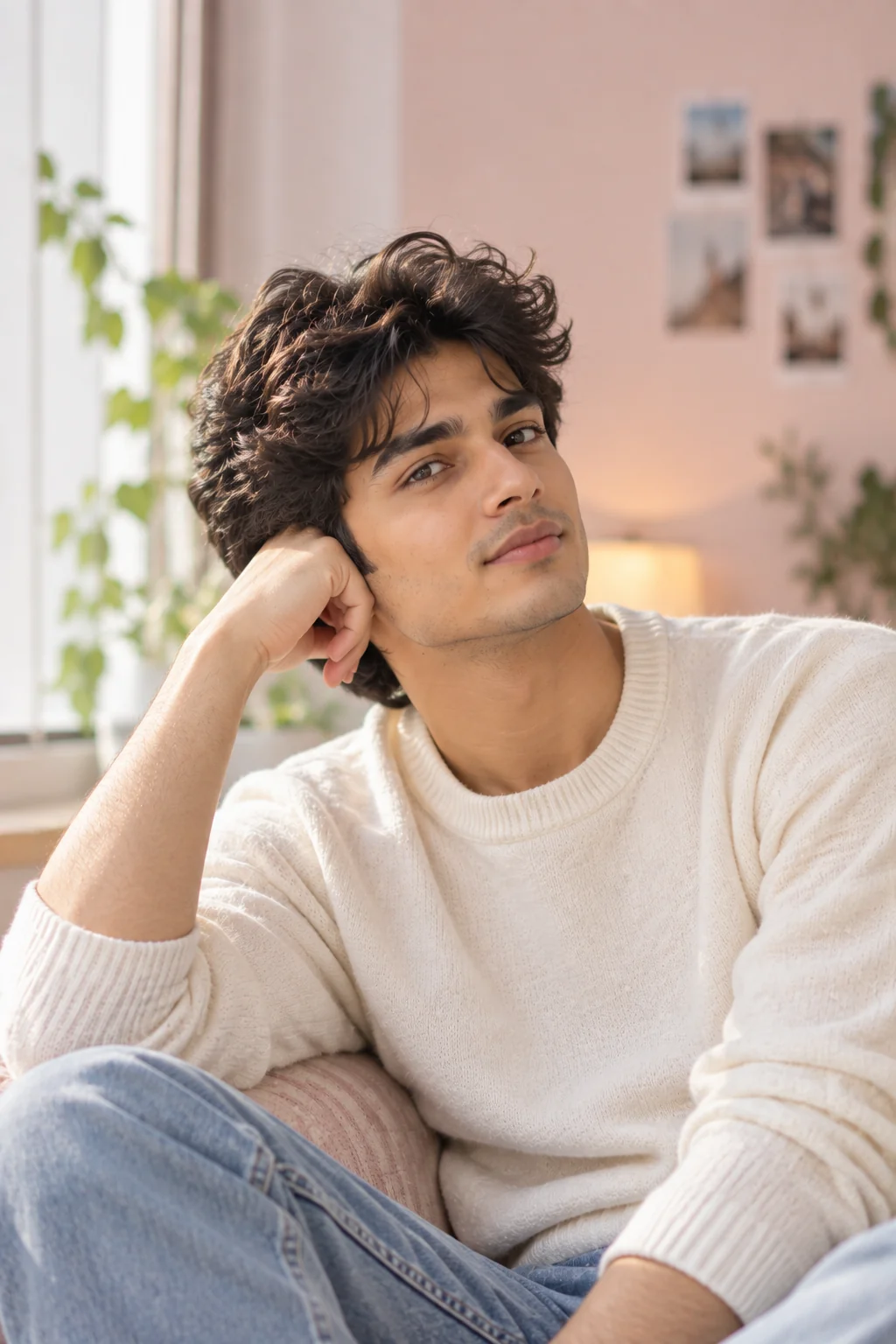
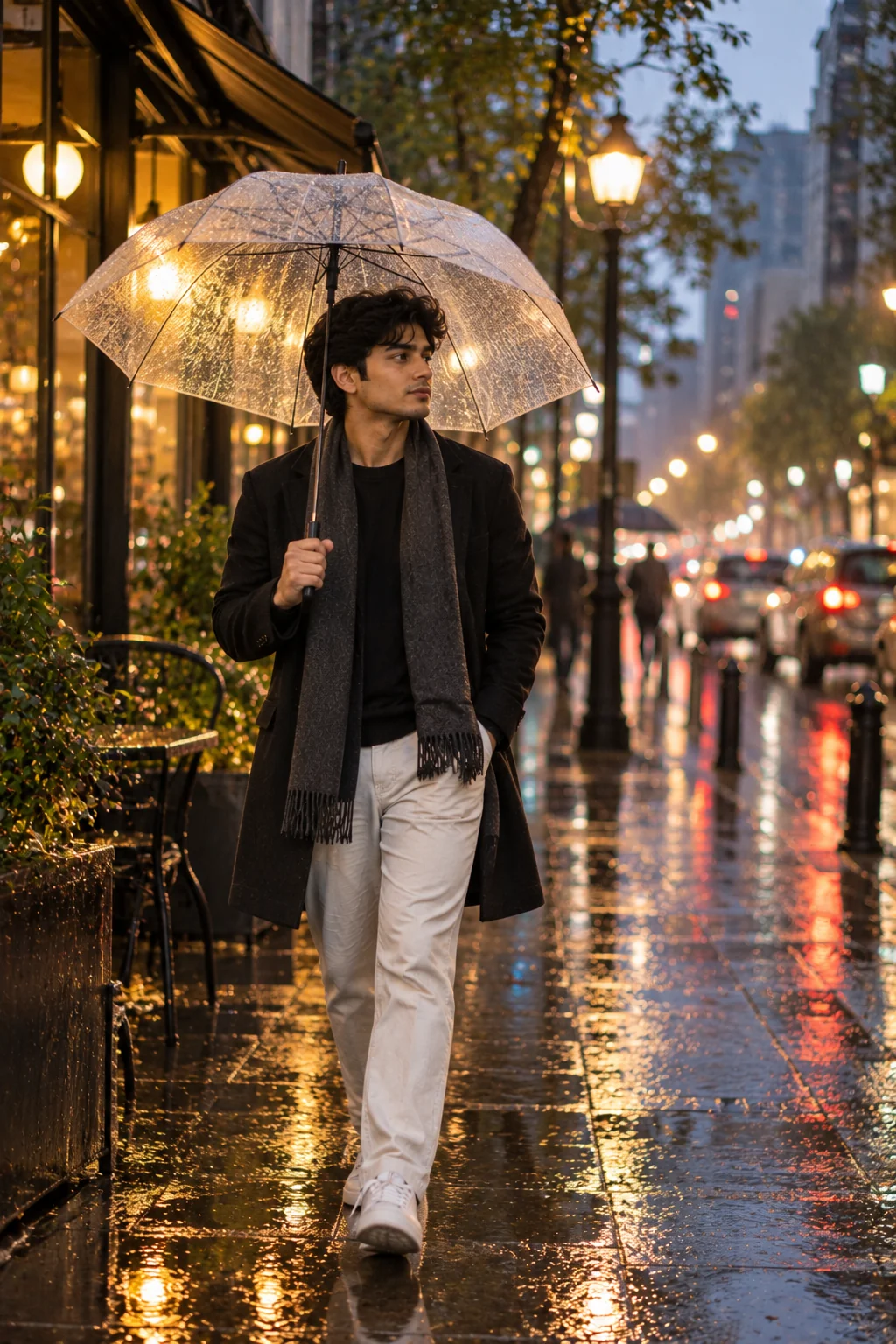
8. Rainy City Aesthetic — AI Prompt
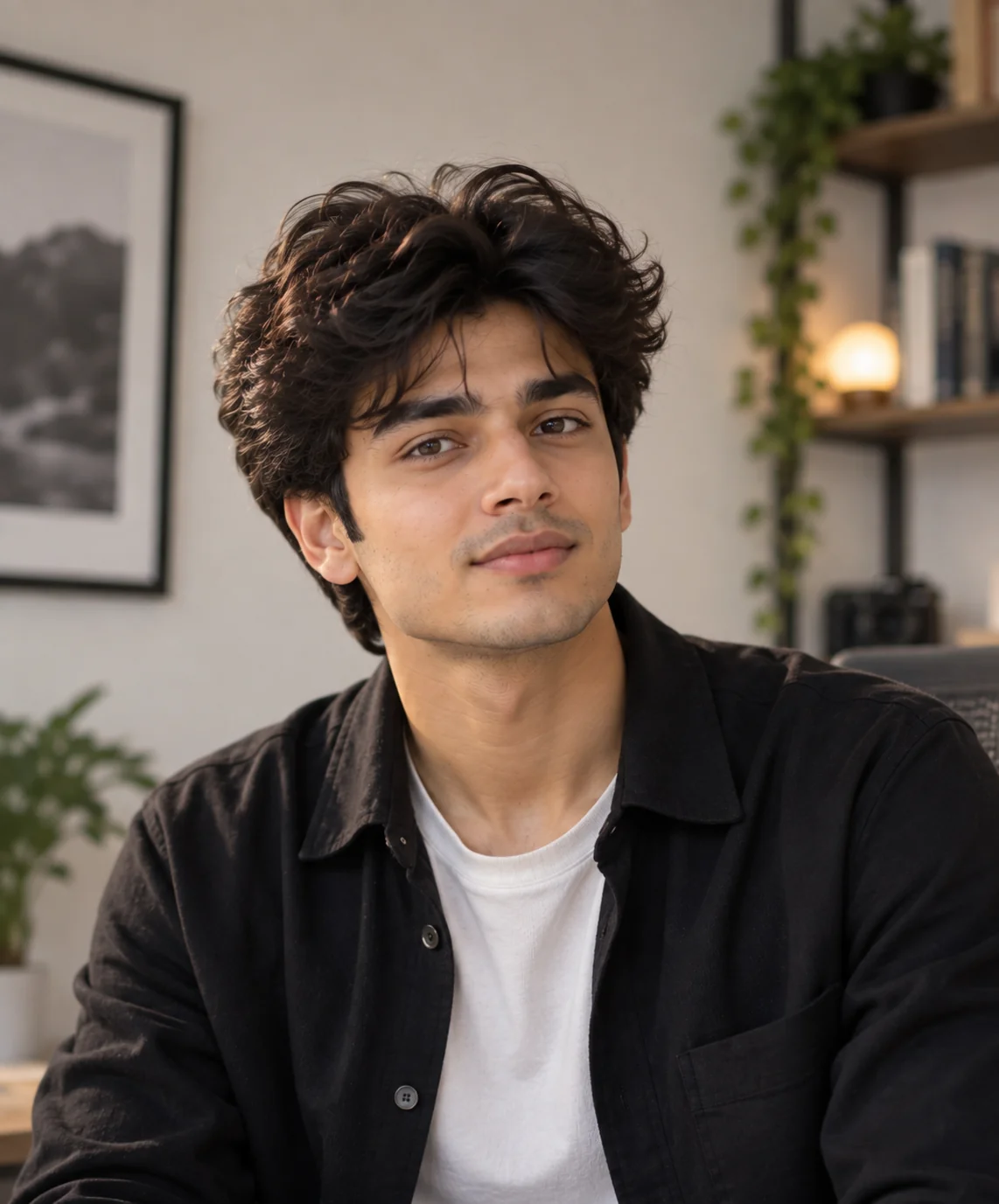
9. Clean Creator Profile Photo — AI Prompt
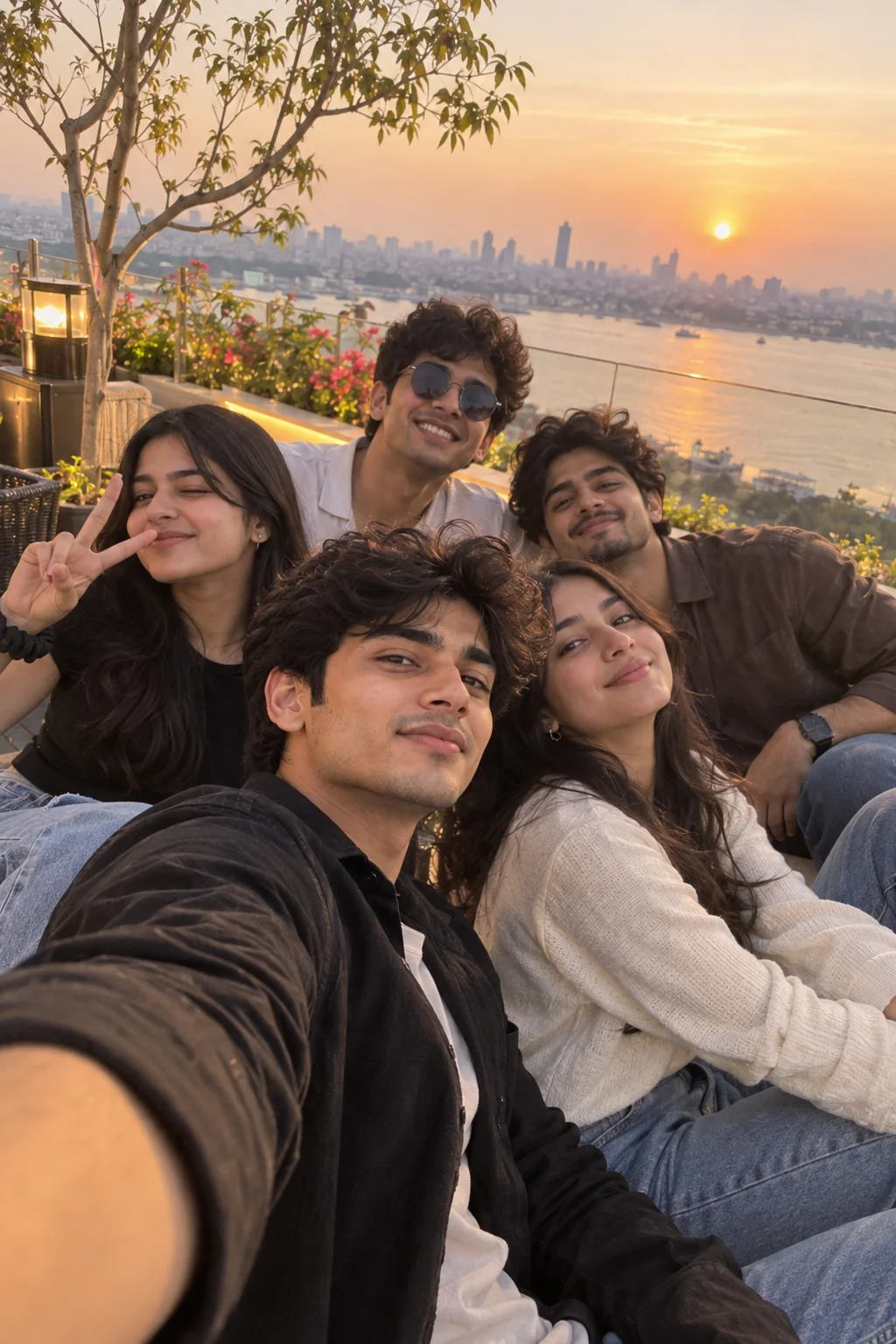
10. Viral-Style Weekend Snapshot — AI Prompt
The best AI-generated Instagram photos usually come from clear creative direction rather than simply adding more keywords. Start with one of these prompts, generate a first version, and then make small changes to the lighting, location, clothing, composition, color palette, or mood until the result matches your feed. If you are building a consistent personal brand, keep a few visual elements repeated across your images so your content feels recognizable without becoming repetitive. You can also adapt these prompts for different seasons, occasions, niches, and content formats instead of using them exactly as written every time. Most importantly, treat AI as a creative tool that helps you explore ideas—not as a replacement for your own taste and storytelling. With a clear concept and a few thoughtful revisions, even a simple prompt can become a distinctive social-media visual that feels intentional, polished, and useful to your audience.
Why These Prompts Work So Well
A strong AI image prompt gives the image generator enough visual direction to understand what should appear in the scene without unnecessarily restricting the creative process. These prompts combine subject, setting, composition, lighting, mood, photographic style, and practical constraints so you can get more consistent results and refine them efficiently.
Photography Direction
Each prompt describes the image as a photograph, including framing, perspective, lighting, depth, and visual context. This gives the generator a clearer idea of the type of image you want rather than relying on generic words such as beautiful or aesthetic.
Clear Creative Concept
Every prompt begins with a recognizable content idea such as an editorial portrait, travel scene, coffee setup, fashion photograph, or candid weekend moment. A clear concept helps keep the generated image visually coherent.
Visual Detail
The prompts include useful details such as realistic textures, natural expressions, environmental elements, shadows, reflections, and background separation. These details help create images that feel more grounded and visually complete.
Social-Friendly Composition
Vertical framing and intentional subject placement are included because Instagram content benefits from compositions designed for mobile viewing. You can still adapt the framing when creating images for Stories, Reels covers, profiles, or other platforms.
Easy Customization
The prompts are intentionally reusable. You can swap the location, outfit, season, colors, lighting, activity, or mood without rebuilding the entire prompt from scratch. Small, targeted revisions are often more effective than changing everything at once.
Frequently Asked Questions
What are AI image prompts for Instagram?
AI image prompts for Instagram are written instructions that describe the subject, setting, composition, lighting, style, mood, and other visual details an AI image generator should use to create a social-media-ready image. They can be used for portraits, fashion photos, travel scenes, lifestyle content, profile pictures, and creative posts.
How do I make AI-generated photos look more realistic?
Use specific visual descriptions instead of relying only on broad words such as realistic or beautiful. Describe natural lighting, realistic skin texture, believable materials, authentic expressions, environmental details, camera framing, and natural imperfections. If the first result is close but not quite right, make one or two targeted revisions rather than rewriting everything.
Can I use these prompts with different AI image generators?
Yes. These prompts are written as general natural-language instructions and can be adapted to many modern AI image-generation tools. Different generators interpret wording differently, so you may need to adjust the level of detail, image dimensions, reference-image instructions, or supported settings for the specific tool you use.
What aspect ratio should I use for Instagram photos?
For portrait-oriented Instagram feed content, a vertical composition is generally useful because it occupies more screen space on mobile devices. The exact output dimensions you choose can depend on the current Instagram format and the AI tool you are using. If you are creating a profile image, Story, Reel cover, or another format, choose the dimensions specifically intended for that placement.
How can I customize these Instagram AI prompts?
Start by changing the variables that matter most to your content: subject, clothing, location, season, color palette, lighting, mood, and composition. For example, you can turn the golden-hour lifestyle prompt into a beach scene, rooftop scene, or café scene while keeping the same photographic structure. Small changes make it easier to understand which instruction affects the result.
Can I use AI-generated images on my Instagram account?
You can generally use AI-generated images according to the terms and policies of the image-generation service you use and Instagram's applicable rules. Before publishing commercial or branded content, check the relevant tool's usage rights and Instagram's current policies. If an image depicts a real person or uses their likeness, make sure you have appropriate permission and avoid presenting synthetic content as an authentic photograph when that distinction could mislead viewers.

Jitendra Patra
AI Prompt Researcher & Software Engineering Student
Jitendra Patra is a software engineering student and AI prompt researcher specializing in Google Gemini and generative image models. He actively experiments with structured prompt engineering techniques to produce high-quality, reproducible visual outputs.
His work focuses on iterative prompt development, with attention to subject, lighting, composition, and visual style.
The prompts in this guide are developed with attention to structure, detail, and visual quality.