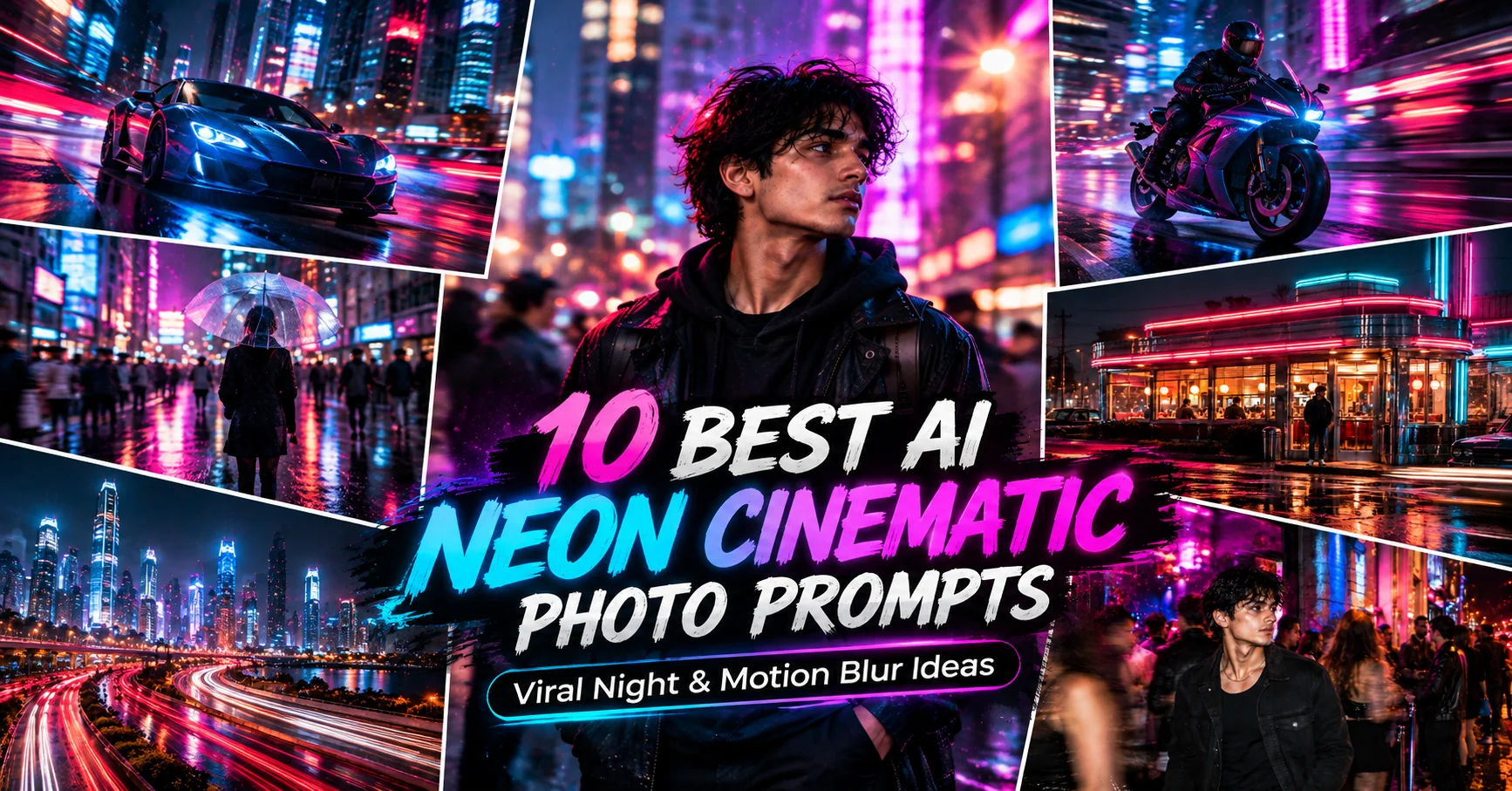
Neon lights, wet streets, moving cars, glowing signs, and controlled motion blur can turn an ordinary night scene into a cinematic photograph. That visual combination is especially useful for AI image generation because it gives an image model clear information about lighting, atmosphere, movement, depth, and composition. Instead of simply asking for a "cool neon photo," these prompts describe the scene like a photographer or creative director would: where the subject is, what is moving, how the light behaves, and what should remain realistic. This collection brings together 10 original AI neon cinematic photo prompts designed for dramatic portraits, urban streets, cars, rainy city scenes, nightlife, and experimental motion photography. You can use them with modern AI image generators and customize the subject, location, clothing, colors, camera perspective, and intensity of the blur to create your own visual style.
✔ Cinematic neon night photography with realistic lighting
✔ Motion-blur effects that communicate speed and movement
✔ Rainy streets, reflections, glowing signs, and urban atmosphere
✔ Portrait, street, automotive, and nightlife-inspired compositions
✔ Easy-to-customize prompts for different AI image generators
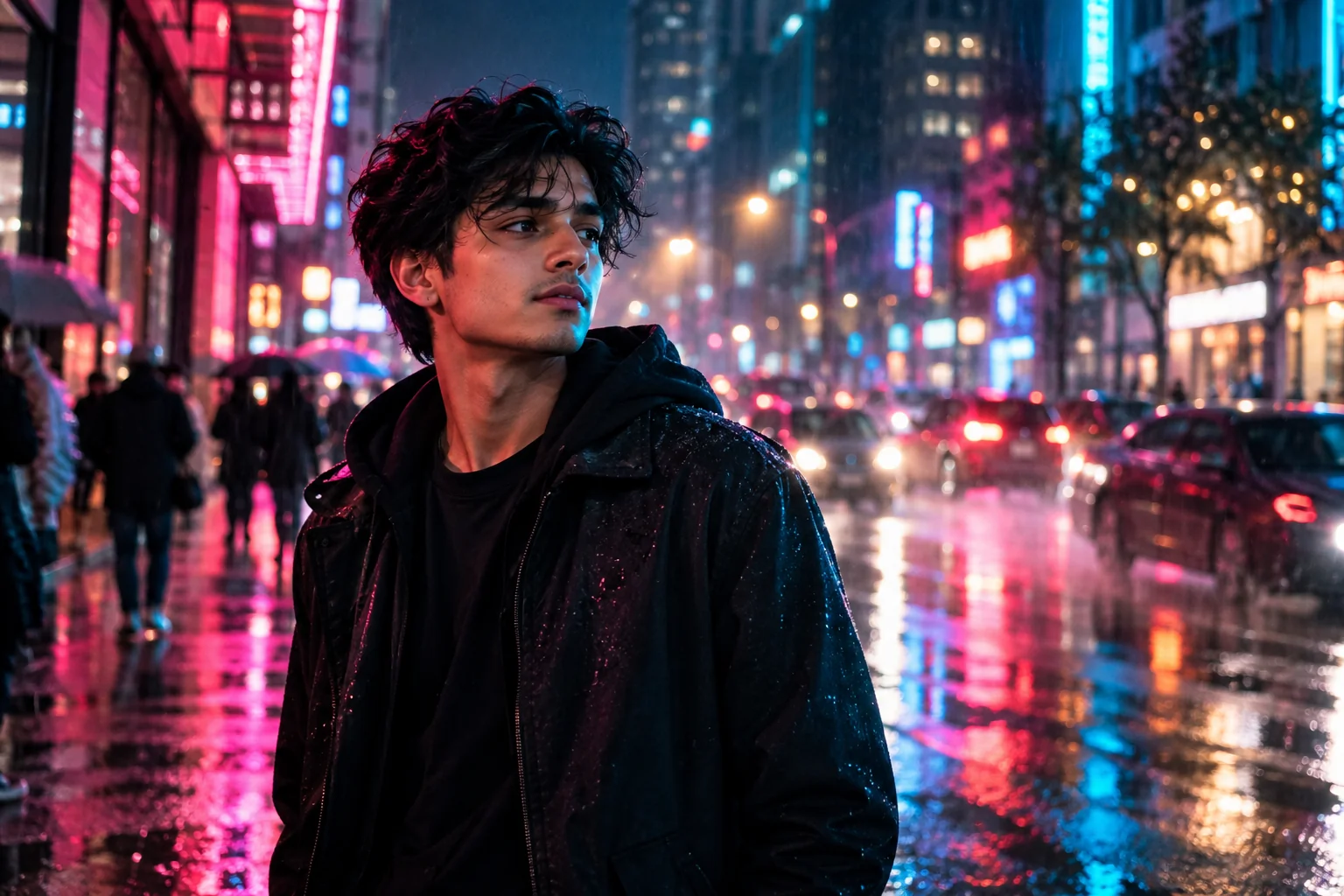
1. Neon Rain Street Portrait — AI Prompt
Prompt
Create a photorealistic cinematic night portrait of a stylish young adult standing on a rain-soaked downtown street after dark. Glowing cyan and magenta neon signs illuminate the face from opposite sides, while blurred headlights and taillights streak through the background as pedestrians move past. Wet pavement creates rich reflections of the neon colors, with subtle mist in the air and realistic skin texture. Medium close-up, eye-level perspective, shallow depth of field, natural facial detail, soft film grain, realistic low-light photography, strong separation between subject and background, authentic urban atmosphere, no text, no logos, no watermark.
Use this prompt for dramatic profile pictures, social media portraits, fashion photography, and atmospheric nighttime edits.
Tip: Replace the neon colors with electric blue and violet for a colder futuristic mood, or amber and red for a warmer street-film look.
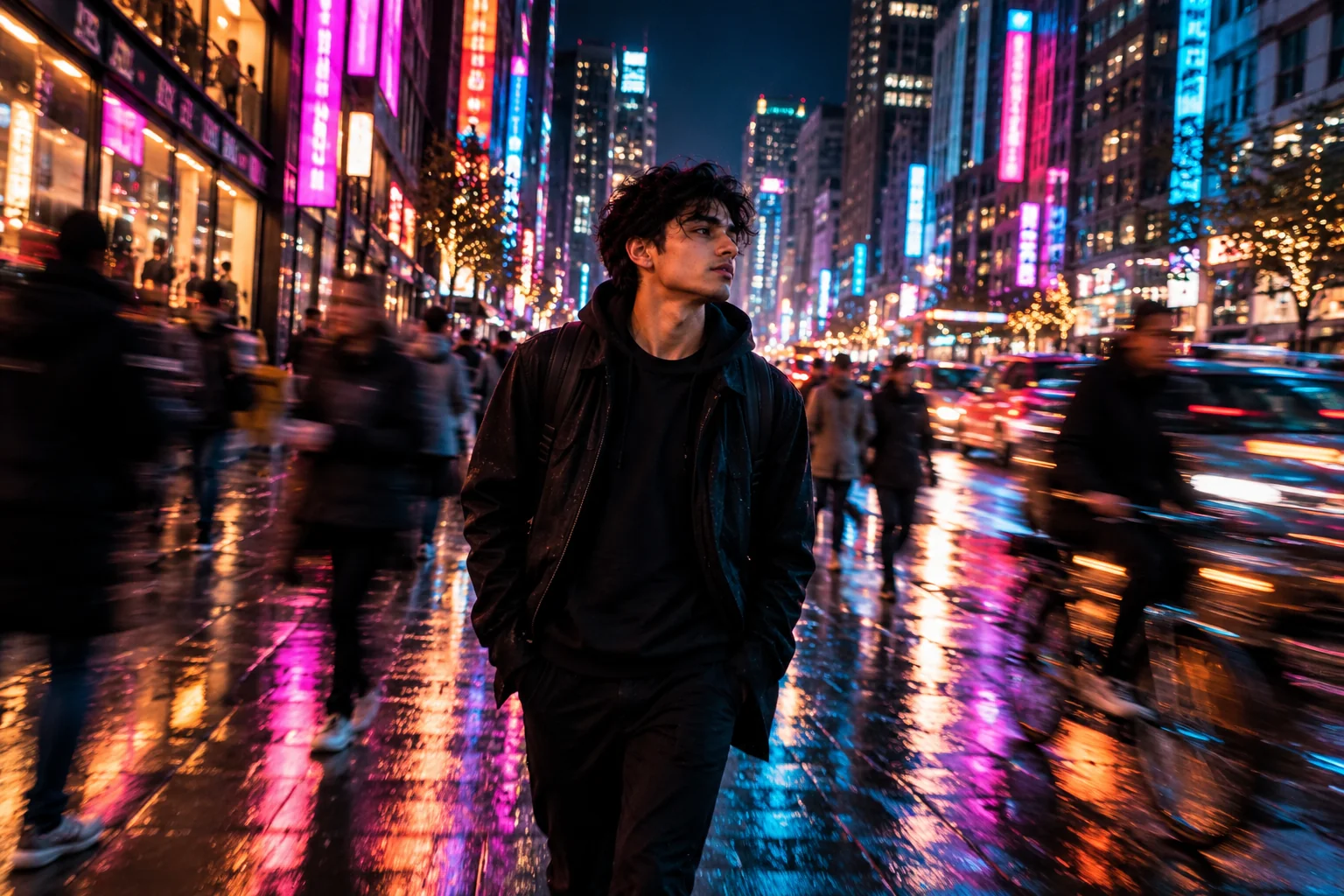
2. Neon Motion Blur City Walk — AI Prompt
Prompt
Generate a photorealistic cinematic photograph of a person walking alone through a busy neon-lit city at night. Keep the person relatively sharp while the surrounding pedestrians, passing bicycles, and distant vehicles create controlled horizontal motion blur, making the scene feel energetic and alive. Tall buildings disappear into a dark atmospheric background filled with glowing storefronts and colorful signs. Wet pavement reflects cyan, purple, pink, and warm orange light. Street-level perspective, 35mm documentary photography feel, shallow depth of field, realistic shadows, subtle film grain, natural imperfections, cinematic contrast, believable nighttime exposure, no artificial-looking skin, no logos or watermark.
Ideal for creating viral-looking urban lifestyle images where the subject appears still while the city moves around them.
Tip: Increase the blur around the edges while keeping the face sharp if you want a stronger sense of movement without losing subject identity.
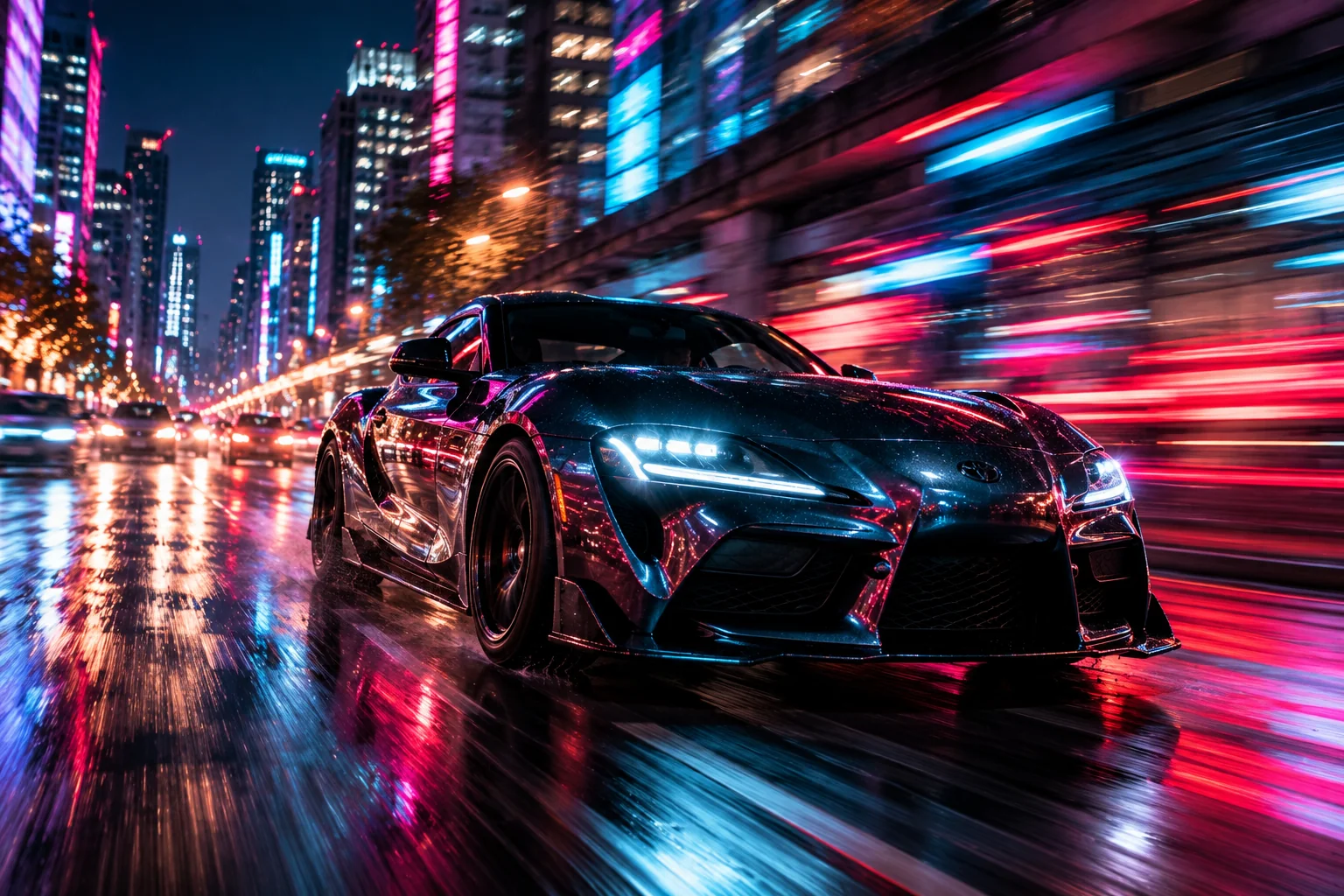
3. Neon Sports Car Speed Shot — AI Prompt
Prompt
Create a highly realistic cinematic night photograph of a sleek modern sports car accelerating through a neon-lit downtown street. The car remains crisp and detailed while the surrounding architecture, road markings, and colored lights stretch into directional motion trails that communicate high speed. Rain has recently fallen, creating glossy reflections beneath the vehicle. Cyan, electric blue, magenta, and red neon lights bounce naturally across the bodywork. Low three-quarter camera angle, realistic automotive photography, shallow depth of field, dramatic but believable exposure, detailed reflections, subtle atmospheric haze, natural lens characteristics, cinematic color grading, photorealistic materials, no text, no logos, no watermark.
Use this for automotive concept images, cinematic car visuals, social posts, wallpapers, and futuristic street photography.
Tip: Change the camera position to a low front angle for a more aggressive look or a rear tracking angle to emphasize speed.
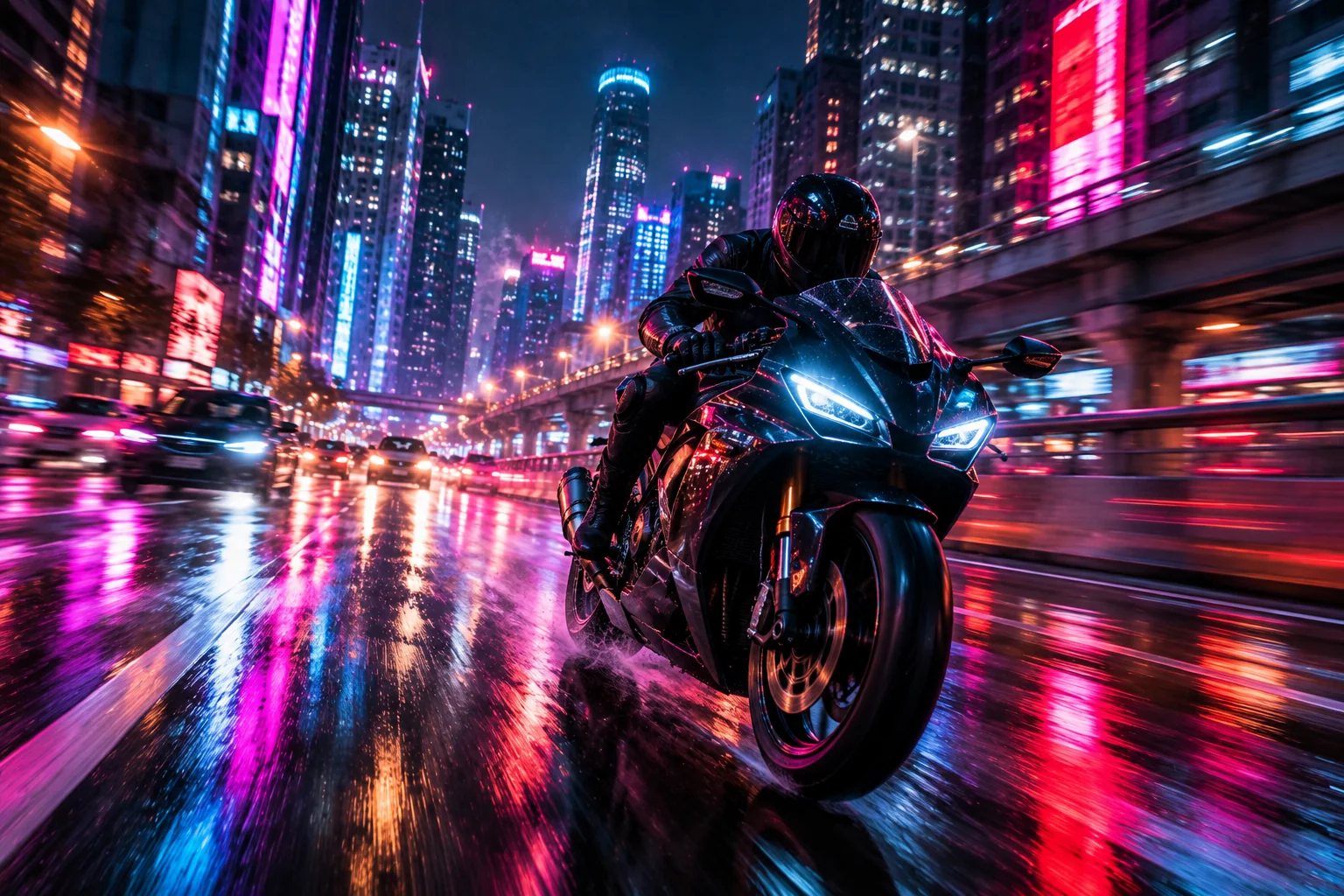
4. Midnight Neon Motorcycle Ride — AI Prompt
Prompt
Generate a photorealistic cinematic photograph of a motorcycle rider traveling through a futuristic downtown district at midnight. The rider and motorcycle are sharply defined while the surrounding neon signs, streetlights, and passing vehicles create natural directional motion blur. The road is wet from recent rain, reflecting vivid cyan, violet, crimson, and pink lights across the asphalt. Light mist hangs between tall buildings, creating depth without hiding important details. Dynamic low-angle tracking composition, realistic motorcycle materials, authentic reflections, subtle film grain, shallow depth of field, dramatic nighttime exposure, believable shadows and highlights, premium automotive editorial photography, no extra text, no logos, no watermark.
Great for high-energy transportation scenes, futuristic street photography, wallpapers, and cinematic social media visuals.
Tip: Add a specific city-inspired environment such as a dense downtown avenue, underground parking district, or elevated city road.
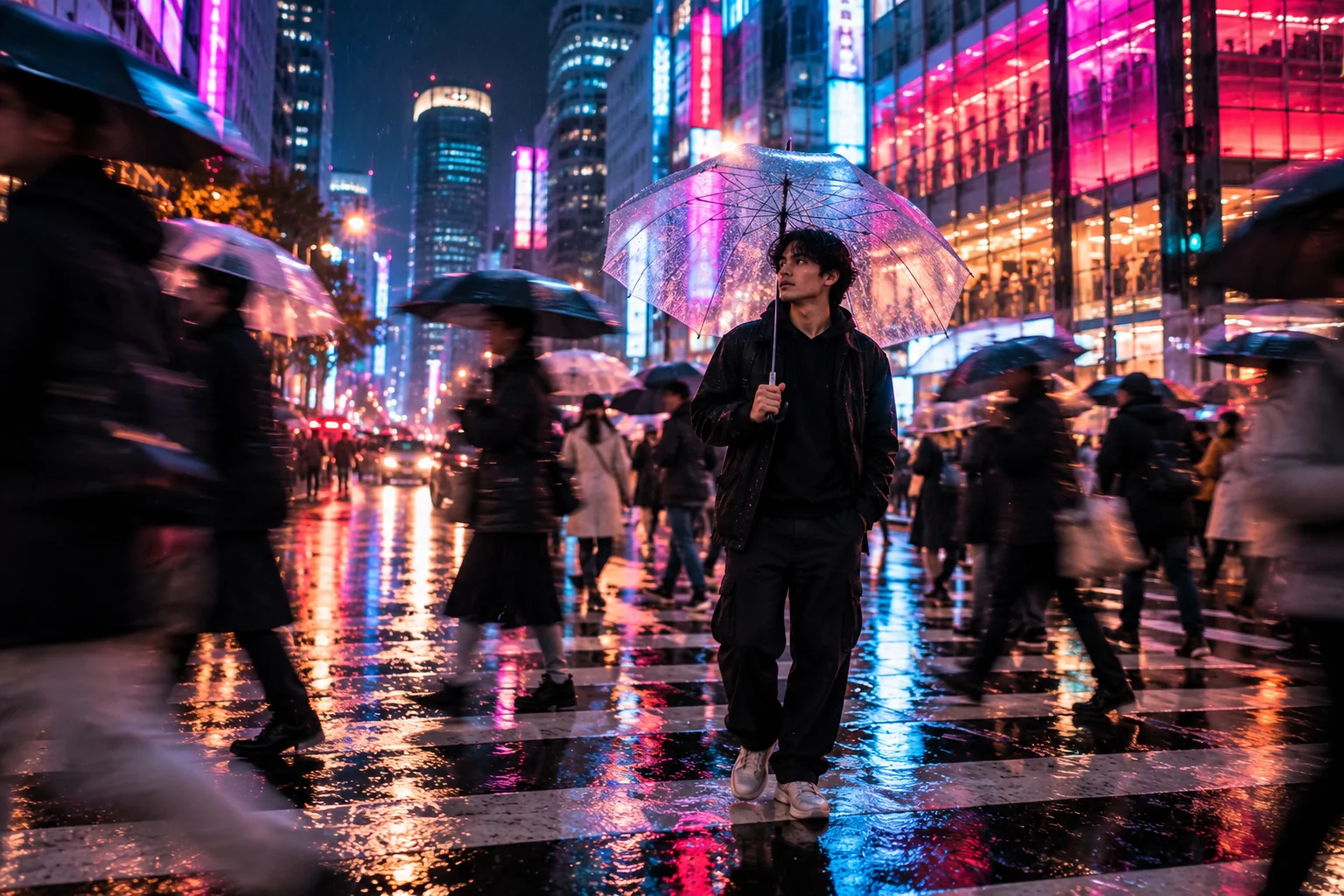
5. Rainy Neon Crosswalk Scene — AI Prompt
Prompt
Create a realistic cinematic street photograph of a busy urban crosswalk at night during a light rainstorm. A central person stands momentarily still beneath a transparent umbrella while surrounding pedestrians move through the frame, producing soft natural motion blur. Giant neon storefronts and traffic lights glow through the rain, reflecting across puddles and wet crosswalk lines. Use a slightly low street-level viewpoint, realistic nighttime exposure, atmospheric depth, soft highlights, subtle lens flare, authentic wet surfaces, detailed clothing textures, natural skin tones, documentary-style realism, gentle film grain, cinematic color separation between cool and warm lights, no text, no logos, no watermark.
Use this when you want a cinematic city image that feels like a real moment captured by a street photographer.
Tip: Add "light drizzle" for subtle atmosphere or "heavy rain with visible droplets" for a more dramatic weather effect.
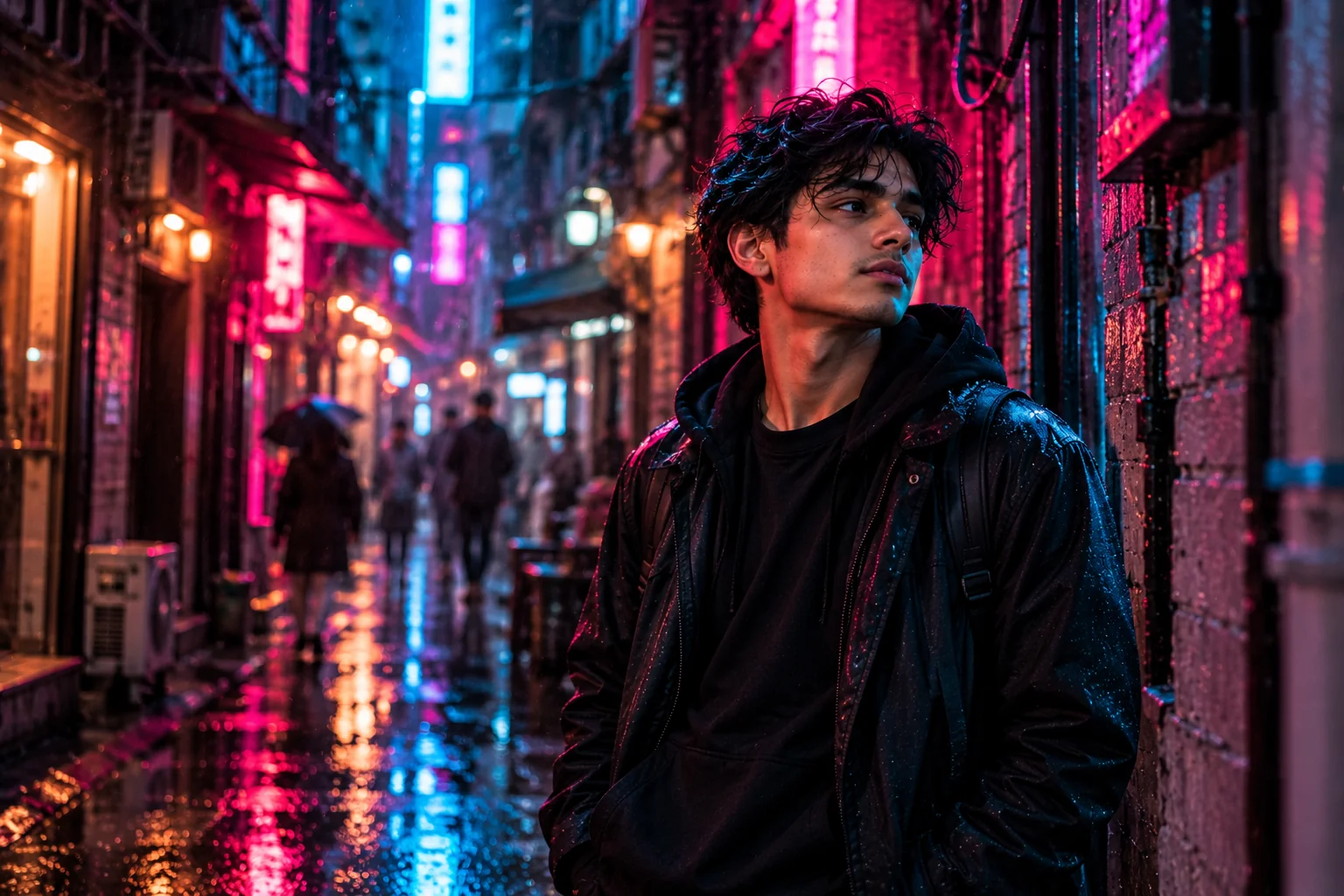
6. Cyberpunk Neon Alley Portrait — AI Prompt
Prompt
Create a photorealistic cinematic portrait of a person standing in a narrow urban alley illuminated by layered neon lights. Glowing signs, small storefronts, cables, wet brick walls, and puddles create a dense nighttime environment. Use cyan rim light along one side of the subject and deep magenta light from the opposite direction while maintaining realistic skin tones and facial texture. A few distant pedestrians create soft motion blur in the background, adding depth without distracting from the subject. Close-up portrait composition, 50mm photographic look, shallow depth of field, realistic pores and hair detail, atmospheric haze, subtle film grain, controlled highlights, natural shadows, sophisticated cinematic color grading, no text, logos, or watermark.
Perfect for futuristic portraits, cyberpunk-inspired photography, profile images, and atmospheric character concepts.
Tip: Keep the environment realistic if you want a photography aesthetic; use more exaggerated architecture and holographic elements for a stronger futuristic effect.
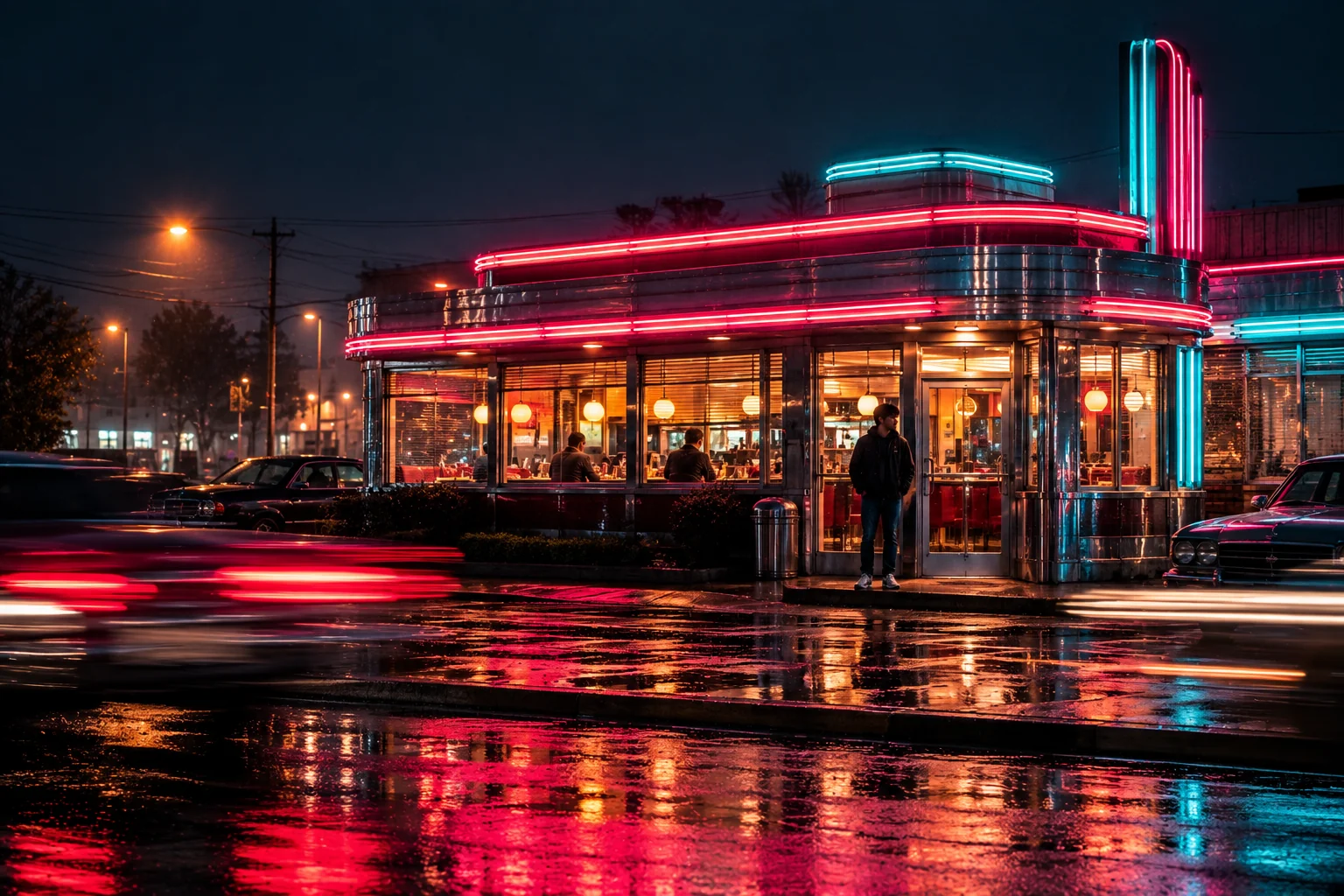
7. Neon Diner Night Photography — AI Prompt
Prompt
Generate a photorealistic cinematic photograph of a classic American roadside diner at night, glowing with vintage red, pink, and turquoise neon lights. Through the large windows, a few people sit at the counter while a lone person stands outside near the entrance. Passing cars create soft horizontal light trails across the foreground, while the wet parking lot reflects the neon sign and interior lights. Capture the scene from across the street like an authentic nighttime film photograph, with realistic architecture, believable reflections, subtle grain, natural imperfections, atmospheric darkness, balanced highlights, and rich but controlled colors. No readable brand names, no logos, no watermark.
Use this prompt for nostalgic American night photography, cinematic storytelling, retro-inspired visuals, and atmospheric backgrounds.
Tip: Add "late 1980s film photography" for a nostalgic analog appearance or keep the scene contemporary for a modern editorial look.
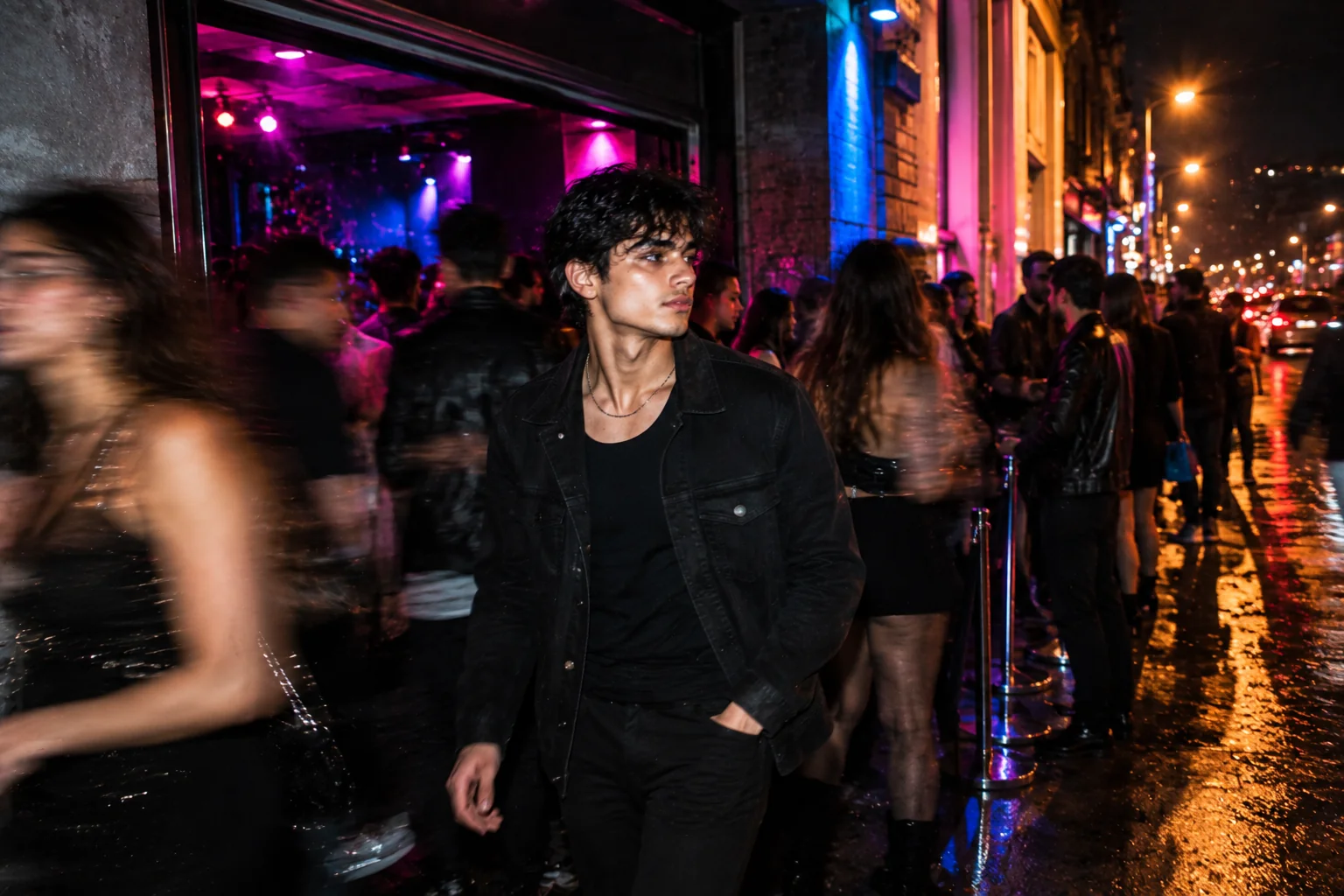
8. Neon Club Exit — Cinematic Flash & Motion Blur
Prompt
Create a realistic nightlife photograph of a stylish person leaving a crowded underground music club at night. A direct on-camera flash freezes the subject's face and clothing while people moving around them create imperfect motion blur and ghosted silhouettes. Neon pink, blue, and purple lights spill from the club entrance onto the sidewalk, mixing with warm streetlights. The image should feel like an authentic candid nightlife photograph rather than a polished studio shoot. Use realistic skin texture, slightly imperfect framing, natural clothing detail, shallow depth of field, subtle digital noise, atmospheric haze, believable highlights, energetic composition, cinematic contrast, no text, logos, or watermark.
Best for nightlife aesthetics, fashion-editorial concepts, candid portraits, and social-media photography with a spontaneous feel.
Tip: Ask for stronger flash falloff and heavier background blur if you want the image to feel more like a real handheld nightlife photograph.
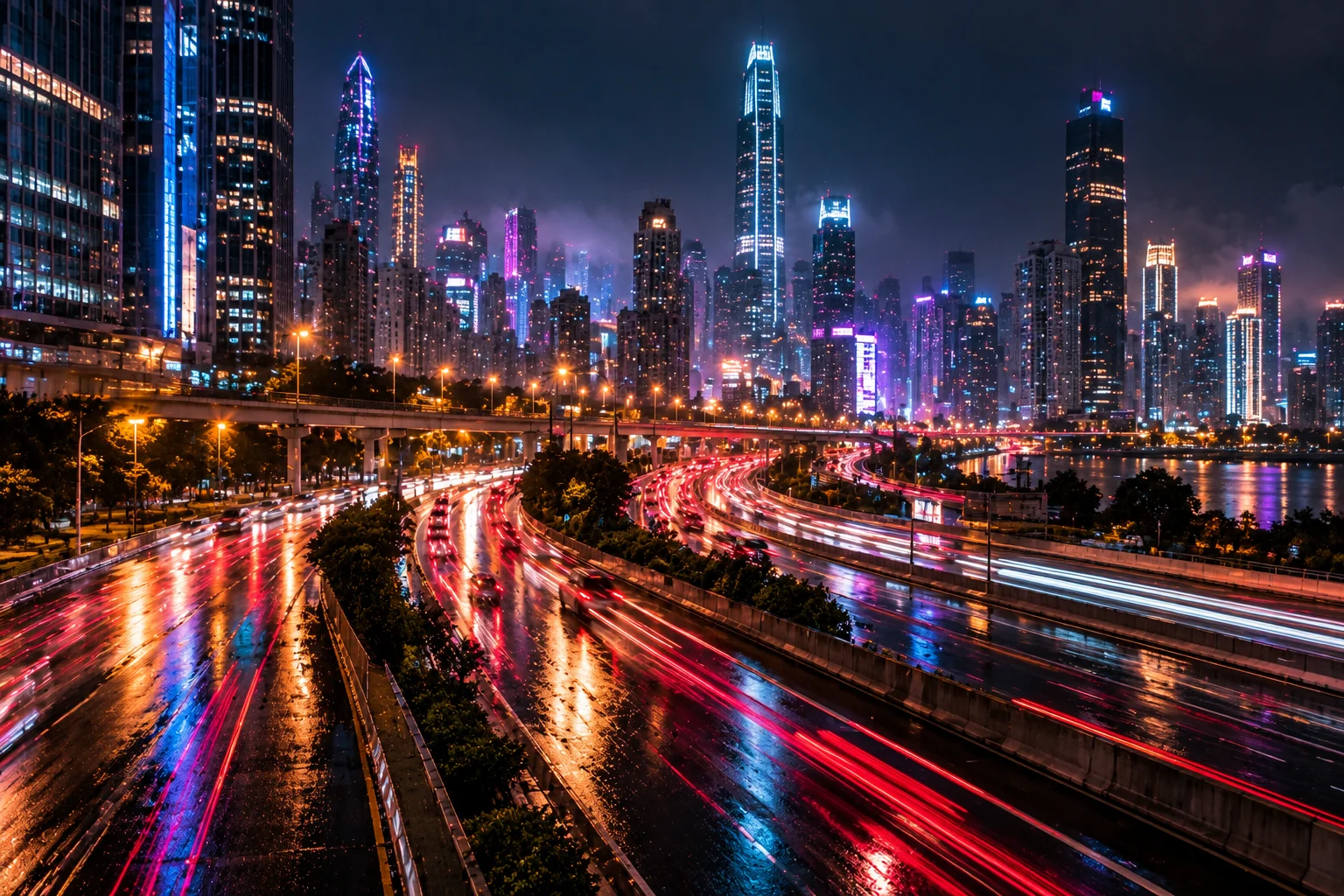
9. Neon Highway Light Trails — AI Prompt
Prompt
Create a photorealistic cinematic long-exposure photograph of a modern city highway at night surrounded by illuminated skyscrapers. Multiple vehicles travel through the frame, producing elegant red and white light trails that curve naturally along the road. Distant buildings glow with cyan, violet, and warm amber lights, while a thin layer of atmospheric haze creates depth between the highway and skyline. The road surface is slightly wet and reflects the moving lights. Wide cinematic composition, realistic urban architecture, controlled highlights, believable exposure, subtle film grain, sophisticated night photography, detailed reflections, natural perspective, dramatic but physically plausible lighting, no text, no logos, no watermark.
Use this for city wallpapers, travel-inspired visuals, futuristic urban scenes, website hero images, and cinematic backgrounds.
Tip: Try a high elevated viewpoint for a sweeping cityscape or a low roadside viewpoint for stronger speed and immersion.
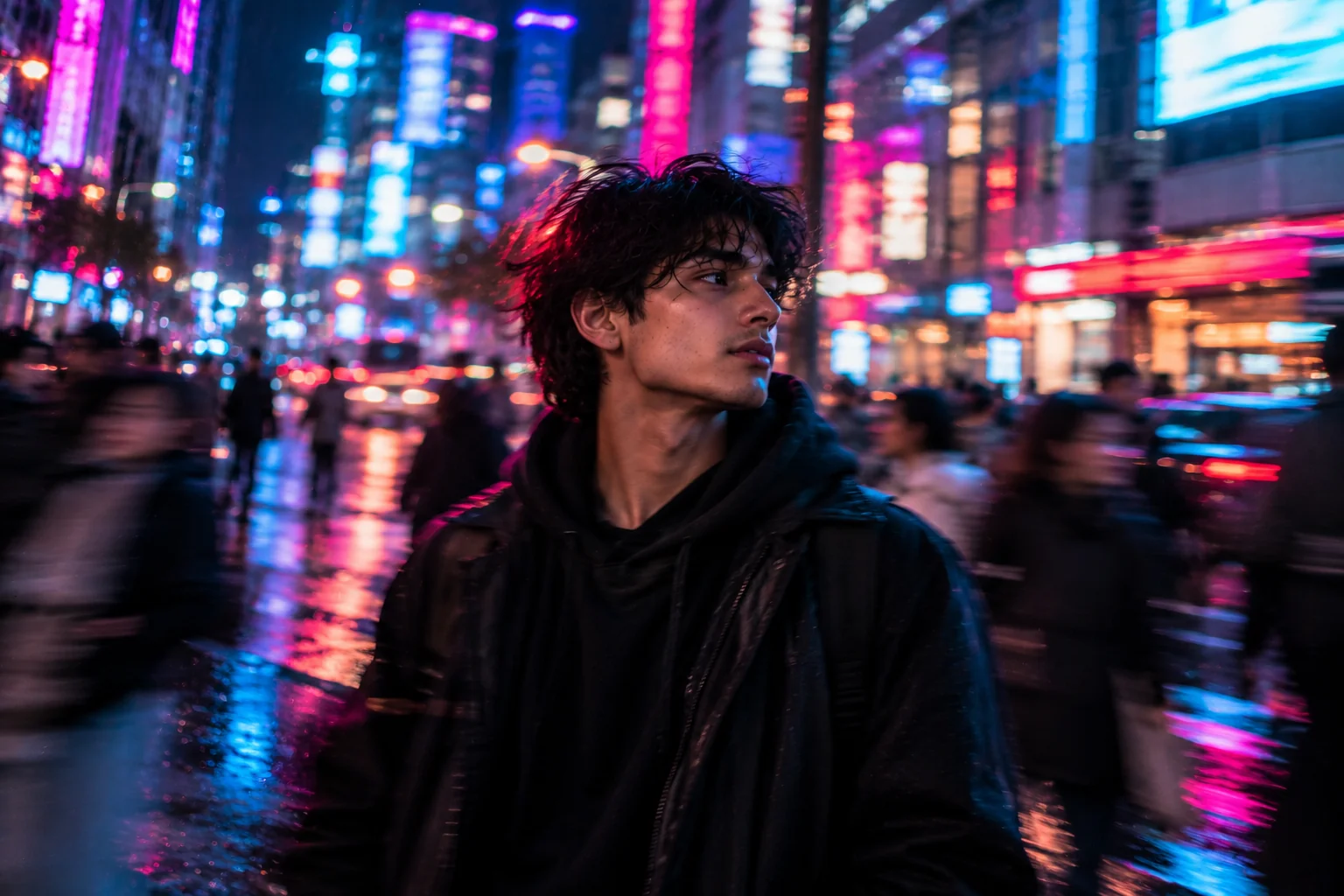
10. Dreamy Neon Motion Portrait — AI Prompt
Prompt
Generate a photorealistic cinematic night portrait of a person standing under glowing neon lights in a crowded downtown environment. Keep the person's eyes and central facial features relatively sharp while introducing controlled motion blur around the hair, clothing edges, passing pedestrians, and distant lights, creating a dreamy sense of movement. Use layered cyan, electric blue, pink, and violet illumination with soft highlights on the face and realistic skin texture. The background should dissolve into colorful bokeh with occasional light streaks and subtle atmospheric haze. Eye-level portrait, 50mm photographic look, shallow depth of field, realistic low-light detail, subtle film grain, natural imperfections, cinematic contrast, sophisticated color balance, no excessive sharpening, no text, no logos, no watermark.
Ideal for artistic profile photos, dreamy social media visuals, music-inspired imagery, fashion concepts, and cinematic personal branding.
Tip: For a more emotional image, add a specific expression such as "quietly reflective" or "confident and contemplative" while keeping the facial features natural.
Neon cinematic photography works because it combines several visual signals that AI image generators can understand clearly: a defined subject, controlled lighting, movement, color contrast, depth, and a believable environment. The prompts above are designed as starting points rather than rigid formulas, so feel free to replace the subject, location, clothing, weather, colors, camera perspective, and motion intensity. For more consistent results, change one or two variables at a time instead of rewriting the entire prompt with every generation. If the first result looks too artificial, ask for realistic textures, natural exposure, subtle imperfections, and believable reflections. If the motion blur becomes overwhelming, explicitly tell the image generator to keep the main subject sharp while limiting blur to the background and moving elements. With a few targeted revisions, these neon night prompts can become a flexible toolkit for creating portraits, street photography, automotive scenes, nightlife visuals, wallpapers, and other cinematic AI images.
Why These Prompts Work So Well
Strong AI photography prompts work best when they describe visible elements rather than relying only on broad aesthetic words. These neon prompts combine subject, composition, environment, lighting, movement, and realism cues so the image generator has a clearer visual target. This approach also makes the prompts easier to customize because individual elements can be changed without rebuilding the entire concept.
Photography-First Details
The prompts use framing, perspective, depth of field, exposure, lens-style cues, film grain, and realistic textures to communicate the look of a photograph rather than a generic digital illustration.
Controlled Neon Lighting
Cyan, magenta, violet, red, blue, and warm practical lights are positioned within specific scenes so the neon color becomes part of the lighting rather than an arbitrary color overlay.
Clear Subject Focus
Several prompts explicitly separate the main subject from moving background elements, helping create images where the viewer's attention remains on the intended person, vehicle, or scene.
Intentional Motion Blur
Motion blur is described as an effect caused by moving pedestrians, cars, lights, or camera movement. This gives the image a sense of speed while preserving important details.
Easy Customization
Every prompt can be adapted by changing colors, locations, subjects, weather, camera perspective, clothing, or blur intensity without losing the underlying cinematic composition.
Frequently Asked Questions
What are AI neon cinematic photo prompts?
AI neon cinematic photo prompts are detailed instructions for generating images with glowing neon lighting, nighttime environments, cinematic composition, realistic photography, and effects such as motion blur, reflections, bokeh, or light trails.
How do I make AI neon photos look realistic?
Describe the scene as a real photograph and include specific details such as realistic skin texture, believable reflections, natural shadows, controlled exposure, shallow depth of field, subtle film grain, and authentic environmental imperfections. Clear descriptions of lighting and composition can also make the result more consistent.
How do I create motion blur with an AI image prompt?
Describe exactly what is moving and what should remain sharp. For example, keep the main subject relatively crisp while asking for pedestrians, vehicles, lights, or background architecture to produce directional motion blur. This is generally more controllable than simply writing "add motion blur."
What colors work well for neon cinematic photography?
Cyan, electric blue, magenta, violet, red, pink, and warm amber are useful combinations for nighttime scenes. Cool colors can create a futuristic atmosphere, while warm red, orange, and amber accents can add contrast and a more nostalgic street-photography feel.
Can I use these prompts with different AI image generators?
Yes. The prompts are written as descriptive natural-language instructions, so they can be adapted for many modern image-generation systems. Some generators interpret camera terminology, aspect ratios, negative instructions, and stylistic keywords differently, so small adjustments may be necessary.
How can I improve an AI neon image after the first generation?
Make targeted revisions instead of changing everything at once. You can ask for brighter neon reflections, less motion blur, sharper facial details, more realistic skin texture, darker shadows, a different camera angle, or a more subtle color grade. Iterative edits make it easier to identify which instruction improves the result.
About the Author
Jitendra Patra
AI Prompt Researcher & Software Engineering Student
✦ Prompt Engineering Research✦ Gemini & Generative AI Focus❖ Prompt Development & Research
Jitendra Patra is a software engineering student and AI prompt researcher specializing in Google Gemini and generative image models. He actively experiments with structured prompt engineering techniques to produce high-quality, reproducible visual outputs.
His work focuses on iterative prompt development, with attention to subject, lighting, composition, and visual style.
The prompts in this guide are developed with attention to structure, detail, and visual quality.