10 AI Photo Prompts for Realistic Cinematic Portraits
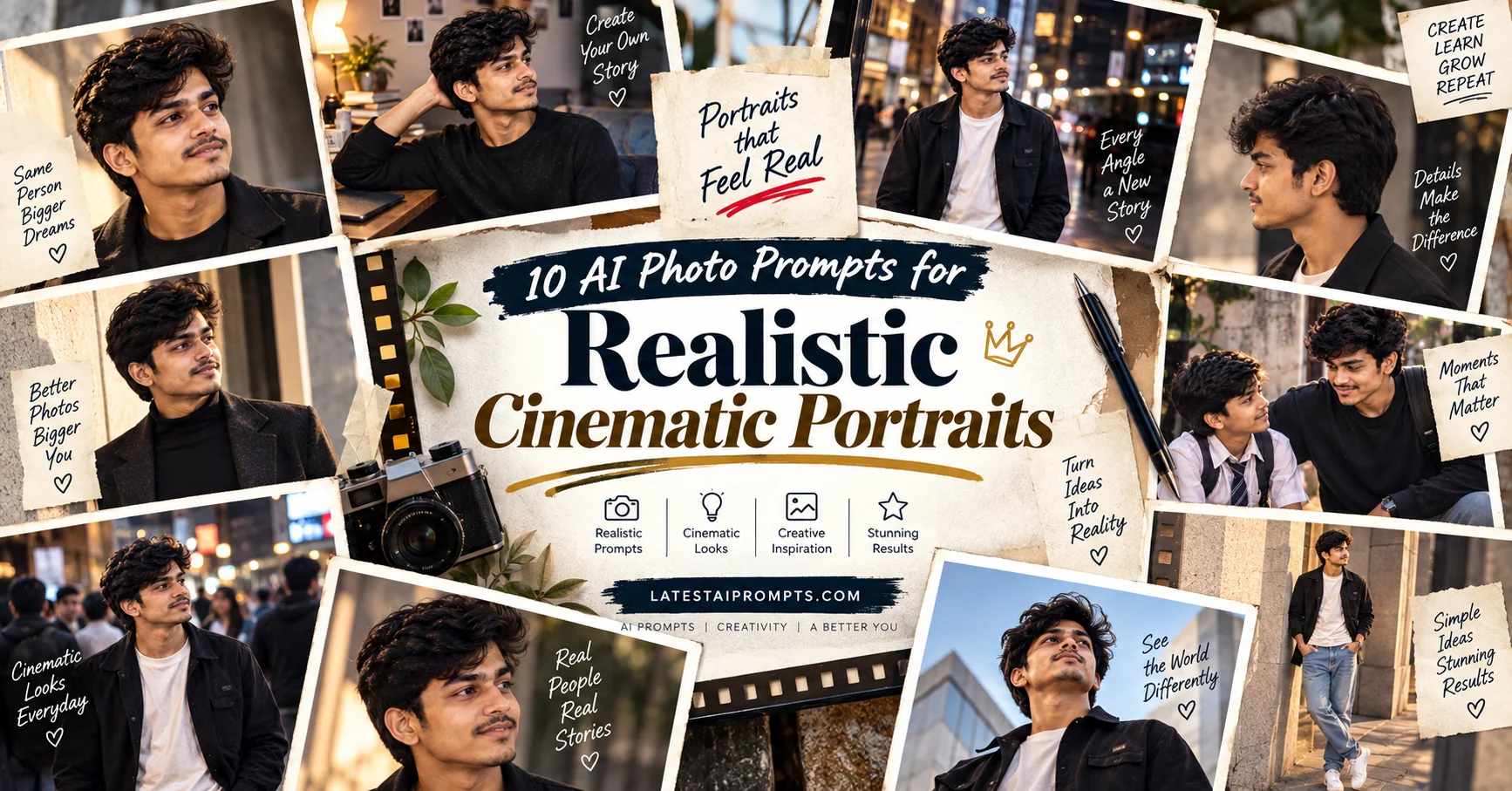
AI image generation has made it possible to transform an ordinary selfie into a photograph that feels like it came from a professional camera. Instead of simply adding filters, modern image tools can rebuild the setting, clothing, lighting, composition and photographic mood while keeping the subject recognizable. This collection brings together 10 original prompts designed around popular visual styles such as nostalgic film photography, cinematic street portraits, editorial fashion, retro studio photography and imaginative everyday scenes.
- ✔ 10 original AI photo prompts for realistic results
- ✔ Designed for selfies and reference photos
- ✔ Includes cinematic, retro, editorial and creative styles
- ✔ Copy-paste prompts with simple customization ideas
- ✔ Works as a starting point across modern AI image generators
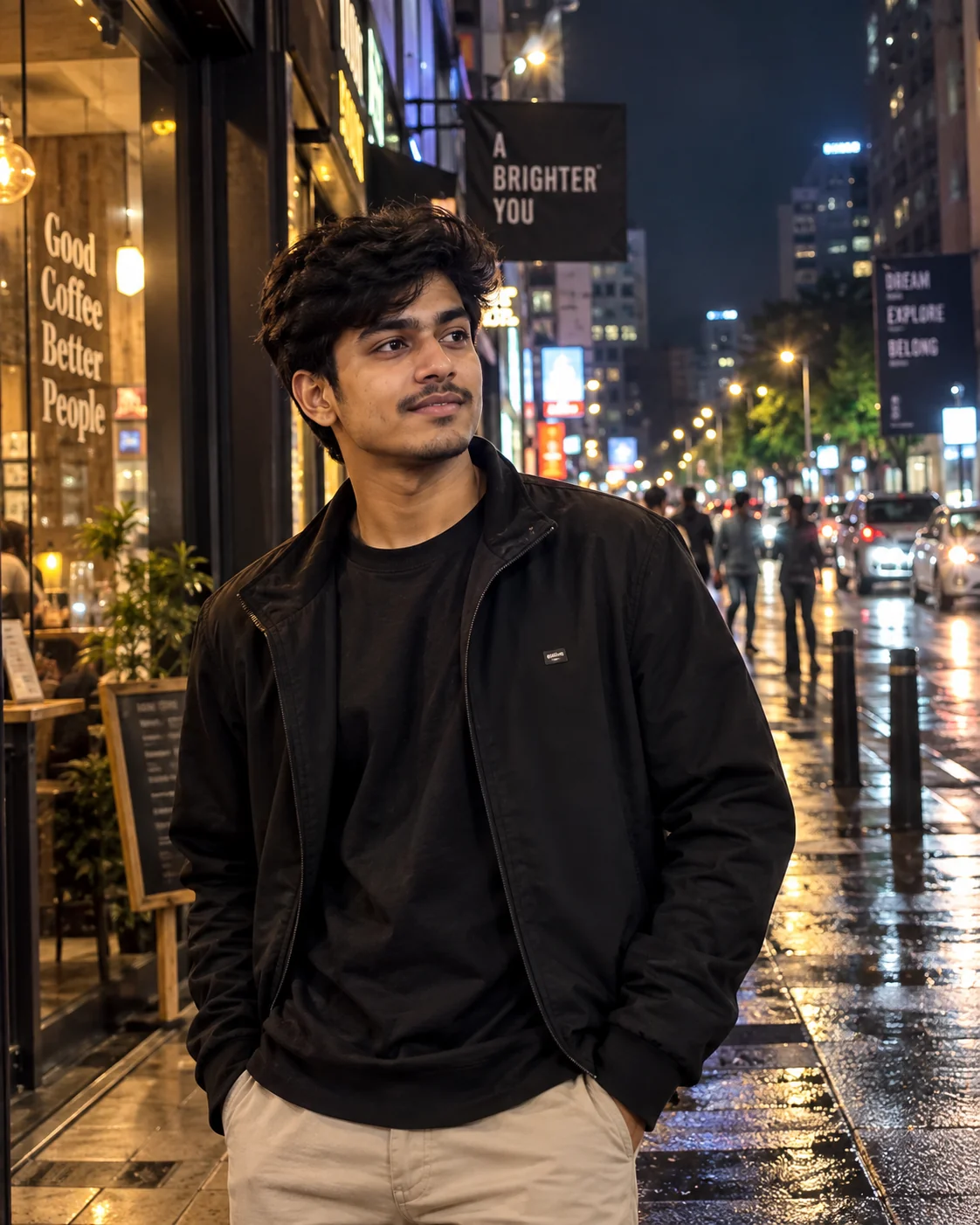
1. Cinematic Night Street Portrait — AI Prompt
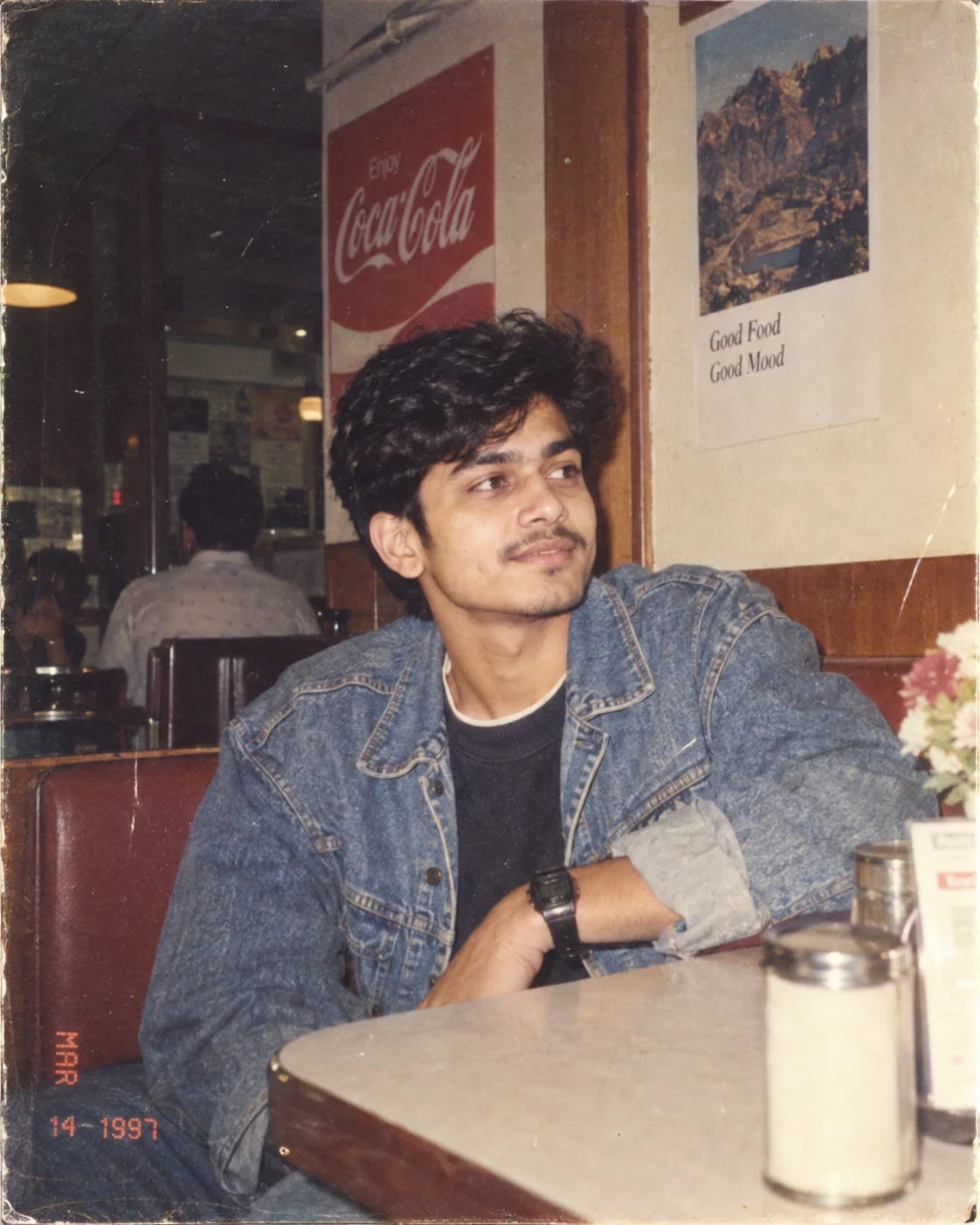
2. Authentic 1990s Film Portrait — AI Prompt
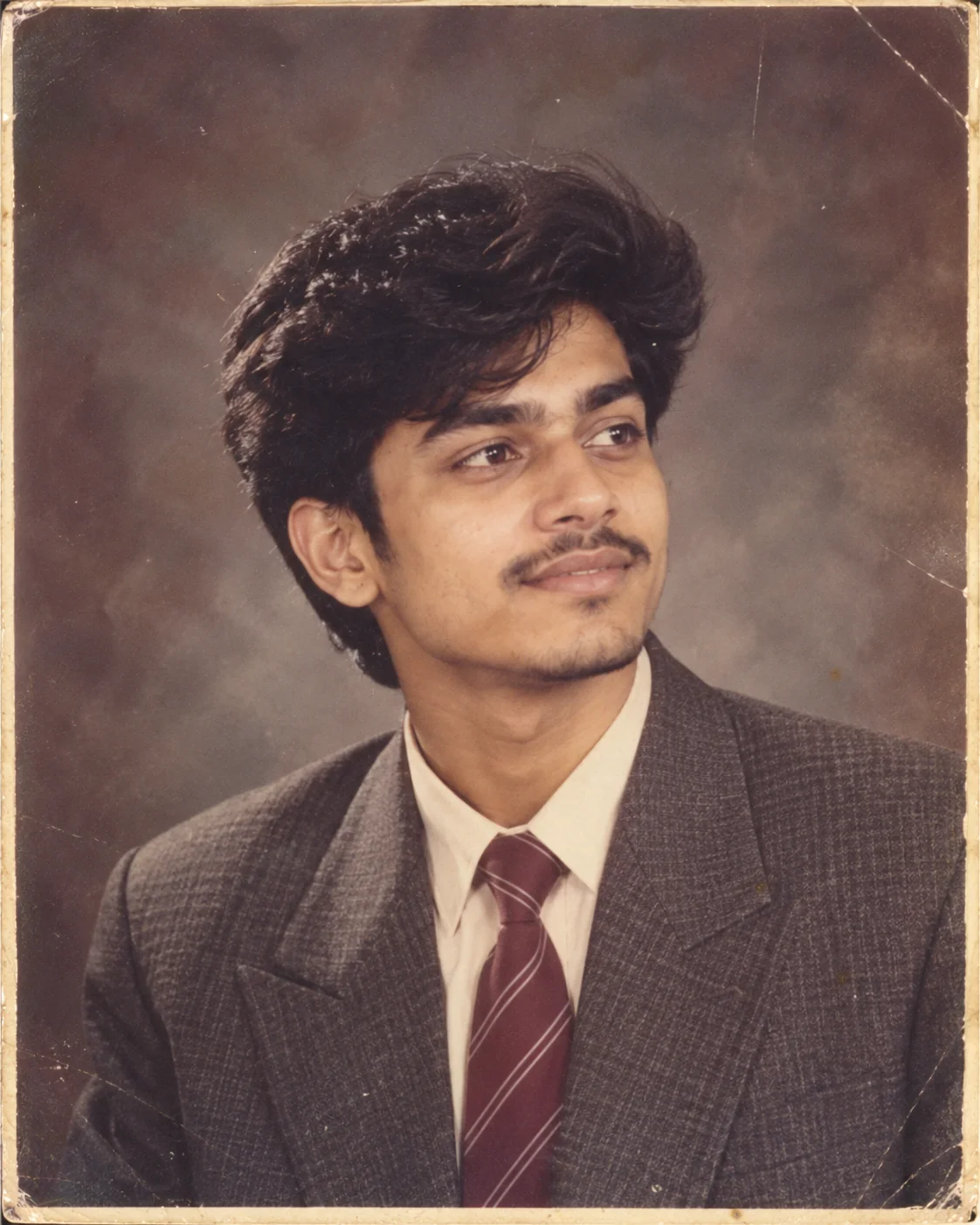
3. 1980s Vintage Studio Portrait — AI Prompt
4. Luxury Fashion Editorial Portrait — AI Prompt
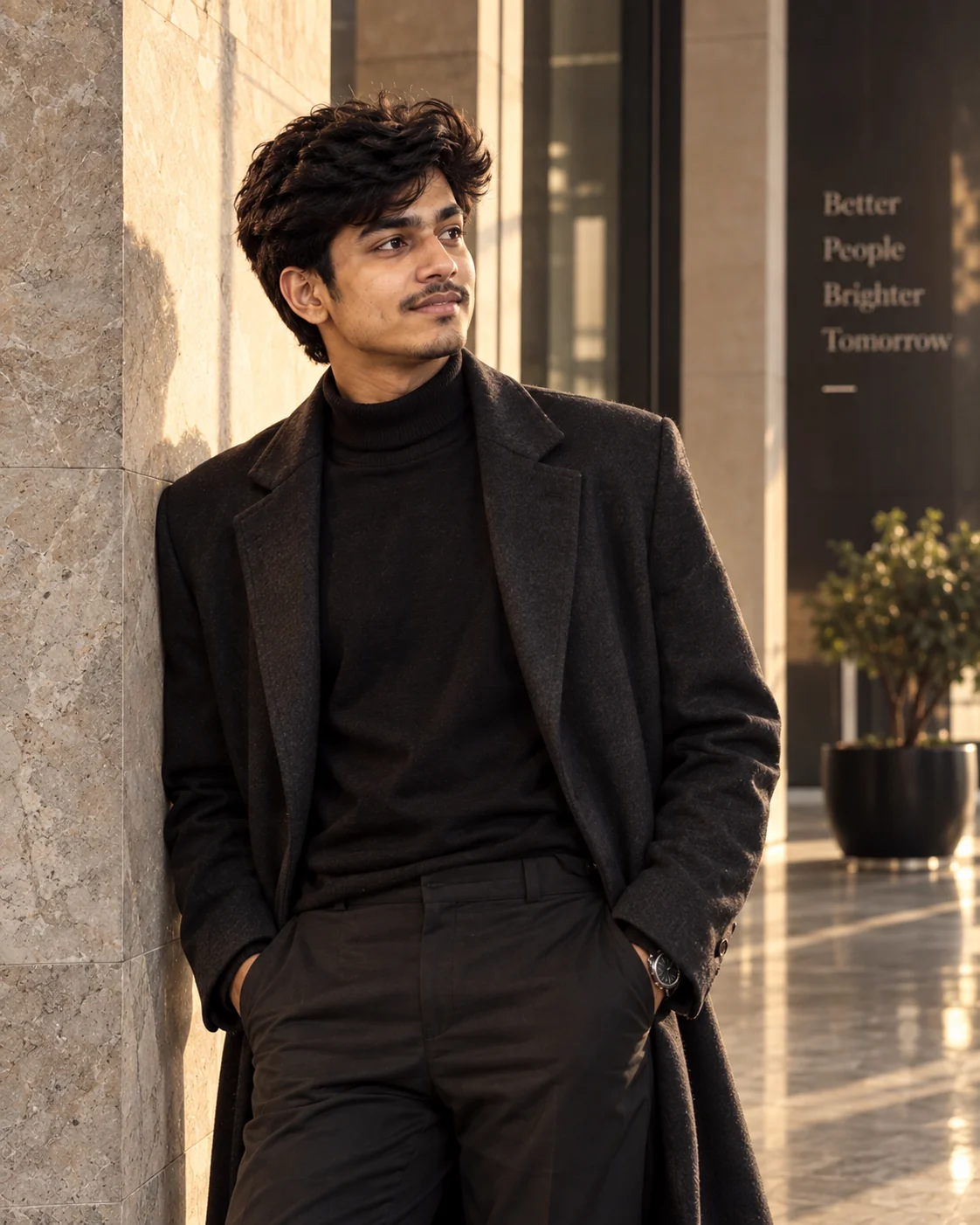
5. Candid Paparazzi-Style Street Photo — AI Prompt
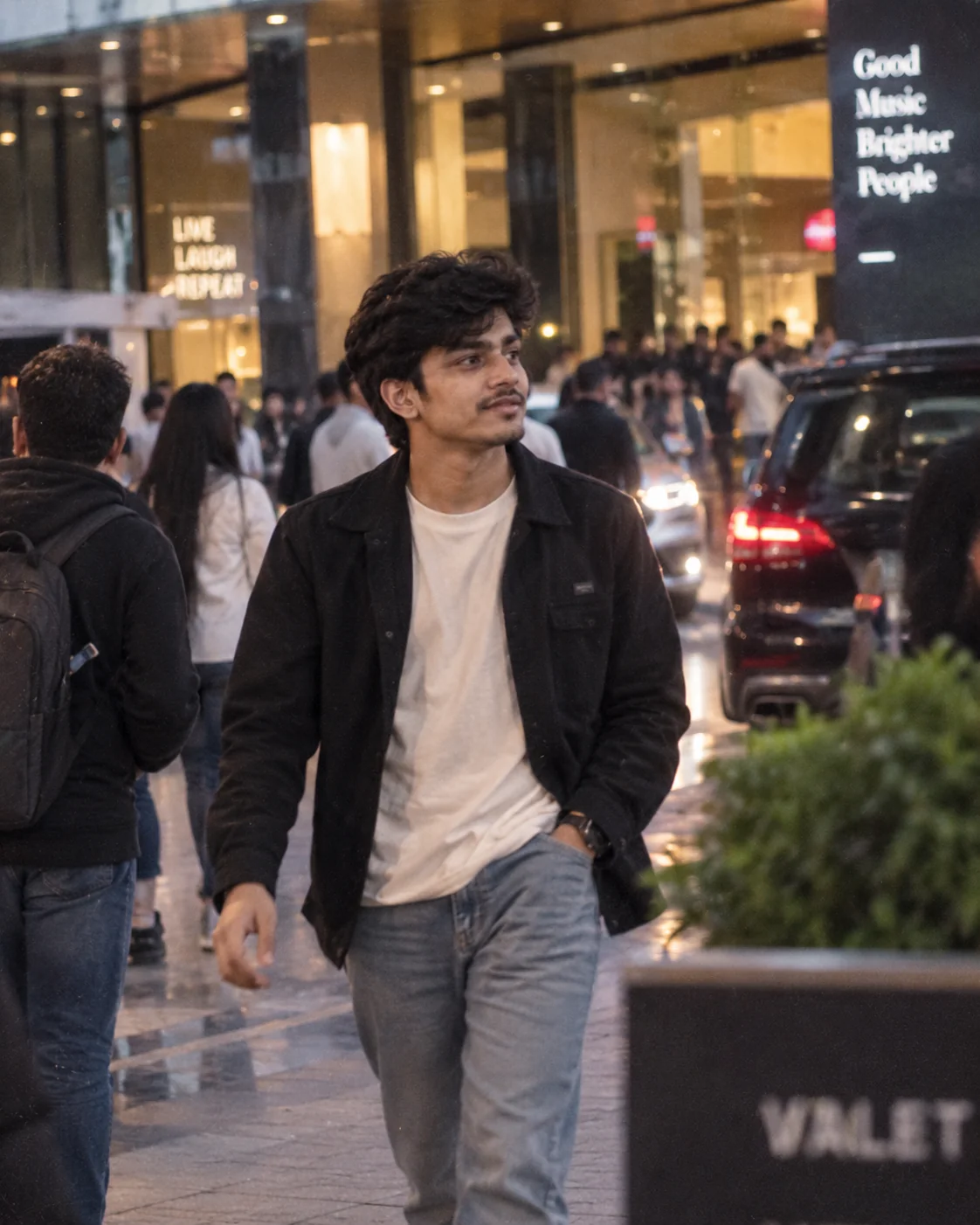
6. Childhood Memory With Your Younger Self — AI Prompt
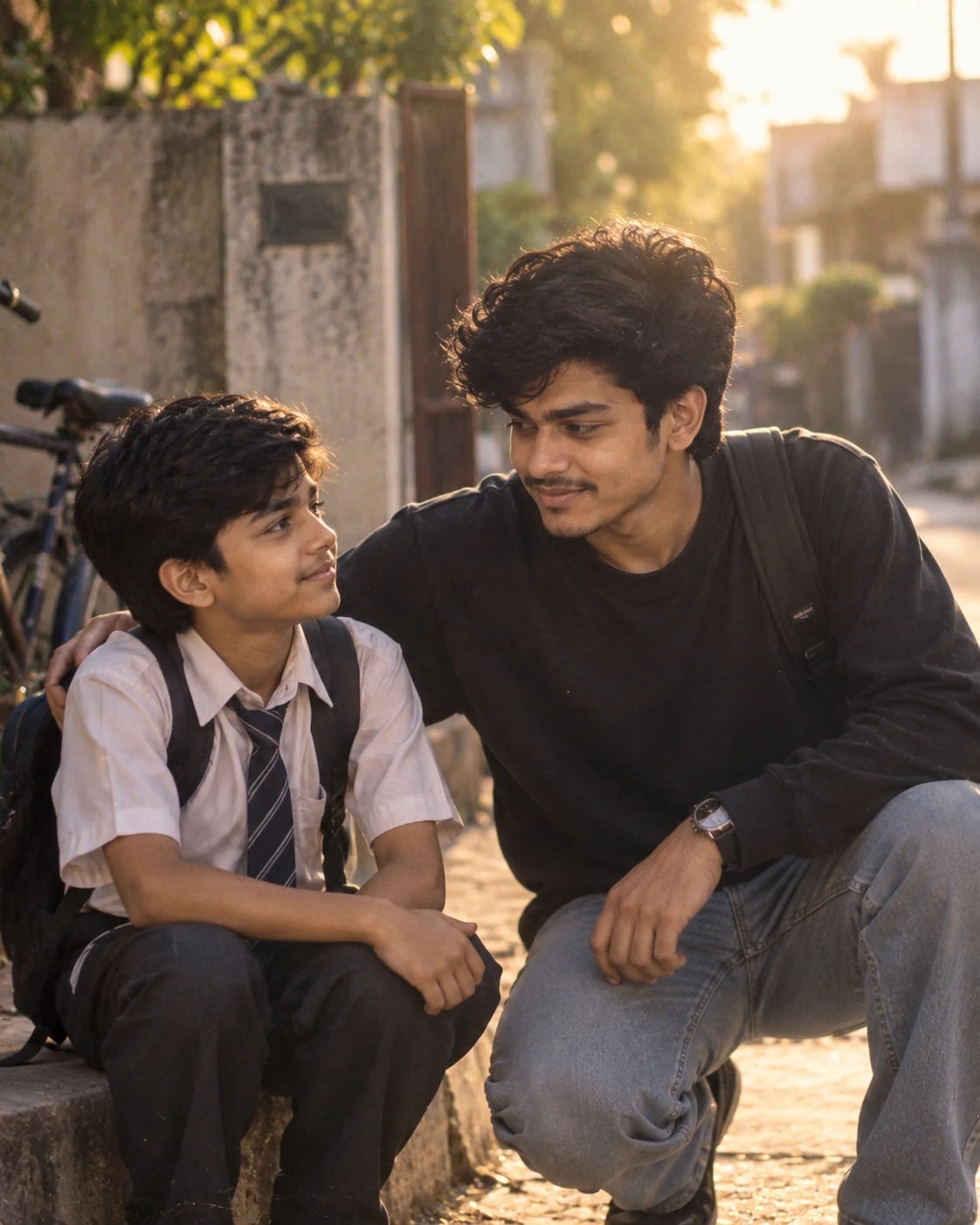
7. Personalized Collectible Figure Display — AI Prompt
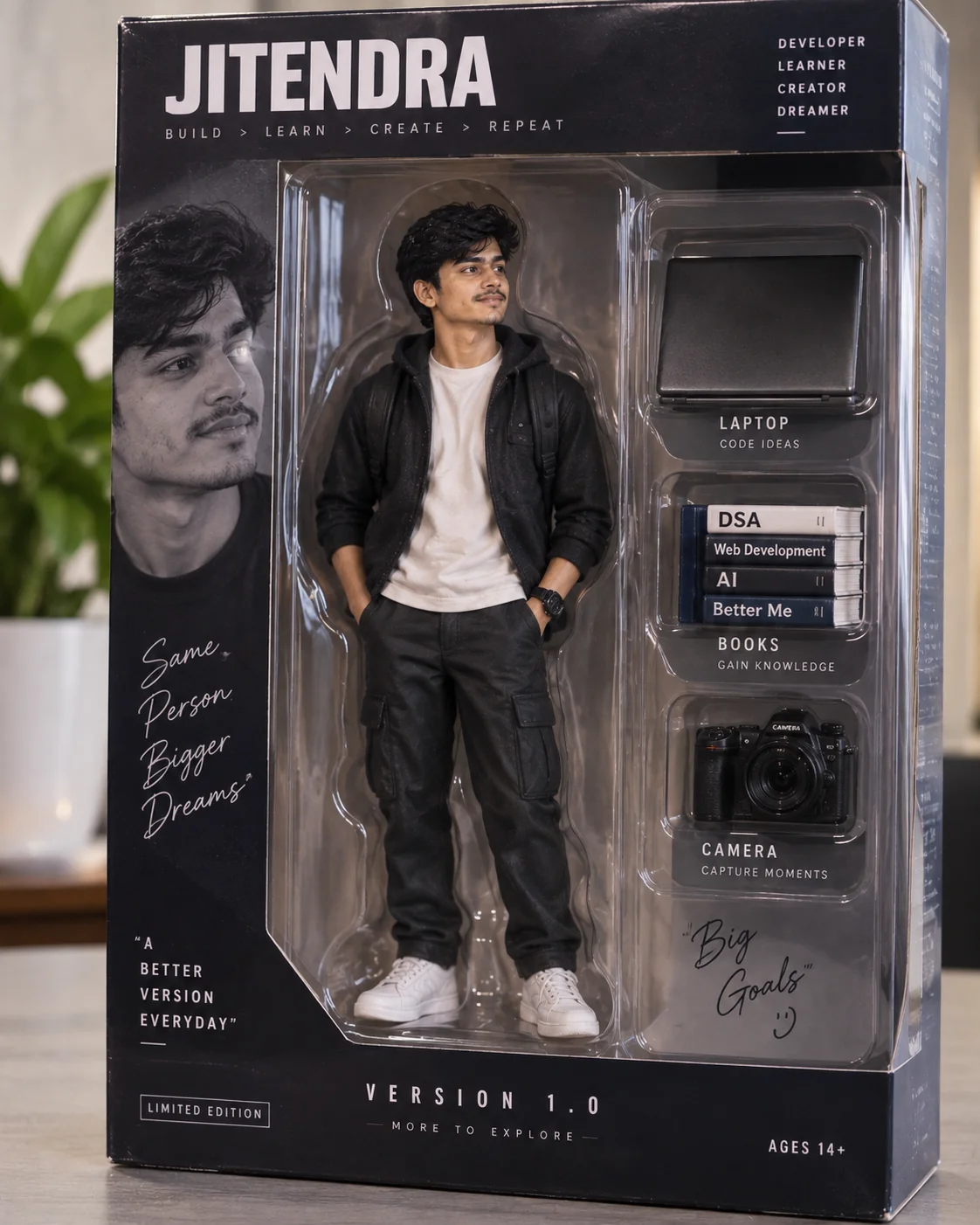
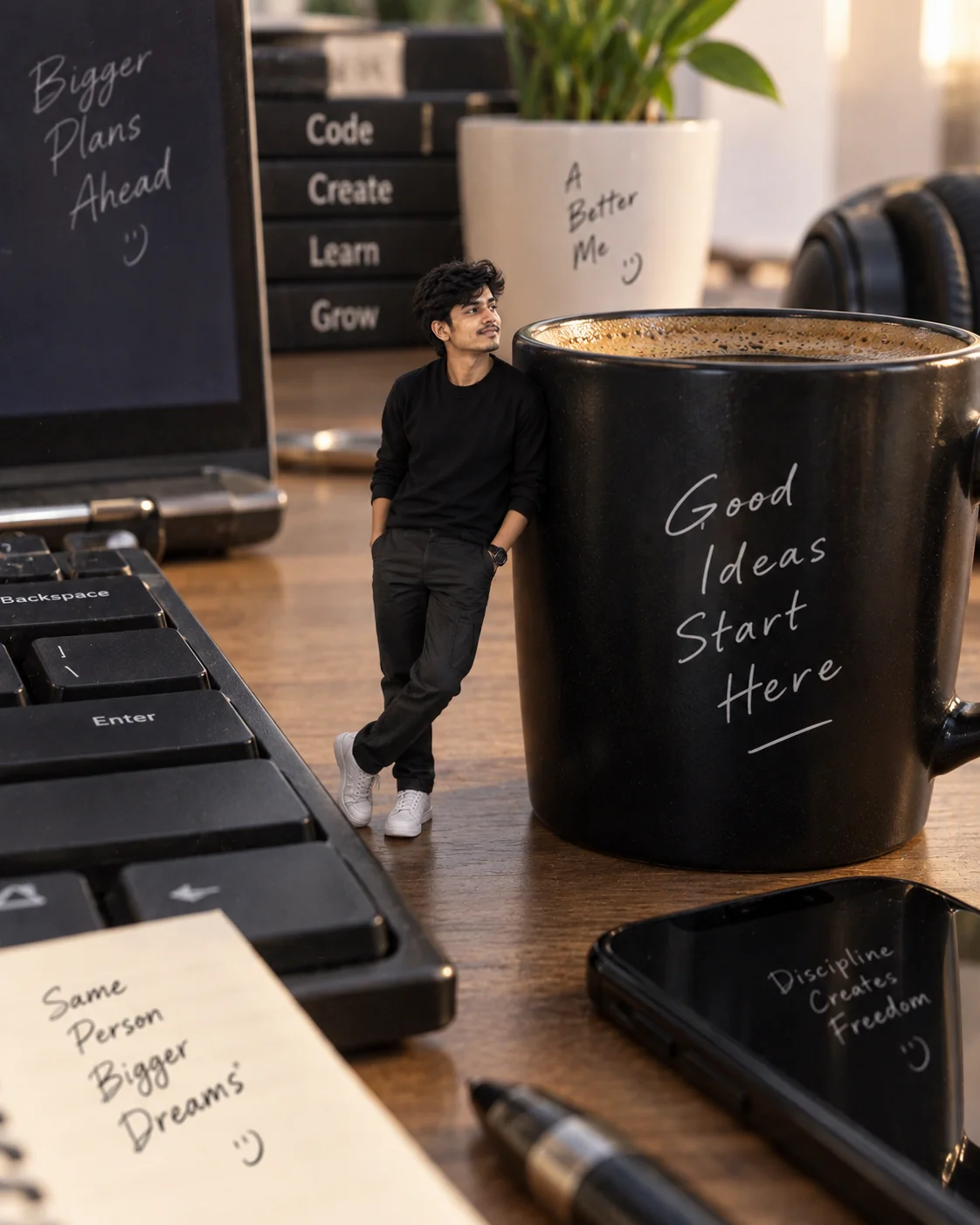
8. Miniature Person in a Giant Workspace — AI Prompt
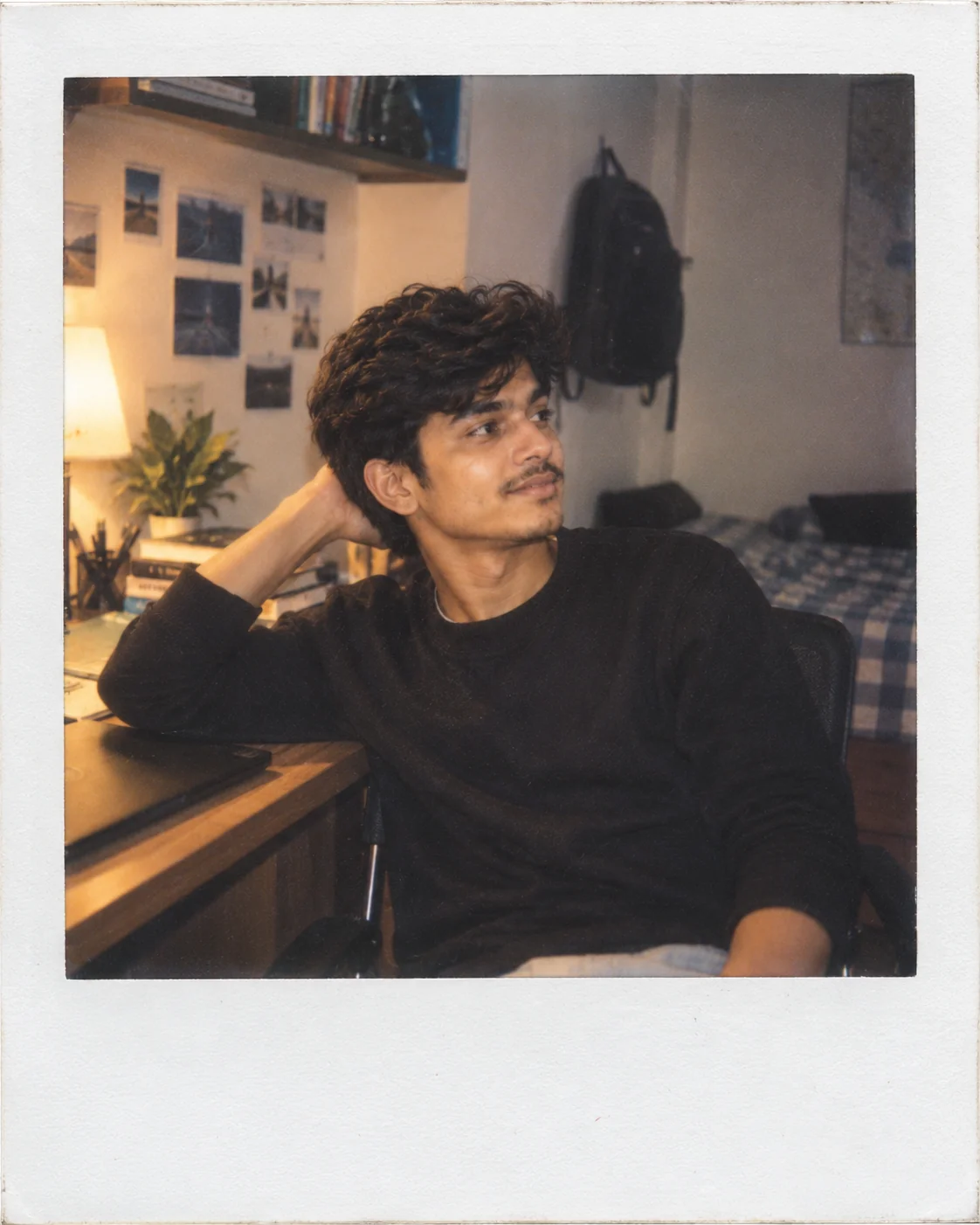
9. Classic Polaroid Memory Portrait — AI Prompt
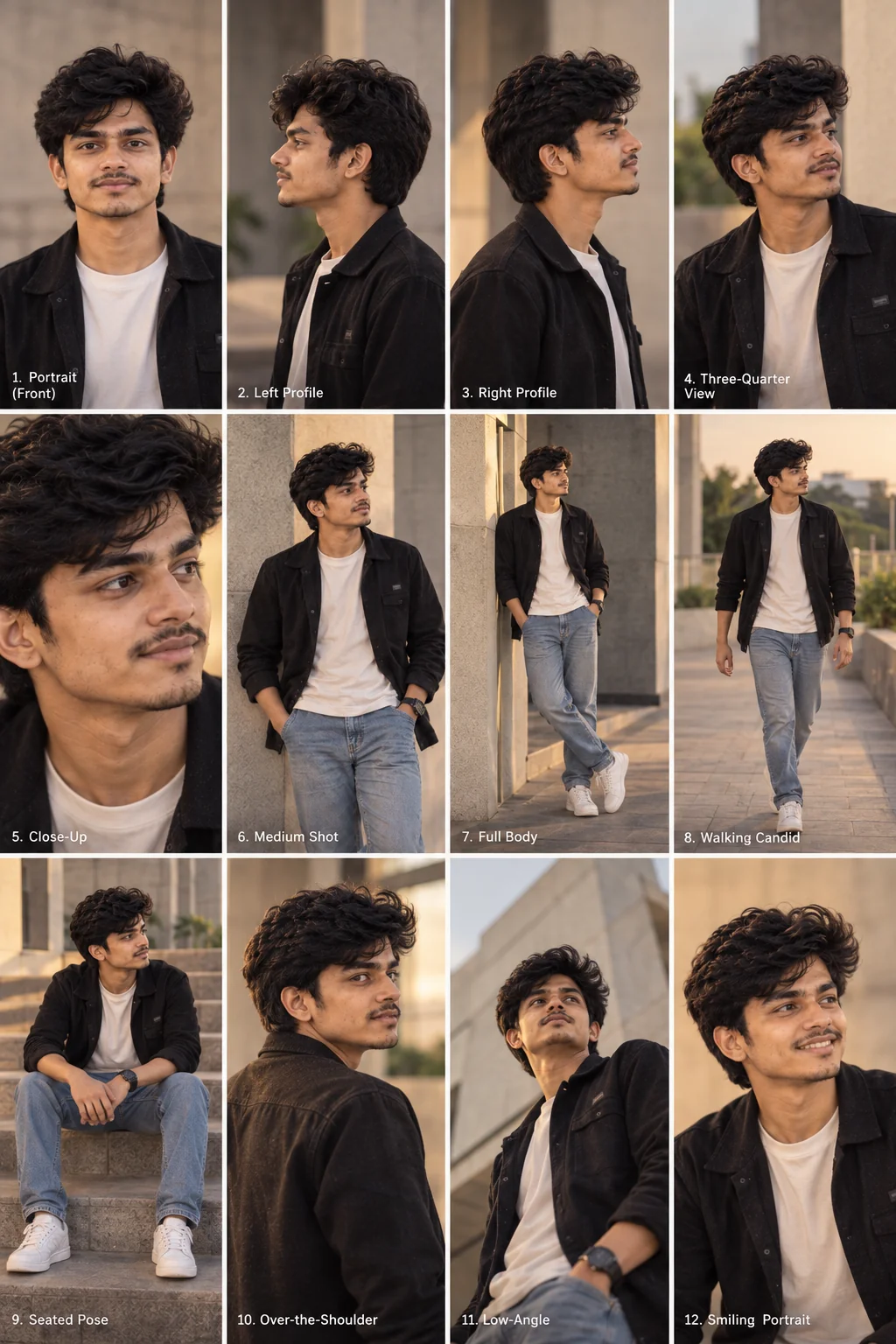
10. Multi-Angle Professional Photoshoot — AI Prompt
A good AI photo prompt does more than describe how an image should look. It gives the image generator a clear subject, setting, lighting direction, photographic style and composition to work with. Start with one of these prompts using a clear reference photo, then personalize the location, clothing, era or mood. Small changes can produce completely different results, so experiment with the details until the image feels like your own.
Why These Prompts Work So Well
These prompts are structured around the visual information an image generator needs to build a convincing photograph. Instead of depending on a long list of generic quality words, each prompt establishes the subject first and then defines the environment, lighting, composition and photographic characteristics.
Photographic Direction
Camera perspective, framing, depth of field, exposure and lighting details give the generator a clearer idea of how the final photograph should be captured.
Strong Visual Concepts
Each prompt starts with a recognizable creative idea, making it easier to produce an image with a specific identity instead of a generic AI portrait.
Natural Identity
The prompts emphasize recognizable facial characteristics and natural proportions, which can help maintain visual consistency when a reference photo is provided.
Controlled Composition
Specific instructions about subject placement, framing, environment and perspective reduce ambiguity and give the generated photograph a stronger visual structure.
Simple Customization
The prompts are easy to adapt by changing the location, clothing, era, lighting, mood or accessories without changing the core creative concept.
Frequently Asked Questions
What are AI photo prompts?
AI photo prompts are written instructions that tell an image generator what kind of photograph or photo transformation to create. They can describe the subject, setting, clothing, lighting, camera perspective, mood and composition.
Can I use these prompts with my own photo?
Yes. These prompts are designed to work particularly well as starting points for image-editing workflows where you upload a clear reference photo. The exact identity-preservation results depend on the image generator and its available controls.
Can these AI photo prompts be used in ChatGPT and Gemini?
The prompts are written in a model-independent format and can be adapted for modern image-generation and image-editing tools, including ChatGPT and Gemini. Each platform may interpret certain instructions differently, so minor adjustments can improve the result.
How can I make an AI-generated portrait look more realistic?
Describe realistic photographic conditions instead of relying only on phrases such as 'ultra realistic.' Mention the lighting source, camera perspective, environment, depth of field, natural skin texture and believable imperfections. These details give the model a more concrete visual target.
Why does an AI image sometimes change my face?
Image generators can reinterpret facial features when a transformation also changes the subject's age, hairstyle, pose, lighting or environment. A clear reference image and explicit instructions to preserve recognizable facial characteristics can help, although results can vary between generations.
Can I customize these AI photo prompts?
Absolutely. You can change the location, outfit, era, lighting, camera perspective, expression, accessories and overall mood while keeping the main structure of the prompt. Customizing those details is one of the easiest ways to create a more personal result.

Jitendra Patra
AI Prompt Researcher & Software Engineering Student
Jitendra Patra is a software engineering student and AI prompt researcher specializing in Google Gemini and generative image models. He actively experiments with structured prompt engineering techniques to produce high-quality, reproducible visual outputs.
His work focuses on iterative prompt development, with attention to subject, lighting, composition, and visual style.
The prompts in this guide are developed with attention to structure, detail, and visual quality.