10 Best AI Profile Picture Prompts for Stylish Social Profiles — Professional, Creative & Personalized AI Photo Ideas
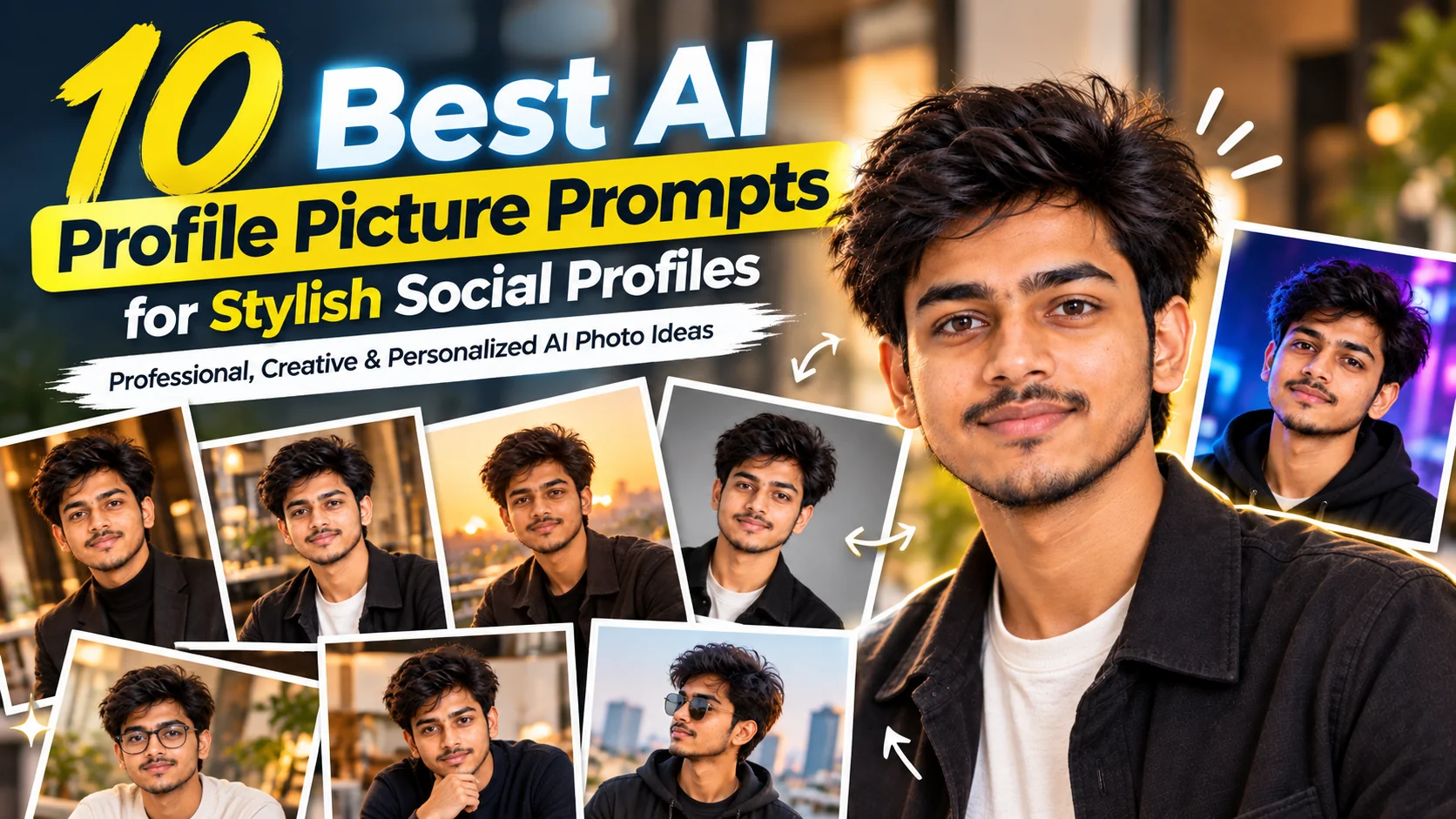
Your profile picture is often the first visual impression people get from your online profile. Whether you are updating LinkedIn, refreshing an Instagram or Facebook account, creating a dating profile, building a personal brand, or simply looking for a more polished photo, the right AI image prompt can make a major difference. Instead of asking an image generator for a vague "professional profile picture," these prompts give it clear instructions about identity, composition, clothing, lighting, background, expression, and overall photography style. The goal is not to make you look like a completely different person, but to create a polished image that still feels recognizable and natural. The prompts below are designed for modern AI image-generation and image-editing tools and can be adapted to your own appearance, profession, personality, and preferred aesthetic. For professional platforms, keeping the result recognizable and close to your real appearance is especially important. LinkedIn similarly recommends profile photos that clearly reflect what you actually look like. :contentReference[oaicite:1]{index=1}
- ✔ Professional AI headshot for LinkedIn, portfolios, and career profiles
- ✔ Stylish social media profile pictures with a modern personal-brand look
- ✔ Natural AI portraits that preserve your recognizable facial features
- ✔ Creative, cinematic, casual, and lifestyle profile-picture styles
- ✔ Copy-and-customize prompts for ChatGPT, Gemini, and other AI image tools
1. Professional LinkedIn Headshot — AI Profile Picture Prompt
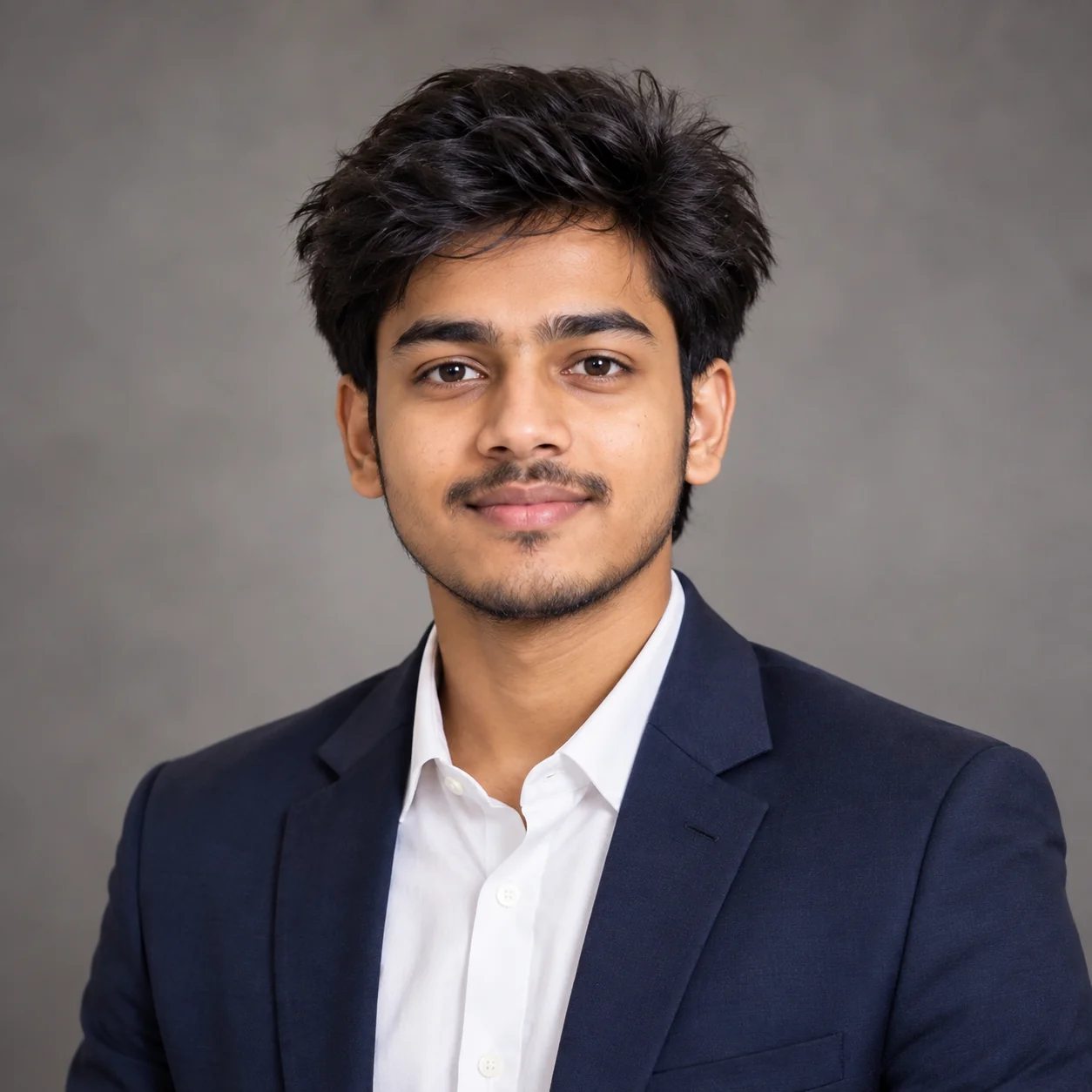
2. Modern Personal Brand Portrait — AI Profile Picture Prompt
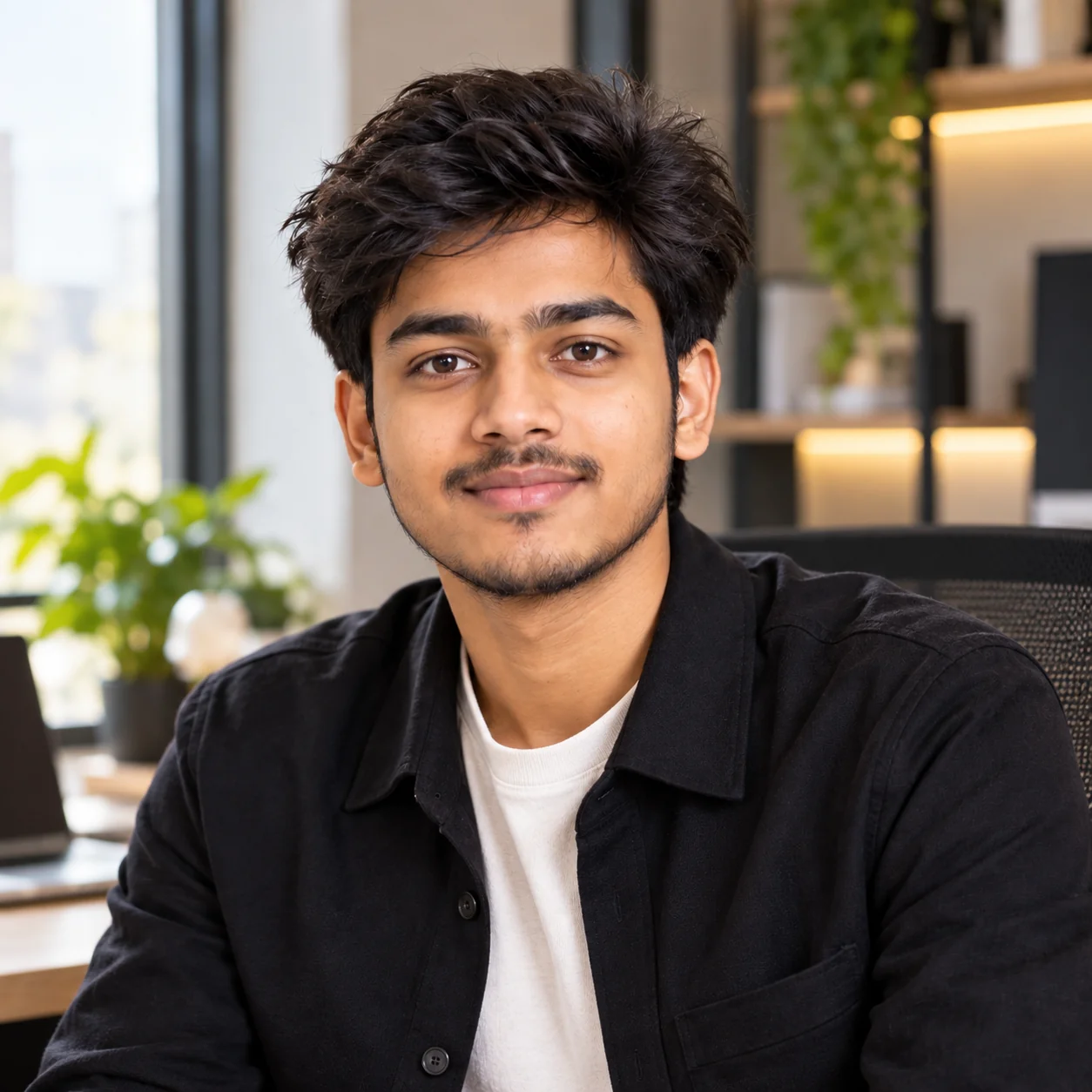
3. Stylish Instagram Profile Portrait — AI Prompt

4. Casual Natural Profile Picture — AI Prompt
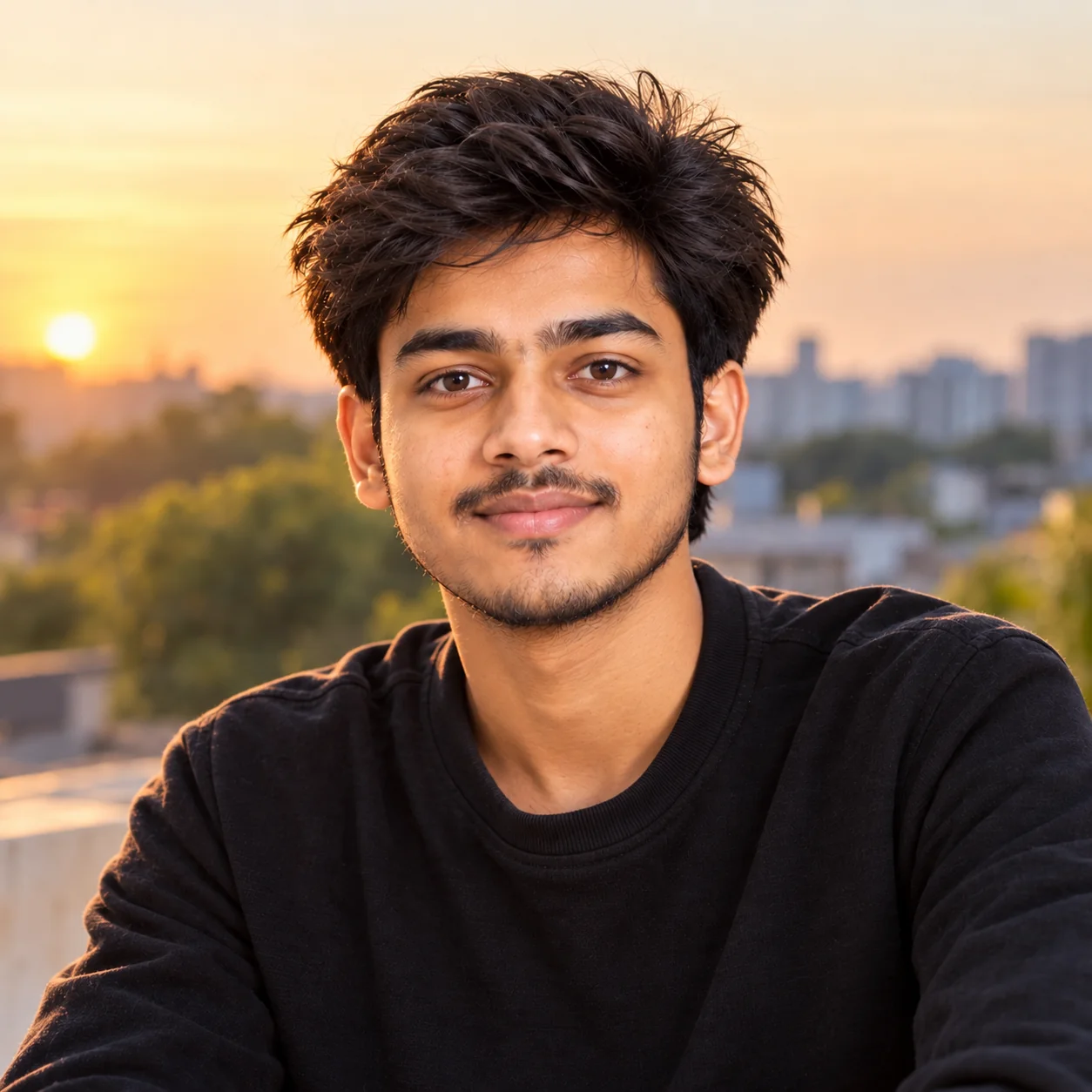
5. Cinematic Moody Profile Picture — AI Prompt
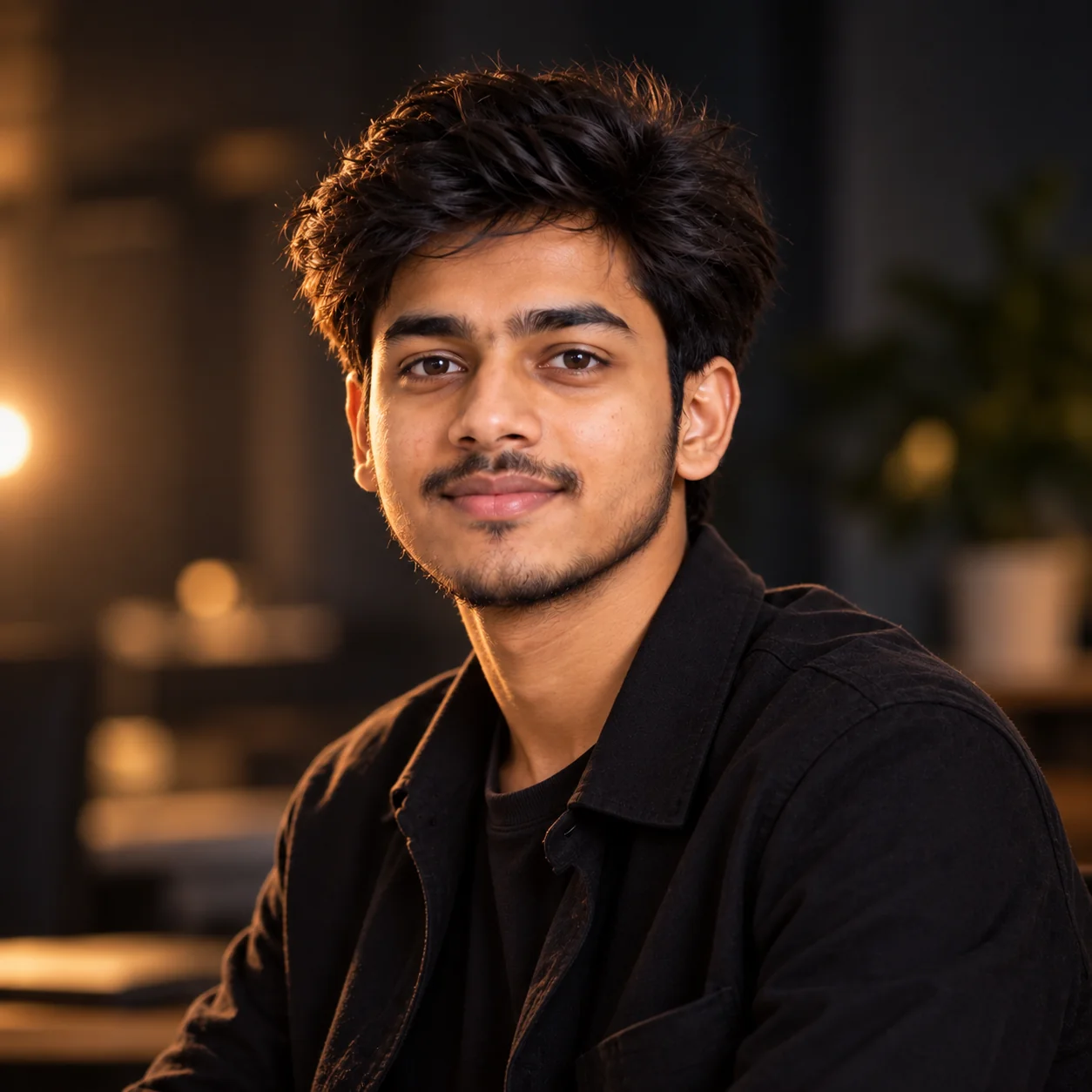
6. Minimalist Studio Profile Picture — AI Prompt
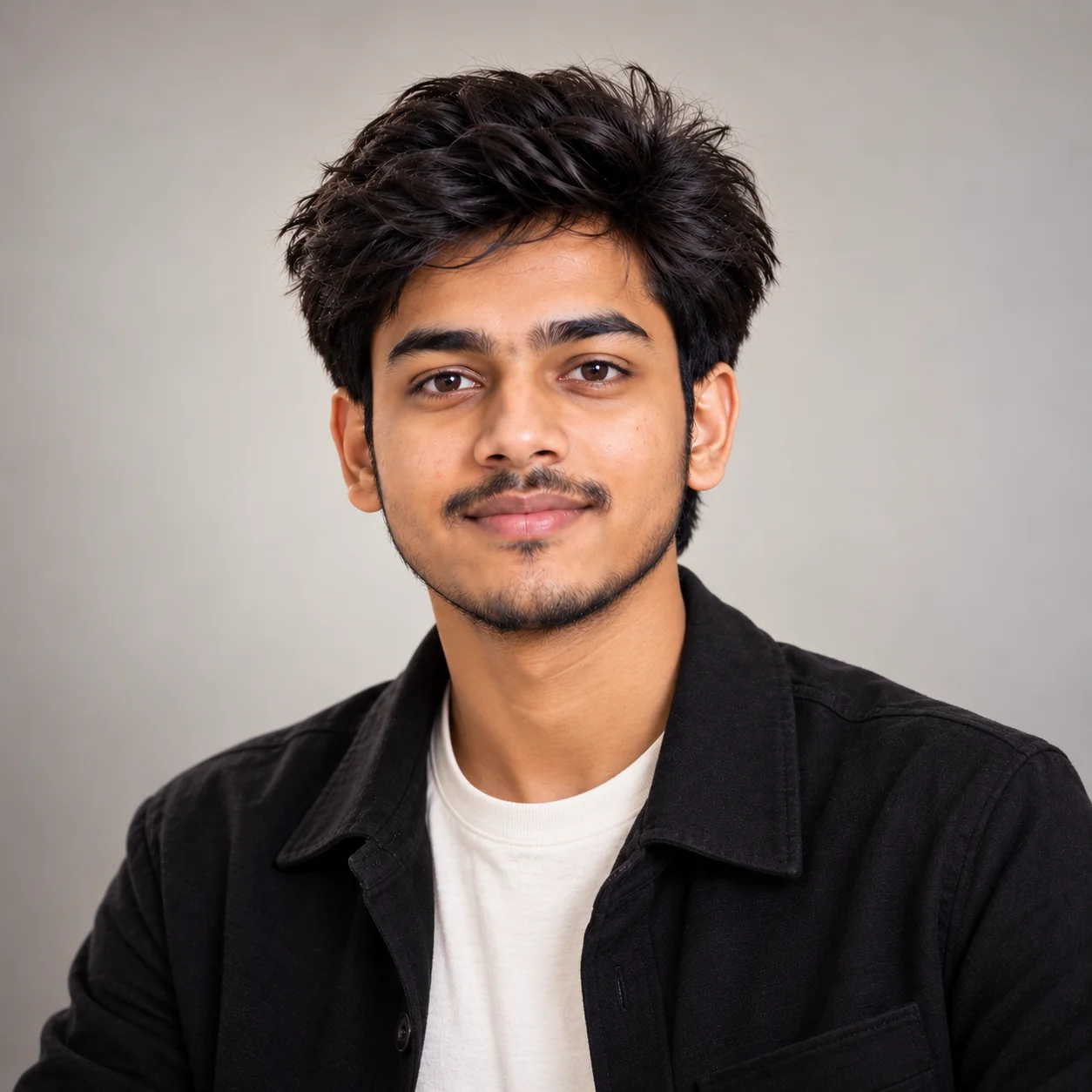
7. Creative Artist Profile Picture — AI Prompt
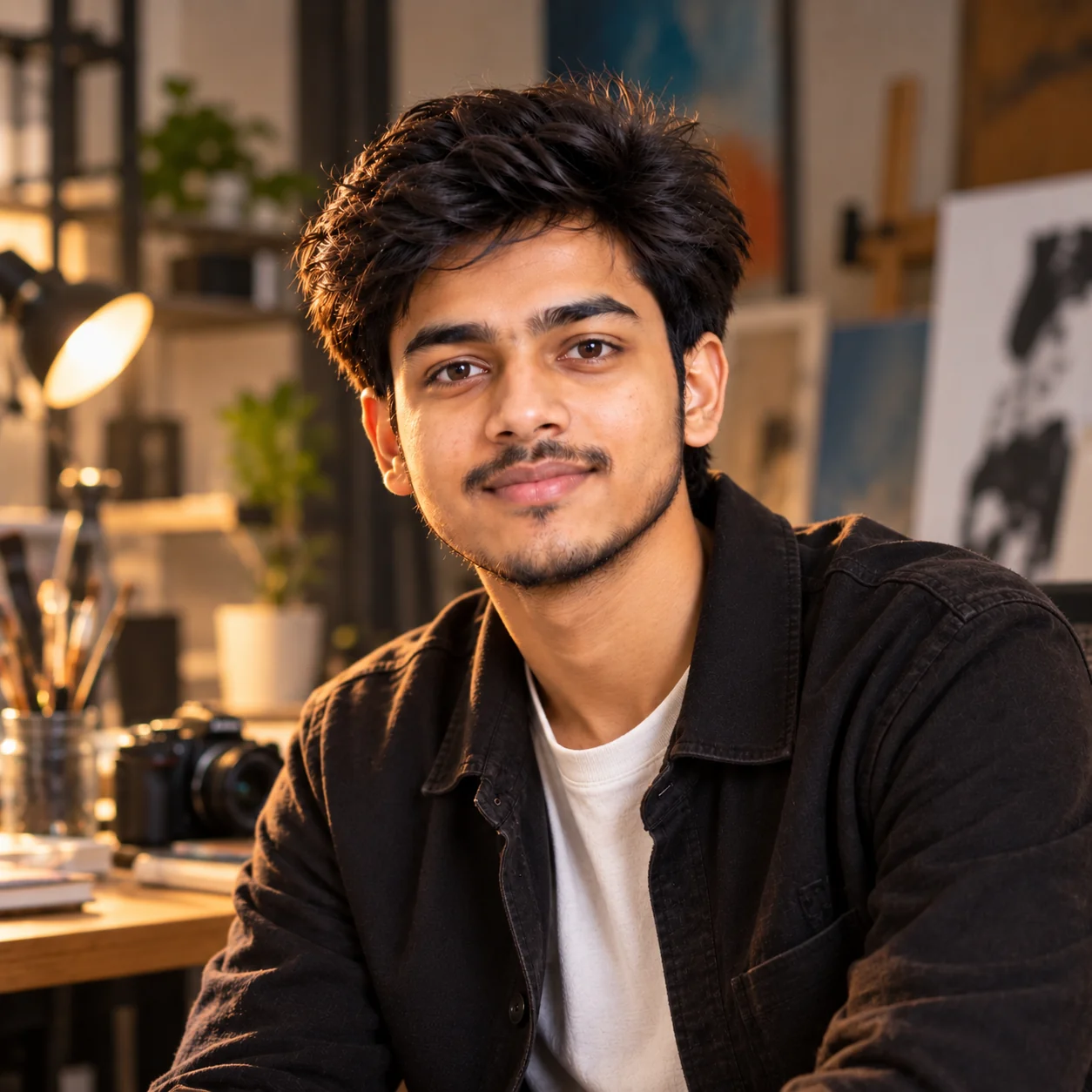
8. Friendly Student & Young Professional Profile Picture — AI Prompt
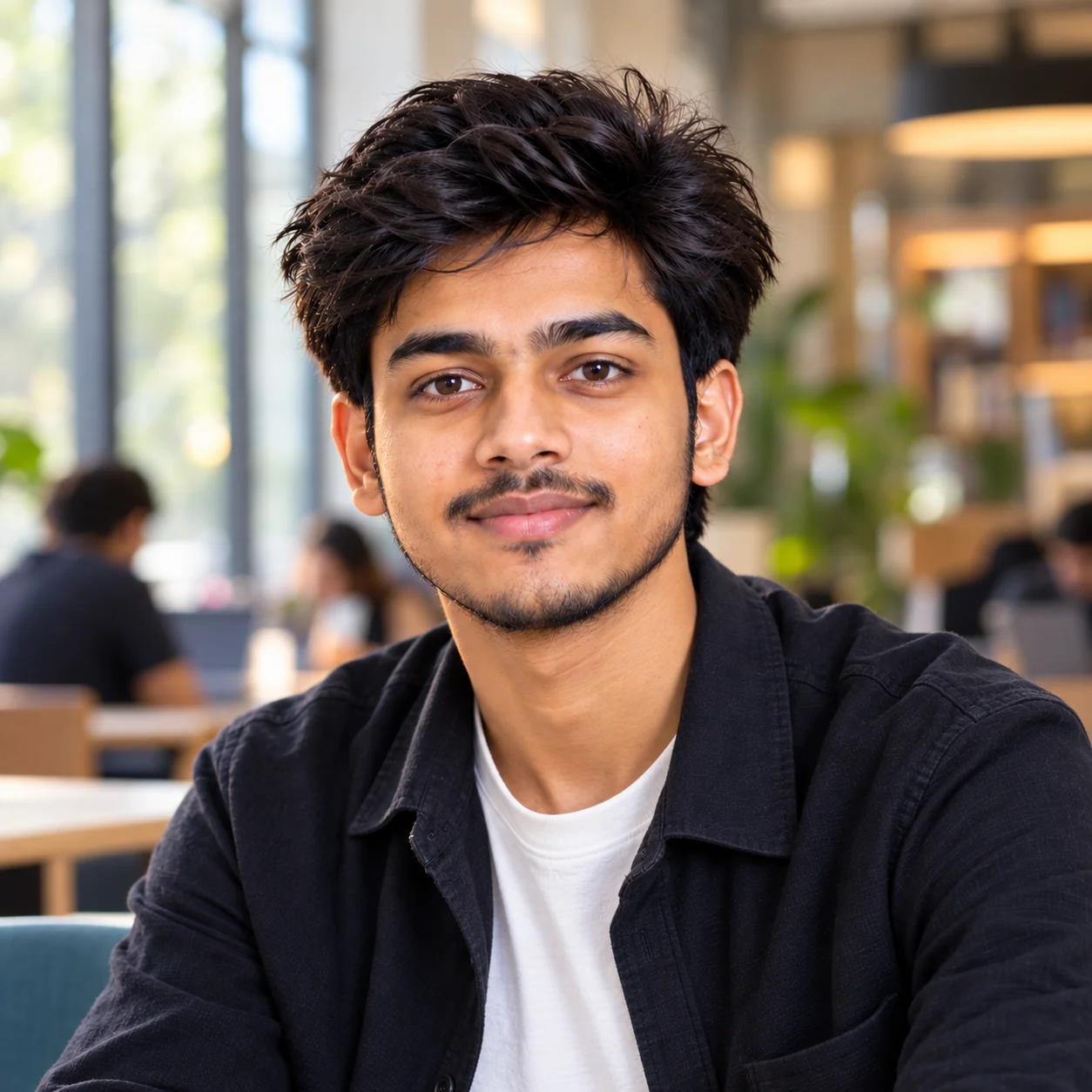
9. Premium Luxury Editorial Profile Picture — AI Prompt
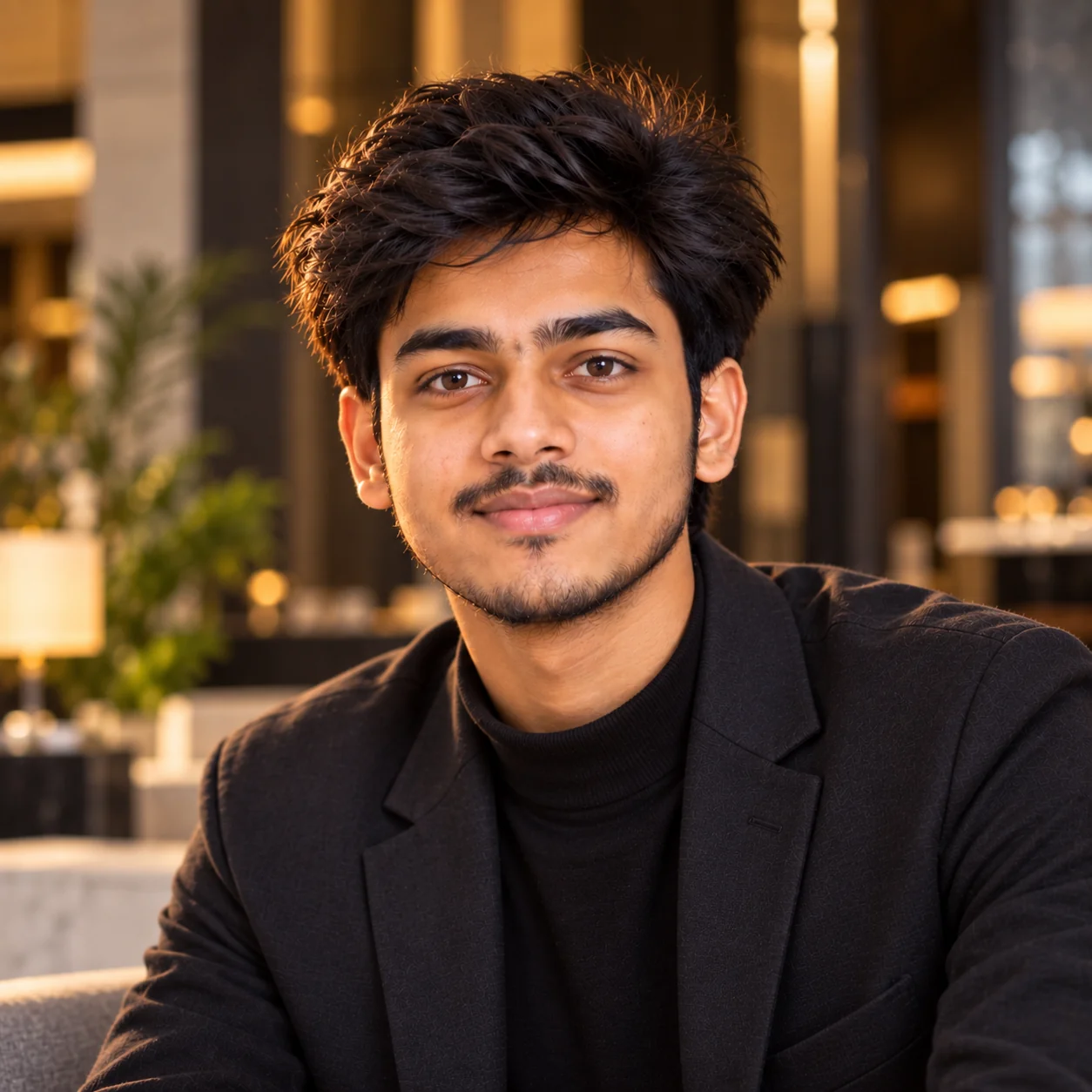
10. Authentic Dating & Social Profile Portrait — AI Prompt
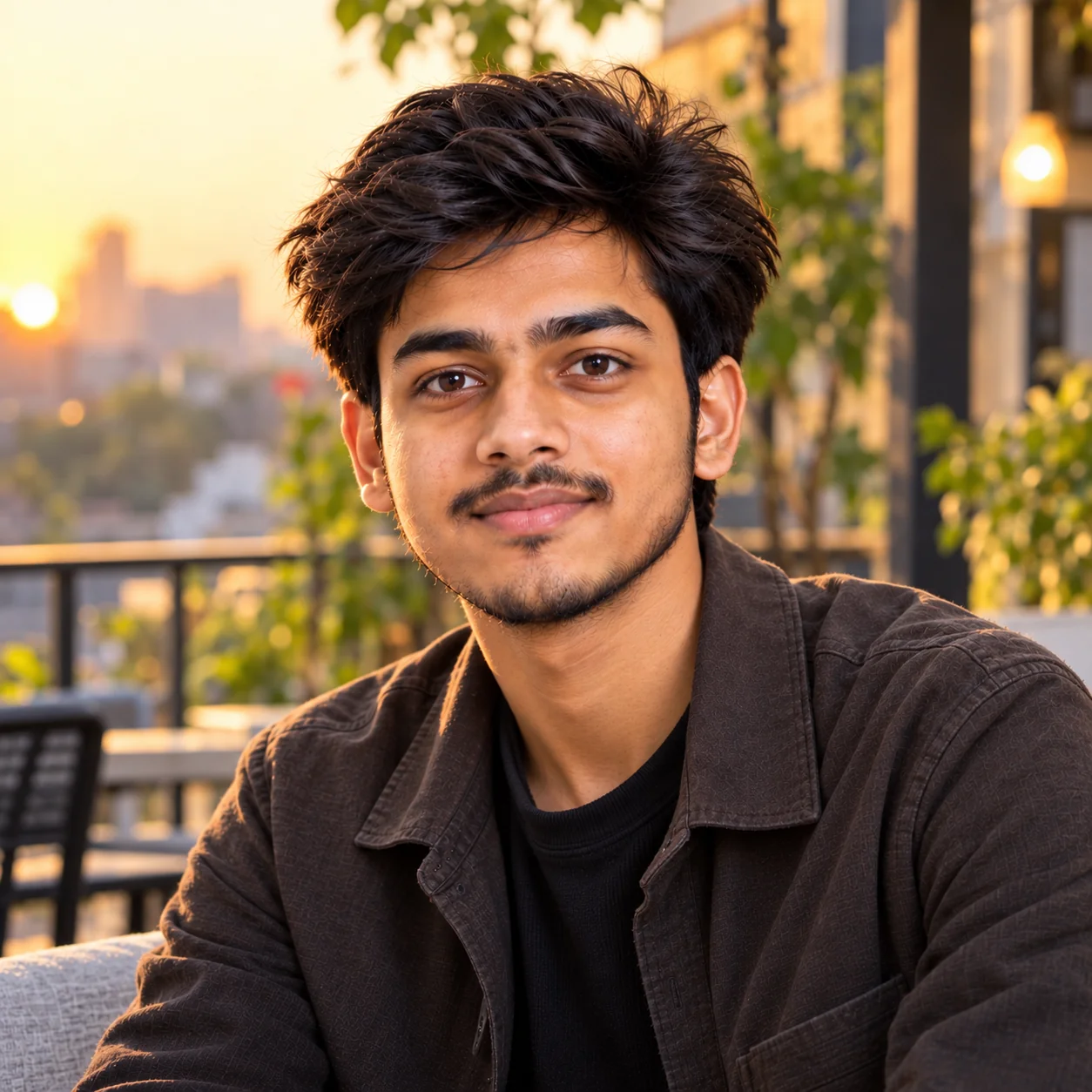
The best AI profile picture is not necessarily the most dramatic one—it is the one that still feels like you. A strong profile photo should make your face easy to recognize, use lighting that feels natural, and match the reason people are visiting your profile. For professional platforms, prioritize clarity, authenticity, appropriate clothing, and a simple background; for personal and social accounts, you can experiment more with locations, mood, color, and creative styling. When generating an image from your own photo, always review the final result carefully for identity changes, unnatural skin, distorted features, strange accessories, or background artifacts before publishing it. These prompts are designed as starting points, so adjust the clothing, setting, expression, lighting, and photography style until the result reflects your actual personality and purpose. That combination of clear prompting and personal customization is far more useful than relying on a generic one-line request.
Why These Prompts Work So Well
A good AI profile-picture prompt does more than describe a person. It gives the image model enough visual direction to understand the desired identity, composition, lighting, environment, clothing, expression, and photography style. These prompts deliberately combine those elements while also telling the model what should remain unchanged. That is particularly useful when editing an existing photograph because vague instructions can produce results that look polished but no longer resemble the person in the original image. Current profile-photo guidance also emphasizes recognizability, clear framing, good lighting, and a nondistracting background. :contentReference[oaicite:2]{index=2}
Clear Photography Direction
Each prompt describes framing, lighting, depth of field, expression, and portrait style so the AI has a much clearer visual target than a generic request for a profile picture.
Built for Different Goals
A LinkedIn headshot should communicate something different from an Instagram portrait or a creative personal-brand image, so each prompt is designed around a specific use case.
Identity Comes First
The prompts repeatedly instruct the image model to preserve recognizable facial characteristics instead of unnecessarily changing the person's appearance.
Profile-Friendly Framing
Close portrait compositions and square framing help keep the face visible when profile platforms display images in small or circular formats.
Easy to Customize
You can change clothing, background, lighting, mood, profession, and environment without rebuilding the prompt from scratch, making the collection useful for many different personal styles.
Frequently Asked Questions
What is the best prompt for an AI profile picture?
A strong AI profile-picture prompt should clearly describe the subject, identity preservation, clothing, expression, background, lighting, framing, and photography style. If you are editing your own photo, also tell the image model to preserve your recognizable facial characteristics instead of redesigning your face.
Can I use these AI profile picture prompts with ChatGPT or Gemini?
Yes. These prompts are written as adaptable image-generation instructions and can be customized for modern AI image tools that support image generation or image-to-image editing. The exact result will vary depending on the model and the reference image you provide.
How do I make an AI profile picture look more realistic?
Describe realistic photography rather than simply asking for a realistic image. Include details such as natural skin texture, realistic hair, believable lighting, accurate facial proportions, natural shadows, sharp eyes, and restrained retouching. Using a clear reference photo can also help when the tool supports image-based generation.
What should I use for a professional LinkedIn profile picture?
Choose a recent, recognizable portrait with your face clearly visible, appropriate clothing, good lighting, and a simple background. LinkedIn recommends profile images that reflect your likeness and provides guidance around clear, high-quality profile photos. :contentReference[oaicite:3]{index=3}
Should an AI profile picture look exactly like me?
For professional and personal profiles where people need to recognize you, keeping your identity consistent is usually important. Avoid prompts that dramatically change your facial structure, age, or distinctive features. Instead, use AI to improve the presentation through lighting, wardrobe, composition, and background.
What size or shape should I use for an AI profile picture?
A square 1:1 composition is a practical starting point because many profile interfaces display images as squares or circular crops. Keep the face prominent and leave enough surrounding space so important facial features are not cut off when the platform applies its own crop.

Jitendra Patra
AI Prompt Researcher & Software Engineering Student
Jitendra Patra is a software engineering student and AI prompt researcher specializing in Google Gemini and generative image models. He actively experiments with structured prompt engineering techniques to produce high-quality, reproducible visual outputs.
His work focuses on iterative prompt development, with attention to subject, lighting, composition, and visual style.
The prompts in this guide are developed with attention to structure, detail, and visual quality.