10 Best AI Prompts for Thanksgiving Photography (Cinematic & Cozy 2026)
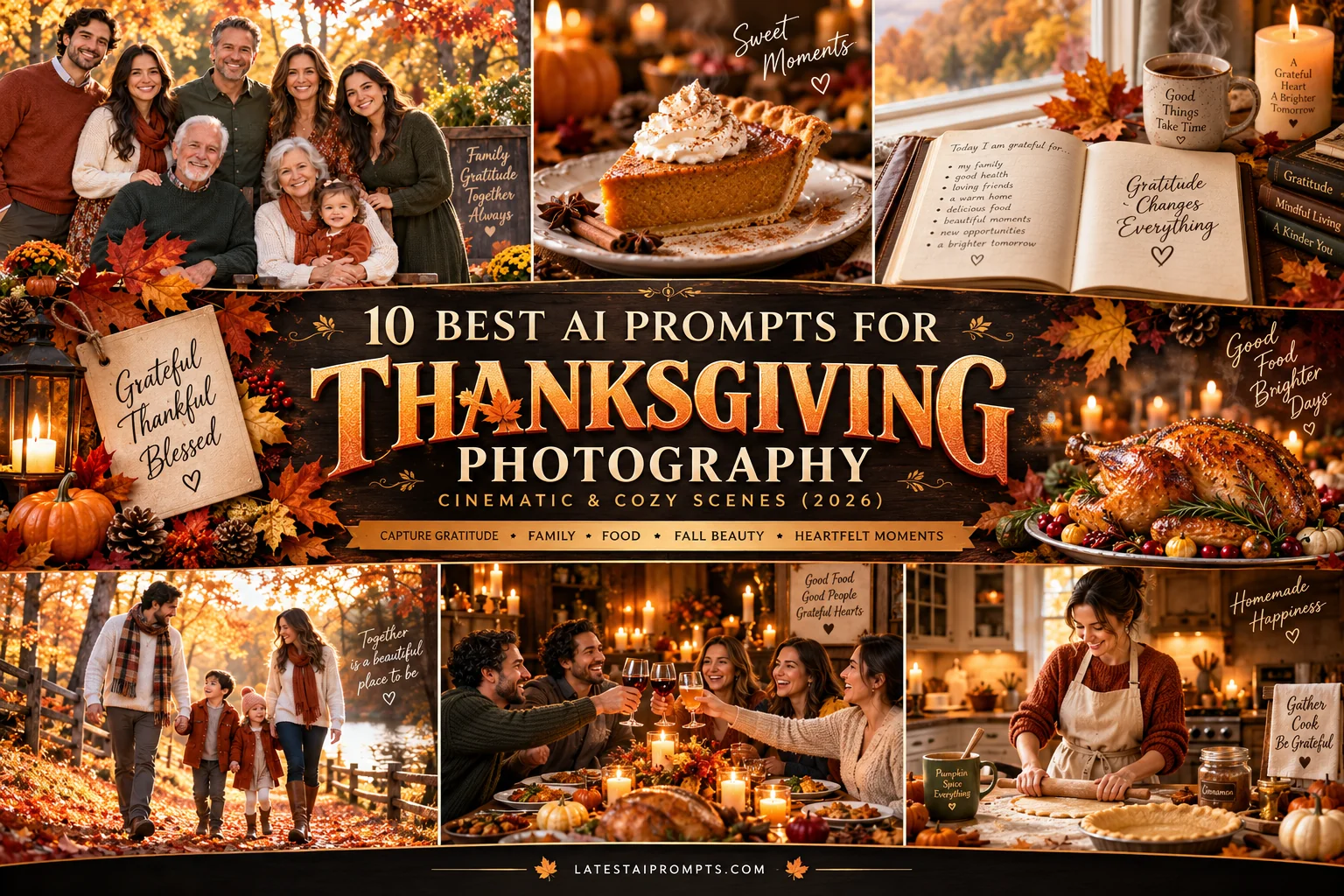
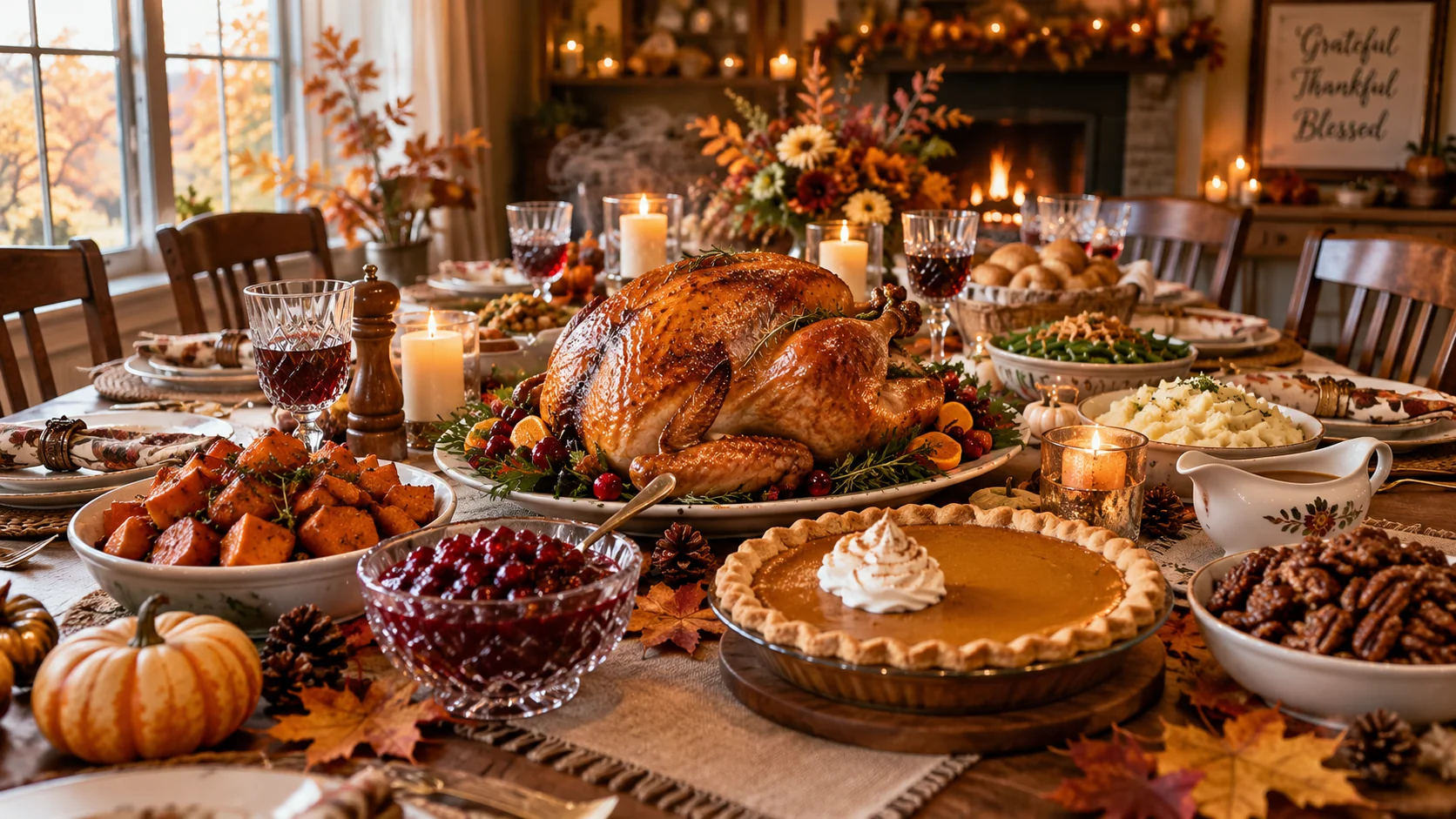
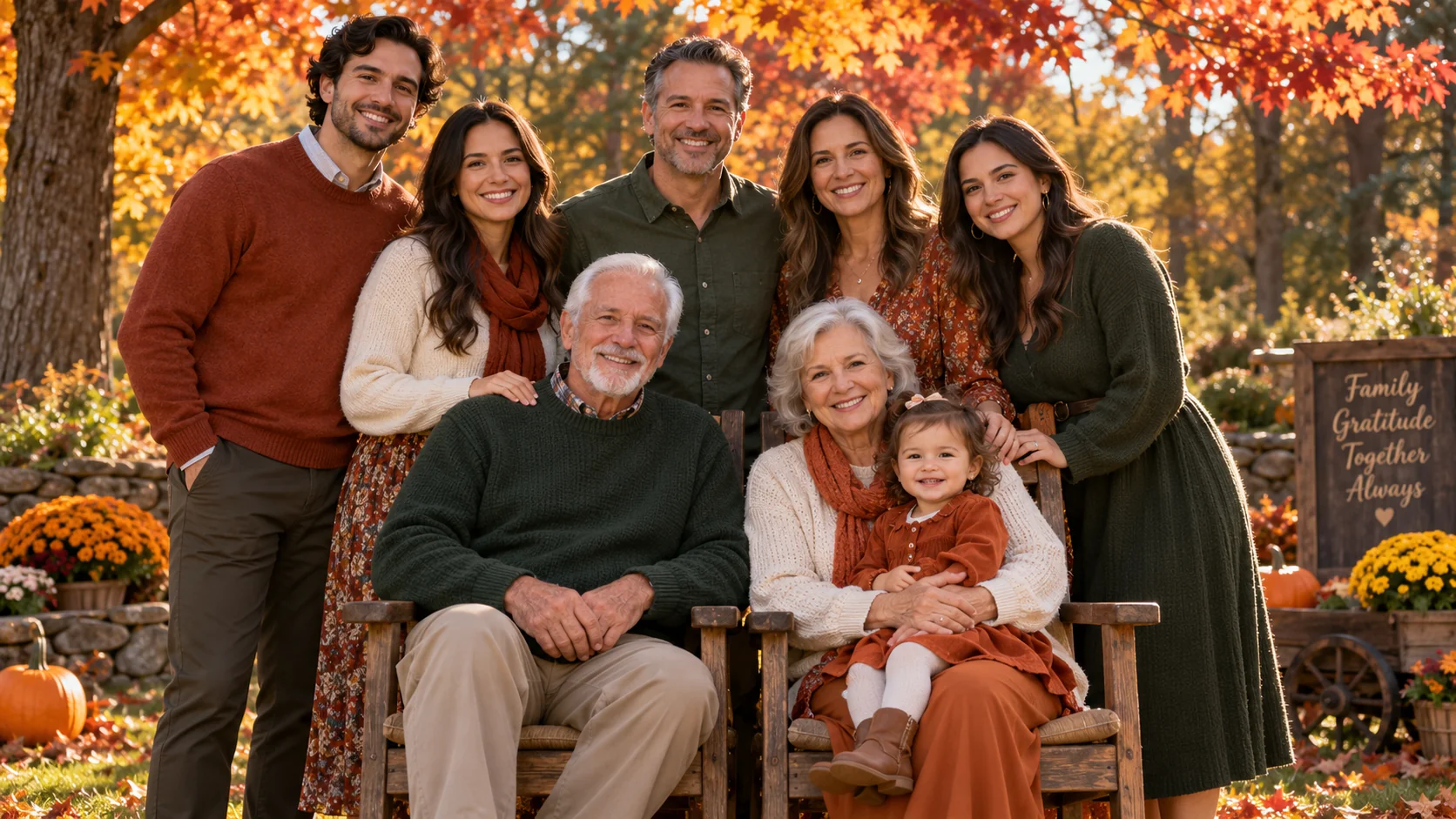
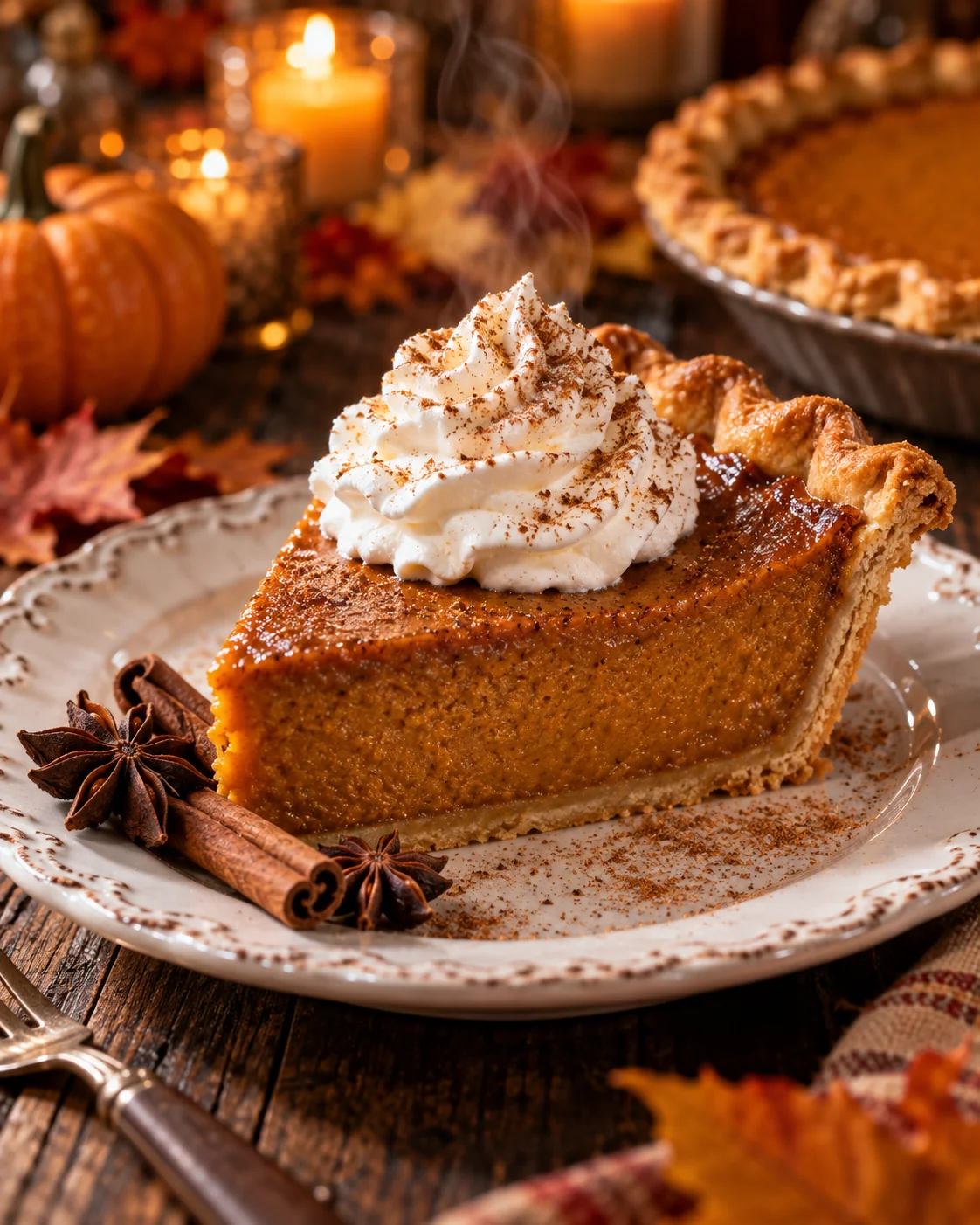
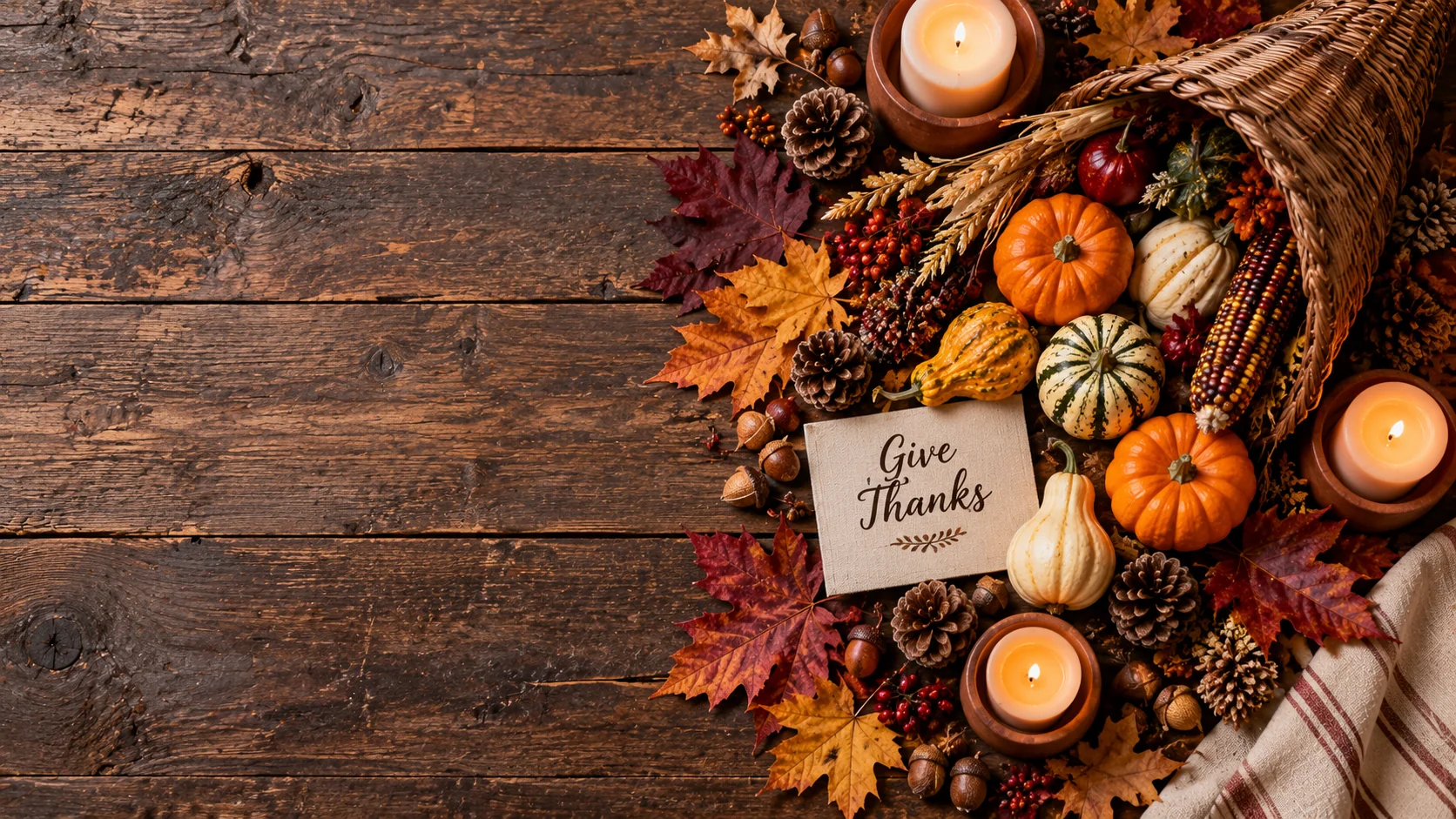
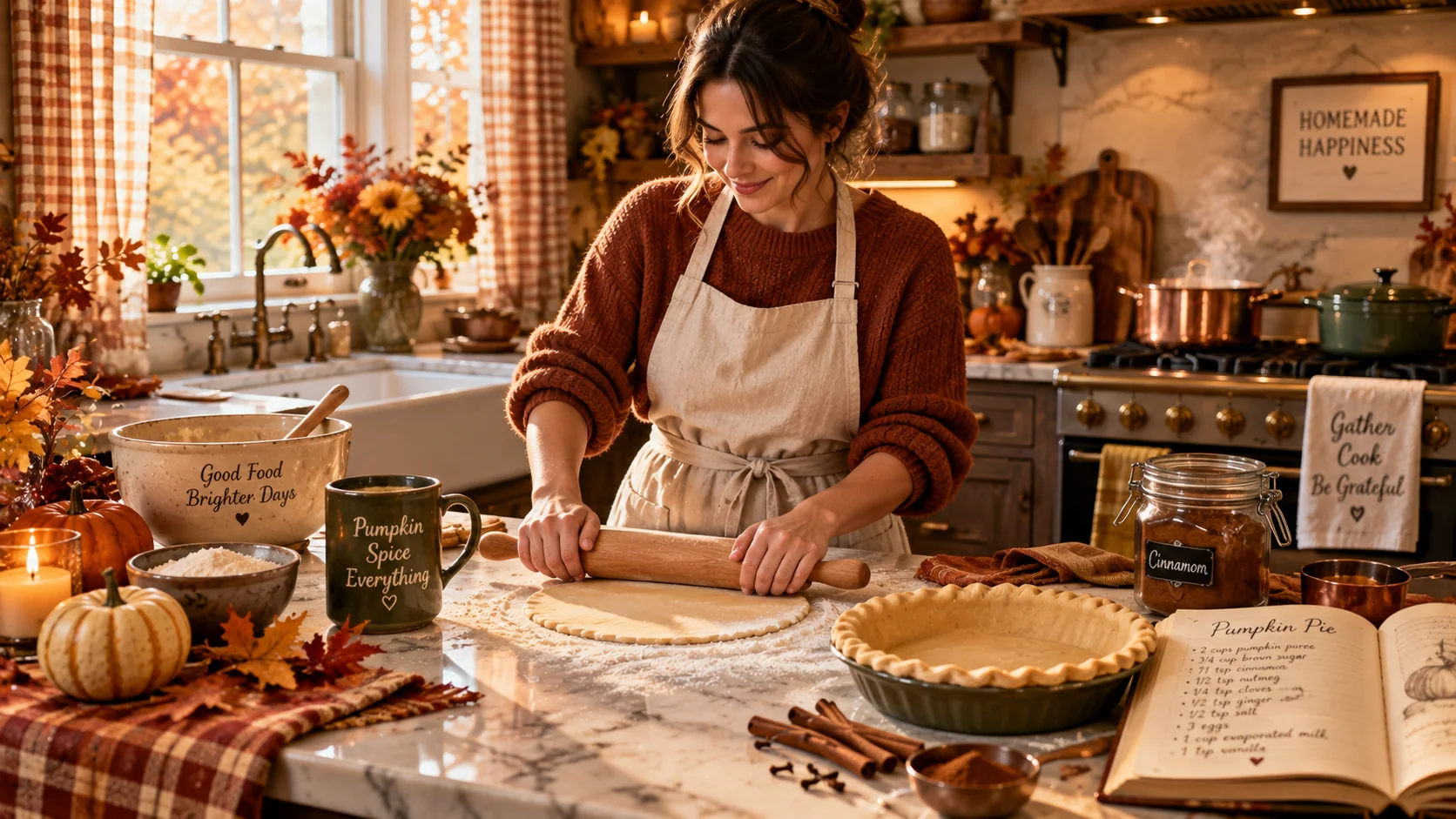
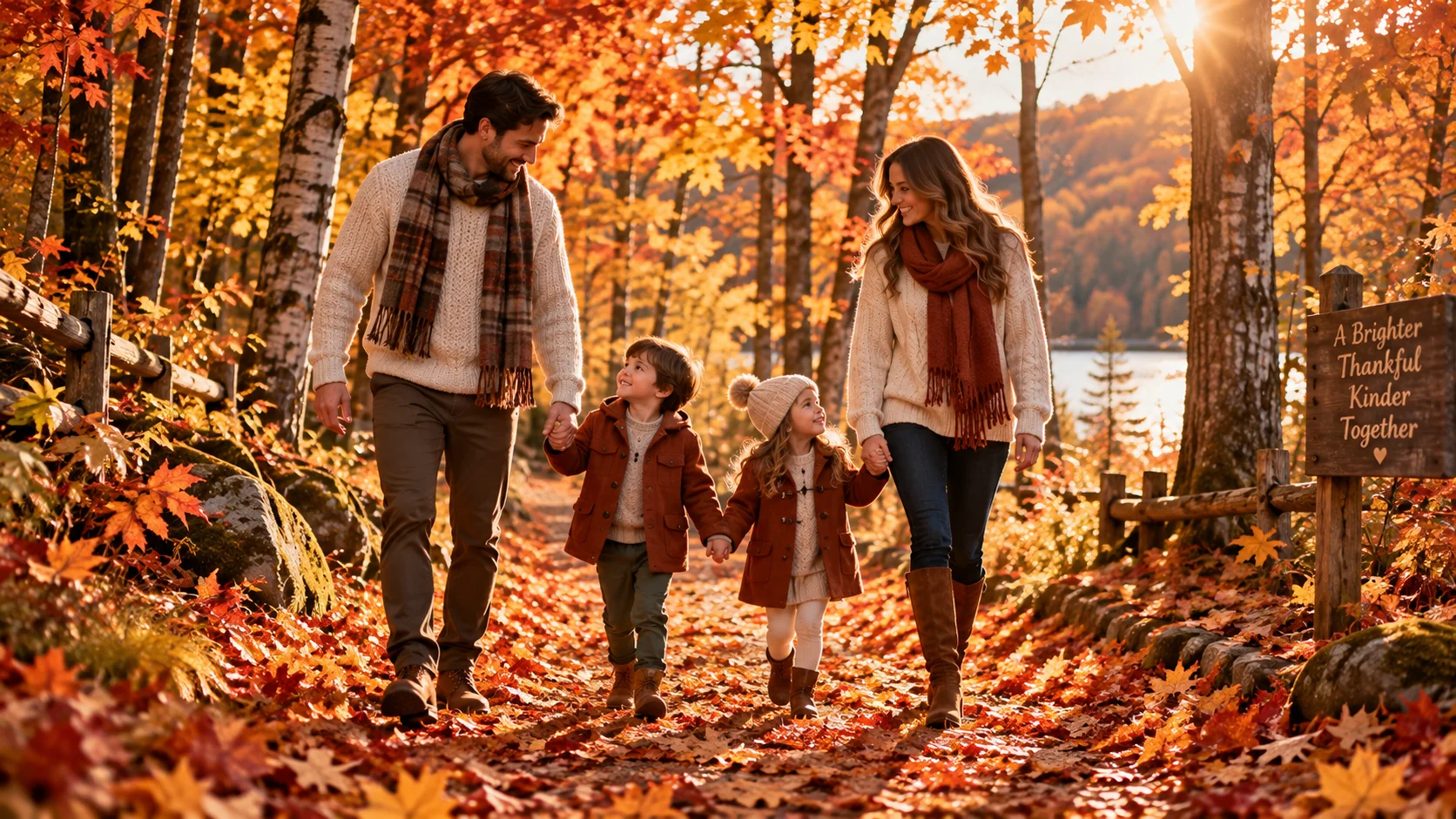
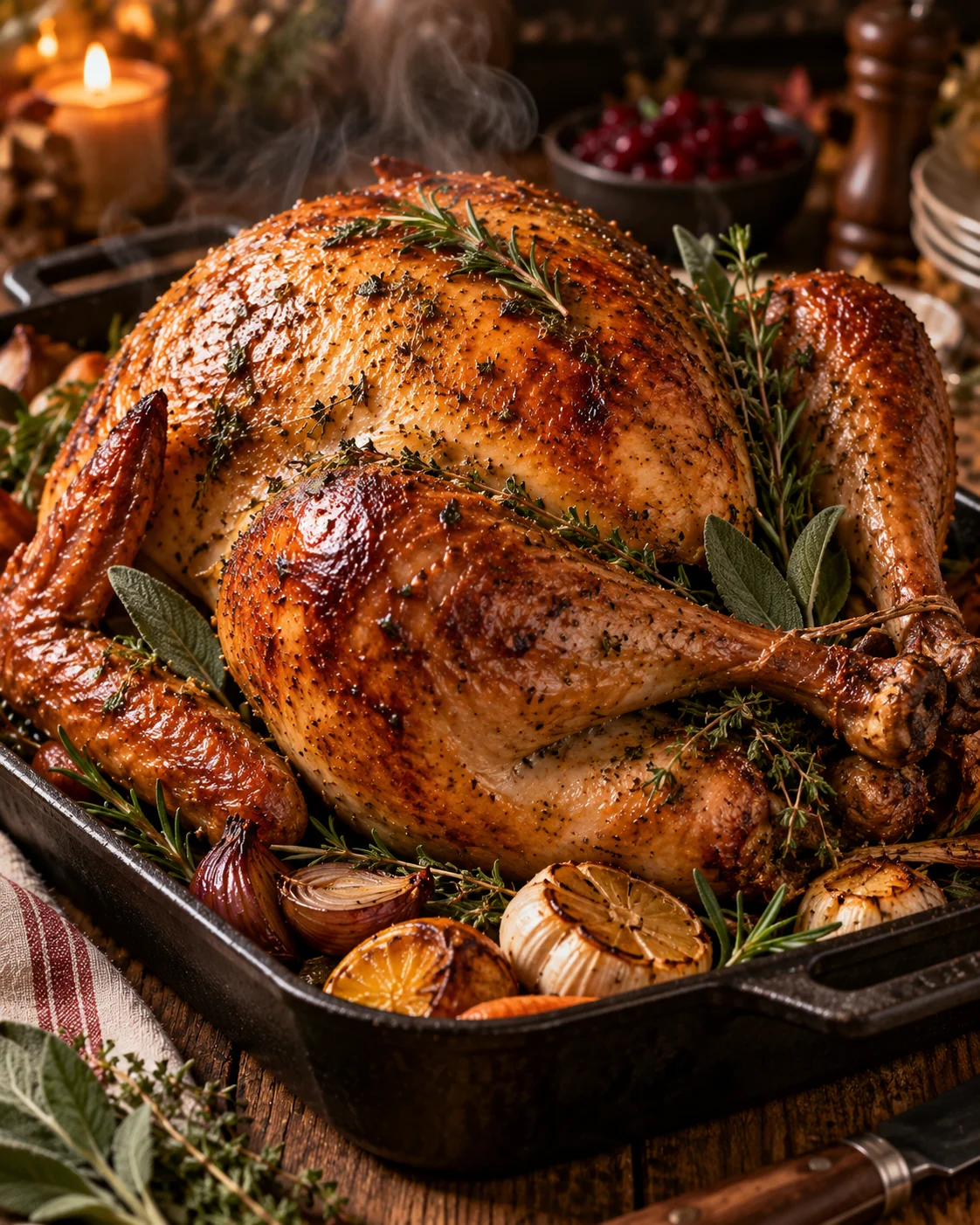
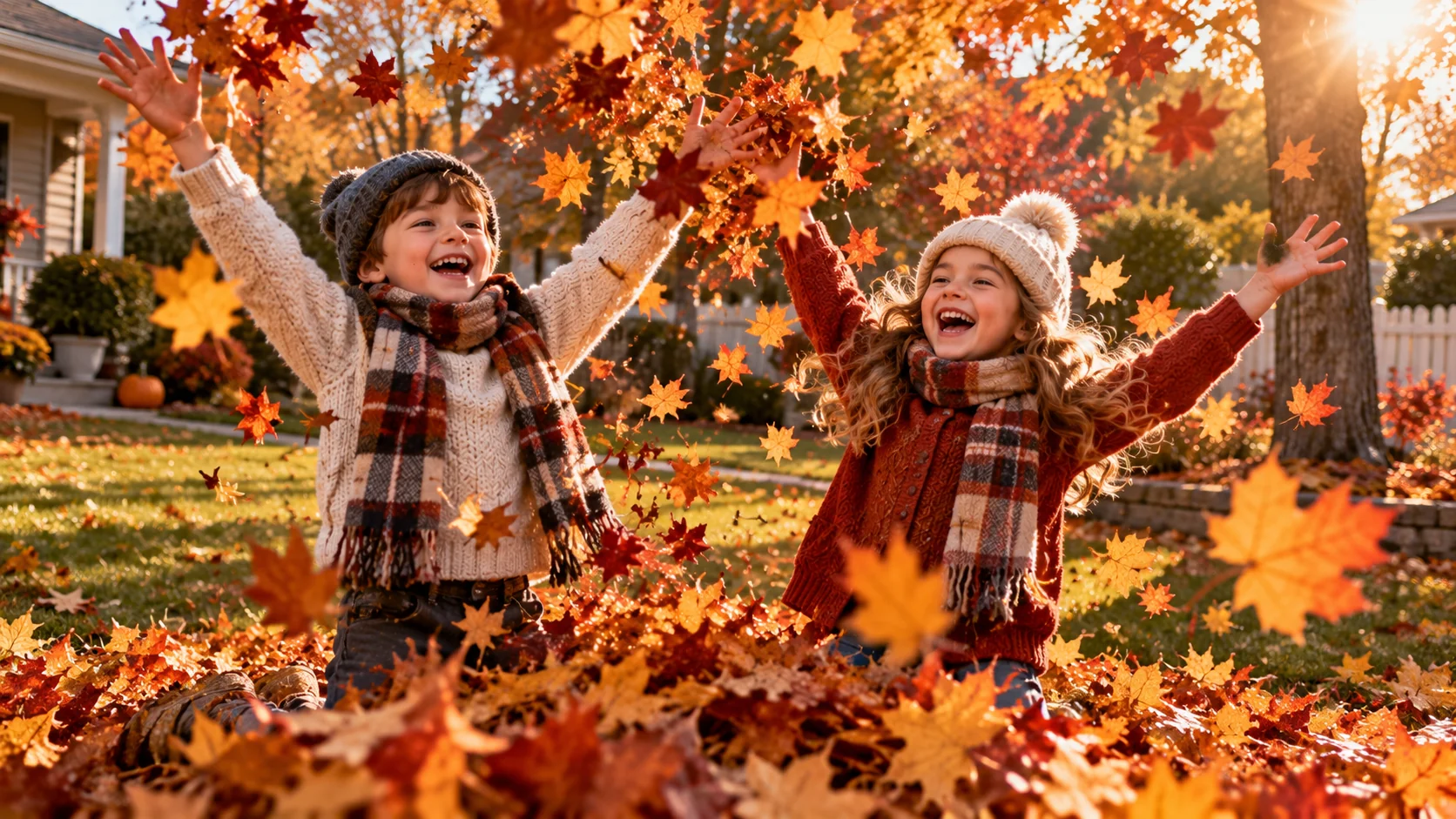
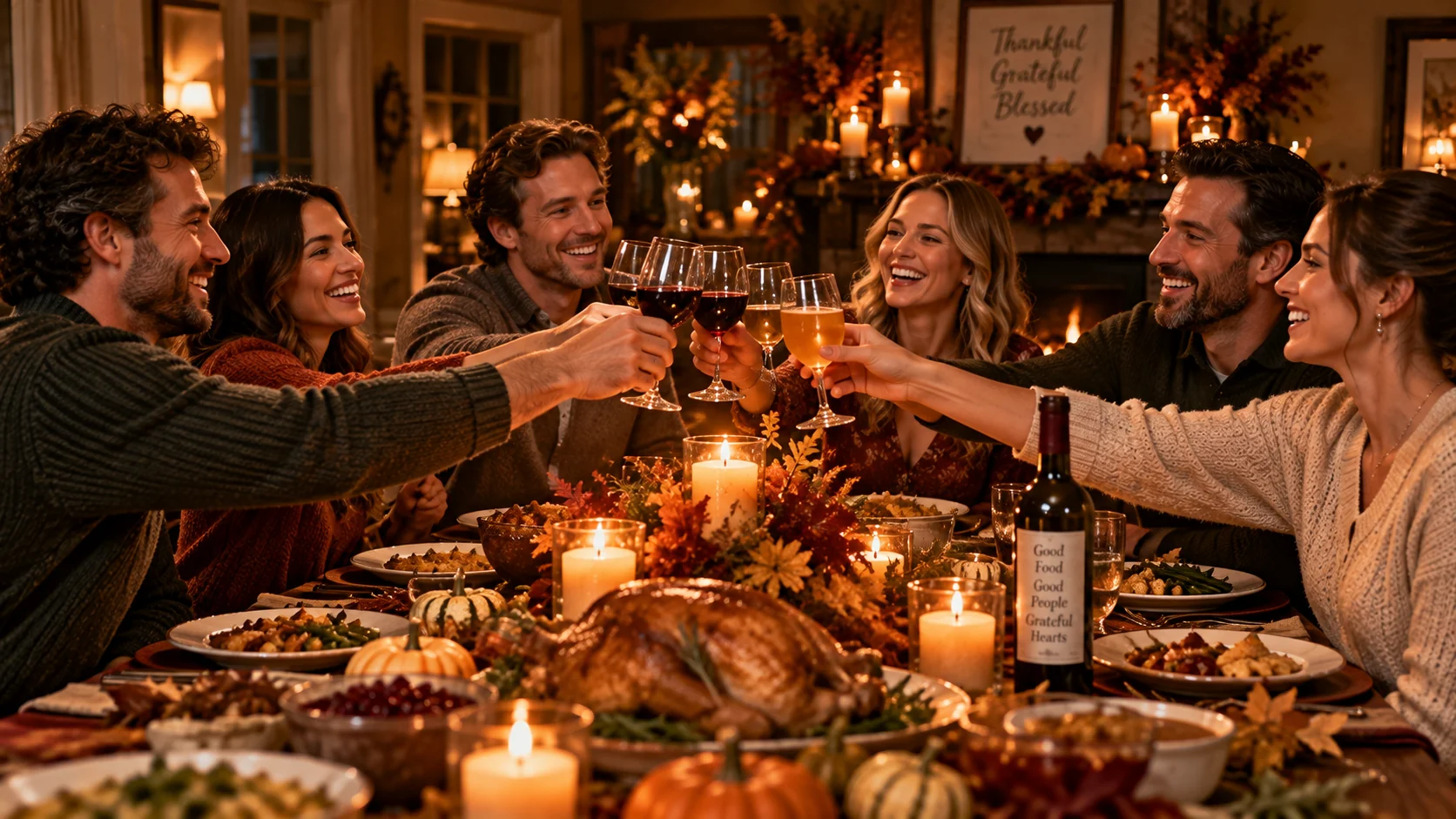
AI prompts for Thanksgiving photography have become an essential tool for content creators, bloggers, and social media managers who want warm, cinematic Thanksgiving imagery without booking a photographer or setting up a studio. In this guide, we share the 10 best AI image prompts for Thanksgiving photography covering the most-searched scenes — from a glowing golden dinner table and multigenerational family portraits to a pumpkin pie close-up, rustic harvest flat lay, cozy kitchen prep, and a candlelit Thanksgiving toast. Every prompt is engineered for ChatGPT with DALL·E 3, Google Gemini AI, Midjourney v6, and Stable Diffusion XL with precise lighting, composition, mood, and seasonal detail instructions built in. Whether you need Thanksgiving content for Instagram, a greeting card, a blog cover, or a branded social campaign, these prompts will generate premium, photorealistic autumn scenes full of warmth, gratitude, and seasonal charm.
- 10 ready-to-copy prompts — no editing needed
- Works with ChatGPT, Gemini AI, Midjourney, DALL·E & SDXL
- Covers dinner table, family portraits, food close-ups, harvest & lifestyle scenes
- Includes customization tips for each prompt
- 100% free — no signup required
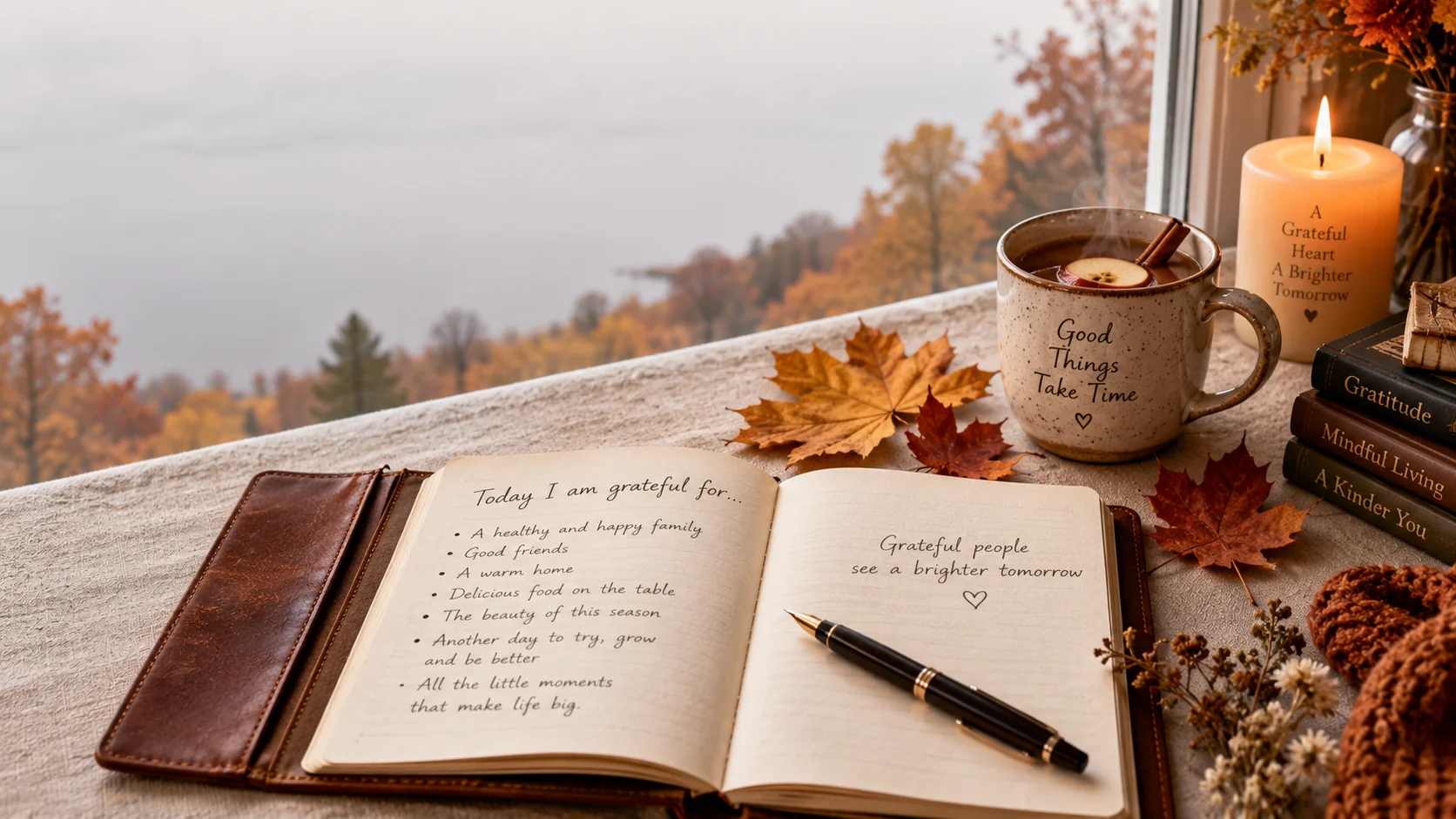
Tips for Better Thanksgiving AI Photography Results
These three techniques will consistently improve the quality of every Thanksgiving scene you generate:
1. Layer Your Lighting Description
Thanksgiving scenes live or die by their light. Instead of simply writing “good lighting,” specify the source (candlelight, golden-hour window, overcast diffused light), the direction (side lighting, backlight, from above), and the quality (soft, dramatic, warm amber glow). A prompt that says “warm candlelight reflecting off crystal glassware with soft golden side-lighting from a window” will produce a dramatically richer result than one that says “nice lighting.”
2. Specify Mood and Colour Palette Together
The most effective Thanksgiving prompts pair an emotional mood word with a concrete colour palette. Use combinations like “nostalgic mood, amber and burgundy tones” or “cozy and abundant, rust, cream, and sage green colour palette.” AI image tools respond well to both emotional and visual language simultaneously — the colour palette grounds the mood in visual reality.
3. Use Aspect Ratio Intentionally
Match your aspect ratio to the final destination. Use --ar 16:9 for wide dinner table and outdoor family scenes, --ar 4:5 for Instagram portrait posts and food close-ups, --ar 1:1 for square greeting cards and social grid posts, and --ar 3:2 for print-quality wall art and photo album pages.
Which AI Tool Works Best for Thanksgiving Photography?
All four major tools produce strong results with these prompts, but each has a different strength:
- ChatGPT with DALL·E 3 — Best for cozy indoor scenes, food close-ups, and still-life compositions. Excellent at interpreting complex multi-element descriptions in one generation.
- Google Gemini AI — Particularly strong at warm, natural-light outdoor family portraits and scenes requiring realistic human expressions. Great for the family walk and toast prompts.
- Midjourney v6 — Best for cinematic, editorial-quality wide scenes and harvest flat lays. Add
--style rawto reduce over-stylisation and get a more photographic result. - Stable Diffusion XL — Best for local generation with full control over fine details. Use a photorealistic checkpoint model and these prompts work directly without modification.

Jitendra Patra
AI Prompt Researcher & Software Engineering Student
Jitendra Patra is a software engineering student and AI prompt researcher specializing in Google Gemini and generative image models. He actively experiments with structured prompt engineering techniques to produce high-quality, reproducible visual outputs across portrait, food, family, and lifestyle photography categories.
His work focuses on iterative prompt development, with attention to seasonal lighting, colour palette, and cinematic composition for Thanksgiving and autumn photography concepts.
The prompts in this guide are developed with attention to structure, detail, and visual quality for Thanksgiving photography.
Frequently Asked Questions
What AI tools work best for Thanksgiving photography prompts?
ChatGPT with DALL·E 3, Google Gemini AI, Midjourney v6, and Stable Diffusion XL all produce excellent Thanksgiving photography results. Gemini AI excels at warm, natural-light table scenes and realistic family portraits, while Midjourney v6 is ideal for cinematic outdoor family portraits and editorial harvest flat lays. For still-life and food close-up scenes like the pumpkin pie prompt, ChatGPT with DALL·E 3 reliably handles complex multi-element compositions in a single generation.
Can I use these prompts on Midjourney v6?
Yes. All 10 prompts in this guide work directly with Midjourney v6. For best results, append --style raw to reduce over-stylisation and achieve a more natural, photographic look. Add --ar 16:9 for wide dinner table and outdoor scenes, or --ar 4:5 for portrait-format family shots. You can also add --no text, watermark, blur, distorted hands to keep the output clean.
How do I make my Thanksgiving AI images look more realistic?
To improve realism, include specific lighting terms such as “soft golden-hour window light” or “warm candlelight reflections,” specify lens qualities like “shallow depth of field” and “DSLR quality,” and describe textures like “steam rising from turkey” and “glistening golden-brown crispy skin.” Adding seasonal colour palette terms such as “amber, burgundy, and rust tones” also helps AI tools produce more cohesive, atmospheric Thanksgiving results.
Are these Thanksgiving photography prompts free to use?
Yes, all prompts on Latest AI Prompts are completely free to use. Simply copy and paste any prompt directly into ChatGPT, Gemini AI, Midjourney, or Stable Diffusion. No signup, subscription, or account is required to access this guide. You are also free to modify and adapt any prompt for your specific creative brief.
What is the best aspect ratio for Thanksgiving AI images?
Match the aspect ratio to your intended use: --ar 16:9 for wide cinematic dinner table and harvest scenes, --ar 4:5 for Instagram portrait posts and food close-ups, --ar 1:1 for square social media grid posts and greeting cards, and --ar 3:2 for print-ready wall art and photo album pages.
Can I use these prompts for commercial Thanksgiving projects?
The prompts themselves are free to use for any project — personal or commercial. However, the commercial use rights for the AI-generated images depend entirely on the terms of the tool you use. ChatGPT, Midjourney, and Gemini each have their own commercial licensing policies. Always review your specific tool’s current terms of service before commercial use.