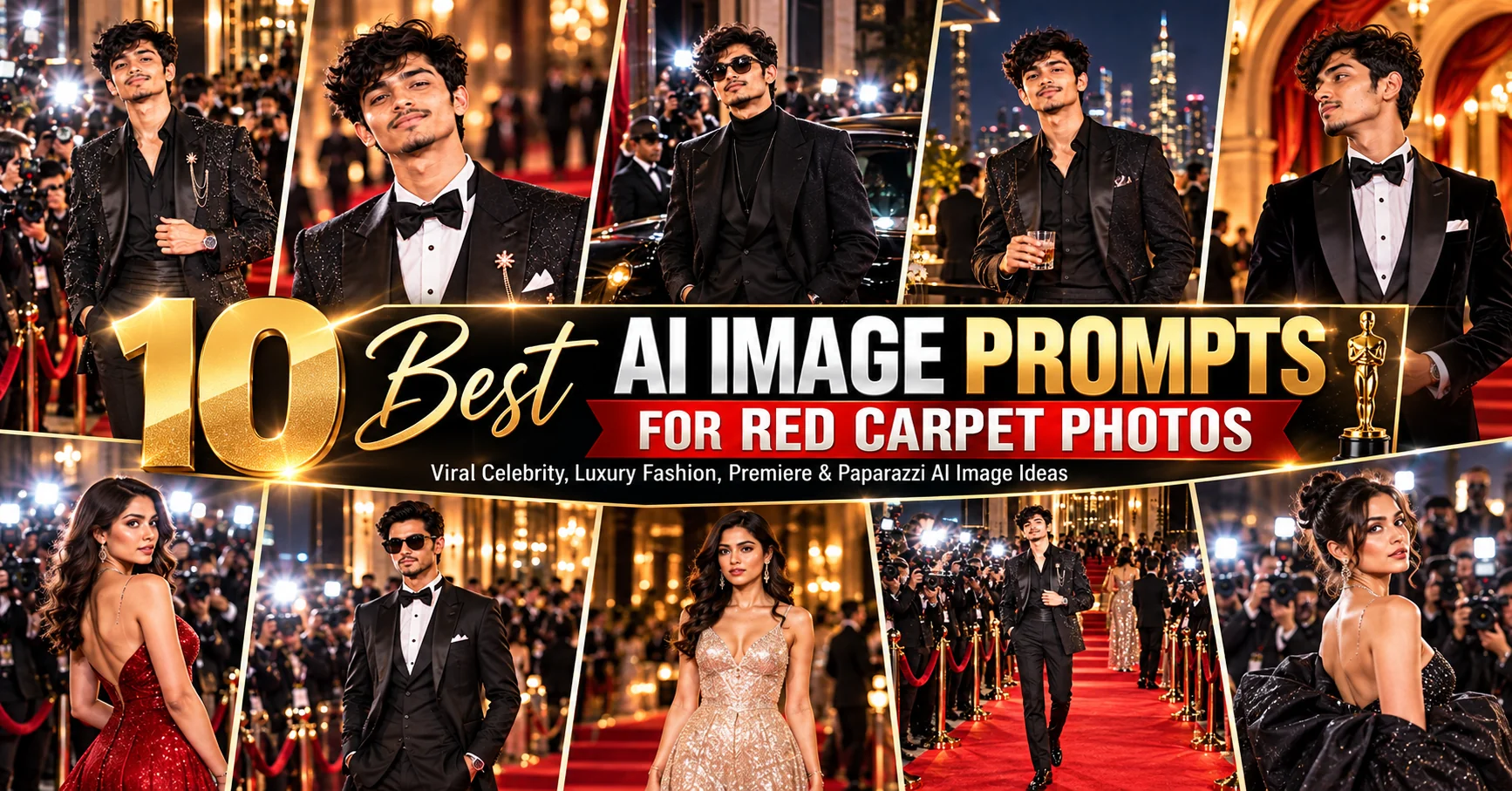
10 Best AI Image Prompts for Red Carpet Photos β€” Viral Celebrity, Luxury Fashion, Premiere & Paparazzi AI Image Ideas
Updated: 10 min read

Red carpet photos are all about glamour, atmosphere, fashion, confidence, and the feeling that something important is happening in front of the camera. With the right AI image prompt, you can turn an ordinary portrait into a polished premiere-night photograph with dramatic lighting, luxury styling, photographers, press walls, and cinematic surroundings. These prompts are designed for creators who want realistic celebrity-inspired editorial scenes without relying on vague instructions such as β€œmake this look famous.” Each prompt gives the image model a clear visual direction, including wardrobe, composition, lighting, environment, camera feel, and overall mood. You can use them with your own portrait, a fictional character, a fashion concept, or an original subject depending on the image tool you are using. For the strongest results, keep the subject description consistent and customize the details that matter most to your concept, such as the outfit, venue, color palette, pose, and lighting.

  • βœ” Create glamorous AI red carpet portraits with detailed fashion styling
  • βœ” Generate luxury premiere and movie-event photography scenes
  • βœ” Experiment with paparazzi flashes, press walls, and editorial compositions
  • βœ” Customize outfits, venues, poses, lighting, camera angles, and moods
  • βœ” Turn ordinary portrait ideas into polished cinematic fashion images

1. Hollywood Premiere Red Carpet β€” AI Prompt

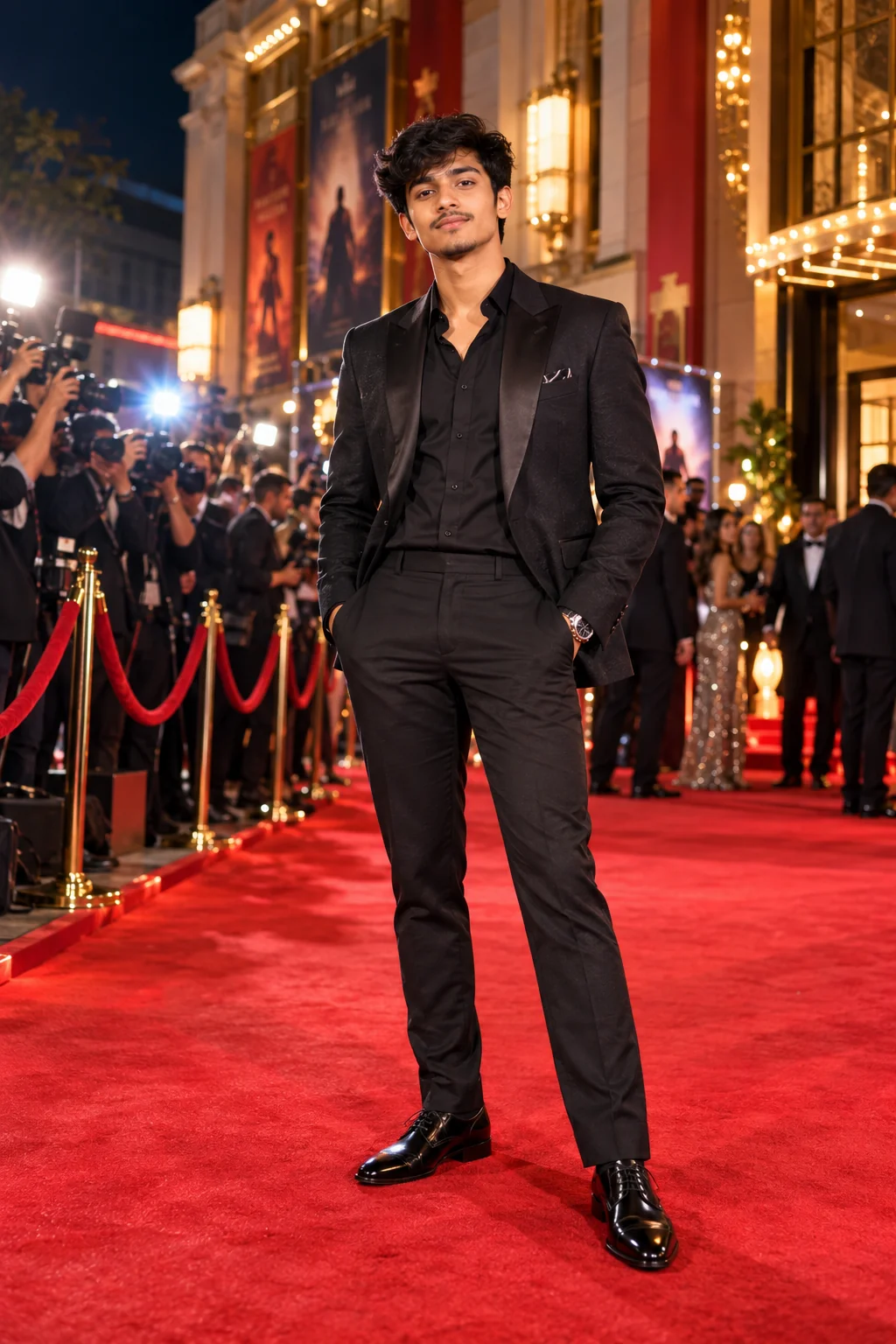
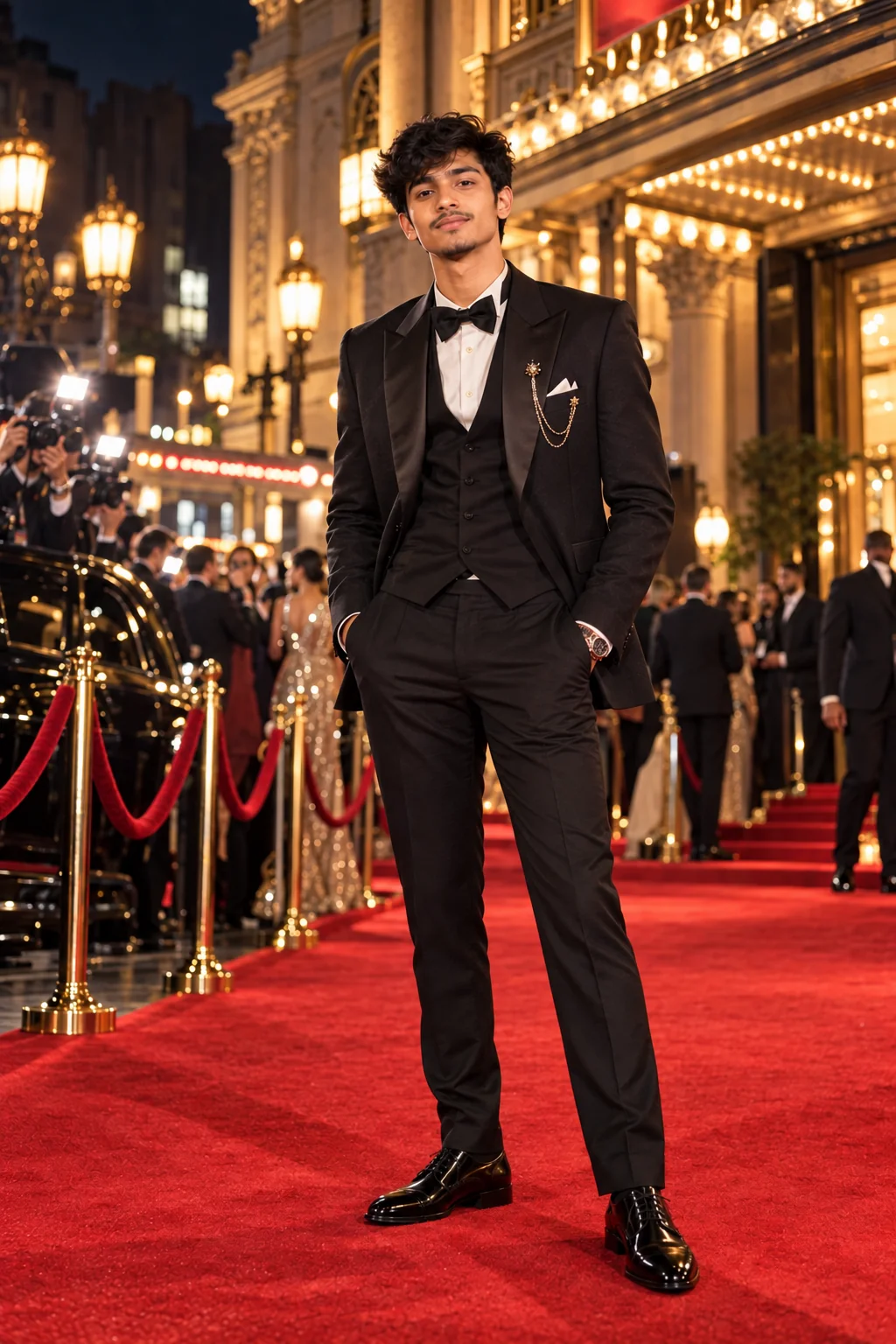
Glamorous Hollywood premiere red carpet AI portrait with luxury fashion and cinematic lighting
Prompt
Create a photorealistic Hollywood movie premiere red carpet portrait of the subject, wearing an elegant high-fashion evening outfit with sophisticated tailoring and premium fabric details. Place the subject confidently on a grand red carpet outside a luxurious theater at night, surrounded by elegant architectural details, subtle event signage, velvet barriers, photographers, camera flashes, and a softly illuminated crowd in the background. Use cinematic event lighting with a flattering key light, subtle rim light, realistic flash highlights, natural skin texture, detailed fabric, realistic hair, sharp facial features, shallow depth of field, and a premium entertainment-editorial photography aesthetic. Full-body composition, natural confident pose, realistic proportions, high detail, polished but believable photography.
Usage: Ideal for transforming a portrait into a glamorous Hollywood premiere or fictional movie-event photograph.
Tip: Replace the evening outfit with a specific color, fabric, or silhouette such as a black tuxedo, satin gown, velvet suit, or metallic couture look.

2. Luxury Fashion Red Carpet Editorial β€” AI Prompt

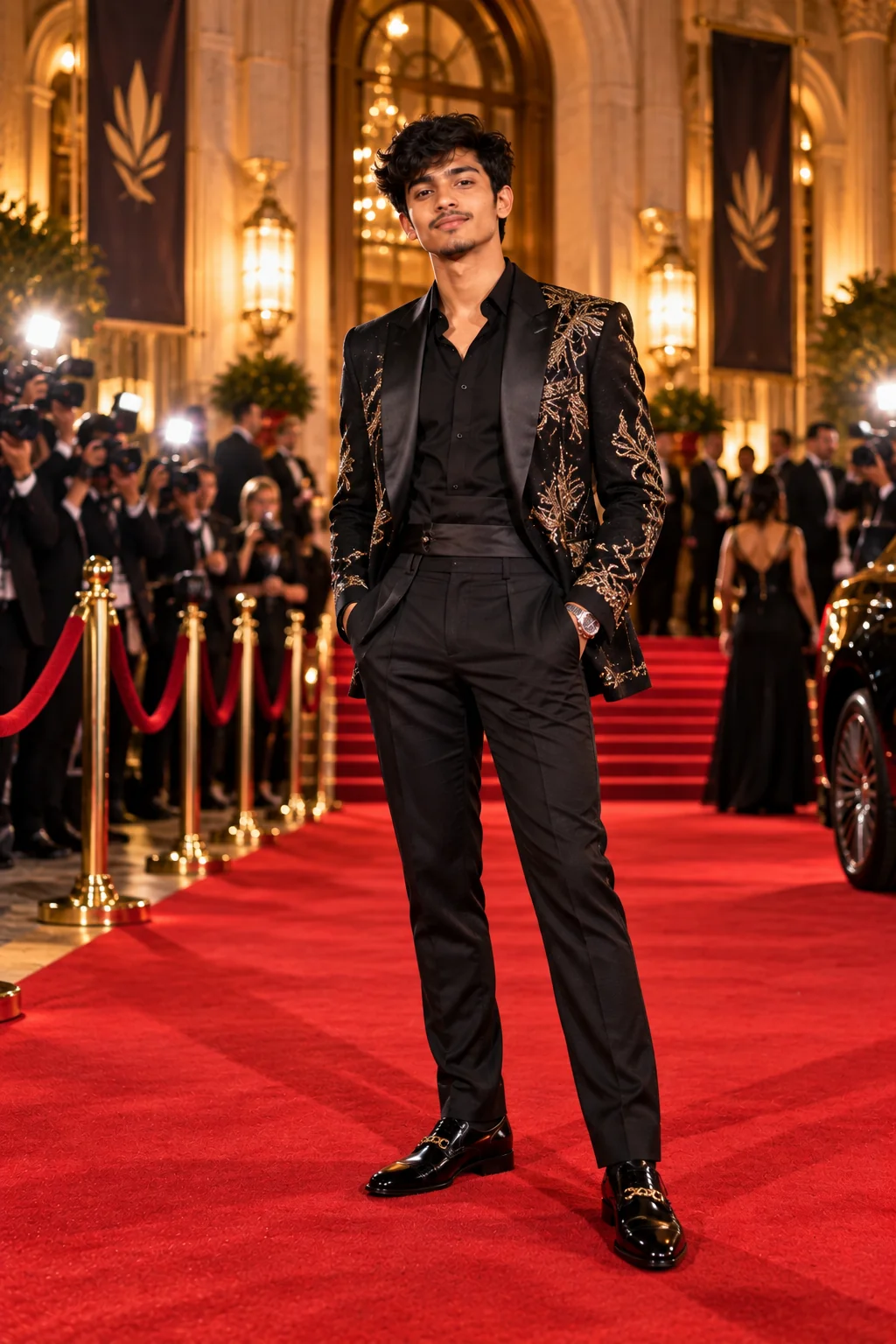
Luxury fashion red carpet editorial AI image with dramatic couture styling
Prompt
Create a sophisticated luxury fashion editorial photograph of the subject standing on an exclusive red carpet at a high-profile evening event. Style the subject in an extraordinary couture-inspired outfit with sculptural details, premium textures, elegant accessories, refined footwear, and immaculate styling. Surround the scene with a sophisticated architectural venue, warm entrance lighting, subtle golden reflections, velvet ropes, and distant photographers. Capture the image like a premium fashion magazine editorial with controlled studio-quality lighting blended with realistic event illumination, subtle shadows, cinematic depth, crisp clothing texture, natural skin detail, graceful posture, and an understated luxury atmosphere. Photorealistic, editorial composition, sophisticated color grading, realistic camera optics.
Usage: Great for luxury fashion concepts, editorial portraits, couture inspiration, and upscale event photography.
Tip: Add a fashion direction such as minimalist couture, old-Hollywood glamour, futuristic luxury, monochrome tailoring, or dramatic haute couture.

3. Paparazzi Flash Moment β€” AI Prompt

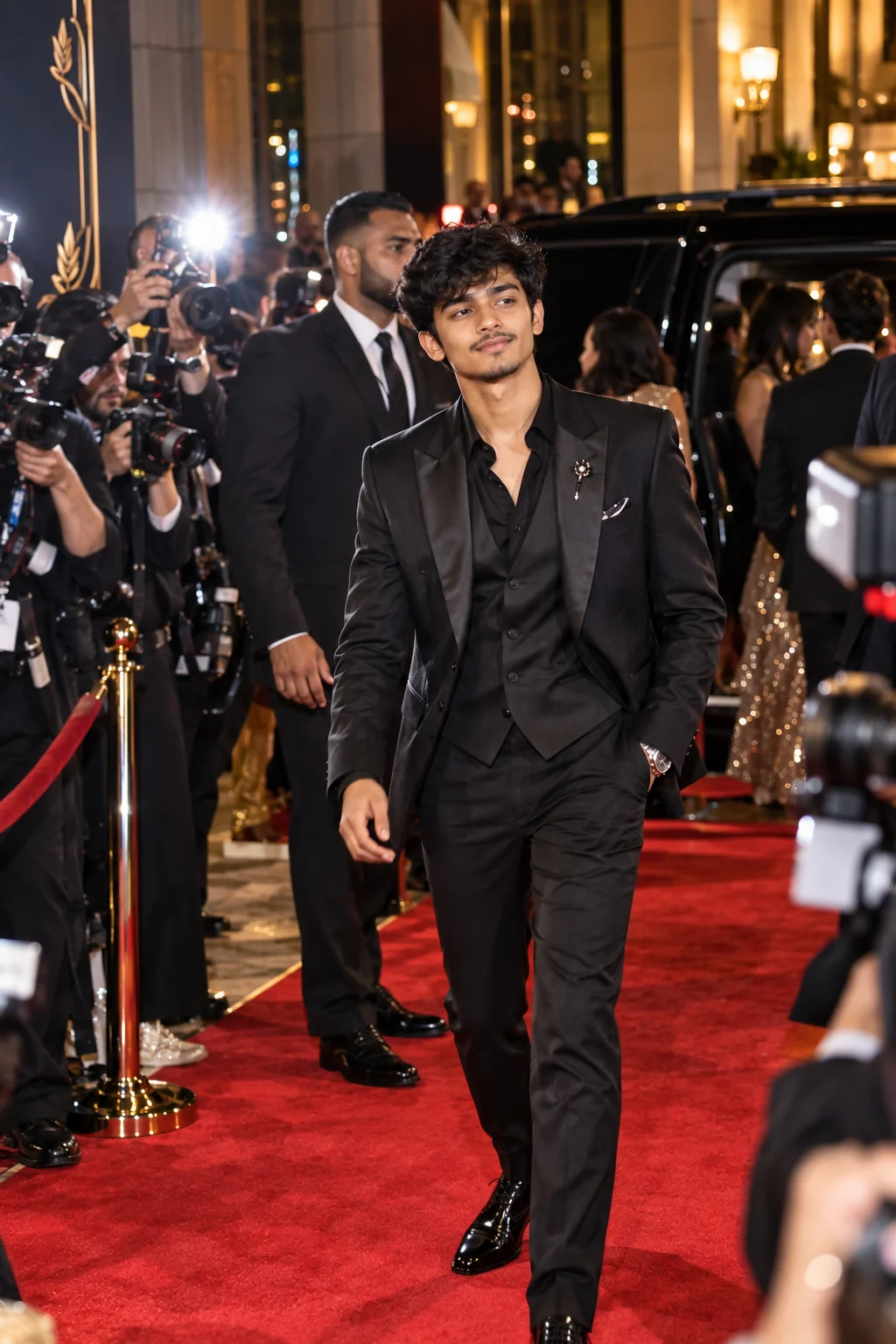
Paparazzi-style AI red carpet photograph with camera flashes and celebrity event atmosphere
Prompt
Generate a realistic paparazzi-style photograph of the subject arriving at a glamorous celebrity event. The subject is stepping onto a red carpet with a confident but natural expression while multiple photographers surround the entrance, creating bursts of camera flash from different directions. Include realistic press photographers, professional cameras, subtle security barriers, event attendees, evening city lights, and a premium venue entrance in the background. Capture a spontaneous documentary-style moment rather than a perfectly posed studio portrait. Use realistic flash exposure, slight background motion, natural skin texture, authentic clothing folds, imperfect but believable framing, shallow depth of field, realistic lens characteristics, and high-end entertainment photography aesthetics.
Usage: Use this prompt when you want a candid celebrity-arrival or paparazzi-style image rather than a polished posed portrait.
Tip: For a stronger candid effect, add details such as walking, turning toward photographers, adjusting a jacket, waving, or stepping out of a luxury vehicle.

4. Movie Premiere Press Wall β€” AI Prompt

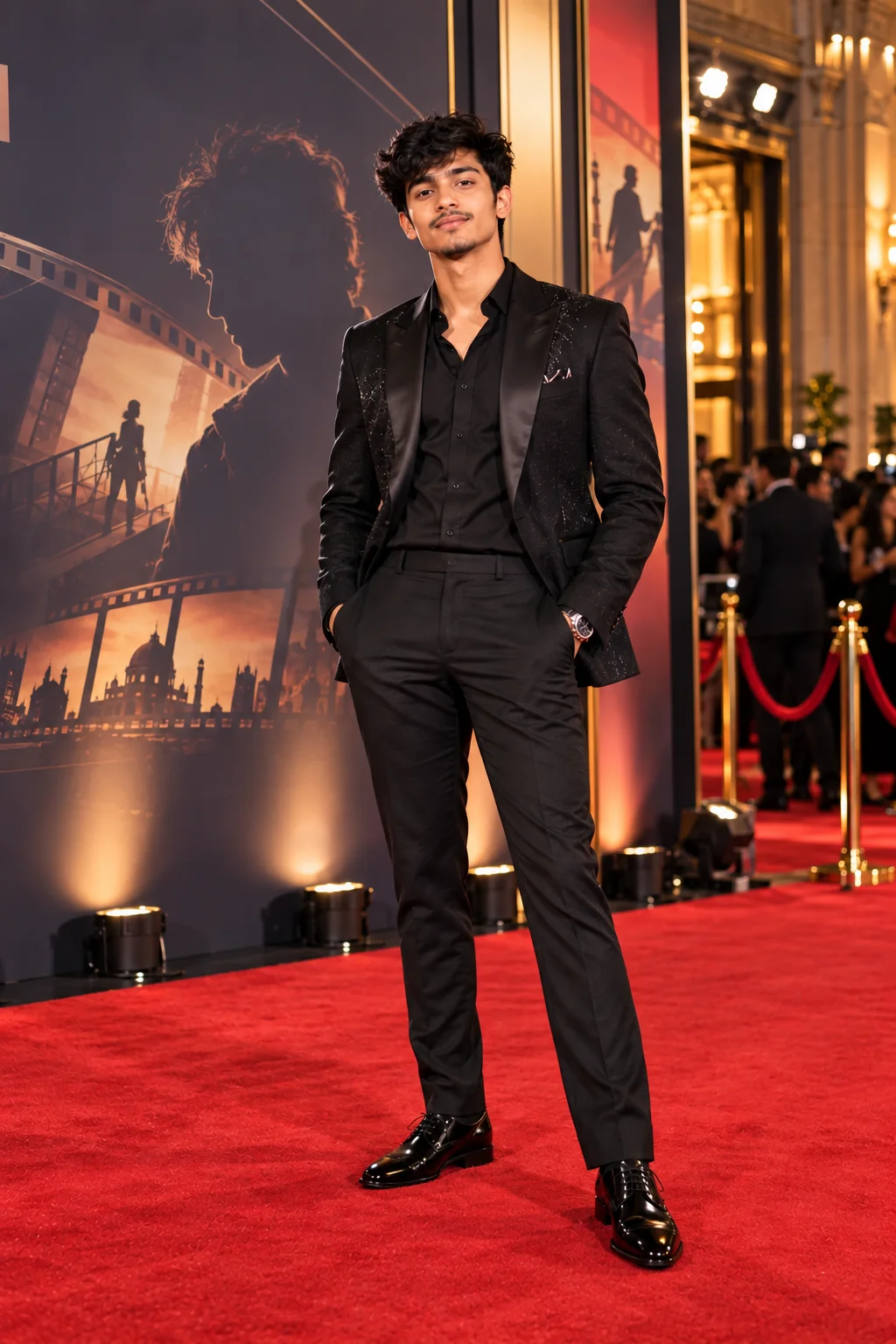
AI movie premiere portrait against a luxury press wall with cinematic event lighting
Prompt
Create a photorealistic movie premiere press-wall portrait of the subject posing confidently in front of an elegant cinematic event backdrop. Dress the subject in a sophisticated premiere-ready outfit with luxury accessories and carefully styled hair. The background should feature a premium step-and-repeat style press wall with tasteful abstract film-inspired graphics, soft architectural lighting, subtle sponsor-style visual elements without readable brand names, photographers positioned outside the frame, and a glamorous theater entrance. Use balanced event lighting, subtle camera flash highlights, realistic skin texture, detailed clothing, natural facial expression, clean full-body framing, shallow depth of field, and professional entertainment photography. Make the scene feel expensive, authentic, and professionally photographed.
Usage: Perfect for fictional movie premieres, actor-style portraits, entertainment editorials, and event photography concepts.
Tip: Change the backdrop mood to match the fictional film, such as dark thriller, romantic drama, futuristic sci-fi, fantasy adventure, or luxury period film.

5. Classic Old-Hollywood Glamour β€” AI Prompt

Old-Hollywood-inspired AI red carpet portrait with classic glamour and cinematic lighting
Prompt
Create a timeless red carpet portrait inspired by classic Hollywood glamour, featuring the subject in an elegant formal outfit with refined vintage styling, polished hair, sophisticated accessories, and graceful posture. Place the subject outside a grand theater at night with warm architectural lights, subtle marquee illumination, velvet ropes, and a softly blurred crowd. Use dramatic but flattering cinematic lighting, controlled highlights, gentle shadows, subtle film-inspired texture, realistic skin, detailed fabrics, natural facial expression, and a classic portrait composition. The image should feel luxurious and nostalgic while remaining photorealistic and contemporary in image quality. Capture the atmosphere of an important premiere night without using recognizable real celebrities or copyrighted movie characters.
Usage: Best for vintage celebrity-style portraits, classic cinema concepts, nostalgic fashion editorials, and timeless event imagery.
Tip: Add a decade-inspired direction such as 1930s elegance, 1950s glamour, or a modern interpretation of classic Hollywood styling.

6. Modern Celebrity Street-to-Red-Carpet Look β€” AI Prompt

Modern celebrity-inspired red carpet AI fashion photograph with contemporary styling
Prompt
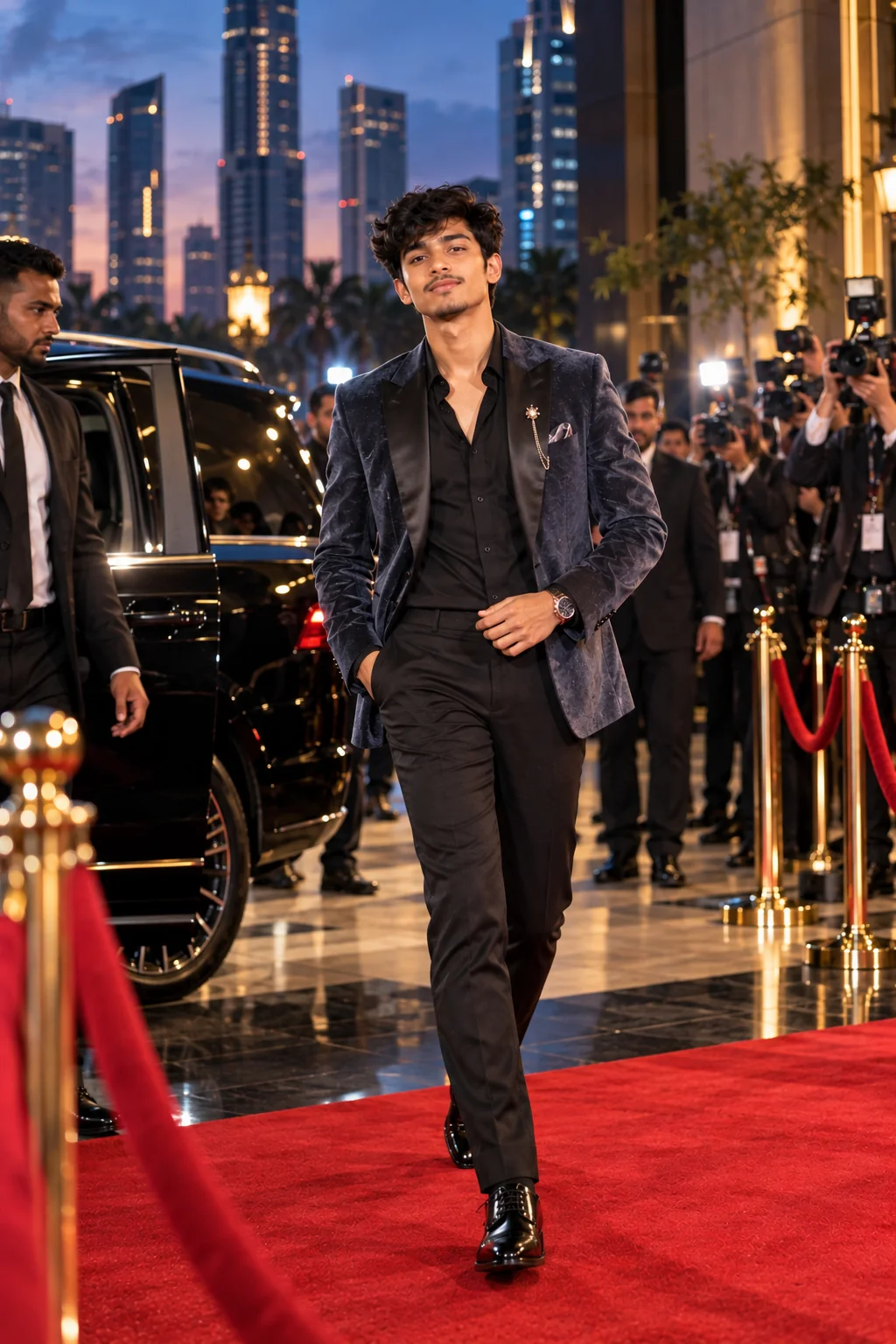
Generate a high-end editorial photograph of the subject transitioning from a modern city arrival into a glamorous red carpet event. Style the subject in contemporary celebrity-inspired fashion combining luxury tailoring, statement accessories, premium footwear, and carefully coordinated colors. Place the scene at an upscale urban venue during blue hour, with city lights, photographers, event staff, luxury vehicles, and a glowing entrance behind the subject. Capture a dynamic moment as the subject walks toward the red carpet while photographers react in the background. Use realistic environmental lighting, subtle camera flash, cinematic depth, crisp clothing detail, authentic skin texture, natural movement, professional fashion photography composition, and a sophisticated modern atmosphere.
Usage: Great for contemporary fashion storytelling, celebrity-arrival concepts, urban luxury photography, and social media visuals.
Tip: Customize the city atmosphere with details such as Manhattan nightlife, Los Angeles glamour, Miami luxury, London evening streets, or Paris fashion-week energy.

7. Dramatic Black-Tie Premiere Portrait β€” AI Prompt

Dramatic black-tie movie premiere AI portrait with elegant formalwear and cinematic lighting
Prompt
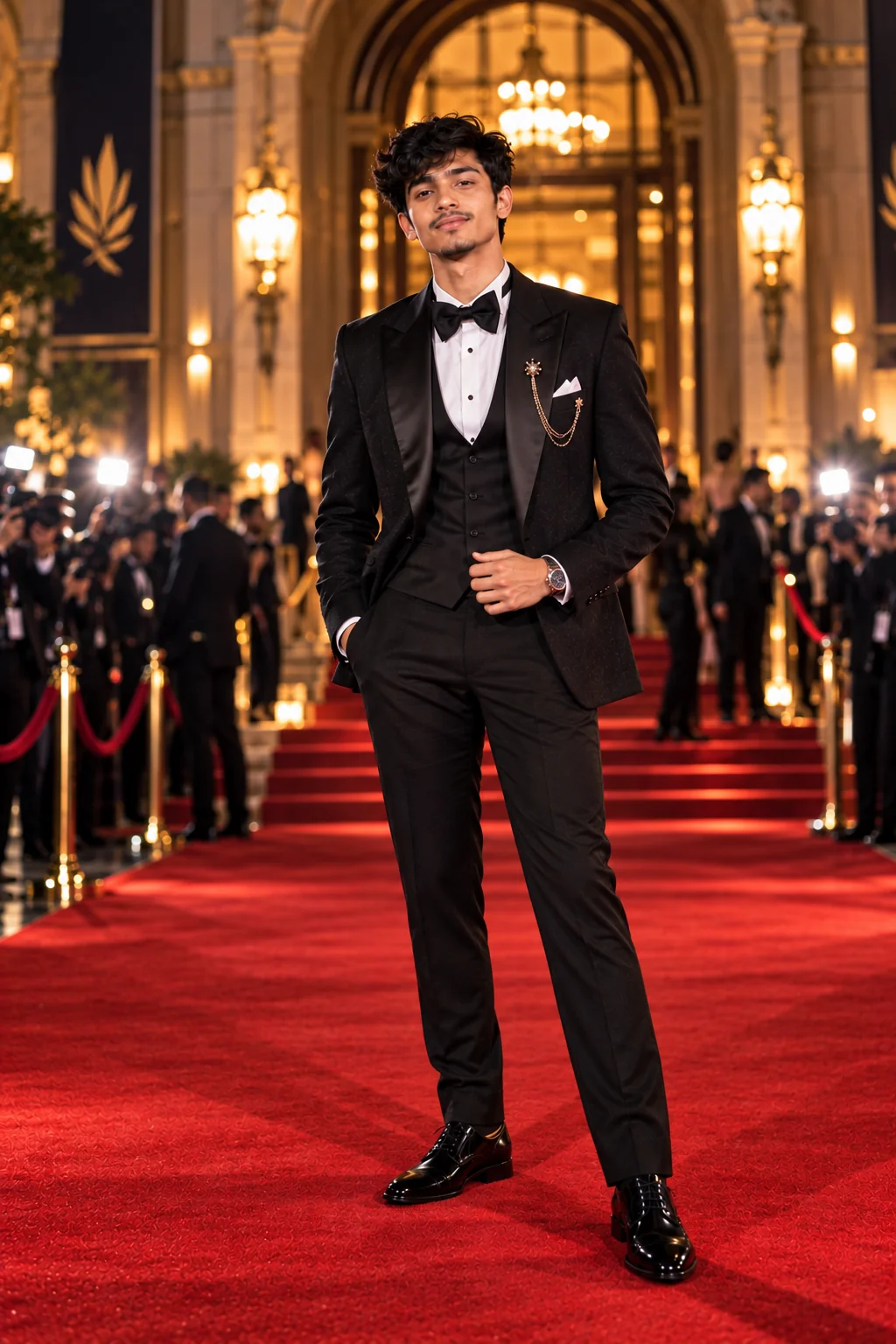
Create a dramatic black-tie red carpet portrait of the subject at an exclusive evening premiere. Dress the subject in impeccably tailored formalwear with premium materials, elegant accessories, polished grooming, and a sophisticated silhouette. Position the subject at the center of a grand venue entrance with deep architectural shadows, warm practical lights, subtle red carpet reflections, photographers in the distance, and a softly blurred crowd. Use cinematic directional lighting, controlled contrast, realistic highlights, detailed fabric texture, natural skin pores, sharp eyes, realistic hair, shallow depth of field, and a premium magazine photography aesthetic. The final image should feel confident, elegant, cinematic, and believable.
Usage: Use this prompt for sophisticated formal portraits, luxury event photography, black-tie concepts, and cinematic male or female fashion looks.
Tip: Specify the exact formalwear style, such as a classic tuxedo, velvet dinner jacket, minimalist gown, structured suit, or modern black-tie ensemble.

8. High-Fashion Flash Photography β€” AI Prompt

High-fashion AI red carpet image with intense flash photography and editorial styling
Prompt
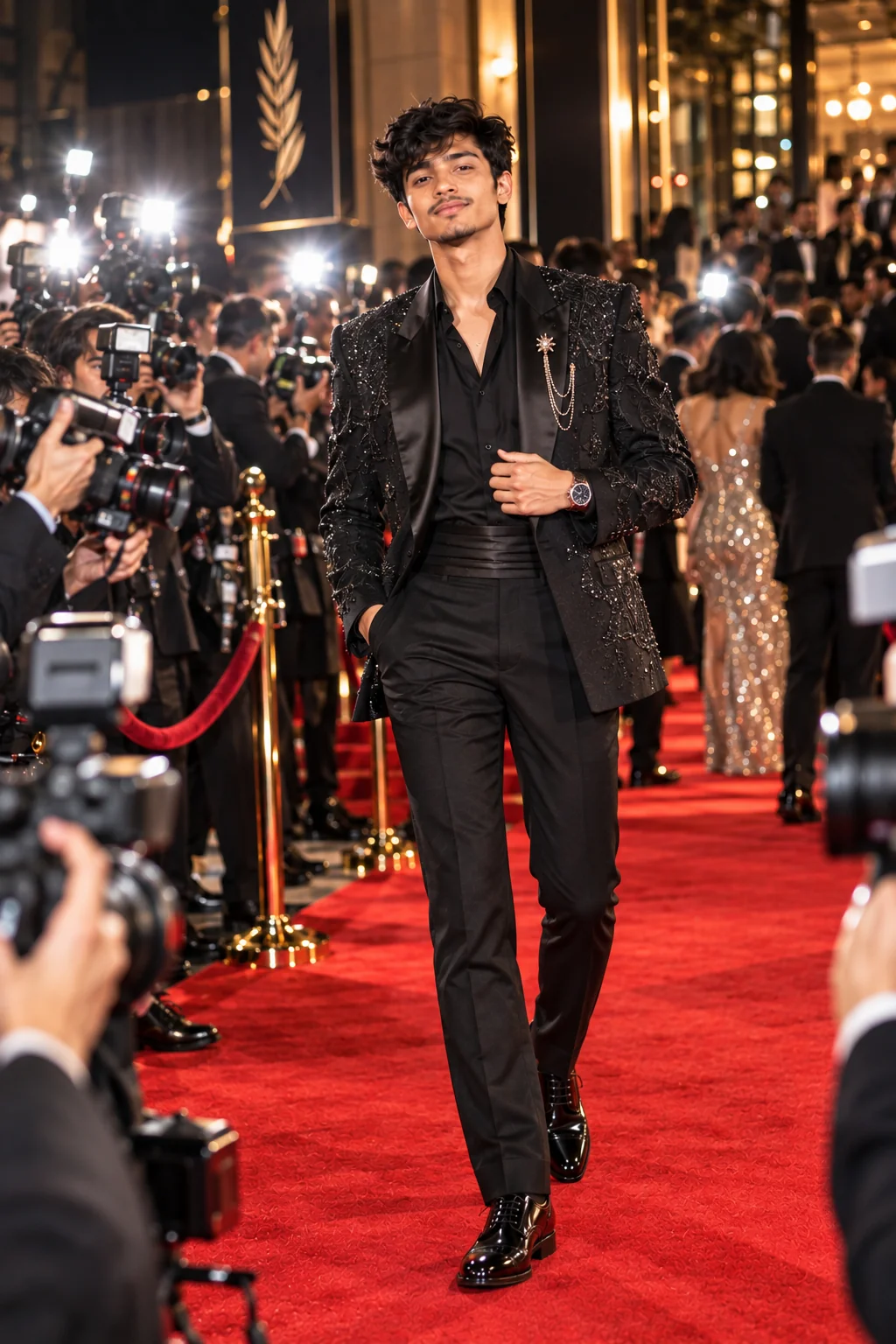
Create a bold high-fashion red carpet photograph captured during an intense burst of professional camera flashes. The subject wears an avant-garde luxury fashion look featuring dramatic silhouette, sophisticated styling, statement accessories, and intricate fabric details. Surround the subject with a busy but softly blurred press area filled with photographers and flashes, while a premium event entrance glows behind them. Use direct flash photography mixed with ambient venue lighting, realistic specular highlights, subtle exposure variation, natural skin texture, detailed clothing, authentic shadows, slight background motion, shallow depth of field, and an editorial fashion-magazine composition. Keep the subject sharply focused while the surrounding activity creates energy and movement.
Usage: Perfect for bold editorial portraits, fashion campaigns, viral-style social visuals, and energetic celebrity-event scenes.
Tip: Experiment with reflective fabrics, metallic accessories, dramatic coats, sculptural dresses, or futuristic fashion to make the flash interaction more noticeable.

9. Luxury Rooftop Premiere After-Party β€” AI Prompt

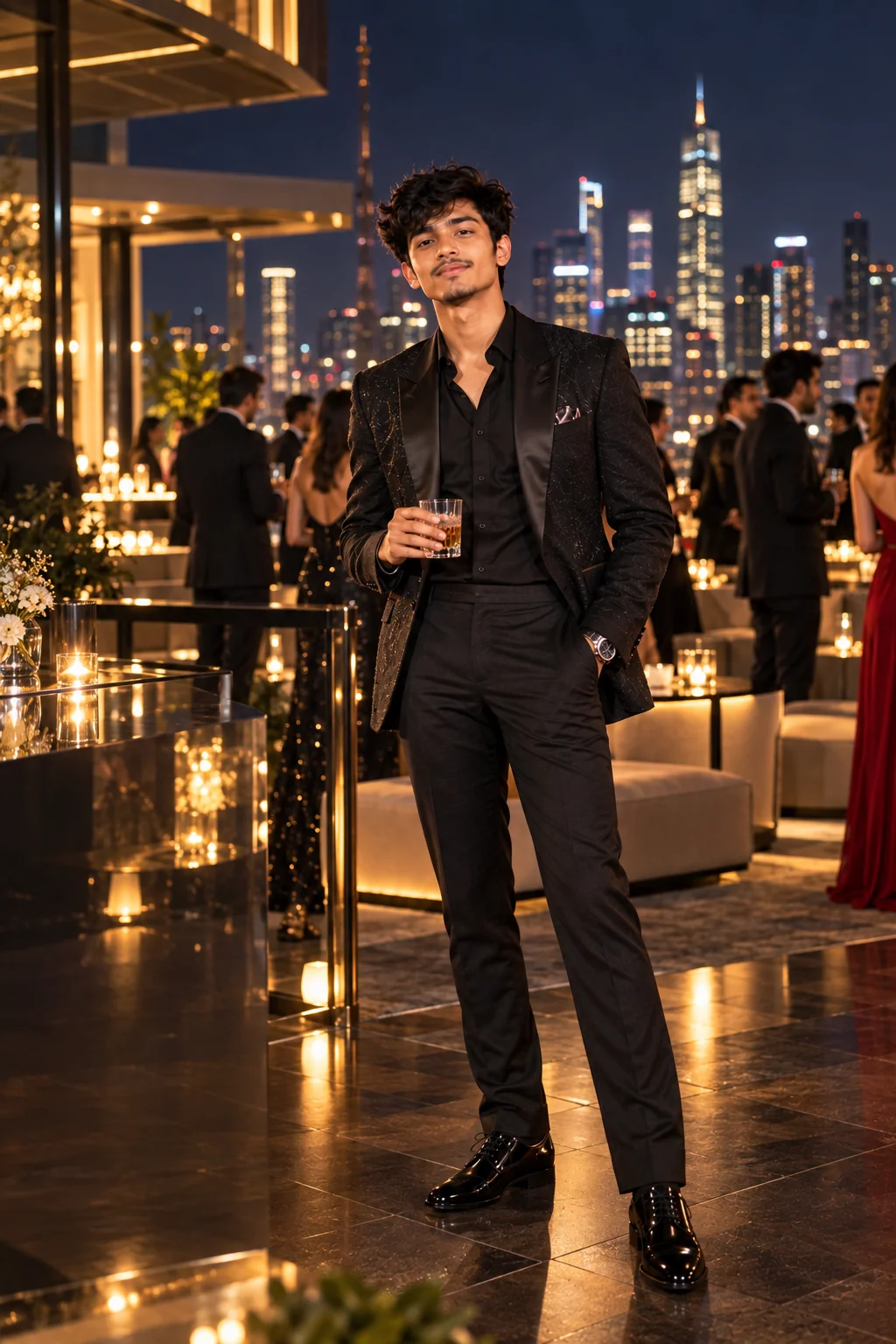
Luxury rooftop premiere after-party AI portrait with city lights and elegant fashion
Prompt
Generate a cinematic luxury portrait of the subject attending an exclusive movie premiere after-party on a sophisticated rooftop overlooking a glowing city skyline at night. Dress the subject in premium evening fashion with elegant accessories and polished styling. Include subtle warm architectural lights, glass surfaces, elegant lounge furniture, distant guests, soft bokeh city lights, and a refined nightlife atmosphere. Capture the subject in a relaxed yet confident pose as if photographed by a professional entertainment photographer between conversations. Use realistic low-light photography, flattering key lighting, subtle rim light, detailed skin and fabric texture, natural shadows, realistic depth of field, cinematic composition, and sophisticated luxury color grading.
Usage: Ideal for upscale celebrity lifestyle concepts, fashion editorials, premiere after-party imagery, and luxury nightlife scenes.
Tip: Change the skyline, weather, outfit, and lighting to create different moods such as warm summer night, rainy city, cool winter evening, or futuristic skyline.

10. Iconic Red Carpet Close-Up Portrait β€” AI Prompt

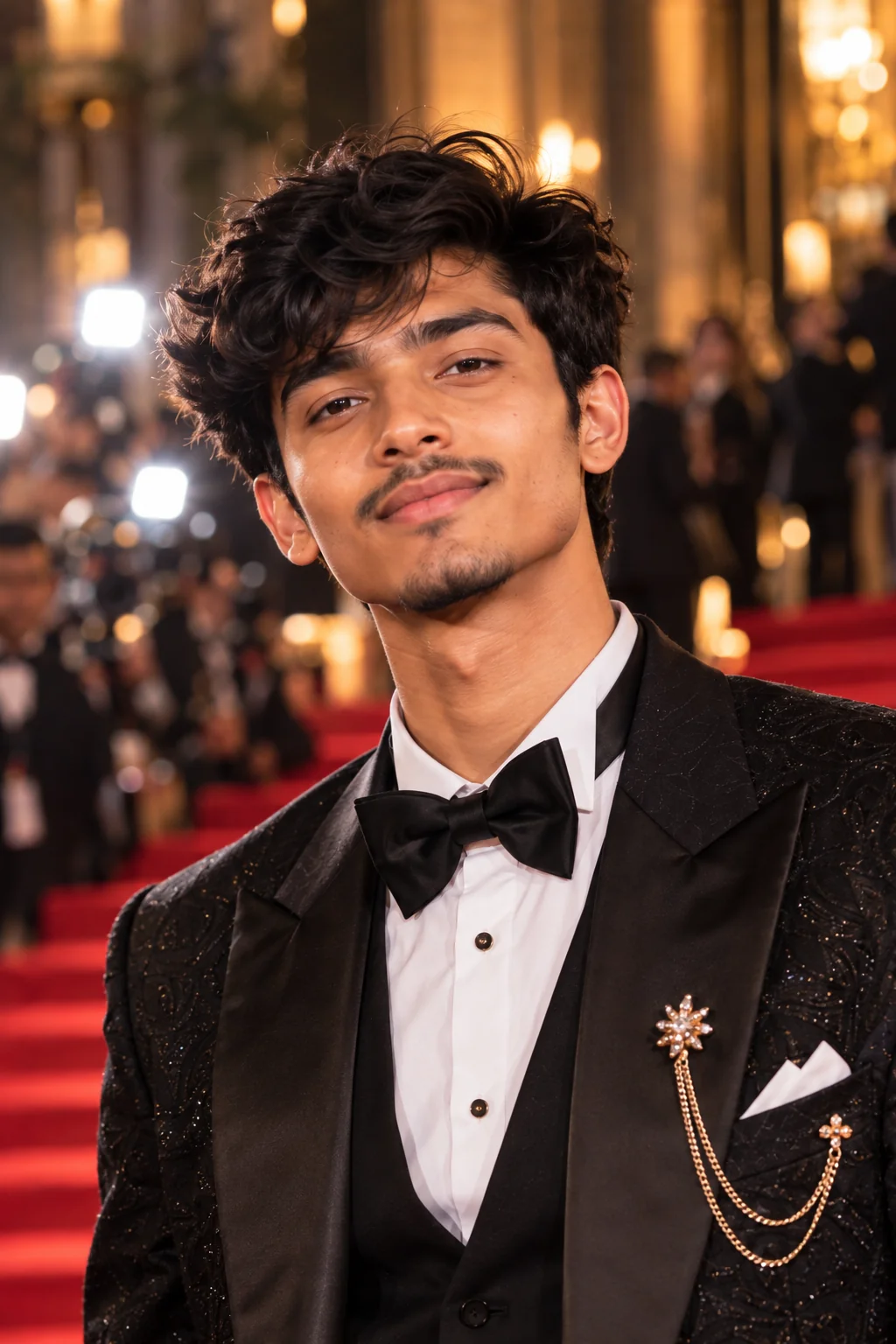
Close-up AI red carpet celebrity-style portrait with glamorous makeup and cinematic lighting
Prompt
Create an ultra-realistic close-up red carpet portrait of the subject photographed moments before entering a major premiere. Focus on expressive eyes, natural skin texture, realistic facial details, carefully styled hair, elegant makeup or grooming, and premium fashion visible around the shoulders and neckline. Use a sophisticated event background with soft red carpet tones, warm architectural lights, subtle photographer flashes, and creamy cinematic bokeh. Light the face with a flattering professional portrait setup combined with realistic event illumination. Preserve natural facial proportions, realistic pores, fine hair strands, authentic fabric texture, subtle imperfections, and believable lens depth. The final image should resemble a professionally captured entertainment editorial portrait rather than an artificial beauty filter.
Usage: Best for profile images, fashion portraits, celebrity-inspired close-ups, beauty editorials, and social media profile concepts.
Tip: Customize the expressionβ€”confident, mysterious, joyful, thoughtful, or softly smilingβ€”to dramatically change the emotional character of the portrait.

The best AI red carpet images come from giving the model enough visual direction to understand the entire scene, not simply asking for a glamorous celebrity photo. These prompts combine subject styling, event atmosphere, camera perspective, lighting behavior, background details, and photographic mood so you can create much more intentional results. Feel free to mix elements from different promptsβ€”for example, combine the paparazzi flash treatment from one concept with the couture styling of another or use the rooftop setting with a classic Hollywood wardrobe. If you are using a reference portrait, keep the identity and facial structure consistent while changing the environment, clothing, pose, and lighting around the subject. For fictional characters or original people, you can be even more experimental with fashion, venue design, and cinematic atmosphere. The goal is not simply to make an image look expensive; it is to create a believable visual story that feels like a real moment captured at a major event. Save your favorite variations, refine the prompt one detail at a time, and build a consistent red carpet style that matches your creative project.

Why These Prompts Work So Well

A strong red carpet AI image depends on more than a fashionable outfit. The prompt needs to describe the relationship between the subject, environment, lighting, camera perspective, and event atmosphere. These prompts are structured to give an image model enough visual context to create a coherent scene while still leaving room for customization. Instead of repeating generic words such as β€œbeautiful” or β€œcinematic,” each concept focuses on practical visual elements that help define the photograph.

Clear Camera Direction

Each prompt describes the type of photographic moment, framing, depth of field, focus, and overall camera feel so the result has a recognizable photography style.

Intentional Lighting

Red carpet scenes depend heavily on event lighting and camera flashes, so the prompts specify practical lights, directional lighting, rim light, flash highlights, and realistic shadows.

Strong Visual Story

The surrounding photographers, venue entrances, press areas, crowds, city lights, and architectural details help turn a simple portrait into a believable event scene.

Detailed Fashion

Wardrobe direction includes silhouettes, premium fabrics, accessories, grooming, and styling so the clothing contributes to the story instead of becoming an undefined background detail.

Easy Customization

Every concept can be adapted by changing the outfit, venue, city, mood, pose, lighting, camera angle, or background without rebuilding the entire prompt from scratch.

Frequently Asked Questions

What are the best AI prompts for red carpet photos?

The most useful red carpet prompts describe the subject, formal outfit, venue, photographers, lighting, camera perspective, pose, background, and photographic mood. Detailed prompts generally give you more control than a short instruction such as β€œmake a red carpet photo.”

Can I use these AI red carpet prompts with my own photo?

Yes. If your image generator supports reference images or image-to-image generation, you can usually provide a portrait and use the prompt to guide the environment, wardrobe, pose, lighting, and overall photography style. Follow the specific image tool's rules for identity and reference images.

How do I make an AI red carpet image look more realistic?

Add realistic photographic details such as natural skin texture, believable fabric folds, professional event lighting, camera flash behavior, realistic depth of field, natural proportions, subtle imperfections, and a clearly defined camera perspective. Avoid filling the prompt with contradictory visual styles.

How can I create a paparazzi-style AI photo?

Describe a candid event moment rather than a studio pose. Include multiple photographers, camera flashes, press barriers, movement, an event entrance, natural body language, and slightly imperfect documentary-style framing. This helps create the feeling of a spontaneous photograph.

Can I change the outfit and location in these prompts?

Absolutely. Outfit and location are two of the easiest elements to customize. You can replace a gown with a tuxedo, change a theater entrance to a luxury hotel, or move the scene from a nighttime premiere to a daytime fashion event while keeping the rest of the prompt structure.

Can I use these prompts for fictional celebrities or characters?

Yes. These prompts can be adapted for original characters, fictional actors, fashion concepts, avatars, and other creative subjects. For recognizable real people, follow the image generator's policies and consider the context in which the generated image will be published.

About the Author
Jitendra Patra - AI Prompt Researcher and Software Engineering Student

Jitendra Patra

AI Prompt Researcher & Software Engineering Student

✦ Prompt Engineering Research ✦ Gemini & Generative AI Focus ❖ Prompt Development & Research
View Portfolio

Jitendra Patra is a software engineering student and AI prompt researcher specializing in Google Gemini and generative image models. He actively experiments with structured prompt engineering techniques to produce high-quality, reproducible visual outputs.

His work focuses on iterative prompt development, with attention to subject, lighting, composition, and visual style.

The prompts in this guide are developed with attention to structure, detail, and visual quality.

β€” AI prompt experiments & research insights