AI Birthday Photo Prompts for Kids — Creative, Realistic & Magical Photoshoot Ideas
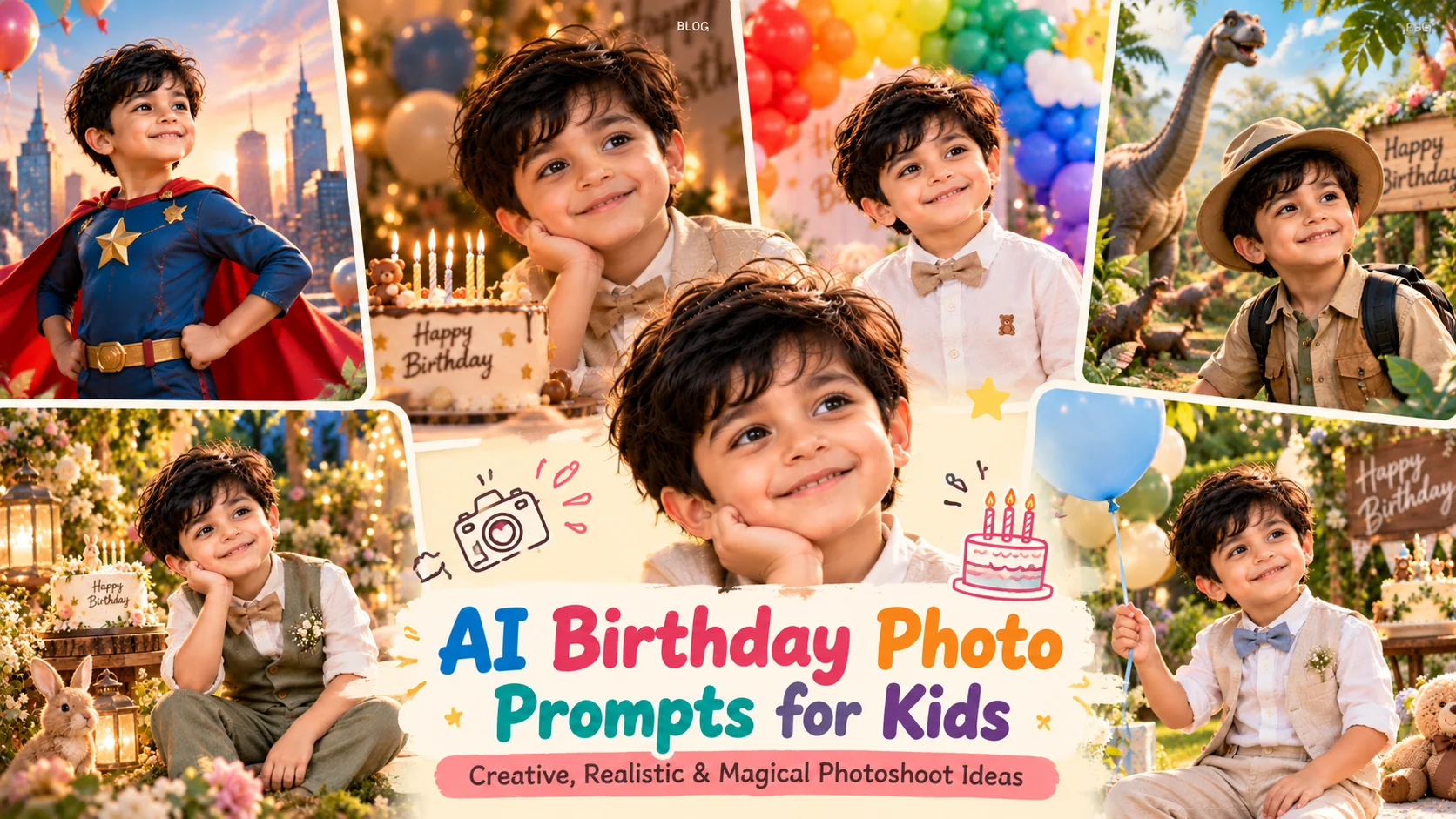
Looking for creative AI birthday photo prompts for kids that turn ordinary pictures into memorable birthday portraits? A birthday is a special milestone, and the right photograph can help capture the excitement, personality, and joy of the occasion. With AI image generators, parents can explore creative birthday photography concepts without arranging an elaborate studio setup for every idea. From colorful balloon portraits and outdoor garden celebrations to playful cake smash photography and magical storybook scenes, a well-written prompt helps communicate the exact look you want. However, simply asking an AI tool to create a beautiful birthday picture may produce unrealistic faces, incorrect ages, distorted hands, or decorations that do not match your vision. The secret is to describe the lighting, setting, clothing, props, composition, and photographic style clearly while using a reference photograph to guide the result. In this guide, you will discover 10 detailed, copy-and-paste birthday photo prompts for ChatGPT image generation and other compatible AI tools. Every prompt instructs you to upload a reference image and preserve the child's recognizable facial features and age-appropriate appearance. You will also learn how to customize birthday themes, improve photographic realism, and create different styles without making every picture look identical.
- ✔ 10 original AI birthday photo prompts for children, babies, and family celebrations.
- ✔ Every prompt requires an uploaded reference image to guide the child's recognizable appearance.
- ✔ Explore studio portraits, princess themes, superhero adventures, cake smash photography, and magical birthday scenes.
- ✔ Practical tips for realistic lighting, decorations, clothing, backgrounds, and birthday age customization.
- ✔ Helpful guidance for improving AI-generated birthday pictures while protecting children's privacy.
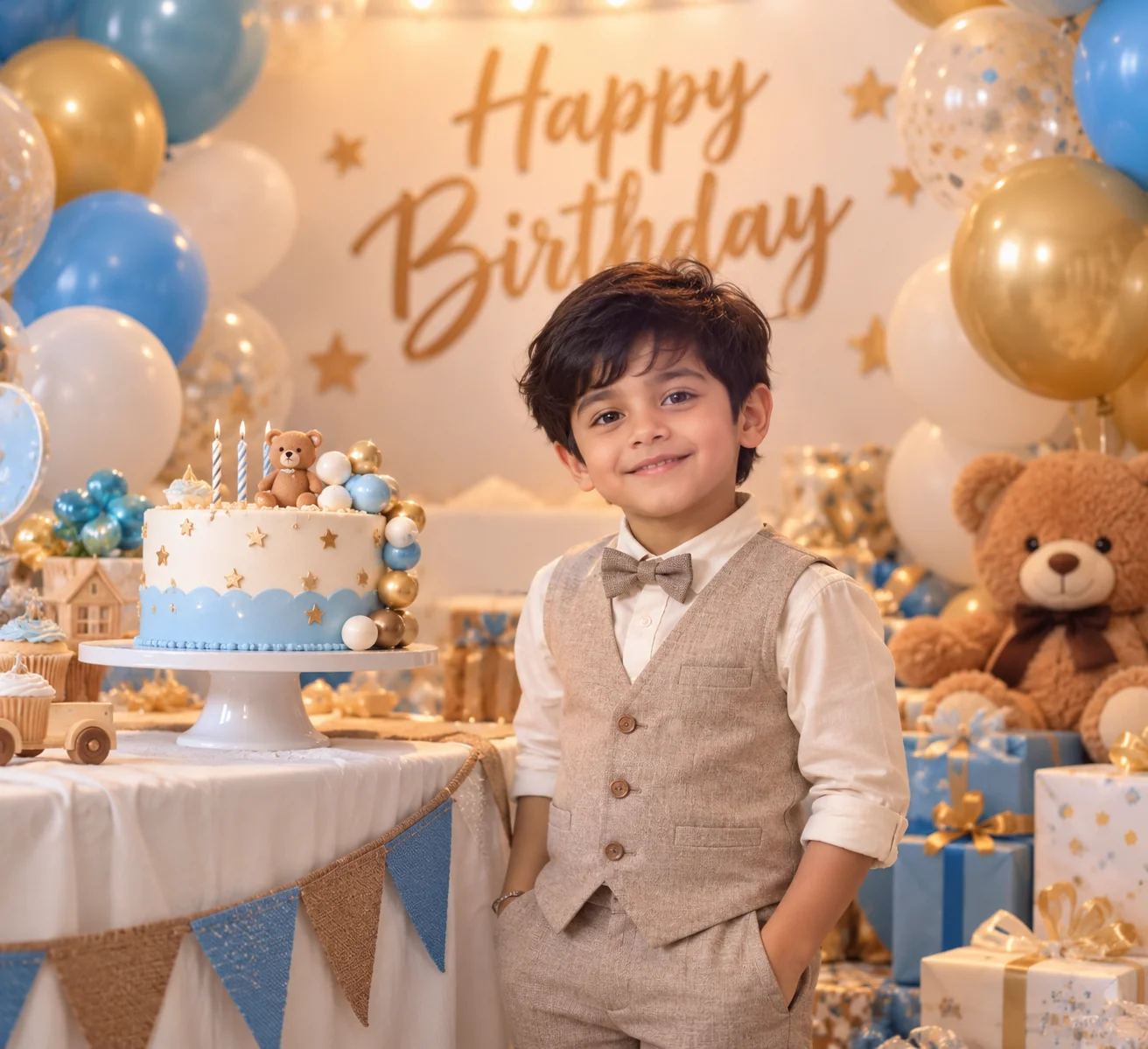
1. Classic Birthday Studio Portrait — AI Prompt
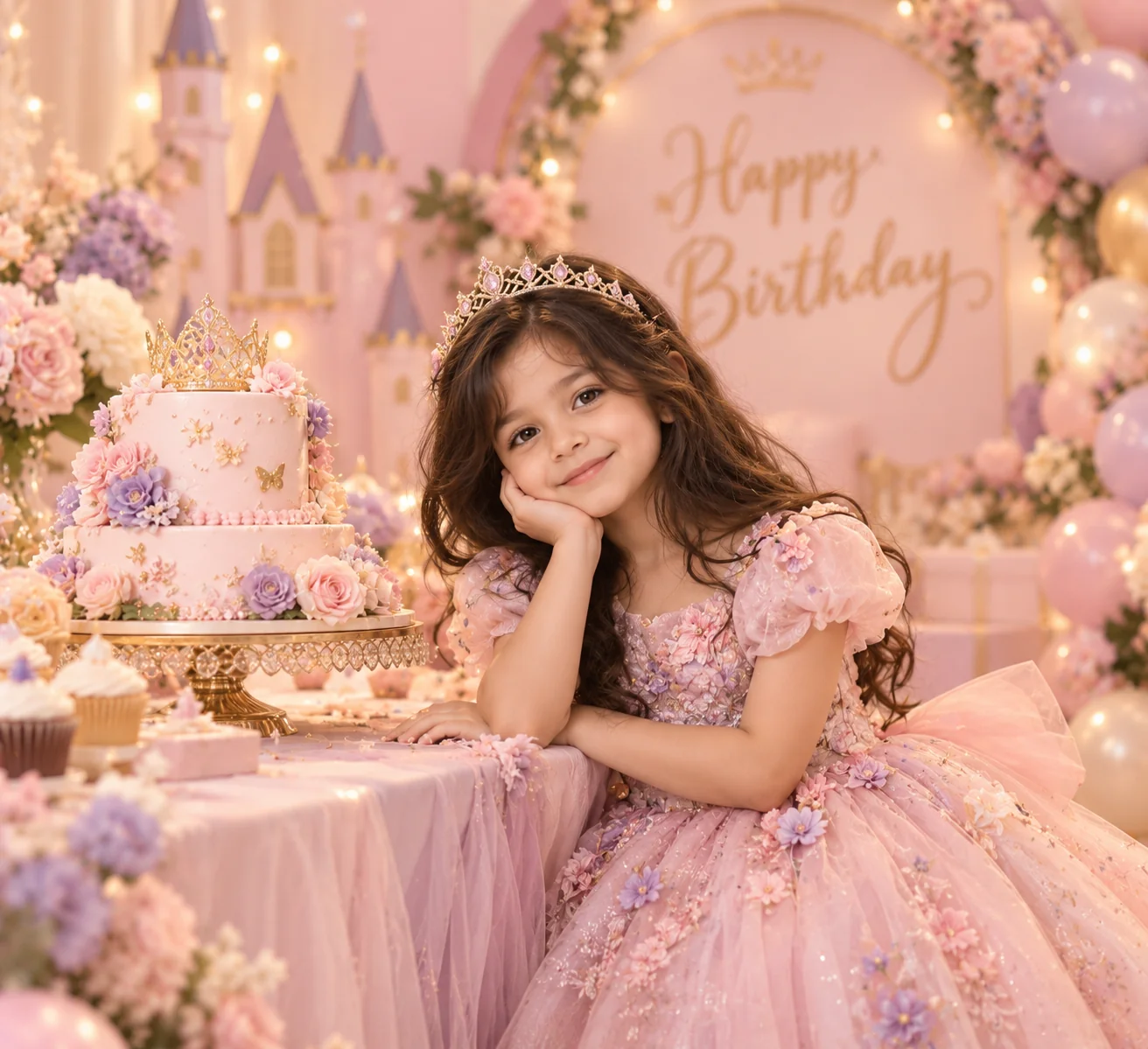
2. Pastel Princess Birthday Portrait — AI Prompt
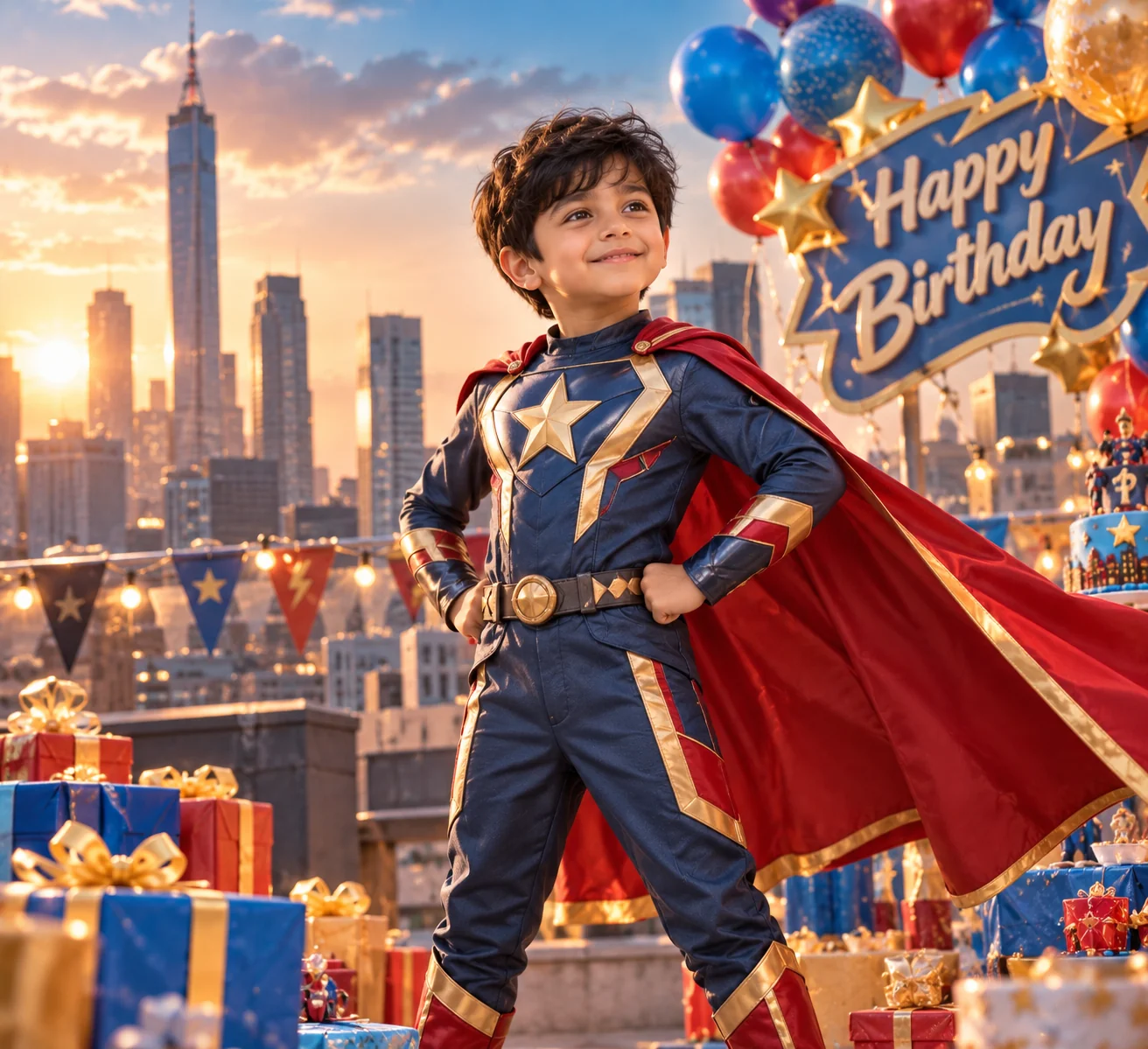
3. Superhero Birthday Adventure — AI Prompt
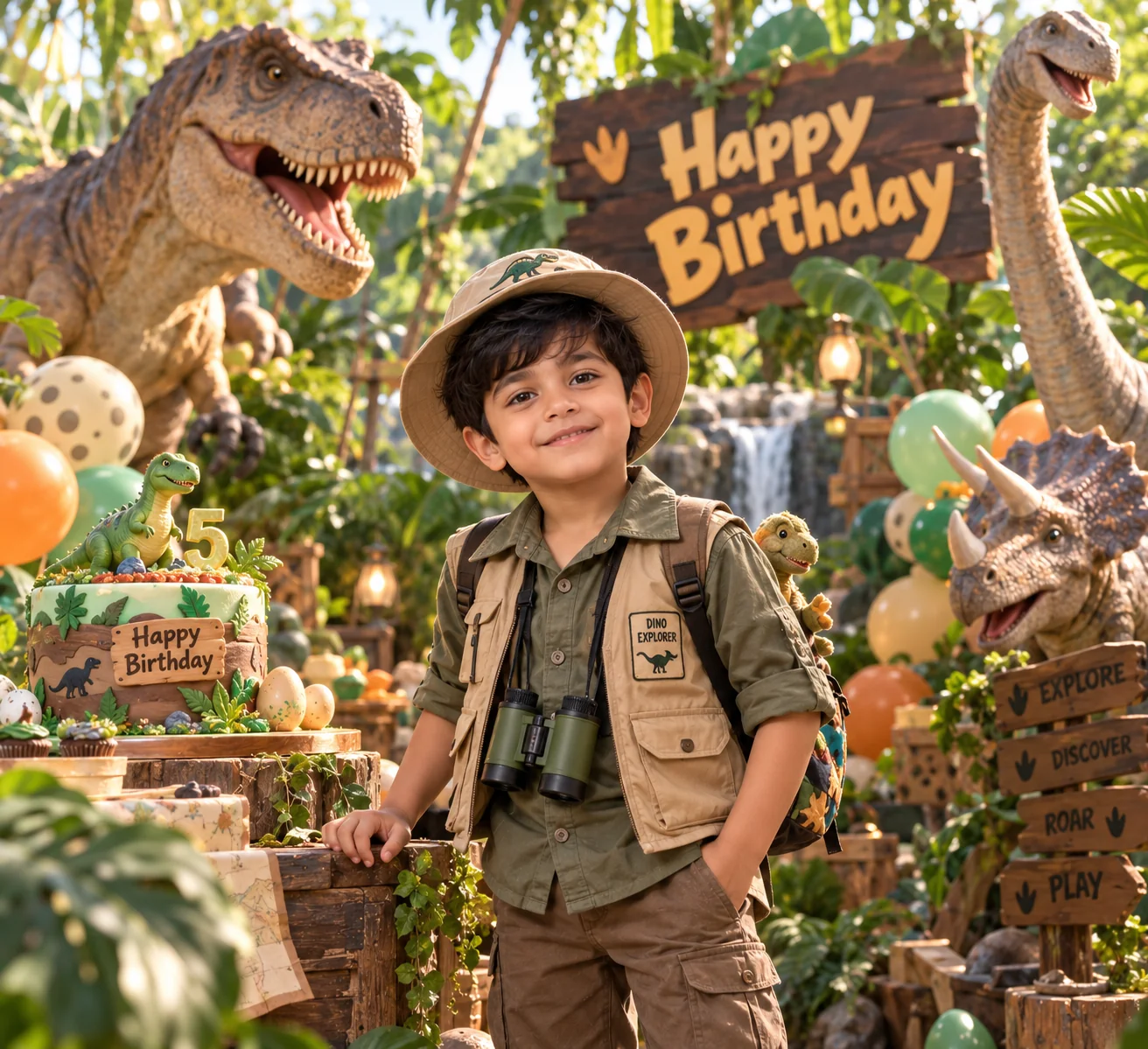
4. Dinosaur Birthday Adventure — AI Prompt
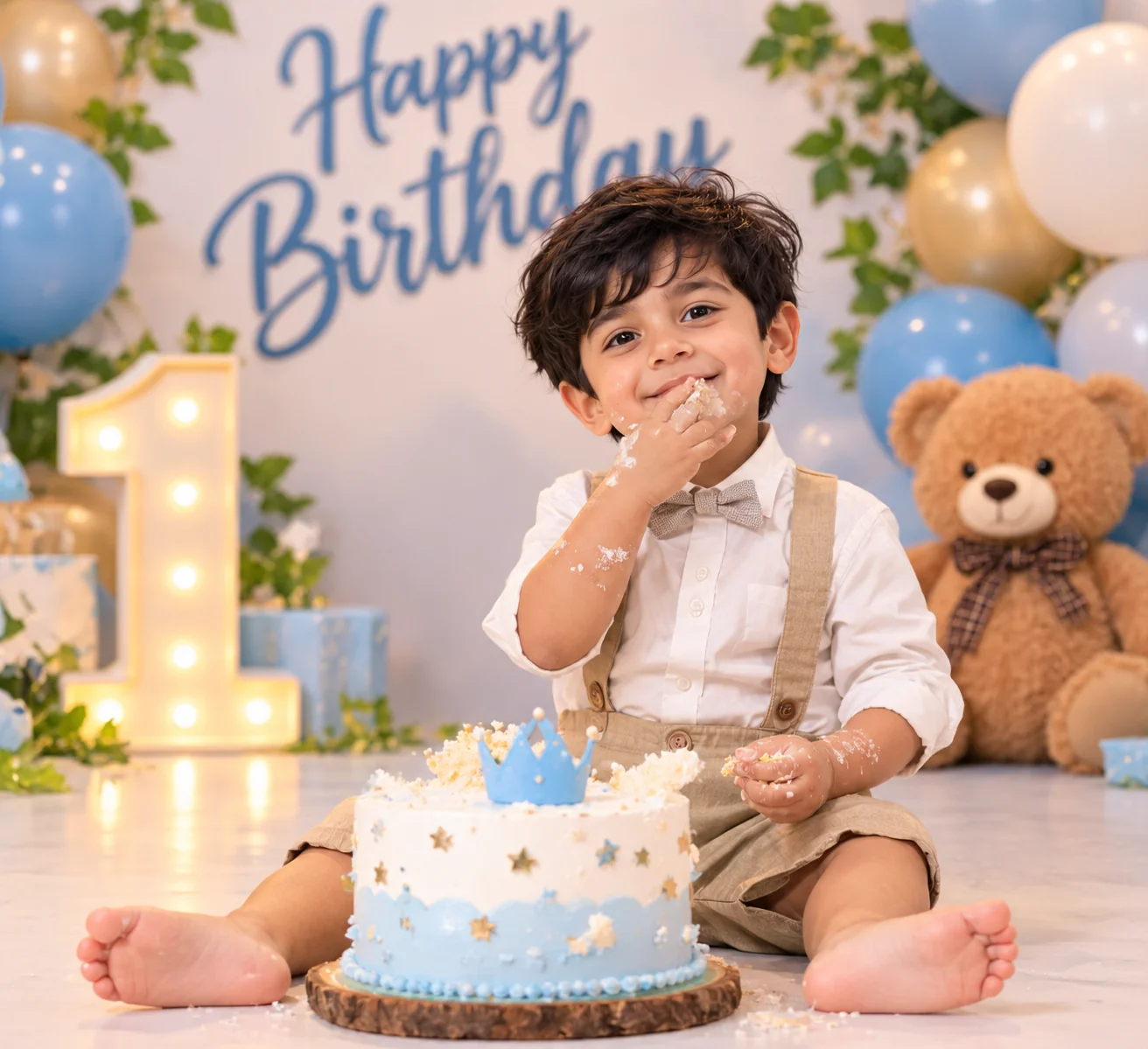
5. First Birthday Cake Smash Photography — AI Prompt
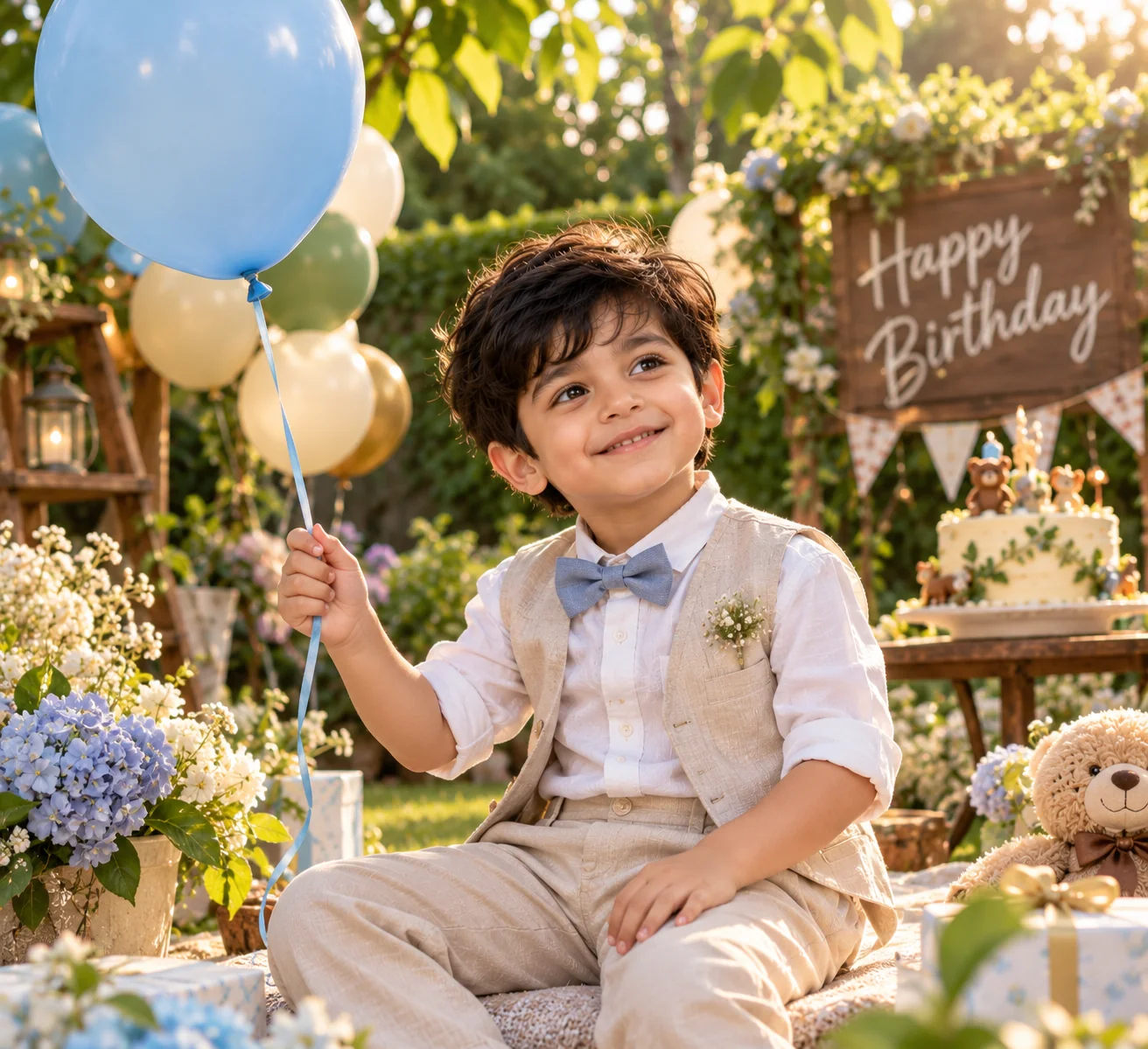
6. Outdoor Garden Birthday Portrait — AI Prompt
7. Luxury Editorial Birthday Portrait — AI Prompt
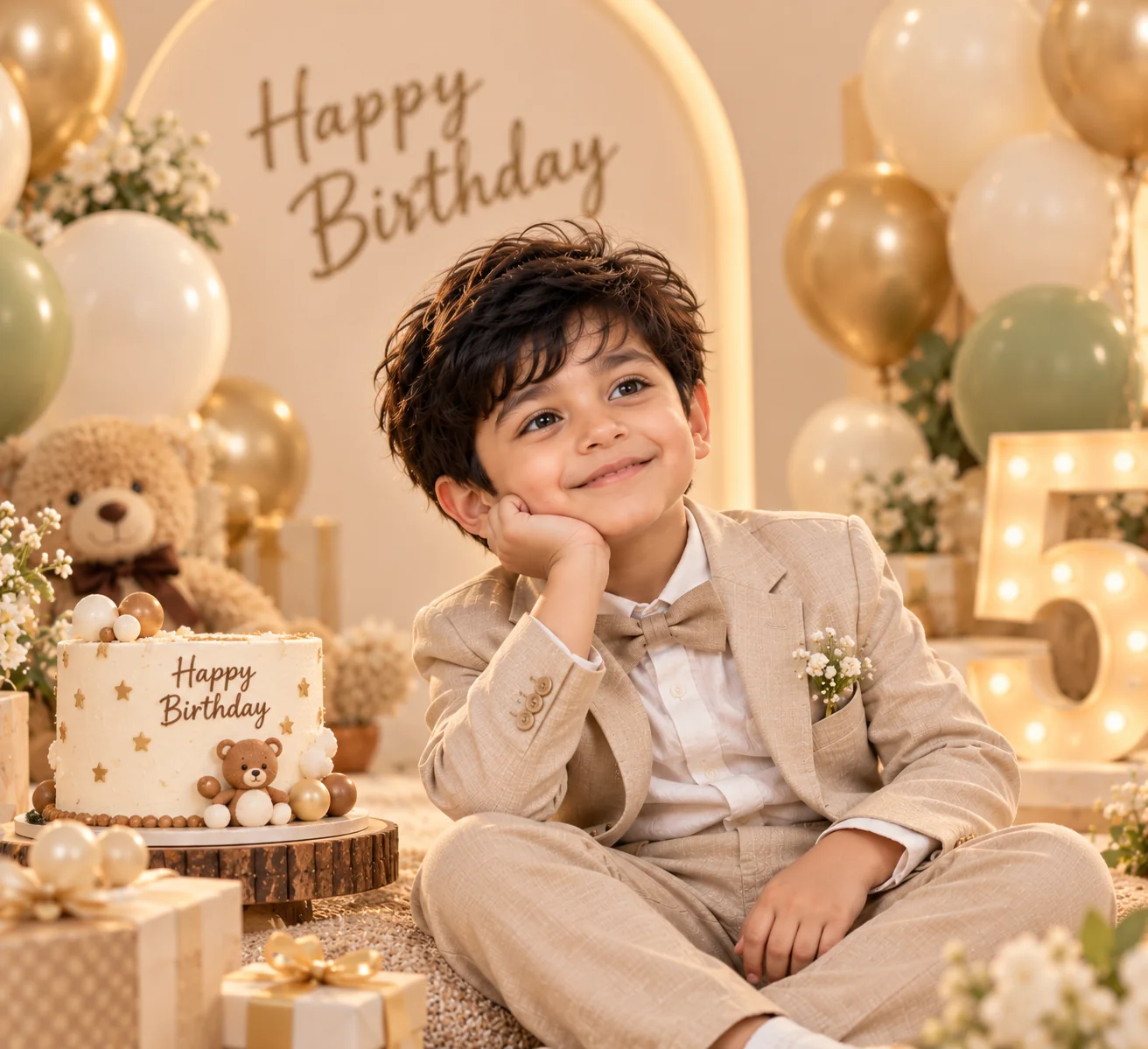
8. Rainbow Balloon Birthday Celebration — AI Prompt
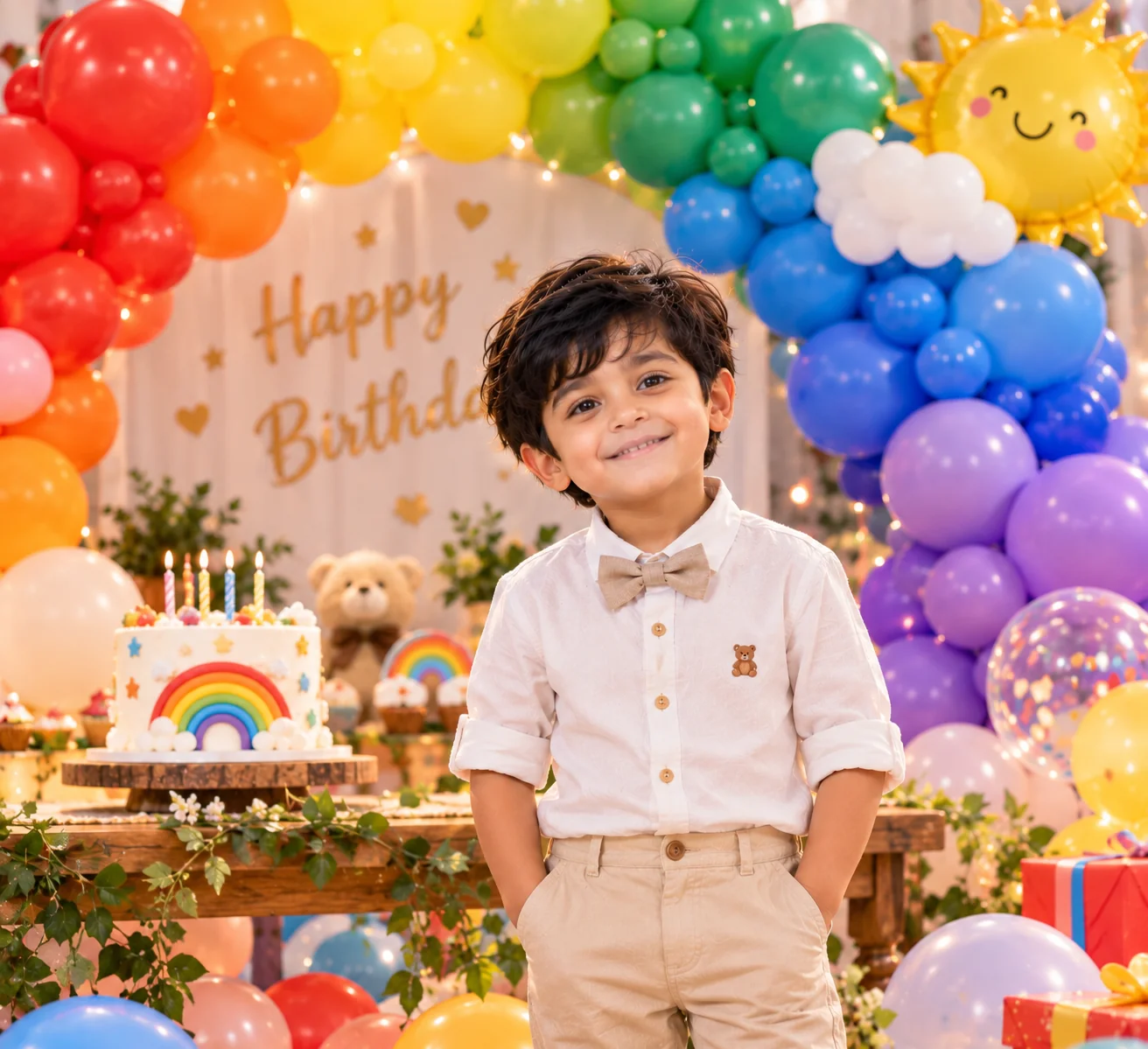
9. Magical Storybook Birthday Portrait — AI Prompt
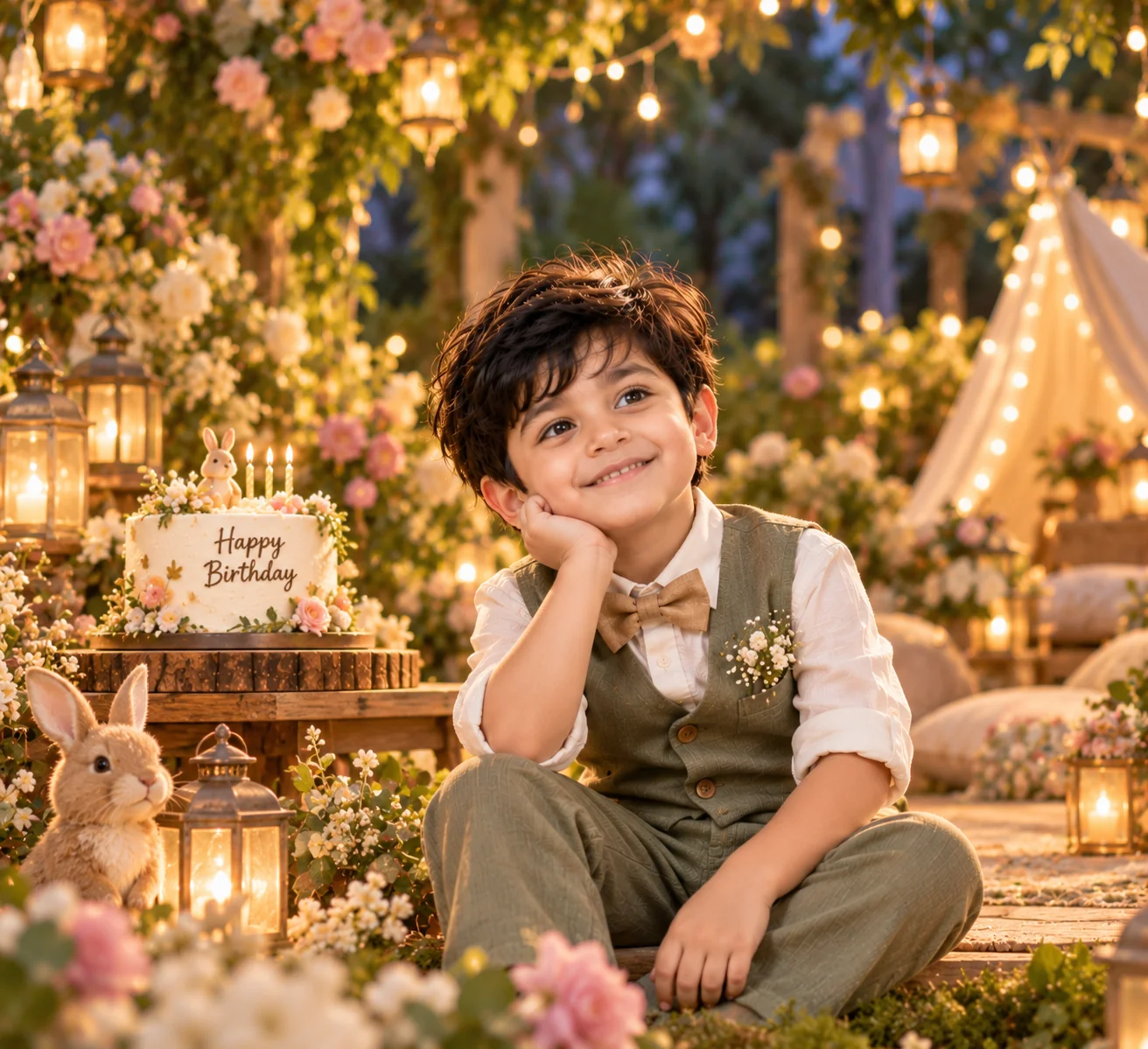
10. Cinematic Birthday Candlelight Portrait — AI Prompt
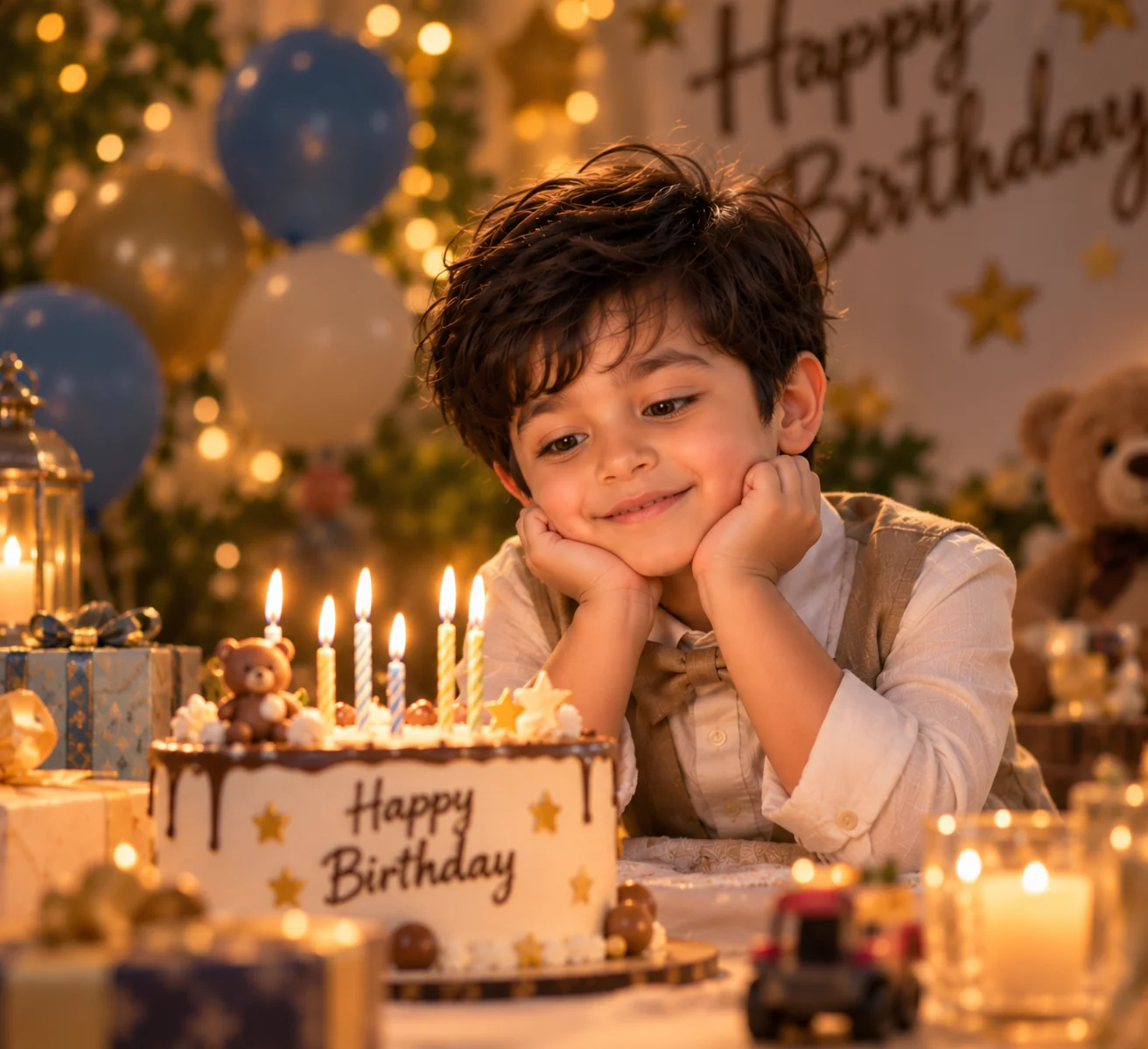
The best birthday portraits capture a child's personality while making the celebration feel special. These 10 AI birthday photo prompts for kids give you a range of creative directions, from classic studio portraits and pastel princess scenes to dinosaur adventures, cake smash photography, colorful balloon installations, and cinematic candlelight. Each prompt uses a different visual style, setting, lighting approach, and composition, so your final collection does not have to look like the same image with different decorations. To get started, upload a clear reference photograph and choose the prompt that best matches your idea. Ask the image generator to preserve the child's recognizable facial features, natural skin tone, and age-appropriate appearance while transforming the surroundings and photographic style. You can customize the birthday age, favorite colors, decorations, clothing, and environment to create a more personal result. Keep the instructions focused, because too many conflicting details can make an image less coherent. Always inspect the generated photograph for changes to the child's identity, distorted hands, unrealistic props, and other visual errors before saving or sharing it. If you use a child's photograph, choose a trusted image service, review its privacy and data-retention settings, and avoid sharing identifying personal details unnecessarily. With thoughtful prompts and careful review, AI can help you explore imaginative birthday photography ideas while keeping the child at the center of the celebration.
Why These AI Birthday Photo Prompts Work So Well
A successful birthday portrait depends on more than colorful decorations. The subject's expression, lighting, background, composition, and photographic style all influence the result. These prompts describe different creative directions and explain how the reference photograph should guide the child's appearance. Understanding these elements helps you customize the ideas and create birthday images that feel more personal and visually coherent.
Reference-Based Personalization
Every prompt instructs you to upload a reference photograph and preserve the child's recognizable facial features, natural skin tone, hairstyle, and age-appropriate appearance. This provides the image generator with a visual guide instead of relying entirely on a written description. Identity preservation is not guaranteed, so review the result carefully and avoid using an image that misrepresents the child.
Lighting That Matches the Theme
Soft studio light suits classic birthday portraits, natural daylight complements outdoor garden scenes, and warm candlelight creates an intimate celebratory atmosphere. Specifying the light source and direction helps communicate the intended mood. Balanced lighting also helps keep the child's face visible while allowing decorations and backgrounds to remain visually interesting.
Natural Expressions and Details
Instructions for realistic skin texture, believable facial proportions, detailed hair, natural expressions, and age-appropriate clothing encourage more convincing results. The prompts also discourage excessive retouching and artificial facial changes. These details are especially important when transforming a real child's photograph into a new setting.
Balanced Composition and Decorations
The prompts specify how the child, birthday cake, balloons, and background should relate to one another. A clean studio portrait needs a different composition from a colorful rainbow celebration or an outdoor garden scene. Keeping the child clearly visible prevents decorative elements from overwhelming the main subject.
Flexible Customization for Every Birthday
You can change the birthday age, favorite colors, party theme, clothing, setting, and lighting to suit the occasion. Start with one prompt and modify a few elements at a time. This makes it easier to compare results and develop a consistent visual direction without making all 10 styles look alike.
Frequently Asked Questions
How do I create AI birthday photos of my child using a reference image?
Choose a clear photograph in which your child's face is visible, then upload it to an image generator that supports reference images. Use a detailed prompt describing the birthday theme, lighting, clothing, background, and composition. Ask the tool to preserve the child's recognizable facial features, natural skin tone, and age-appropriate appearance. Review the generated result carefully because the model may change facial details, hands, or other parts of the image. Use a trusted service and check its privacy settings before uploading a child's photograph.
What are the best AI birthday photo prompts for kids?
The best prompt depends on the birthday theme you want to create. Classic studio portraits are useful for timeless keepsakes, cake smash prompts suit first birthday milestones, and garden or balloon themes work well for colorful celebrations. Superhero, dinosaur, princess, and storybook prompts offer more imaginative options. Upload a reference photograph and specify the lighting, decorations, clothing, background, and desired photographic style for a more controlled result.
Can I use ChatGPT to create birthday pictures of my child?
Yes, if you have access to an image-generation feature that supports the type of image you want to create. Upload a suitable reference photograph and describe the birthday scene, including decorations, lighting, clothing, and composition. Ask the generator to preserve the child's recognizable appearance while transforming the setting. Features and results vary by model, so follow the available instructions and review the output before saving it.
How can I make AI-generated birthday photos look realistic?
Use specific instructions for natural lighting, realistic skin texture, age-appropriate clothing, believable decorations, and accurate facial proportions. Keep the composition focused on the child and avoid combining too many unrelated themes. Soft studio light or natural daylight often provides a useful starting point. If the image looks artificial, simplify the prompt, remove conflicting effects, and generate another variation.
Can I customize AI birthday photo prompts with my child's age and favorite theme?
Yes. You can specify the birthday age, favorite colors, preferred decorations, clothing, and setting. For example, you can request a first birthday cake smash, a rainbow balloon celebration, or a dinosaur-themed portrait. Keep the child's reference image as the main identity guide and make sure the final result remains age-appropriate. Some generators may not render numbers or written text accurately, so check birthday signs and decorations before using the image.
Is it safe to upload my child's photo to an AI image generator?
Uploading a child's photograph involves privacy considerations. Choose a service you trust, review its privacy policy and data-retention settings, and understand whether uploaded images may be stored or used to improve the service. Avoid including a child's full name, school, home address, location details, or other unnecessary identifying information in prompts. Do not upload photographs of other children without appropriate permission. Review generated images before sharing them publicly, especially when they contain personal or identifying details.

Jitendra Patra
AI Prompt Researcher & Software Engineering Student
Jitendra Patra is a software engineering student and AI prompt researcher specializing in Google Gemini and generative image models. He actively experiments with structured prompt engineering techniques to produce high-quality, reproducible visual outputs.
His work focuses on iterative prompt development, with attention to subject, lighting, composition, and visual style.
The prompts in this guide are developed with attention to structure, detail, and visual quality.
You Might Also Like
10 Best AI Image Prompts for Kids (4K Cute & Magical Portraits)
Discover 10 best AI image prompts for kids — ultra-realistic 4K cute portraits for ChatGPT, Gemini & Midjourney.
10 Best AI Image Prompts for Girls (4K Cute & Dreamy Portraits)
Discover 10 best AI image prompts for girls — ultra-realistic 4K cute dreamy portraits for ChatGPT, Gemini & Midjourney.
10 Viral 1980s AI College Girl Prompts — Create Retro Student Photos With ChatGPT (2026)
Recreate the nostalgia of 1980s college life with these 10 ready-to-copy AI prompts.
Trending Now
10 Advanced 80s AI Photo Prompts: Fix Modern Details & Create Authentic Retro Images
Advanced 80s AI Photo Prompts
20 Best AI Landscape Prompts — 4K Cinematic Nature & Scenery (2026)
20 Best AI Landscape Prompts