Black Friday AI Image Prompts for Sale Banners, Product Photos & Ads
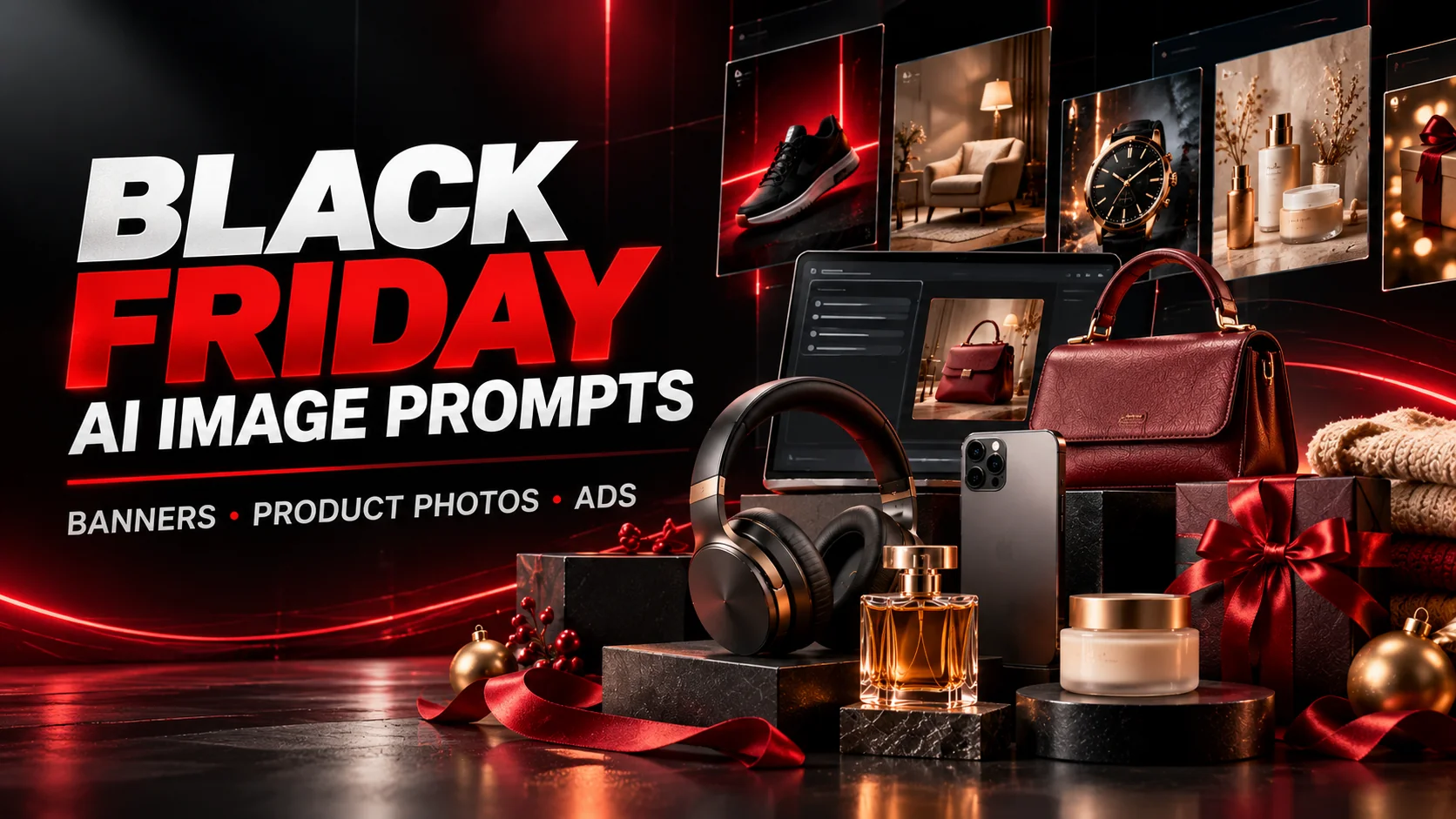
Black Friday is one of the biggest shopping events of the year in the United States, making it an important opportunity for online stores, small businesses, creators, and brands to promote their products. But creating professional-looking promotional graphics for every campaign can take time, especially when you need product advertisements, sale banners, social media posts, and Cyber Monday creatives. With the right Black Friday AI image prompts, you can use tools such as ChatGPT and Google Gemini to explore eye-catching visual concepts without starting every design from scratch.
The secret to effective AI-generated marketing images is specificity. Instead of simply asking an image generator to create a Black Friday sale poster, describe the product, background, lighting, composition, brand aesthetic, color palette, and space needed for promotional text. A luxury electronics advertisement may need dramatic reflections and a dark studio, while a beauty campaign may benefit from soft lighting, elegant product arrangements, and a sophisticated color scheme.
In this guide, you will find 10 detailed, copy-and-paste-ready prompts for different Black Friday marketing needs. The collection includes luxury sale banners, ecommerce product photography, technology advertisements, fashion campaigns, skincare promotions, gift guides, Instagram creatives, minimalist discount graphics, small-business campaigns, and Cyber Week countdown visuals. Each prompt has a distinct creative direction to help you experiment with different commercial styles.
These prompts are useful for business owners preparing seasonal campaigns, marketers creating advertising concepts, designers looking for inspiration, and content creators building promotional graphics. You can customize them for your products, brand colors, audience, and preferred platform. For the strongest results, upload a reference image when you need to preserve a real product's appearance, and add exact prices, discount percentages, logos, and other important text separately when image-generation tools struggle with typography.
Black Friday 2026 falls on November 27, followed by Cyber Monday on November 30. Preparing your creative assets ahead of time gives you more room to test different visual directions, check product accuracy, and adapt designs for different placements. Use the prompts below as starting points, then refine each result to fit your campaign rather than relying on a generic sale template.
- 10 detailed Black Friday AI image prompts for ChatGPT and Gemini
- Create sale banners, ecommerce product images, fashion ads, and promotional graphics
- Explore different commercial aesthetics, from luxury black-and-gold to minimalist design
- Learn how to use reference images for more accurate product photography
- Get practical tips for text placement, brand consistency, and campaign-ready visuals
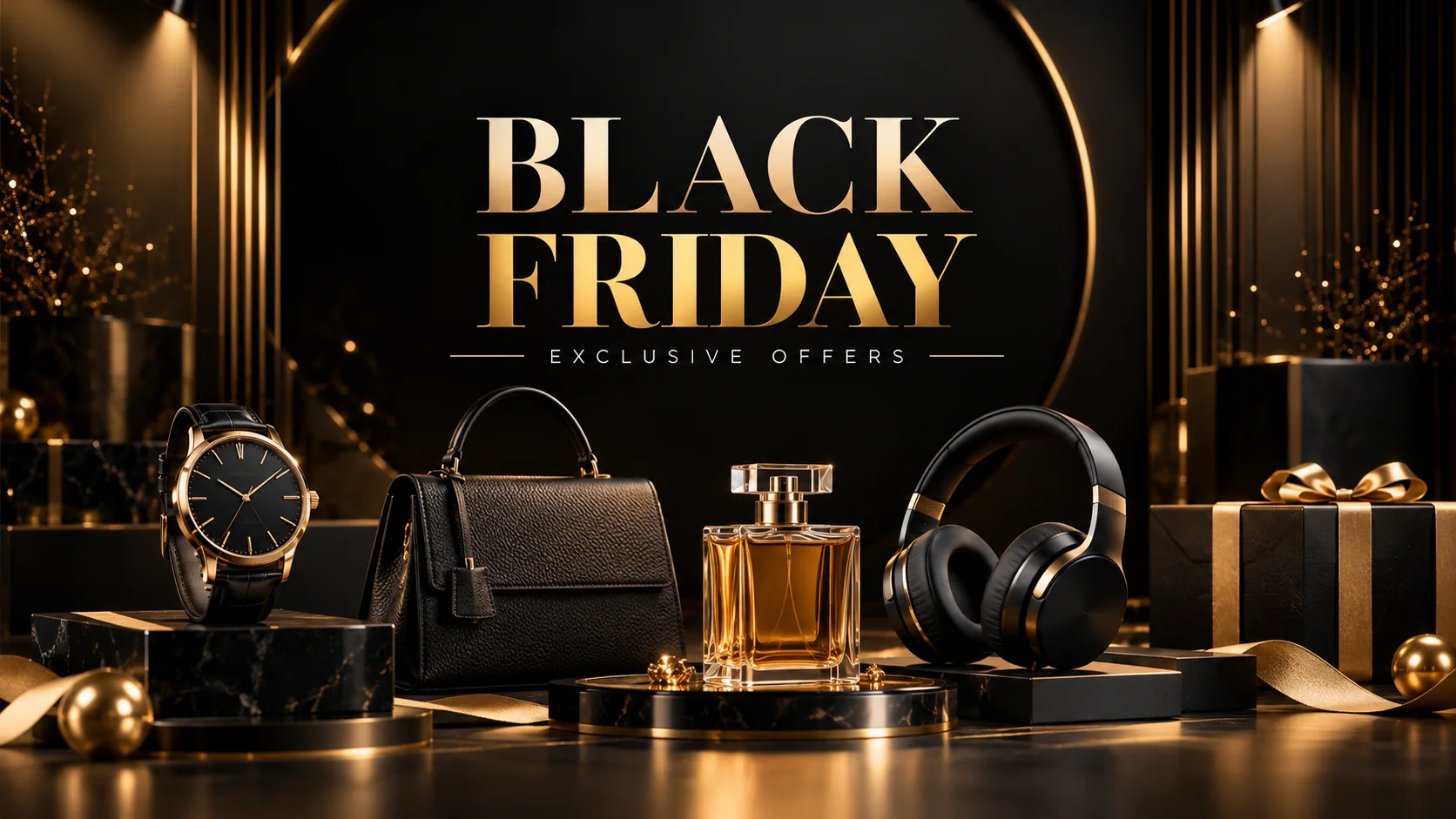
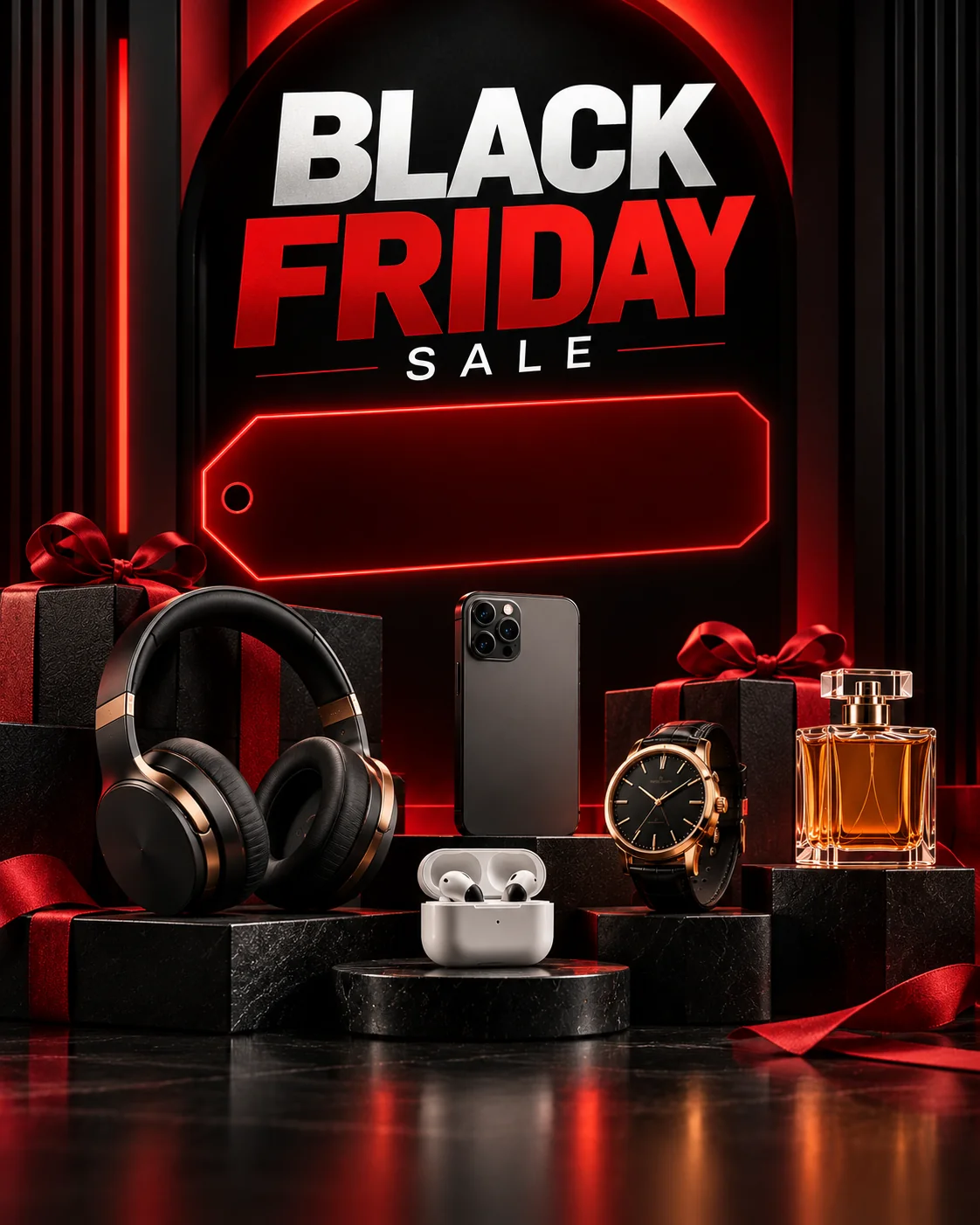
Luxury Black Friday Sale Banner
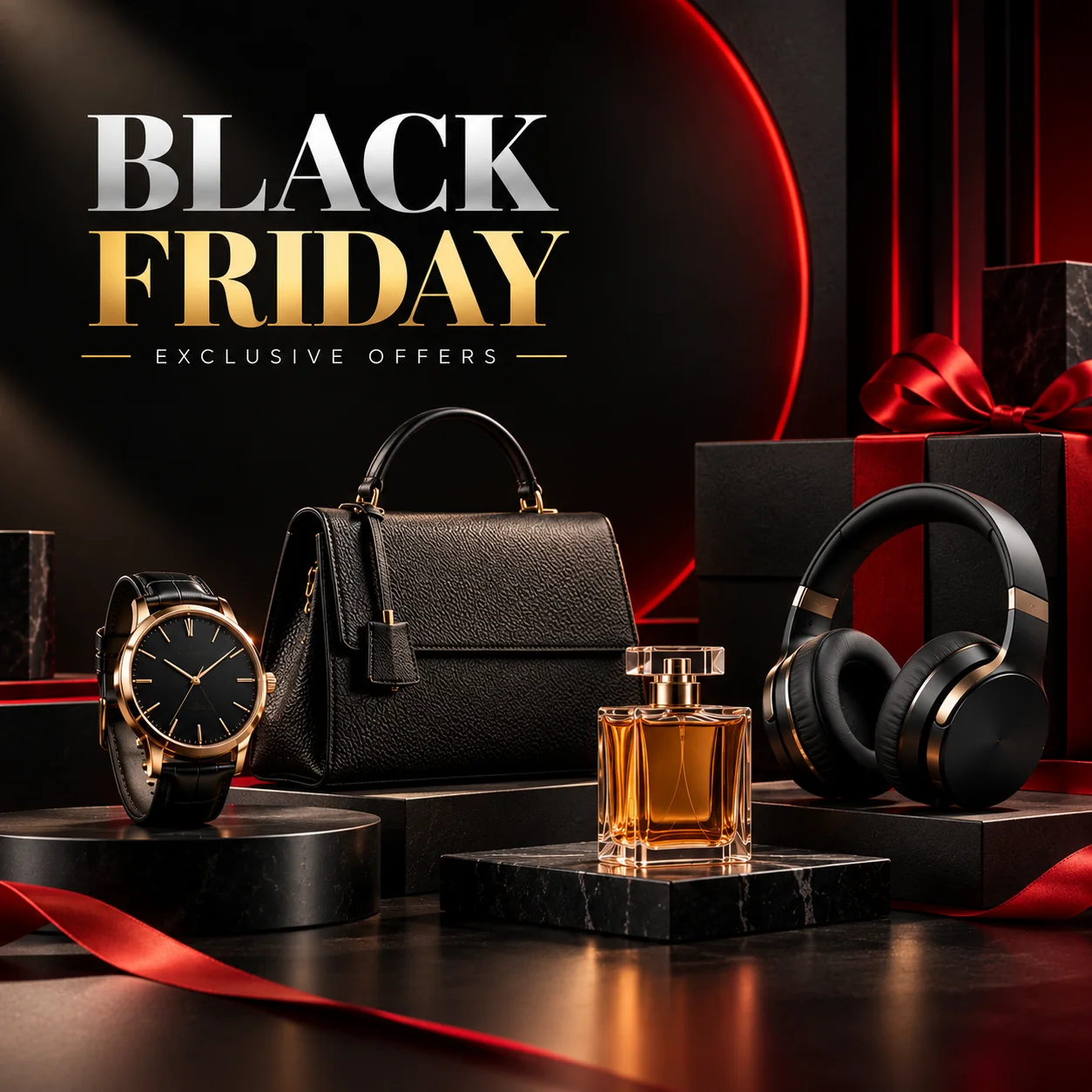
Professional Ecommerce Product Hero Image
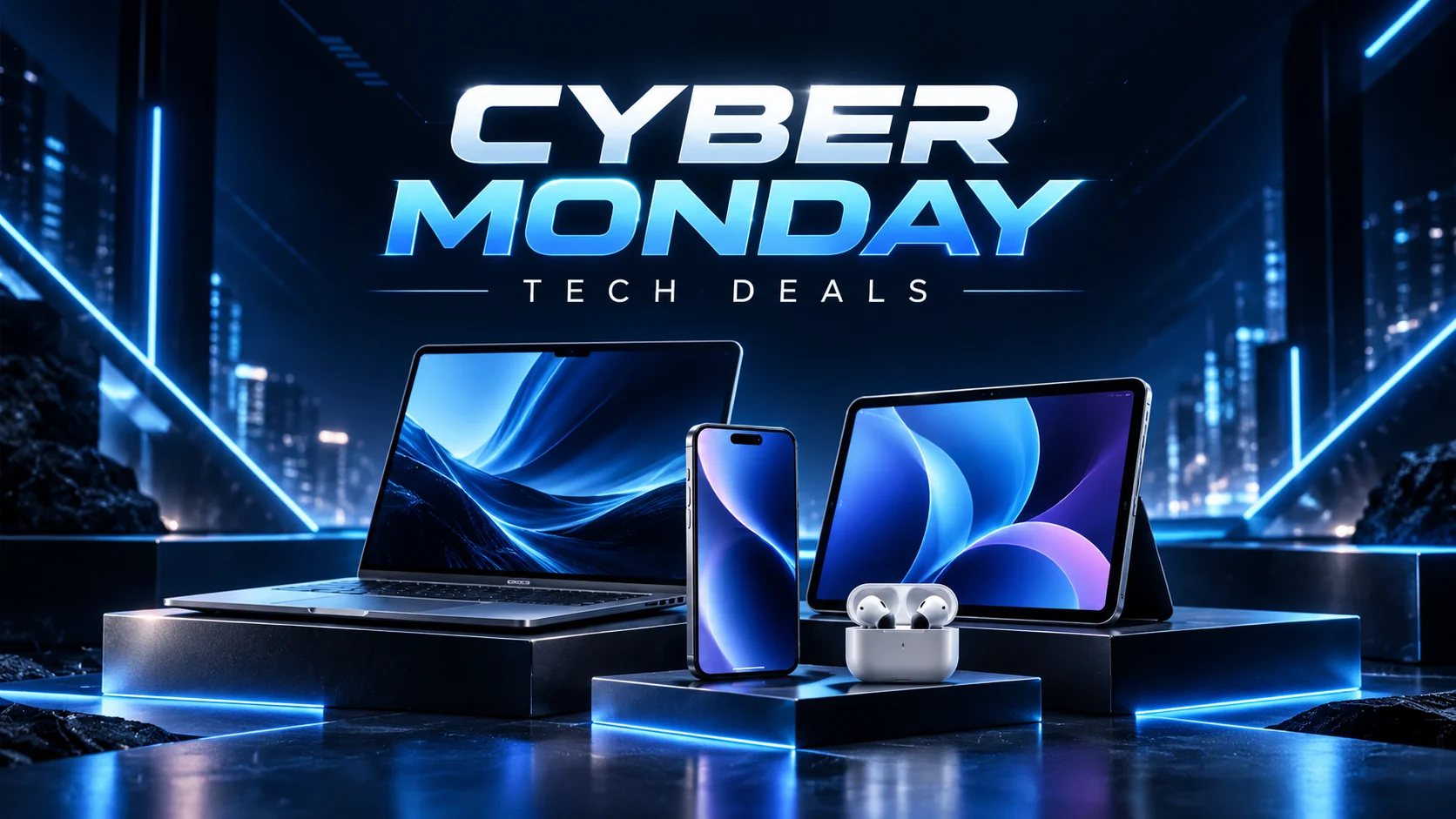
Cyber Monday Technology Advertisement
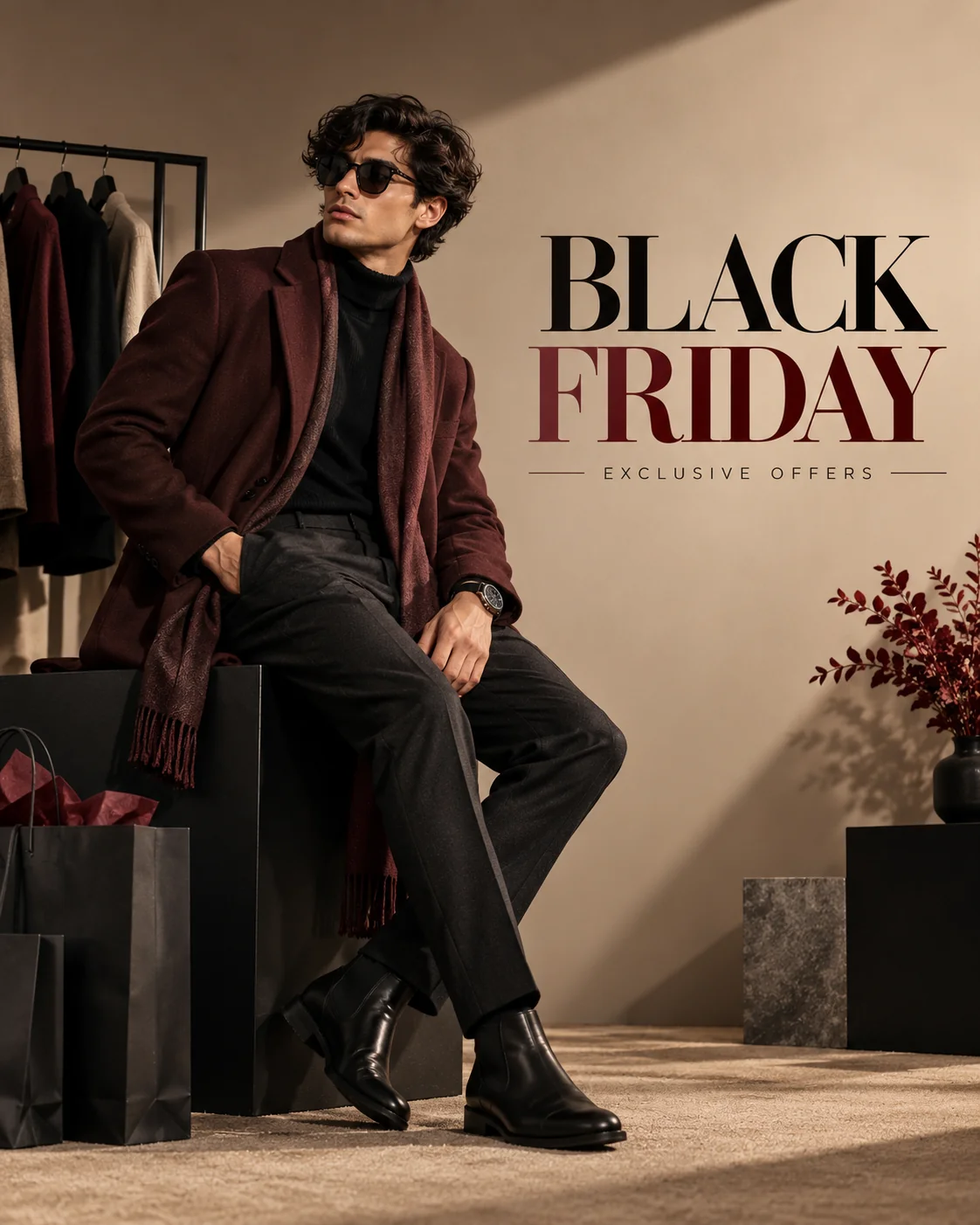
Fashion Brand Black Friday Campaign
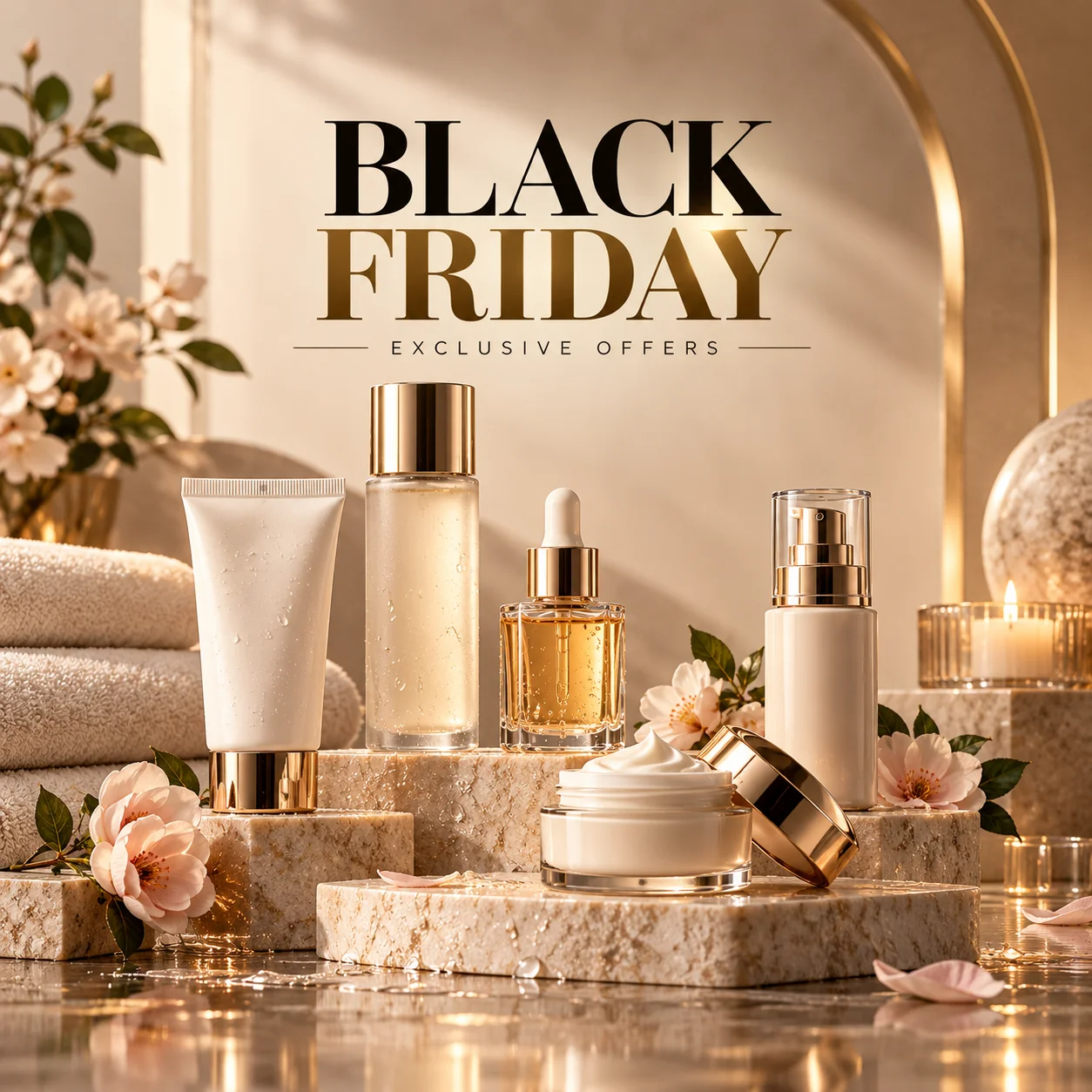
Beauty and Skincare Black Friday Promotion
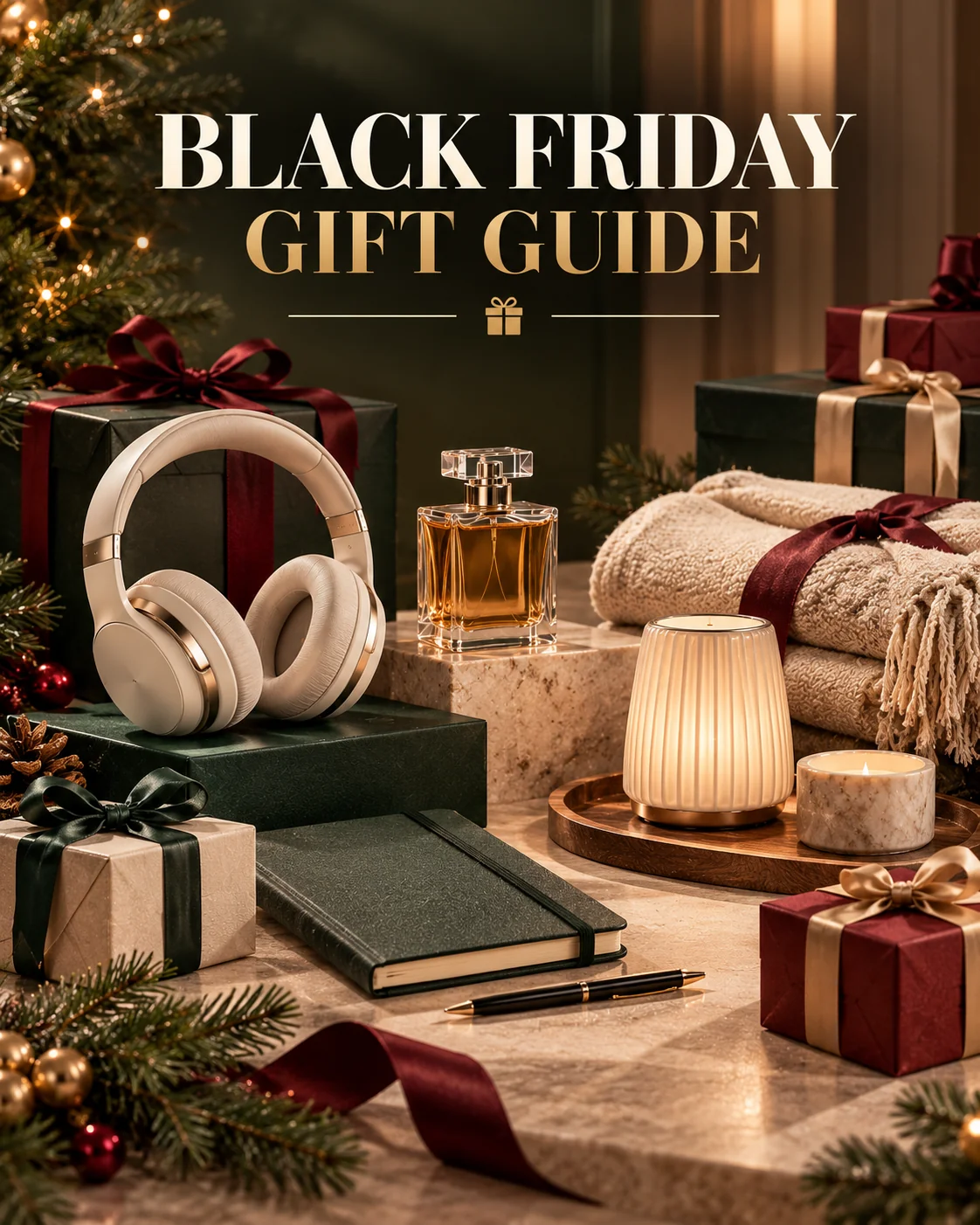
Black Friday Gift Guide Product Display
Instagram Black Friday Sale Post
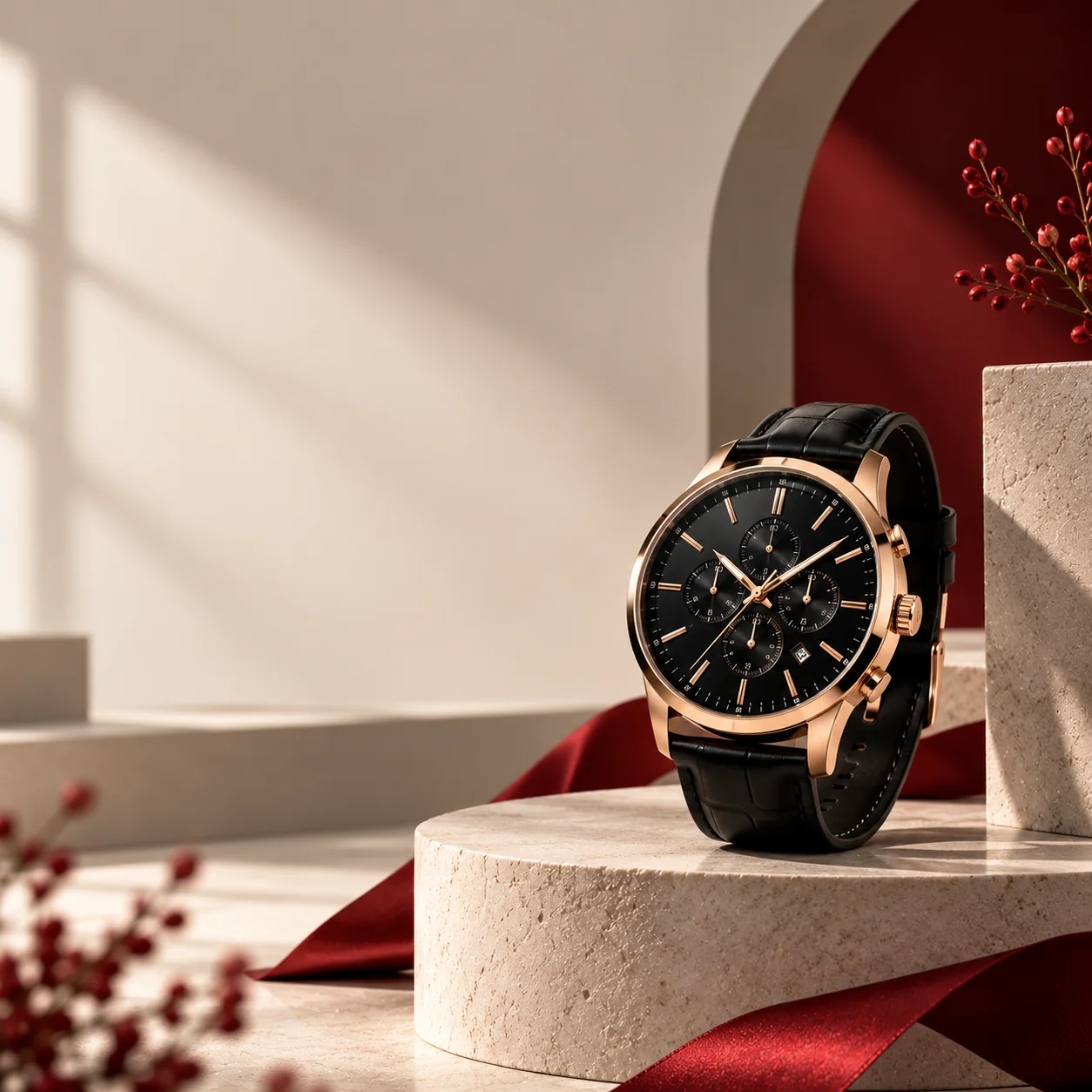
Minimalist Premium Discount Advertisement
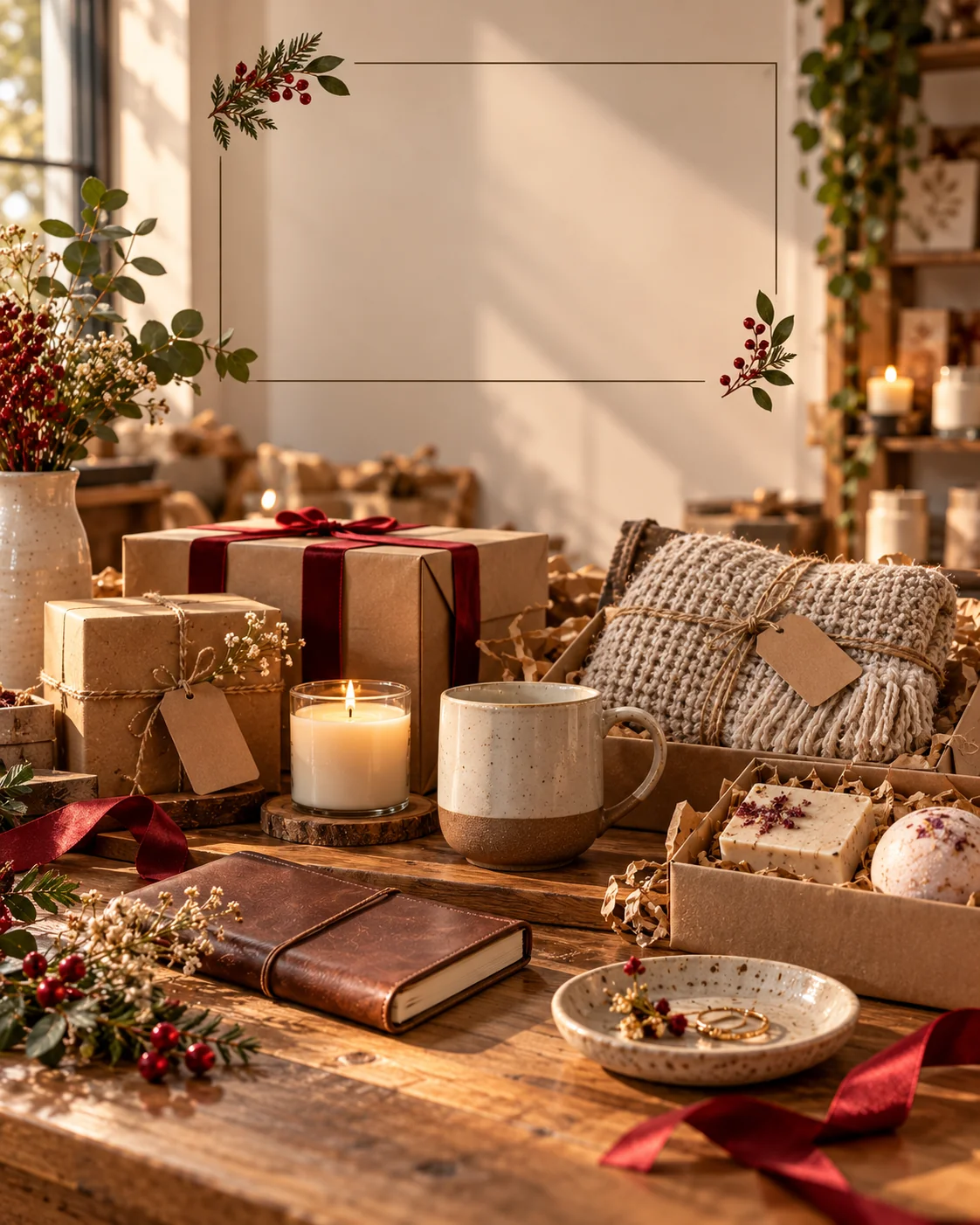
Small Business Black Friday Campaign
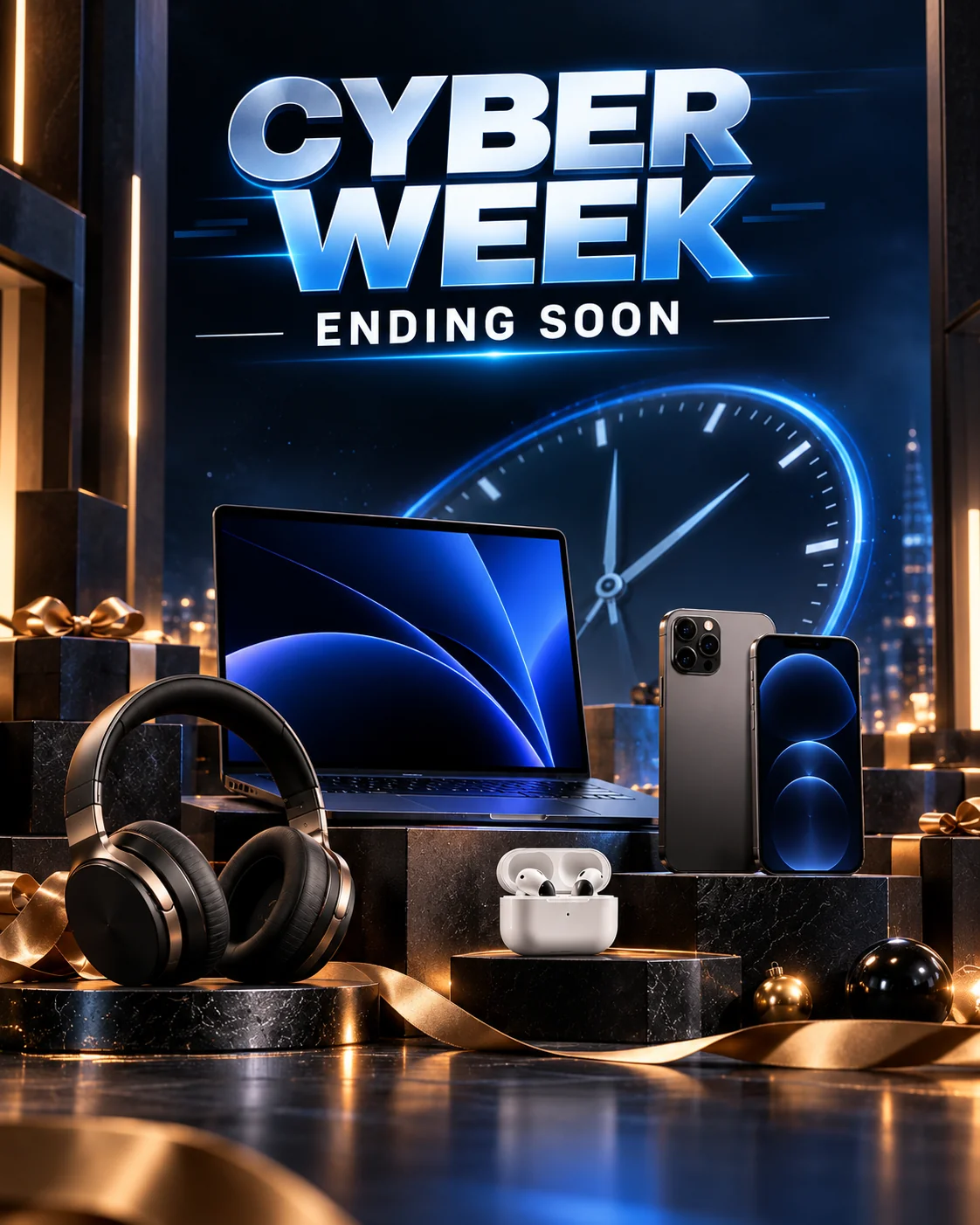
Cyber Week Countdown Creative
Black Friday marketing is not only about announcing discounts. Strong promotional images help customers understand what a business sells, recognize its brand, and notice the products or offers that matter most. These 10 Black Friday AI image prompts provide different creative directions for ecommerce product photography, premium sale banners, technology campaigns, fashion advertisements, beauty promotions, gift guides, social media graphics, minimalist designs, small-business marketing, and Cyber Week countdowns.
To get the most value from these prompts, adapt them to your real products and campaign goals. Upload reference images whenever product accuracy matters, specify the desired aspect ratio, and describe the lighting, background, composition, and color palette. A luxury product may look best against a restrained dark background, while handmade goods may benefit from natural light and realistic packaging. Choosing a style that fits the product and audience is more effective than applying the same design to every campaign.
Remember that AI image generators may change product labels, alter packaging, create unreadable text, or introduce details that do not exist in your inventory. Always inspect the final image before publishing it. Add exact discount percentages, prices, coupon codes, dates, and calls to action in a design editor whenever possible. This makes the final advertisement easier to read and reduces the risk of displaying incorrect promotional information.
For a consistent campaign, create a small set of visual rules before generating your images. Decide on your primary colors, typography style, product photography approach, and preferred image sizes. Then adapt those elements for your website, Instagram feed, stories, email campaigns, and advertising placements. A consistent visual identity can help customers recognize your campaign across multiple channels.
Finally, make sure every promotion reflects the actual terms of your offer. Avoid invented discounts, false countdowns, unsupported product claims, or imagery that misrepresents what customers will receive. With careful prompting, accurate product references, and a final quality check, AI can help you explore compelling Black Friday creative concepts while keeping your marketing materials useful, professional, and aligned with your brand.
How to Get Better Results from Black Friday AI Image Prompts
Great Black Friday campaign images combine accurate product presentation, a clear offer, and a consistent visual identity. Use these practical tips to improve your results when generating promotional graphics with ChatGPT, Gemini, or another image-generation tool.
Use Real Product Reference Images
Upload clear images of the products you actually sell when accuracy matters. Explain that the AI should preserve the product's shape, color, packaging, labels, and distinctive features. Generated images can still contain errors, so compare the result with the real item before using it in an advertisement.
Match the Design to Your Brand
Choose a color palette and visual style that fit your audience. Black and gold can communicate premium positioning, electric blue can suit technology campaigns, and natural textures can work well for handmade goods. Use a consistent style across your website, social posts, and email graphics.
Add Exact Promotional Text Separately
Image generators may misspell words or create unreadable lettering. Generate a clean layout with space for the headline, discount, deadline, and call-to-action, then add the exact wording in a design editor. Verify prices, coupon codes, offer terms, and dates before publishing.
Generate the Right Image Dimensions
Choose an aspect ratio that fits the destination. Wide landscape images can work well for website banners, square images for product tiles, and vertical compositions for many social media placements. Check each platform's current specifications and keep important elements away from the edges.
Review Accuracy Before Publishing
Inspect the final image for altered products, fake logos, incorrect packaging, distorted objects, and misleading promotional details. Confirm that any stated discount or deadline matches the real offer. Review the image-generation service's usage terms and ensure you have permission to use the reference photos and brand assets.
Frequently Asked Questions
How can I create Black Friday AI images with ChatGPT?
Use a ChatGPT experience that supports image generation, describe the promotional design you want, and include details about the product, lighting, background, colors, composition, and intended use. Upload a reference image if you need to preserve a real product's appearance. Review the result and add exact promotional text separately if the generated lettering is inaccurate. Features can vary by account and product version.
Can I use these Black Friday prompts in Google Gemini?
Yes. You can adapt these prompts for a Gemini experience that supports image generation or image editing. Describe the campaign concept, specify the desired image dimensions, and upload product references when appropriate. Review the generated image for product accuracy and text errors before using it commercially. Available features may vary by Gemini version and account.
What are the best AI prompts for Black Friday sale banners?
Effective sale-banner prompts describe the target audience, product category, color palette, lighting, composition, and space needed for a headline and call-to-action. A luxury campaign might use a black-and-gold palette, while a technology campaign could use dark blue with restrained electric-blue highlights. Always add exact discount details and deadlines separately when accurate typography is important.
Can AI create product photos for my Black Friday ecommerce store?
AI tools can help create product-image concepts, styled backgrounds, and promotional compositions. Upload clear reference photos and explicitly ask the tool to preserve the real product's shape, color, packaging, and distinctive details. Check every generated image against the actual product before publishing because AI may change important details or introduce inaccurate features.
Are AI-generated Black Friday advertisements suitable for Instagram?
They can be useful for Instagram feed posts, Stories, and other campaign assets when generated at appropriate dimensions. Use a clear visual hierarchy, keep the main offer easy to understand, and leave enough space around important elements. Add readable text in a design editor and check the platform's current image specifications before publishing.
Can I use AI-generated Black Friday images for commercial purposes?
Commercial use depends on the image-generation service's terms, applicable law, and the rights associated with your reference photos, logos, and other assets. Review the relevant terms and obtain any necessary permissions before using the images in paid advertising or commercial campaigns. Ensure that the final visuals accurately represent your products and do not contain misleading claims, unauthorized branding, or invented discounts.

Jitendra Patra
AI Prompt Researcher & Software Engineering Student
Jitendra Patra is a software engineering student and AI prompt researcher specializing in Google Gemini and generative image models. He actively experiments with structured prompt engineering techniques to produce high-quality, reproducible visual outputs.
His work focuses on iterative prompt development, with attention to subject, lighting, composition, and visual style.
The prompts in this guide are developed with attention to structure, detail, and visual quality.
You Might Also Like
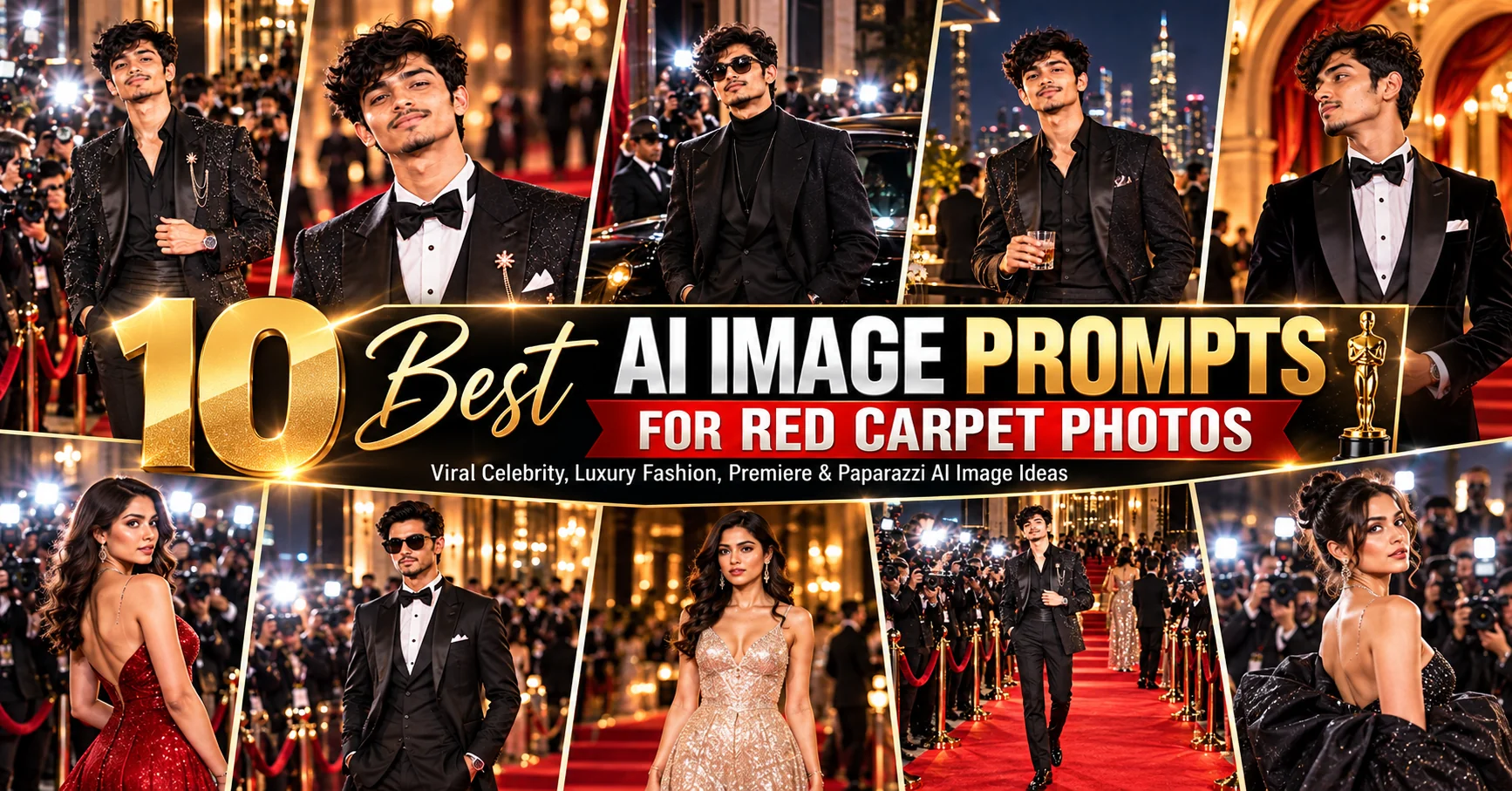
10 Best AI Image Prompts for Red Carpet Photos
Create glamorous red carpet images with these 10 AI prompts for celebrity portraits, luxury fashion, movie premieres, paparazzi scenes, and editorial photos.
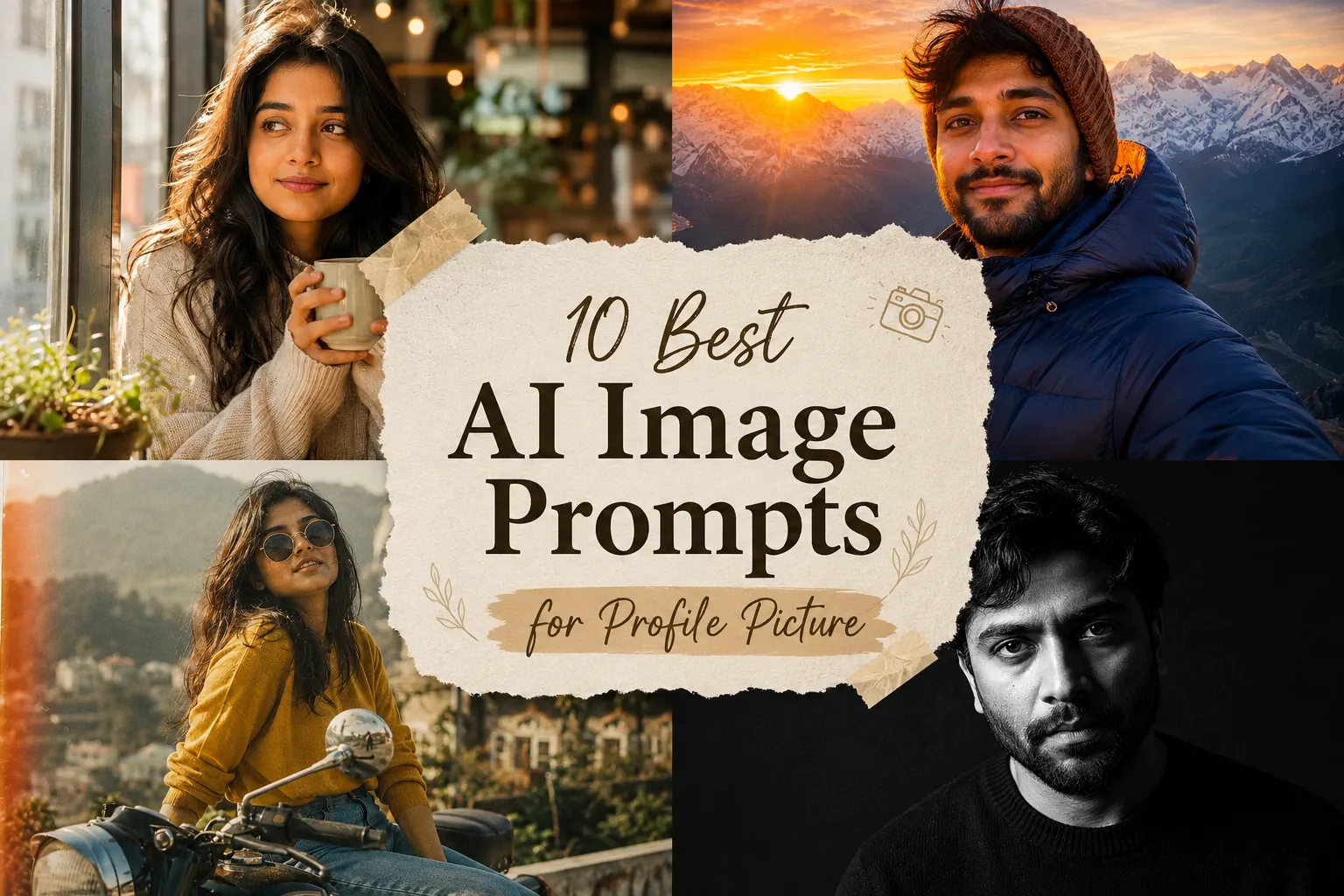
10 Best AI Image Prompts for Profile Picture — 4K Stunning Avatar & DP (2026)
Discover 10 best AI image prompts for profile picture — ultra-realistic 4K stunning avatars for WhatsApp, Instagram, Facebook & LinkedIn.
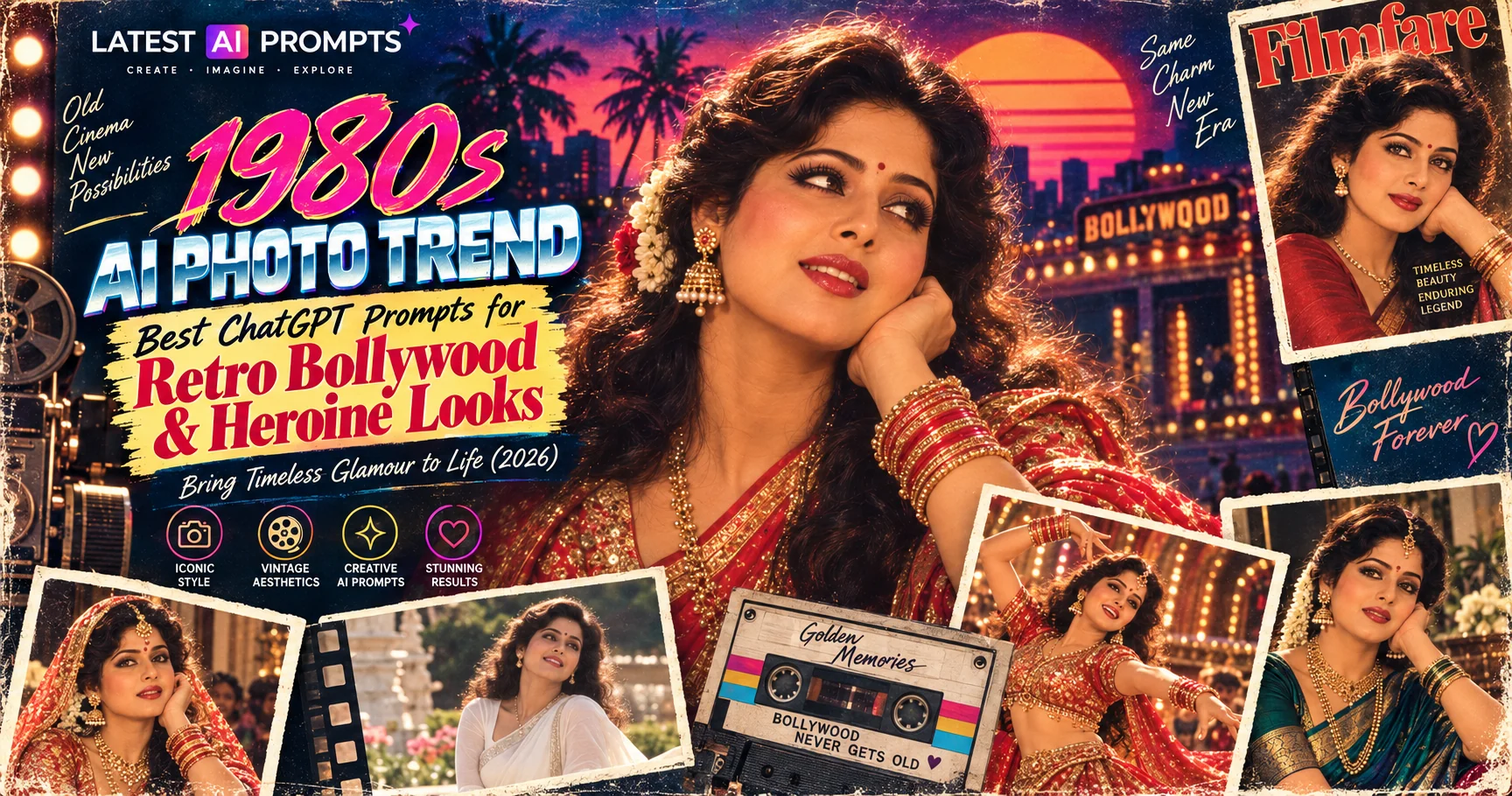
1980s AI Photo Trend: 10 Best ChatGPT Prompts for Retro Bollywood & Heroine Looks
Transform your photo into a stunning retro Bollywood heroine portrait with these 10 ChatGPT prompts — Sridevi, Rekha, Madhuri-era looks, 80s film poster style, Filmfare cover, vintage saree portrait, stage glamour and more.
Trending Now
1980s AI Photo Trend: 10 Best ChatGPT Prompts for Retro Bollywood & Heroine Looks
10 Best ChatGPT Prompts for
10 Best AI Image Prompts for Profile Picture — 4K Stunning Avatar & DP (2026)
10 Best AI Image Prompts