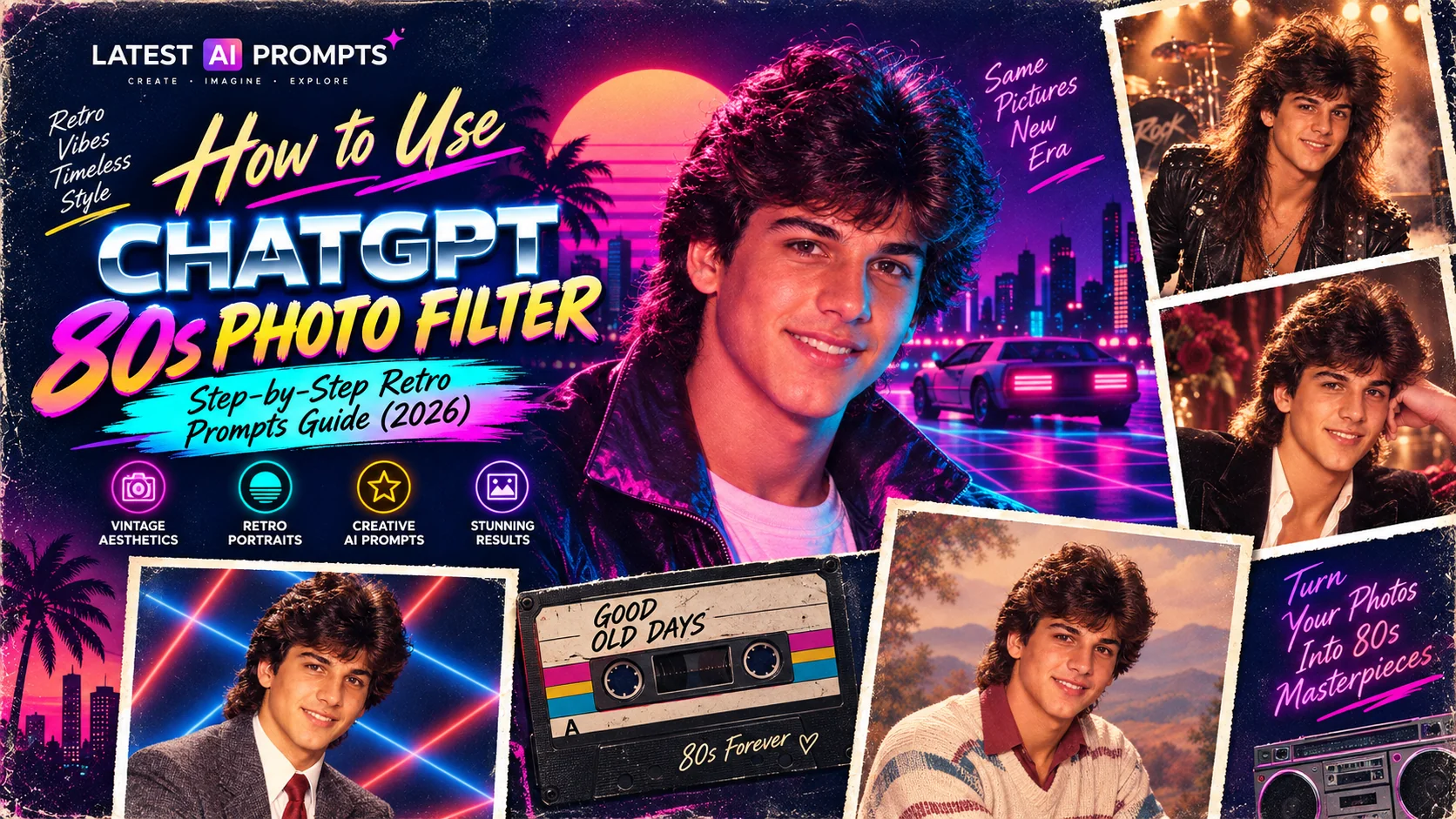
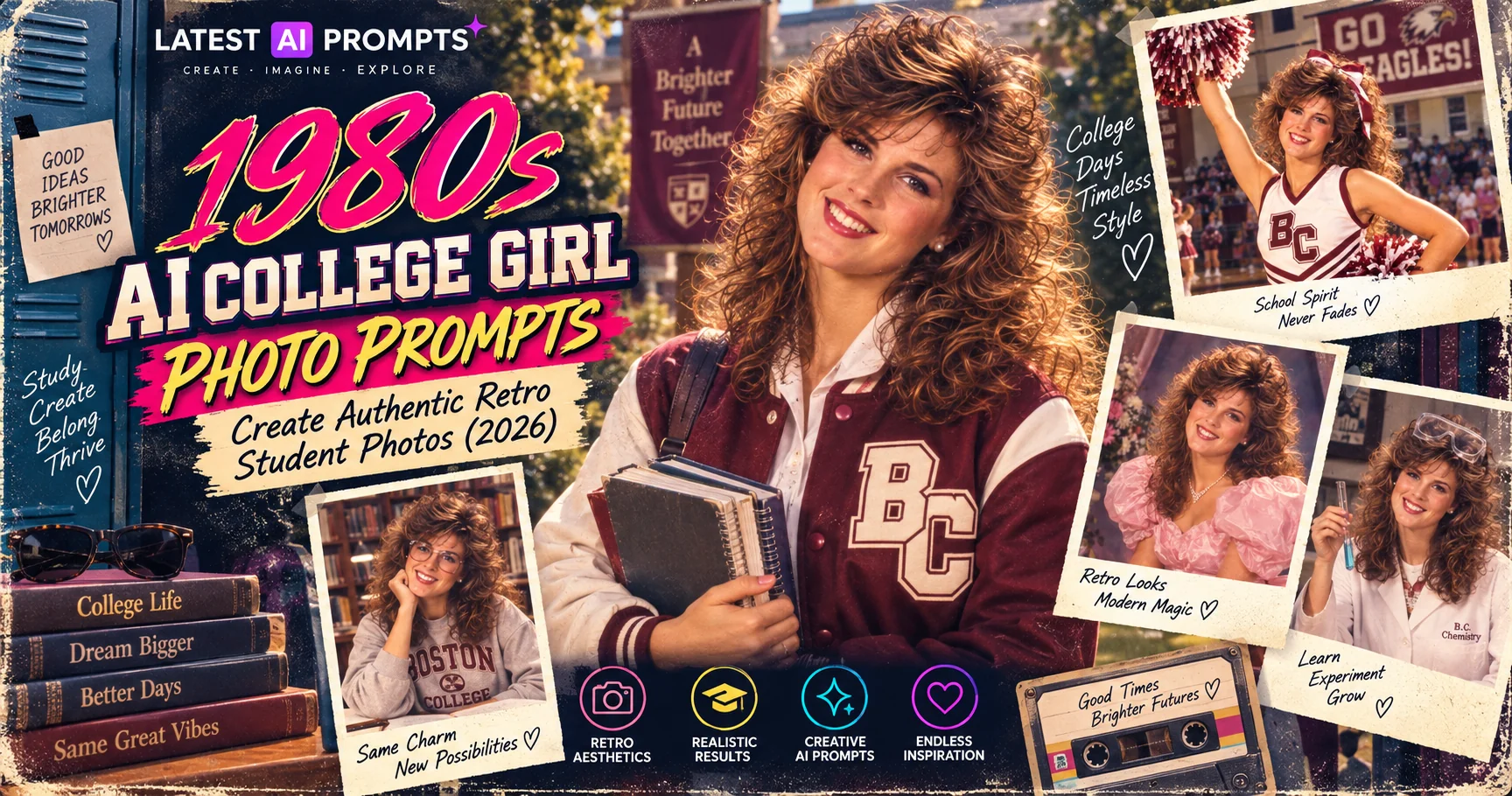
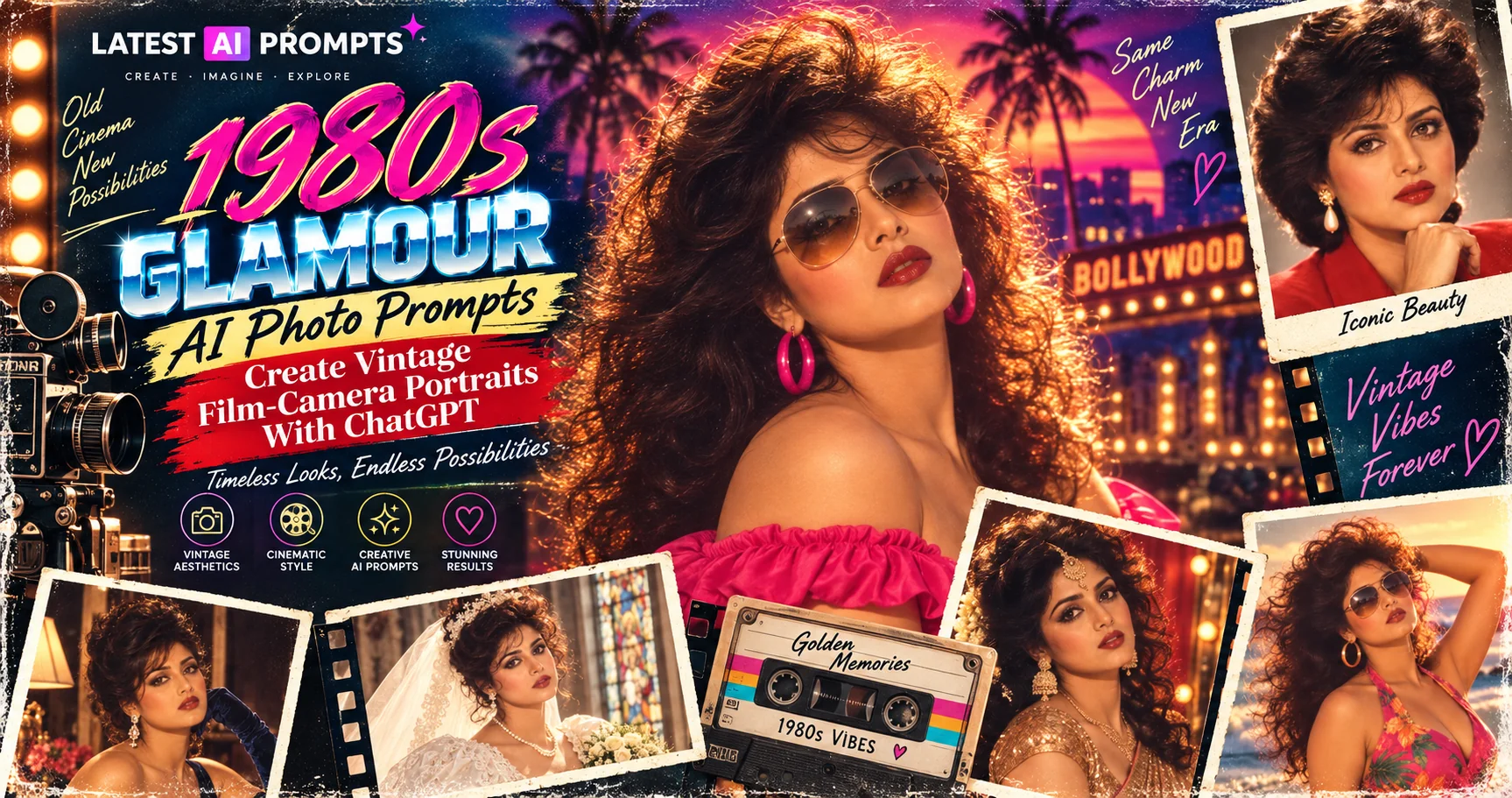
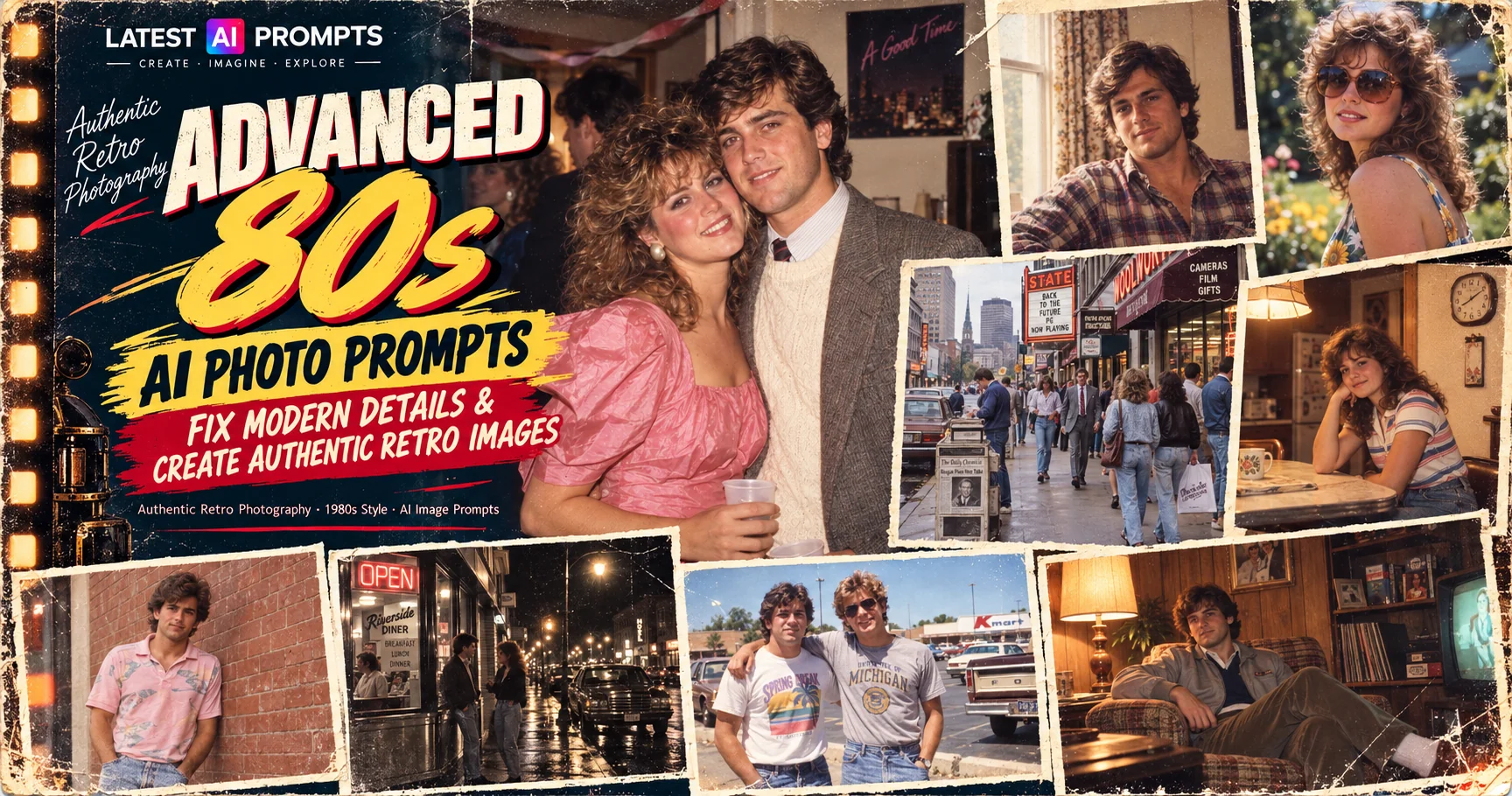
10 Best ChatGPT 80s Photo Prompts — Transform Your Pictures Into Retro Portraits (2026)
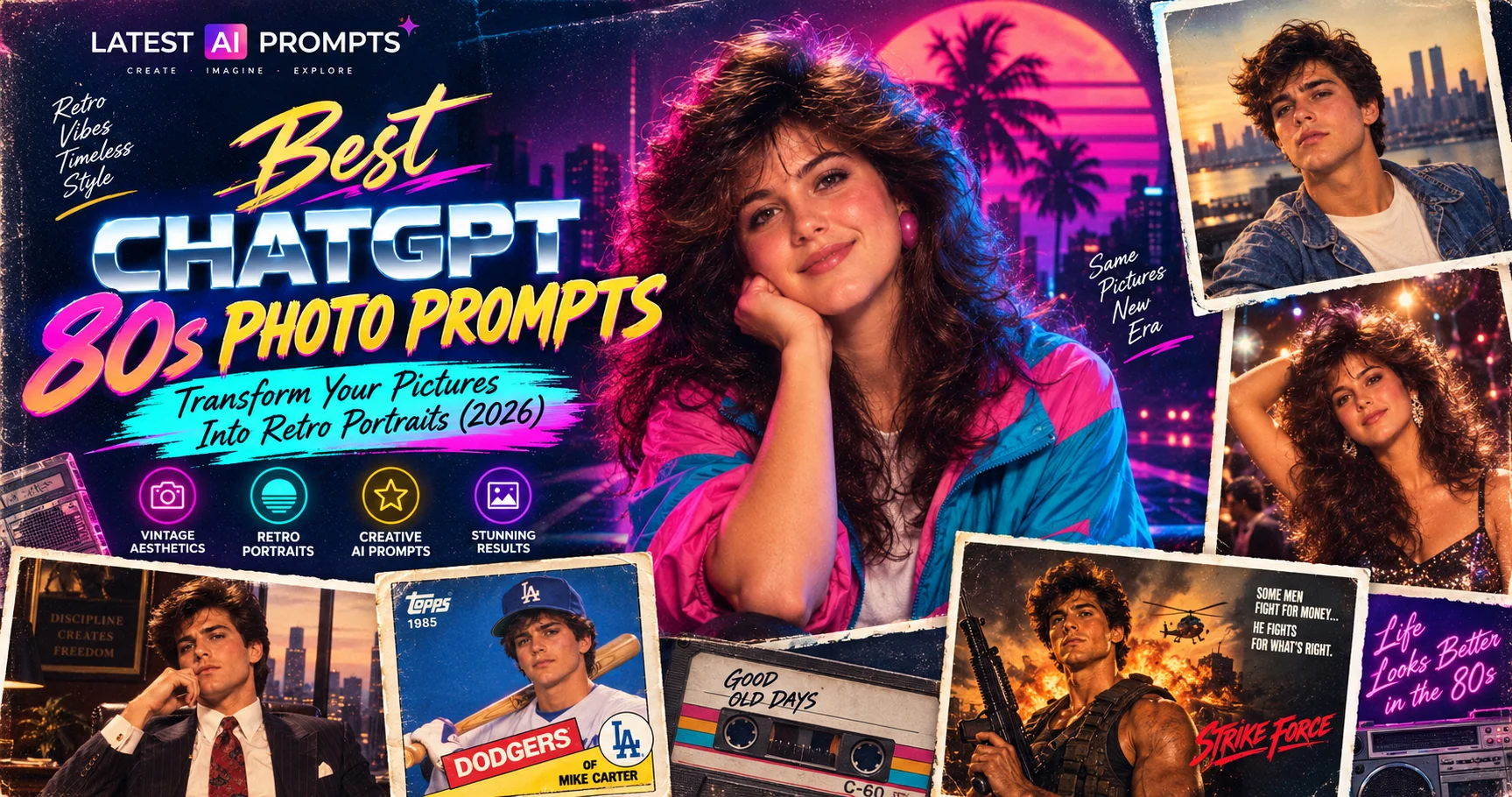
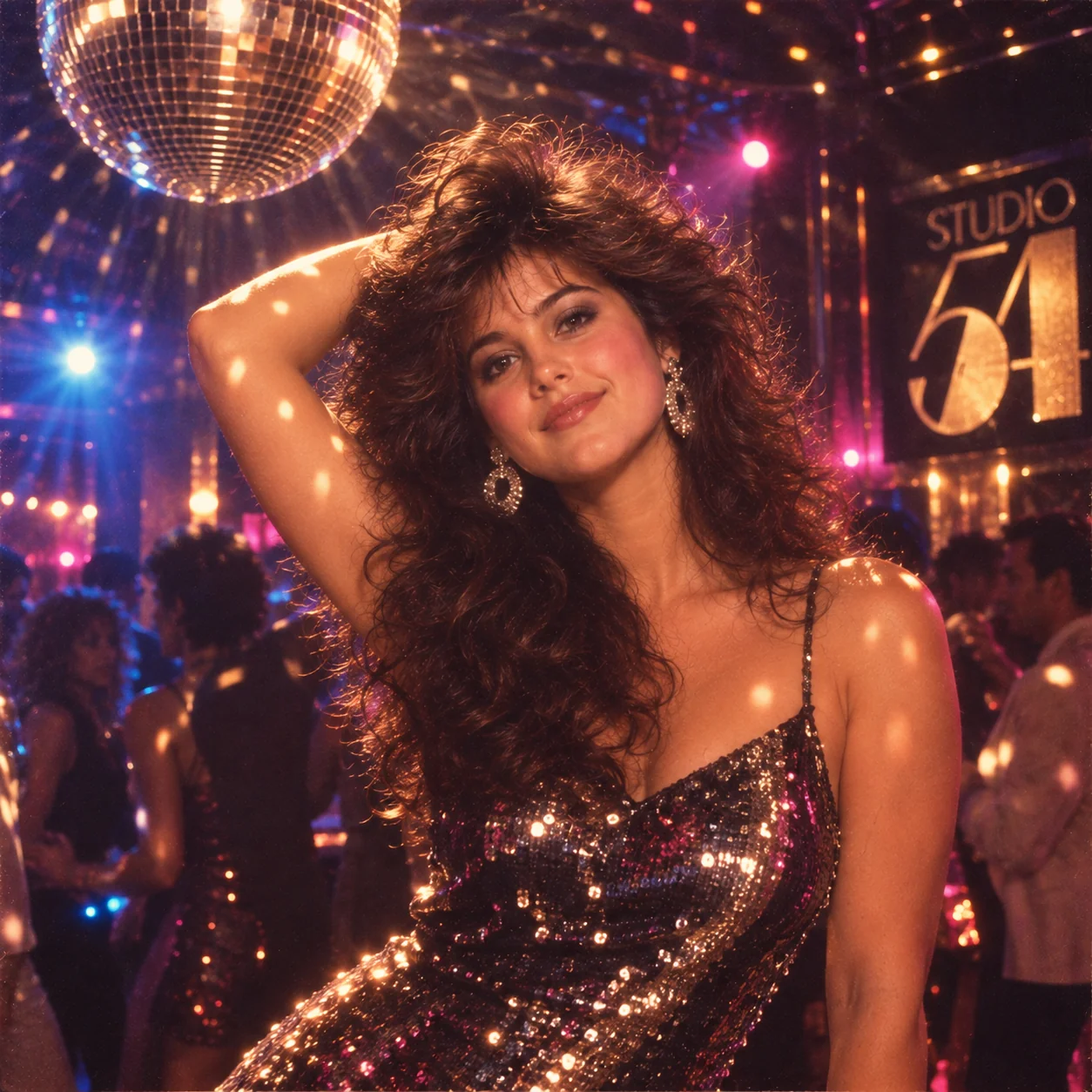
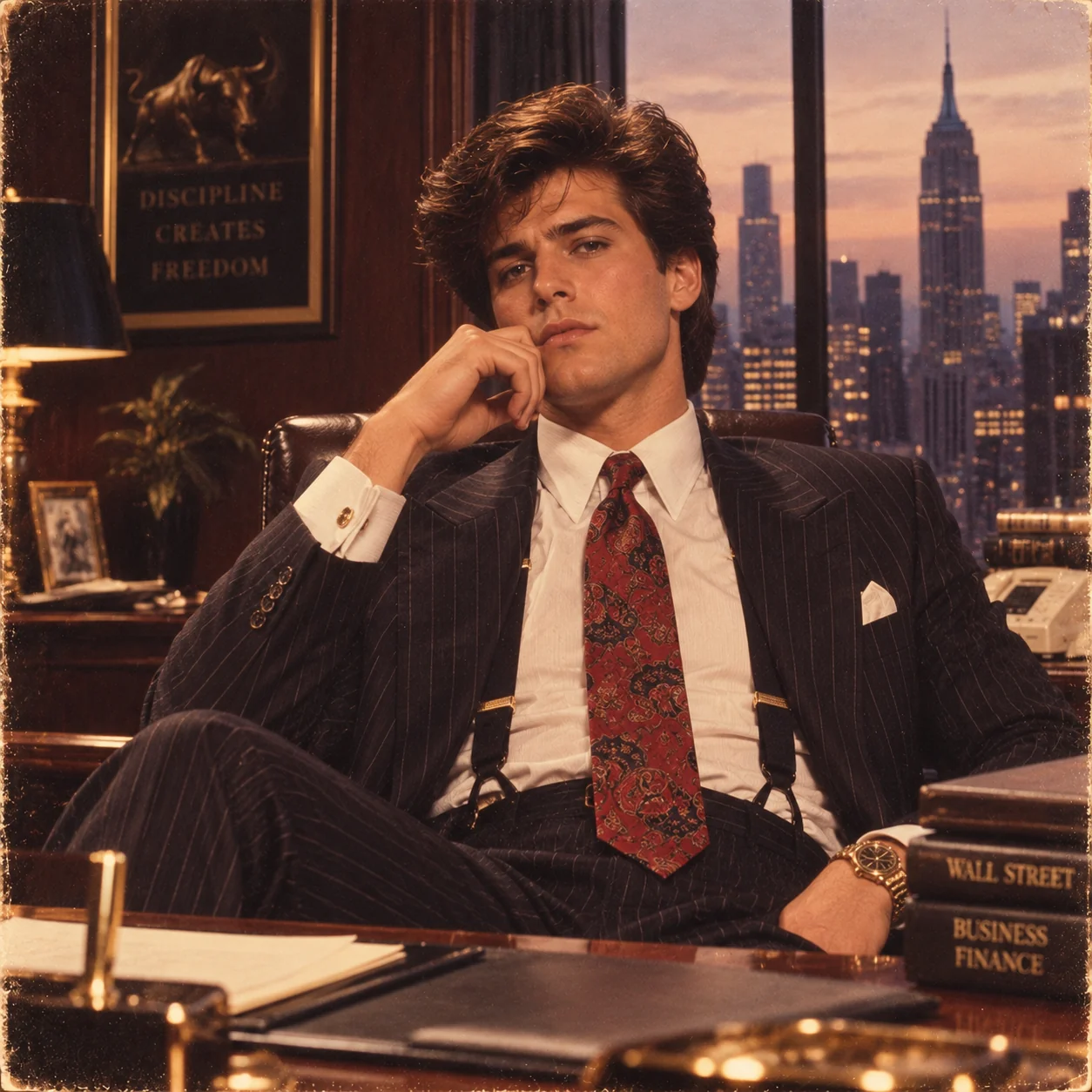
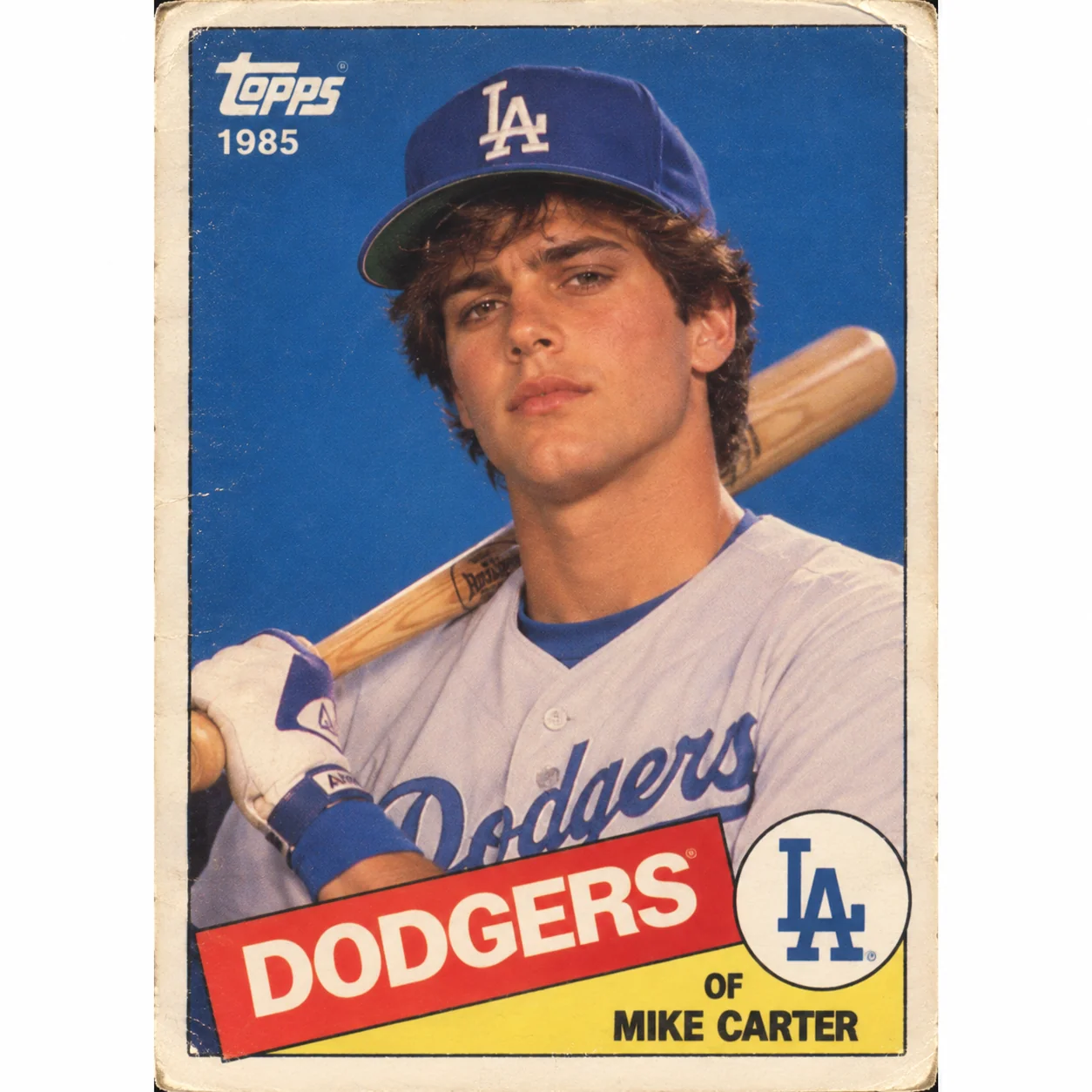
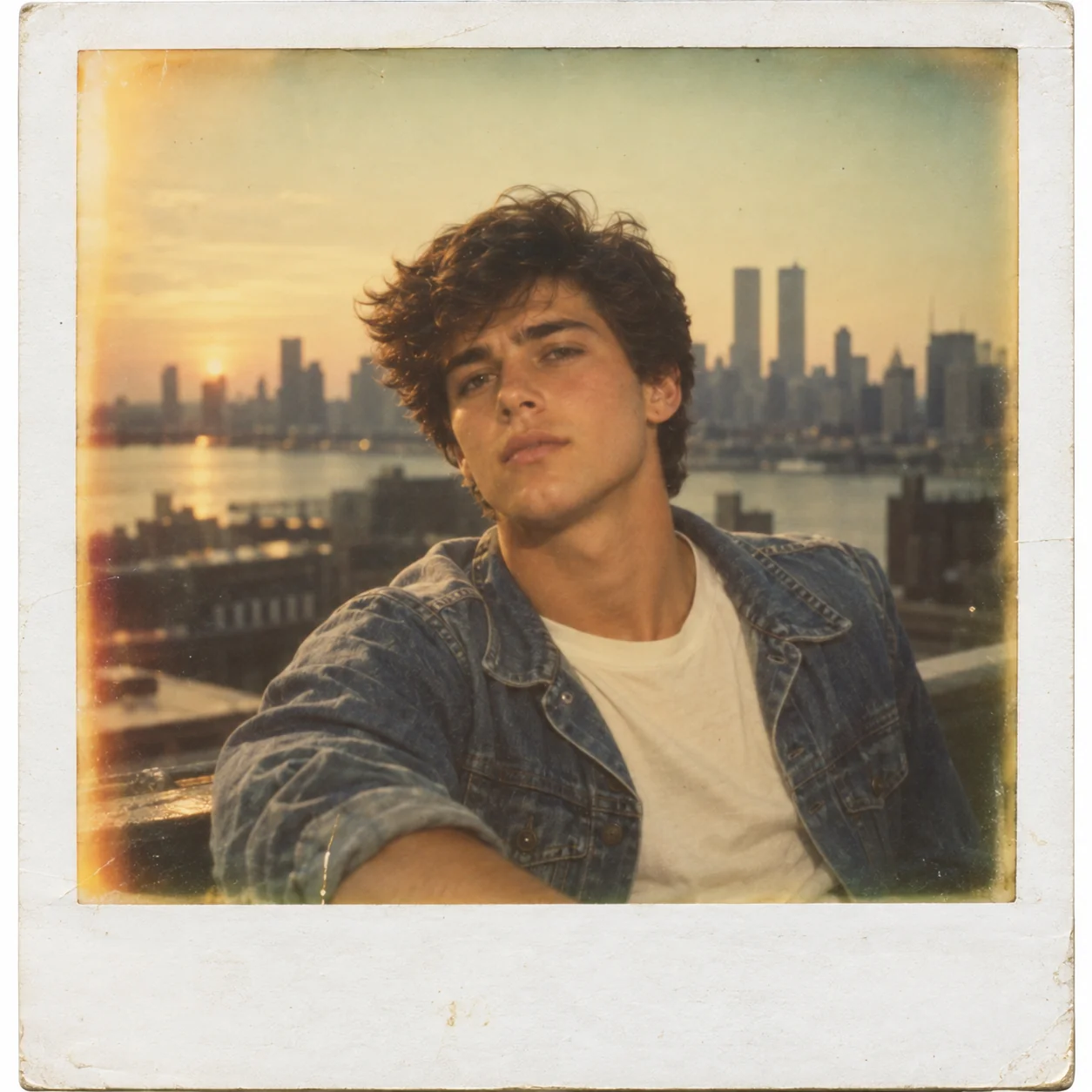
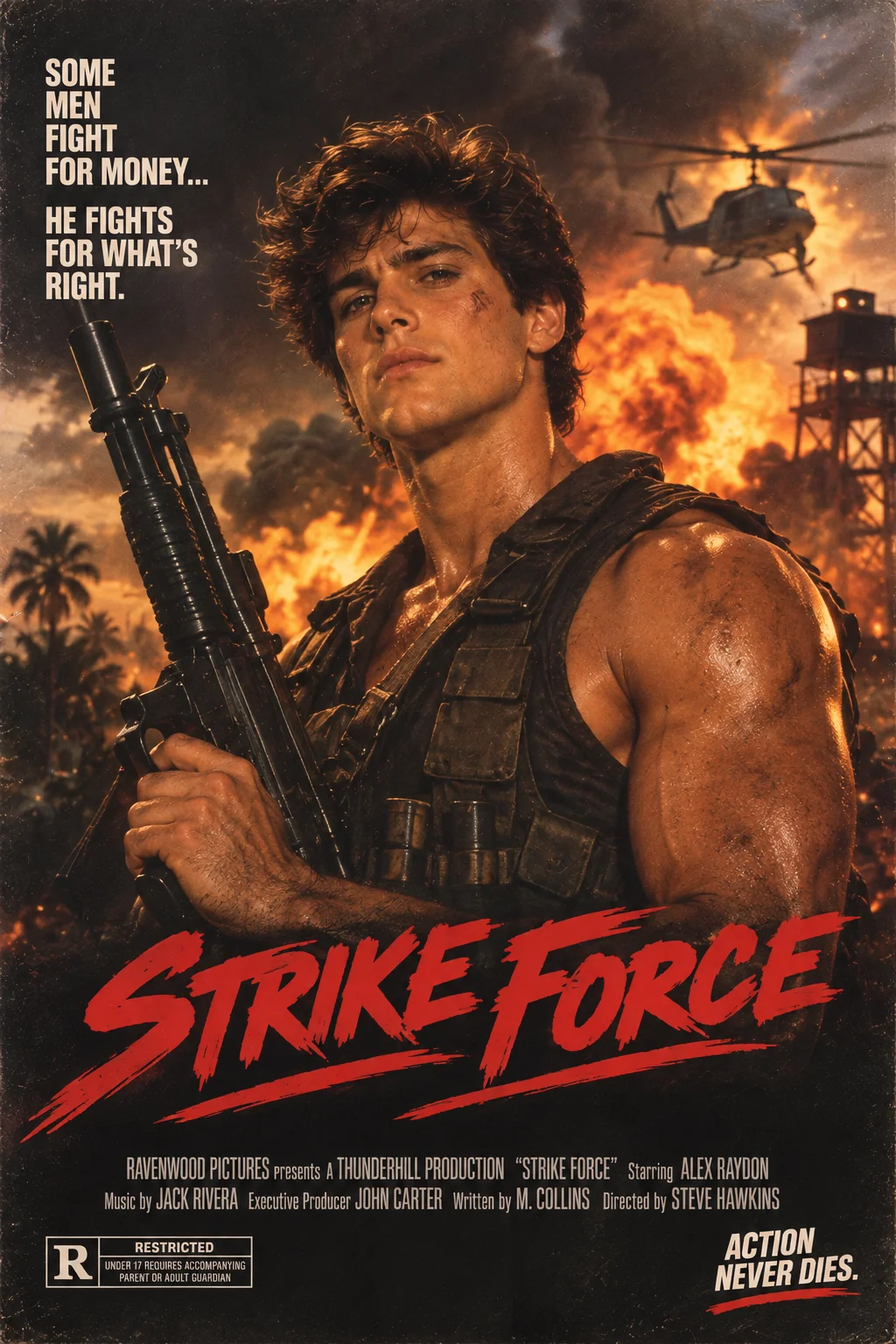
ChatGPT 80s photo prompts have become one of the most searched AI image trends of 2026 — and for good reason. The decade of big hair, neon lights, shoulder pads, and Polaroid cameras produced some of the most distinctive and instantly recognisable visual aesthetics in photography history. Now, with AI image generators like ChatGPT DALL·E 3, Midjourney, Google Gemini, and Adobe Firefly, anyone can transform a modern photo into a stunning retro 80s portrait without a time machine or a studio photographer. In this guide, we share the 10 best ChatGPT 80s photo prompts covering the full spectrum of 80s visual culture — from classic mall portrait studios and high school yearbook photos to neon synthwave portraits, glam rock stars, Studio 54 disco nights, and Wall Street power suits. Each prompt is engineered with precise film stock simulation, era-authentic lighting, period-accurate styling, and cinematic colour grading for consistently stunning retro results.
- 10 ready-to-copy prompts — no editing needed
- Works with ChatGPT DALL·E 3, Gemini, Midjourney & Adobe Firefly
- Covers mall studio, yearbook, neon, rock star, disco, Wall Street, Polaroid & more
- Includes cultural context for each 80s style
- 100% free — no signup required
Whether you want to relive the nostalgia of your own childhood, create retro-themed social media content, or produce vintage-aesthetic art for a creative project, these ChatGPT 80s photo prompts give you a direct shortcut to the iconic visual language of the decade. You can use them as-is for instant results, or customise the outfit, film stock, backdrop, and cultural reference point to create a uniquely personal retro portrait.
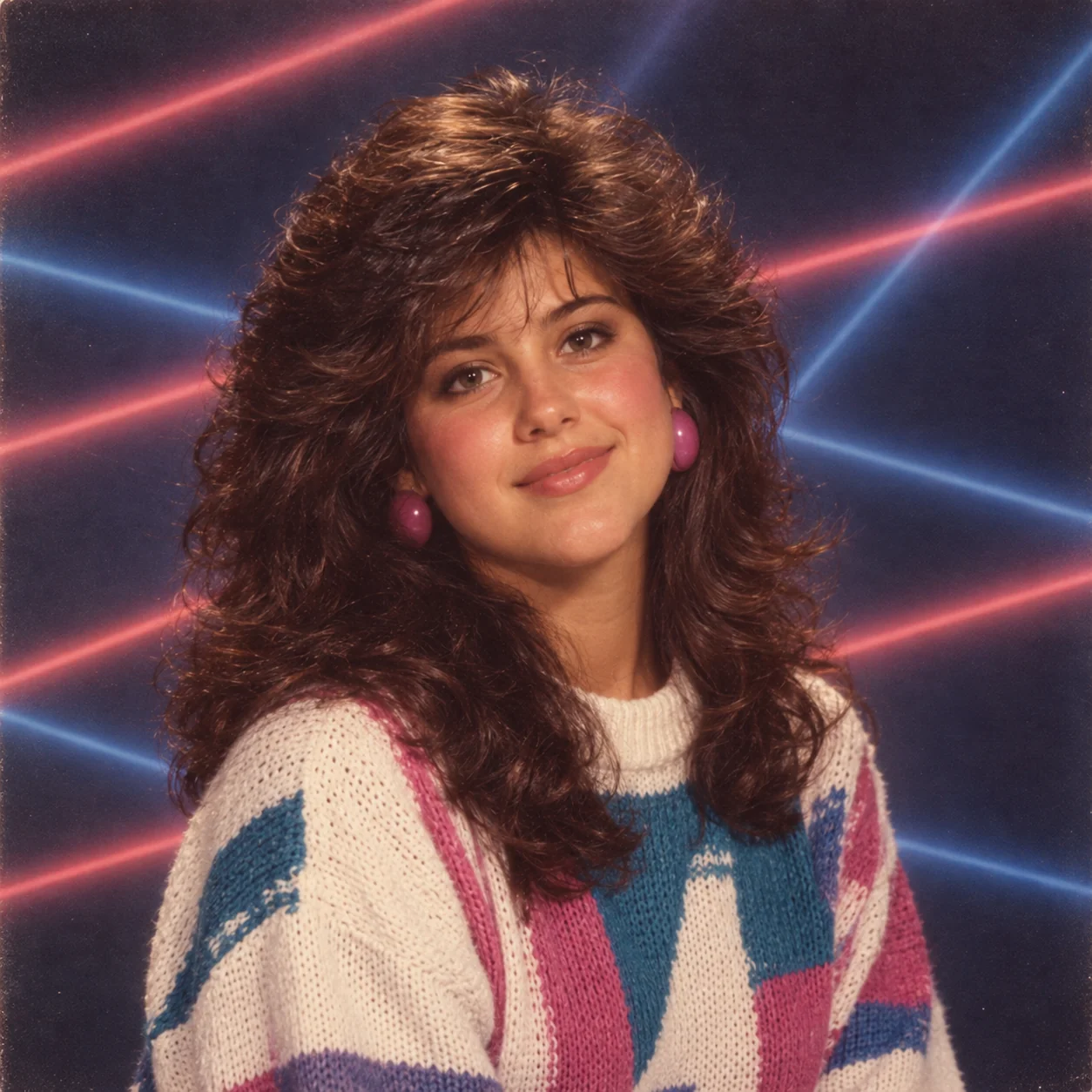
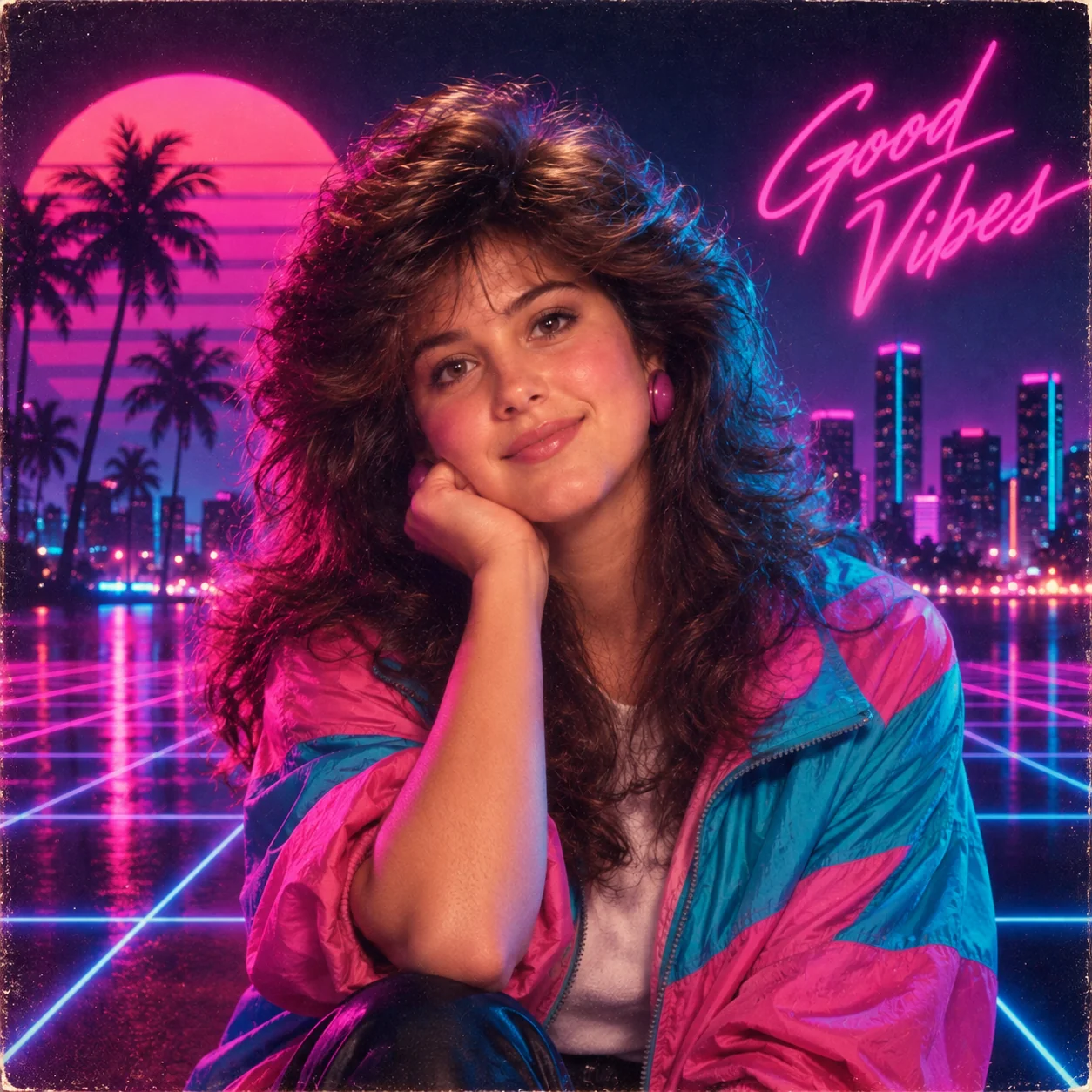
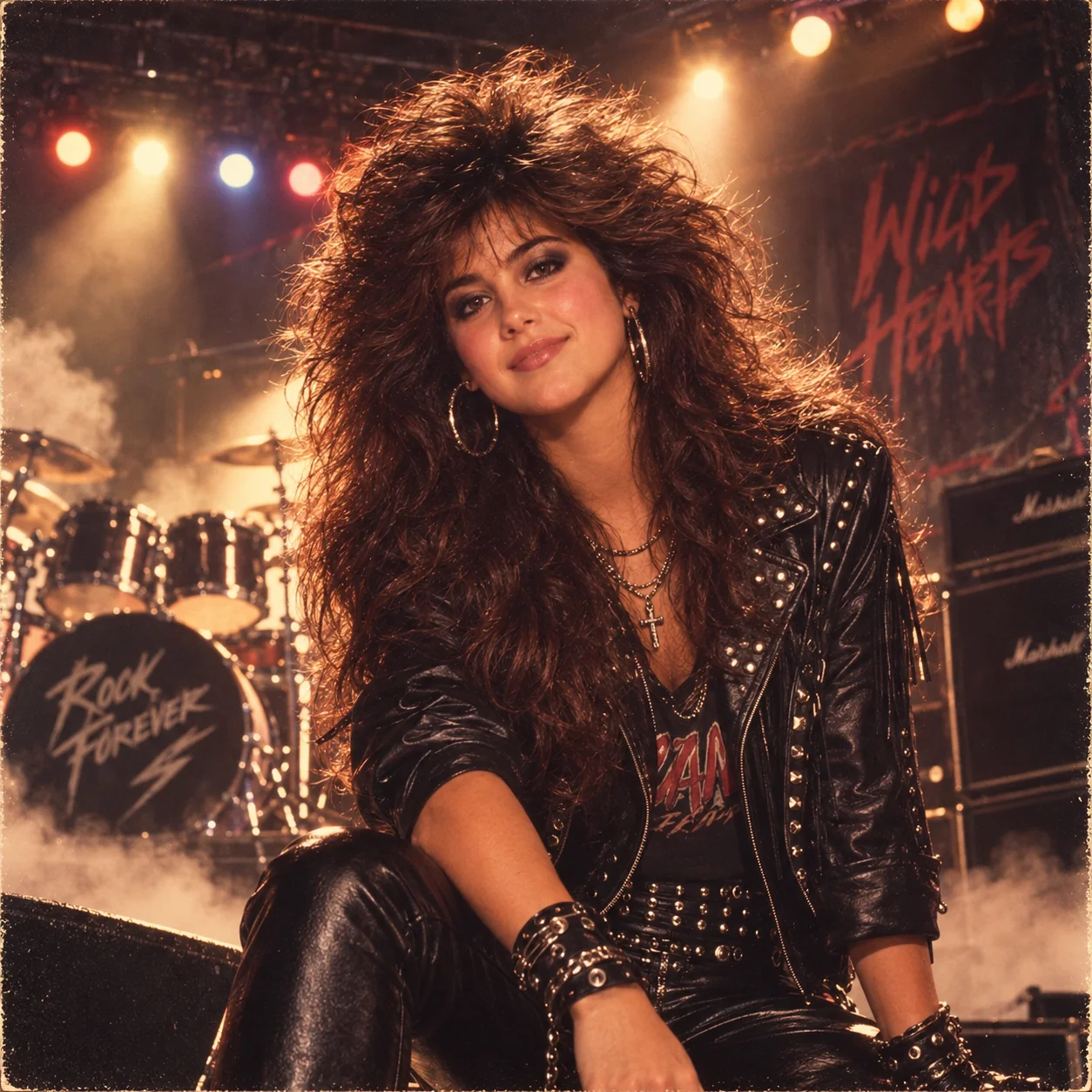
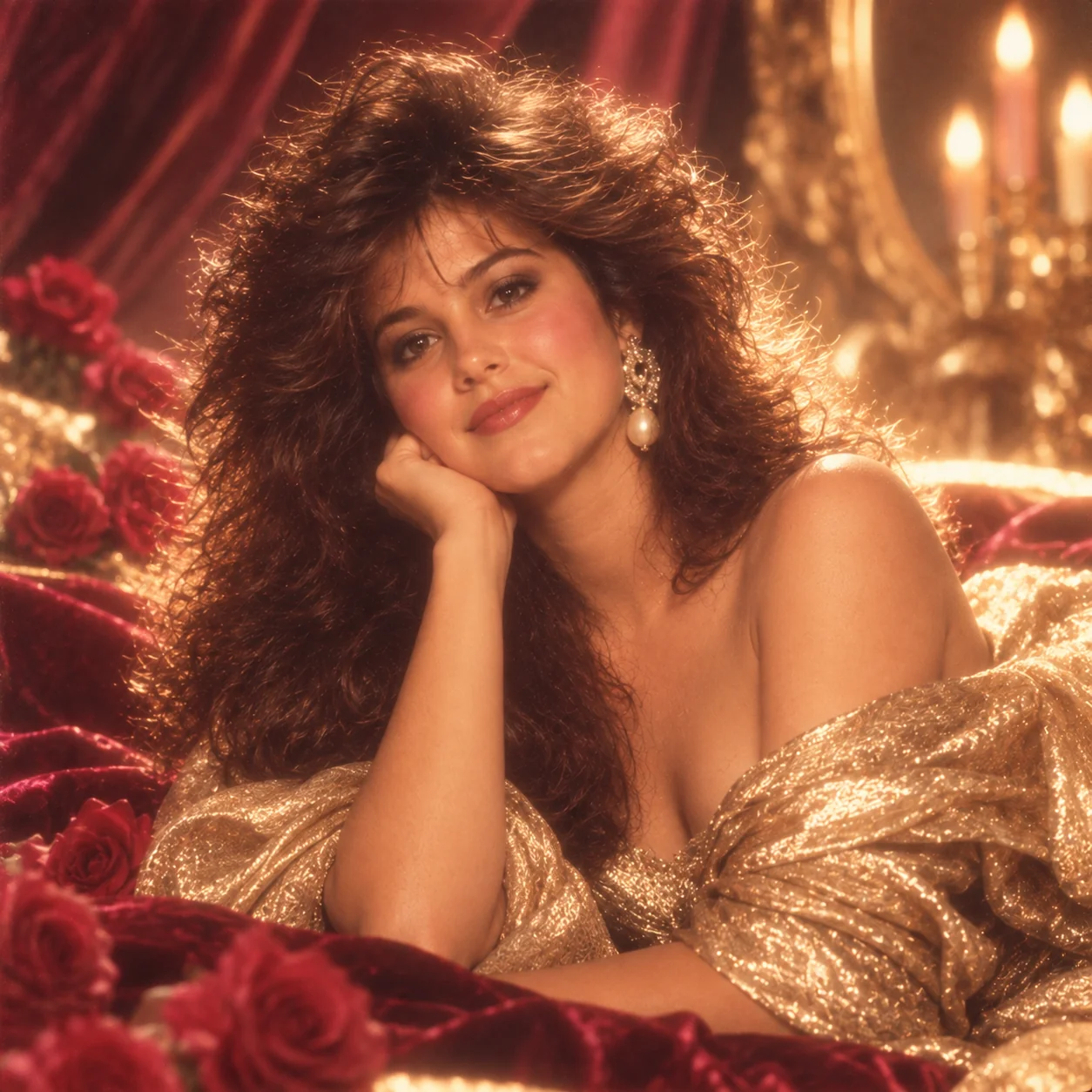

Frequently Asked Questions
Can ChatGPT transform my actual photo into an 80s style?
Yes. ChatGPT with DALL·E 3 can accept your uploaded photo and apply 80s retro styling when you use a detailed transformation prompt. For the best results, upload a clear, well-lit photo and include specific 80s style descriptors such as the film type, lighting style, backdrop type, and colour grading. Midjourney's image prompt feature and Adobe Firefly's Style Match also work excellently for 80s photo transformations.
Which 80s photo style looks best when generated with AI?
The most visually striking AI-generated 80s styles are the Neon Synthwave portrait (vivid and dramatic), the High School Yearbook (highly recognisable and nostalgic), and the Mall Portrait Studio (instantly evokes 80s nostalgia). For professional use, the Wall Street Business portrait and Glamour Photography style produce the most polished results that can still be used in modern professional contexts.
Do these 80s photo prompts work with Midjourney and DALL·E?
Yes, all 10 prompts in this guide are compatible with ChatGPT DALL·E 3, Midjourney v6/v7, Google Gemini, and Adobe Firefly. For Midjourney, add --ar 4:5 for portrait format and --style raw for the most photorealistic film-era results. For DALL·E 3, select HD quality before generating. Gemini handles retro colour grading and film grain effects particularly well.
How do I add more 80s authenticity to my AI photo prompt?
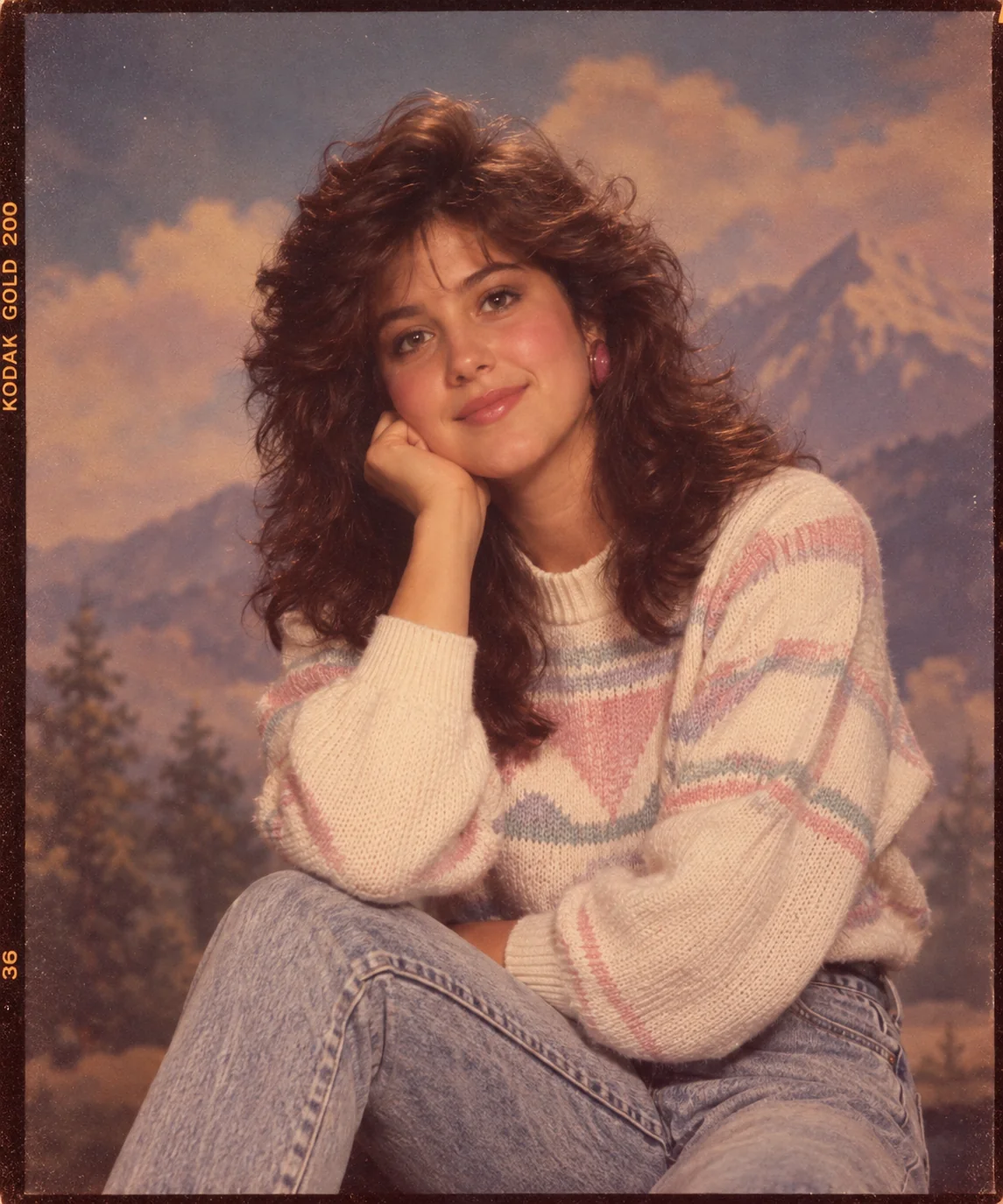
To increase 80s authenticity, add these specific terms to any prompt: “Kodak Gold 200 film emulation”, “35mm grain”, “slightly over-saturated vintage colour”, “warm magenta highlights”, “soft focus glow”, “VHS colour bleed”, or “Ektachrome colour slide film look”. Each of these phrases activates different aspects of the AI's understanding of 80s photographic aesthetics and produces more era-accurate results.
Can I use these 80s AI photos commercially?
Commercial usage rights depend on the AI tool used. Adobe Firefly-generated images are fully commercially safe. ChatGPT DALL·E 3 images are commercially usable per OpenAI's terms of service as of 2026. Midjourney commercial rights depend on your subscription tier. Always review the specific tool's terms of service before using AI-generated 80s retro photos for commercial projects, marketing materials, or product branding.
What makes AI-generated 80s photos look realistic?
The most important elements for realistic AI 80s photos are: (1) specifying a real film stock like “Kodak Gold” or “Fuji Velvia”, (2) including period-accurate props, clothing, and hairstyle descriptions, (3) referencing specific cultural touchstones of the era like “Lifetouch studio portrait”, “Studio 54”, or “VHS-era cinema”, (4) adding film grain, light leaks, and a slightly faded colour palette, and (5) using correct aspect ratios for the specific format being simulated.