Christmas AI Product Photography Prompts for Gifts, Ads & Ecommerce
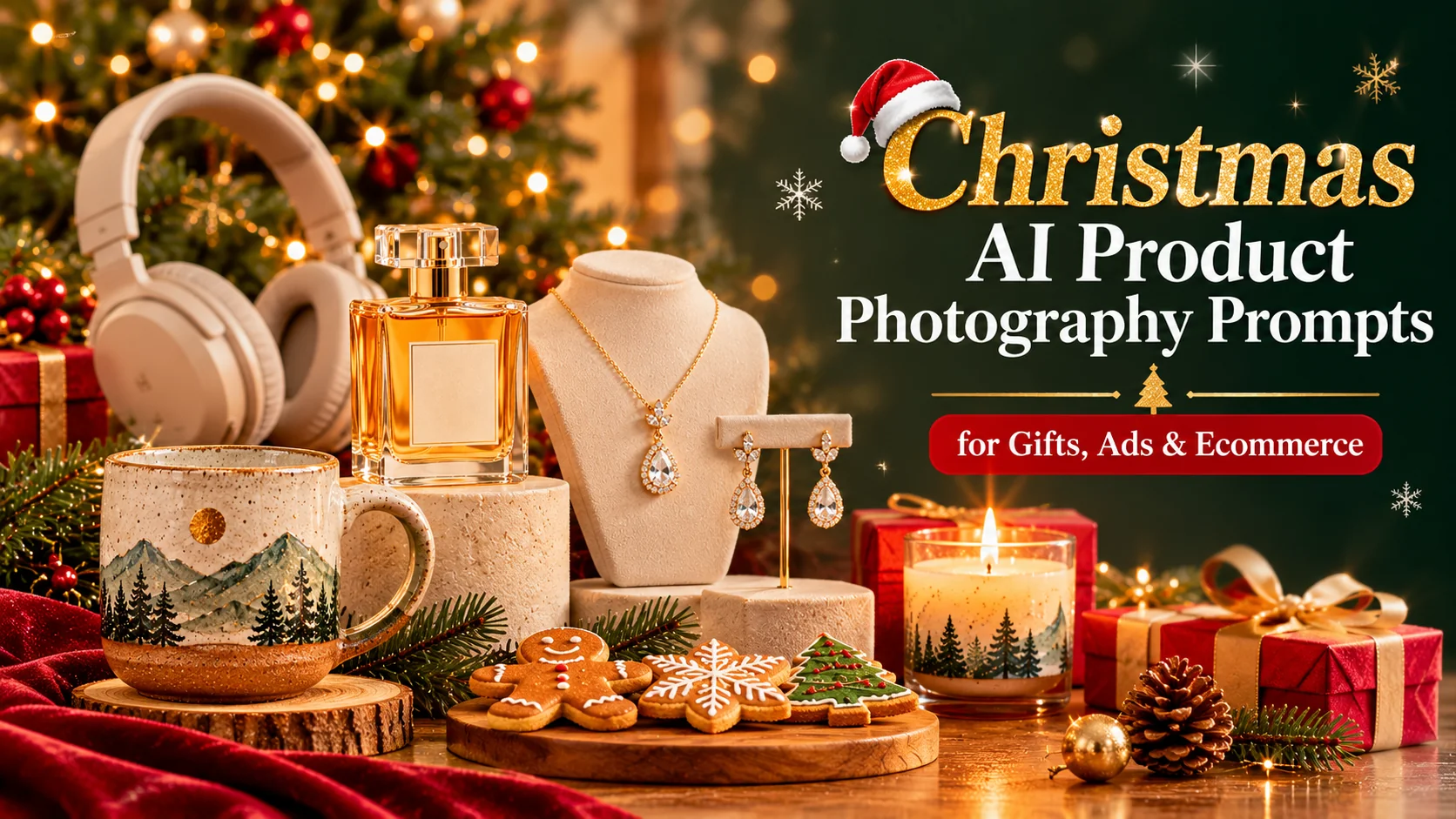
Christmas is one of the busiest seasons for online shopping, gift guides, and promotional campaigns. For ecommerce stores, small businesses, product photographers, and content creators, attractive product images can make holiday marketing more memorable. However, arranging a professional Christmas photoshoot for every product can take time, equipment, and money. With the right Christmas AI product photography prompts, you can explore festive product scenes, experiment with different lighting styles, and create seasonal visual concepts using AI image-generation tools such as ChatGPT and Google Gemini.
The key to creating convincing AI product photography is to describe the product and the scene separately. Explain exactly what the product looks like, then specify the Christmas decorations, background, camera angle, lighting, materials, and composition. For example, a luxury perfume bottle might look beautiful on a reflective surface surrounded by golden lights, while handmade candles may suit a cozy setting with pine branches, knitted fabrics, and warm window light. These details help establish a consistent visual direction instead of producing a generic Christmas image.
In this guide, you will find 10 detailed, copy-and-paste-ready Christmas AI product photography prompts for different product categories and marketing needs. The collection includes gift boxes, perfume, candles, skincare, electronics, handmade products, jewelry, food and beverages, minimalist ecommerce images, and lifestyle product photography. Each prompt uses a distinct creative approach, giving you options for holiday product listings, social media campaigns, gift guides, and seasonal advertising concepts.
You can use these prompts with ChatGPT, Gemini, or another image-generation tool that supports the relevant image-reference features. Upload a clear photograph of your actual product whenever accuracy matters, and explicitly instruct the AI to preserve its shape, packaging, color, label placement, and distinctive details. AI-generated images can still alter products, so always compare the results with the real item before using them in commercial marketing.
Christmas 2026 is approaching, making late October a useful time to plan holiday creative assets. Start by choosing the visual style that suits your brand, then adapt the prompts to your products, audience, and preferred platforms. With careful prompting and a final quality check, you can develop a collection of festive product images that feels cohesive, professional, and tailored to your holiday campaign.
- 10 copy-and-paste Christmas AI product photography prompts
- Creative product photography ideas for gifts, perfume, candles, skincare, jewelry, and electronics
- Distinct festive photography styles for ecommerce listings and holiday advertisements
- Reference-image instructions to help preserve real product appearance and packaging
- Practical tips for lighting, composition, Christmas styling, and commercial image quality
Christmas Gift Box Product Photography
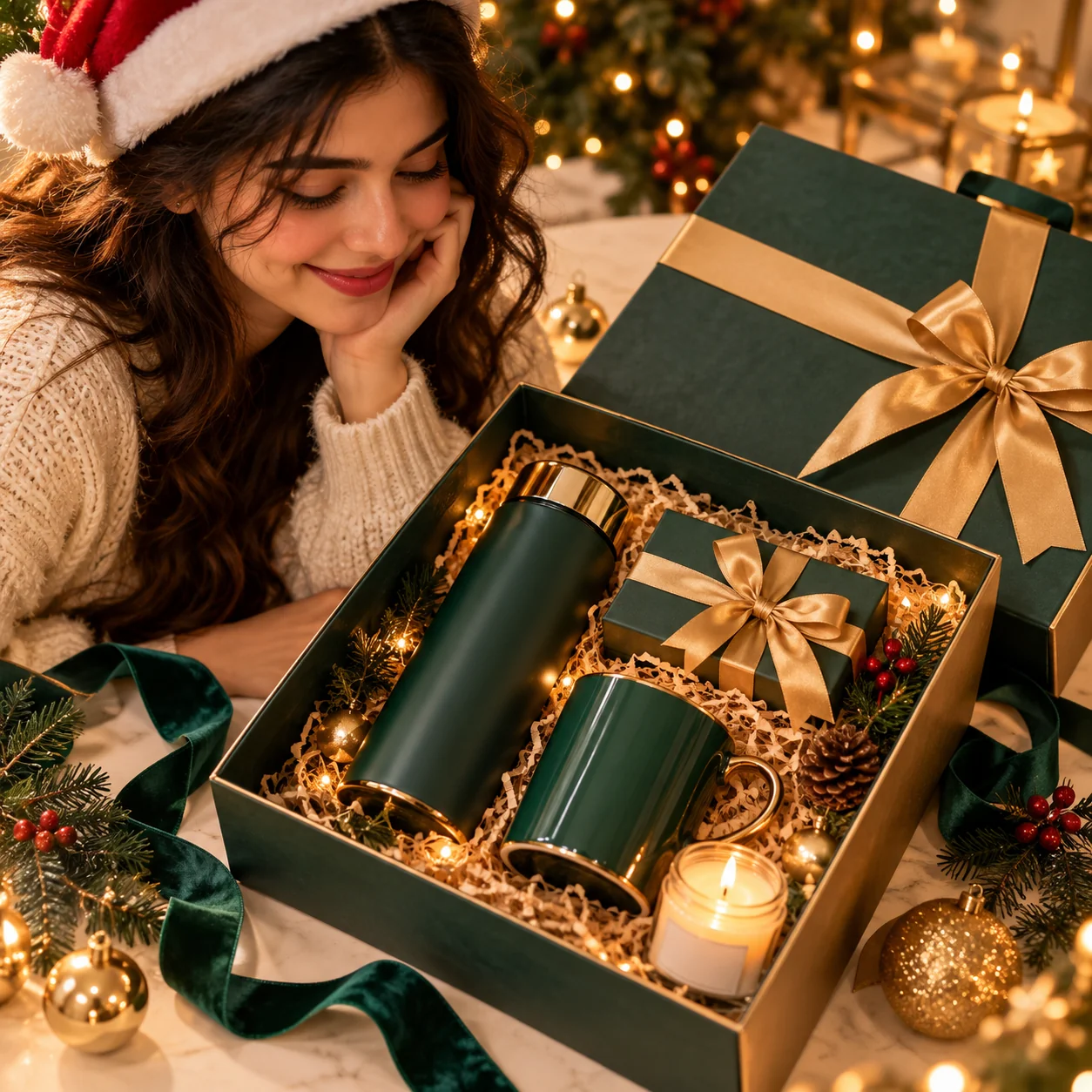
Luxury Christmas Perfume Advertisement
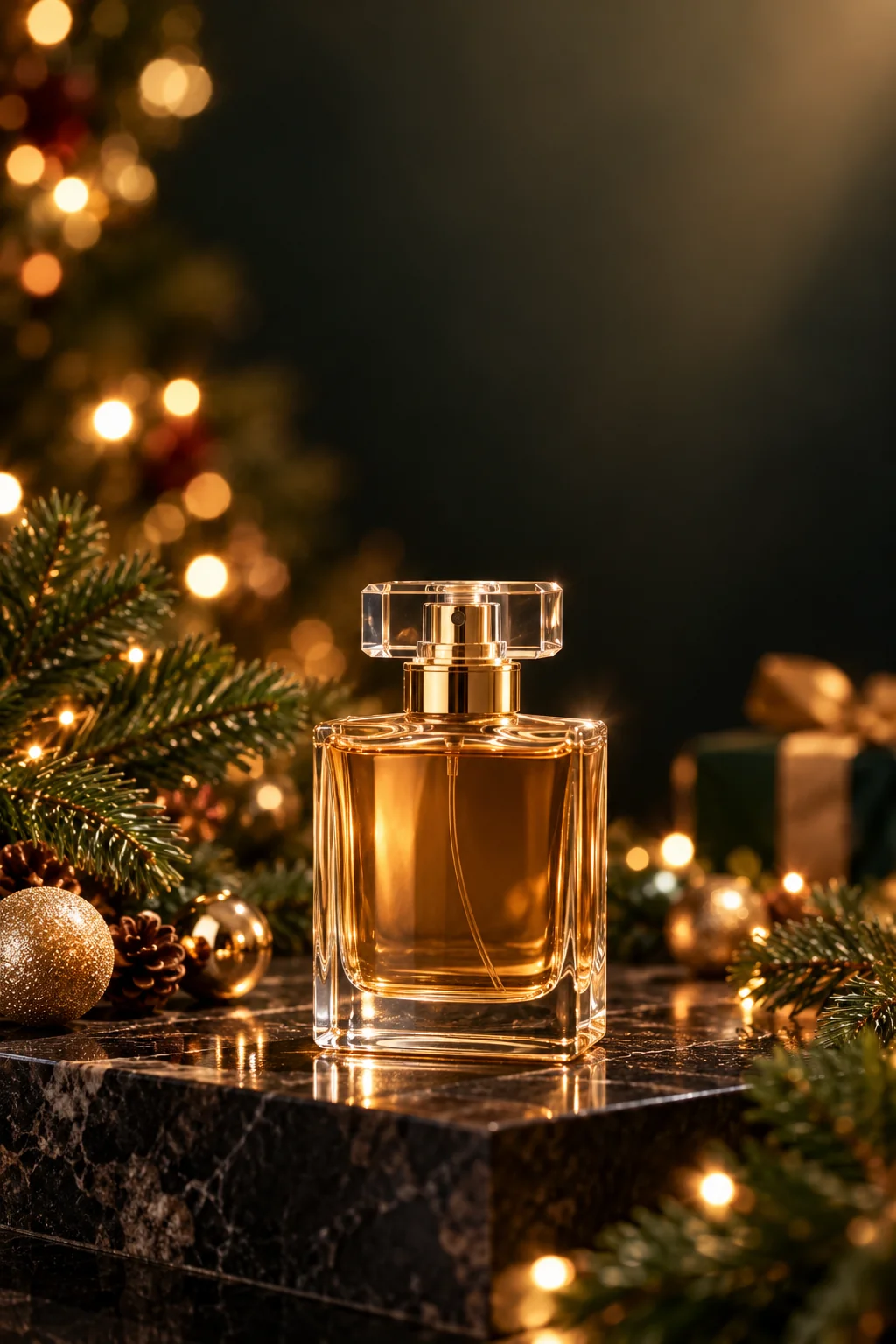
Cozy Christmas Candle Product Photography
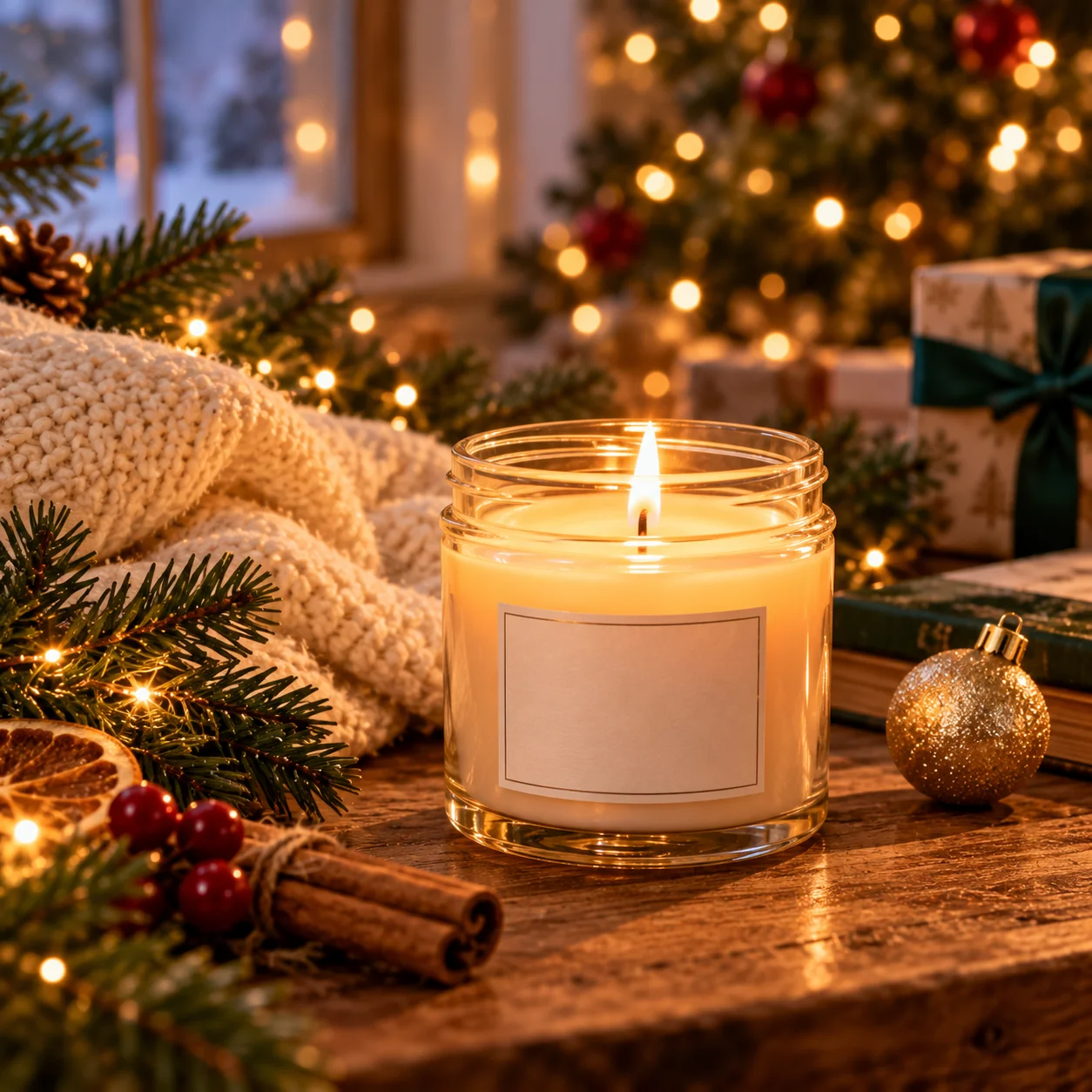
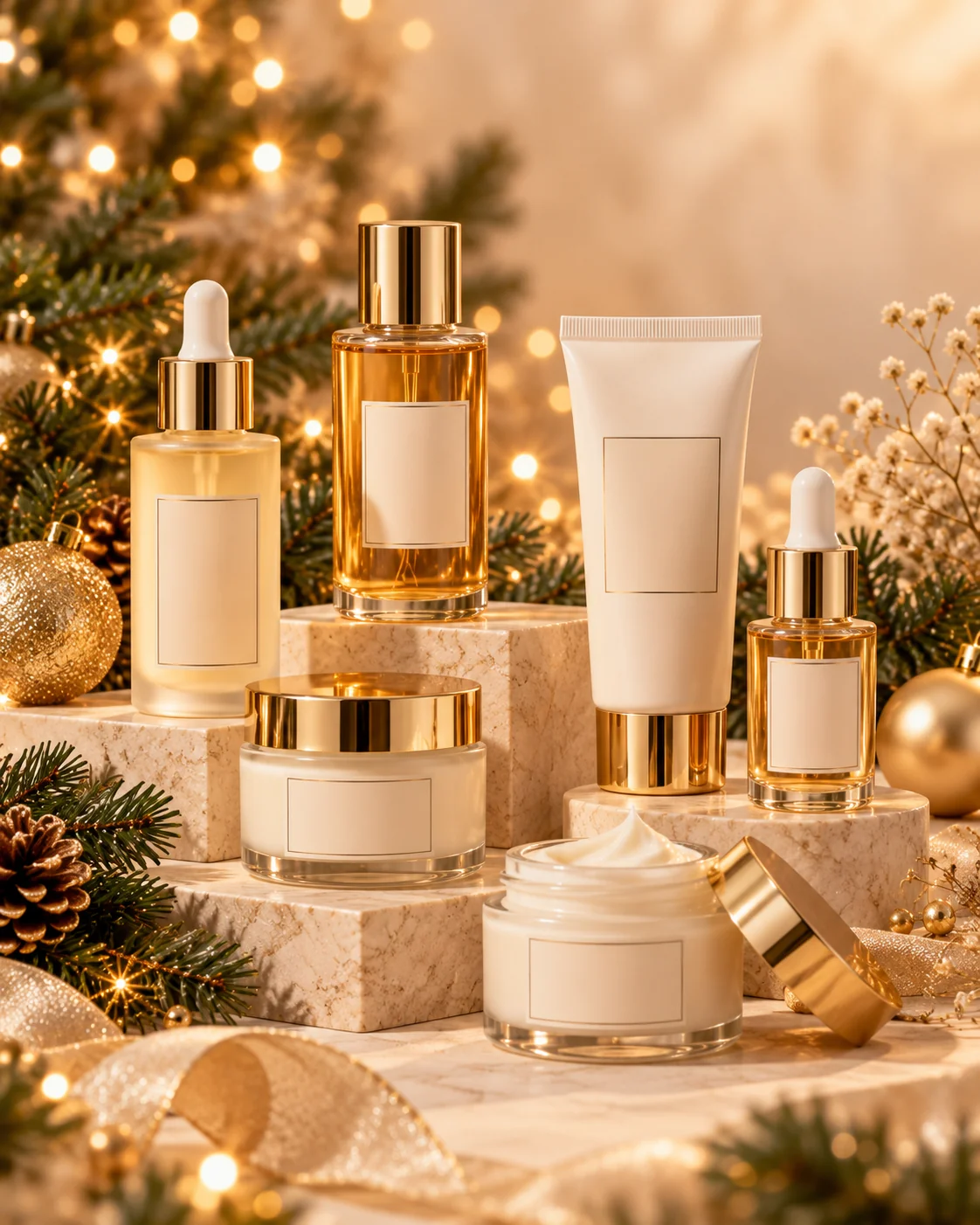
Christmas Skincare Product Campaign
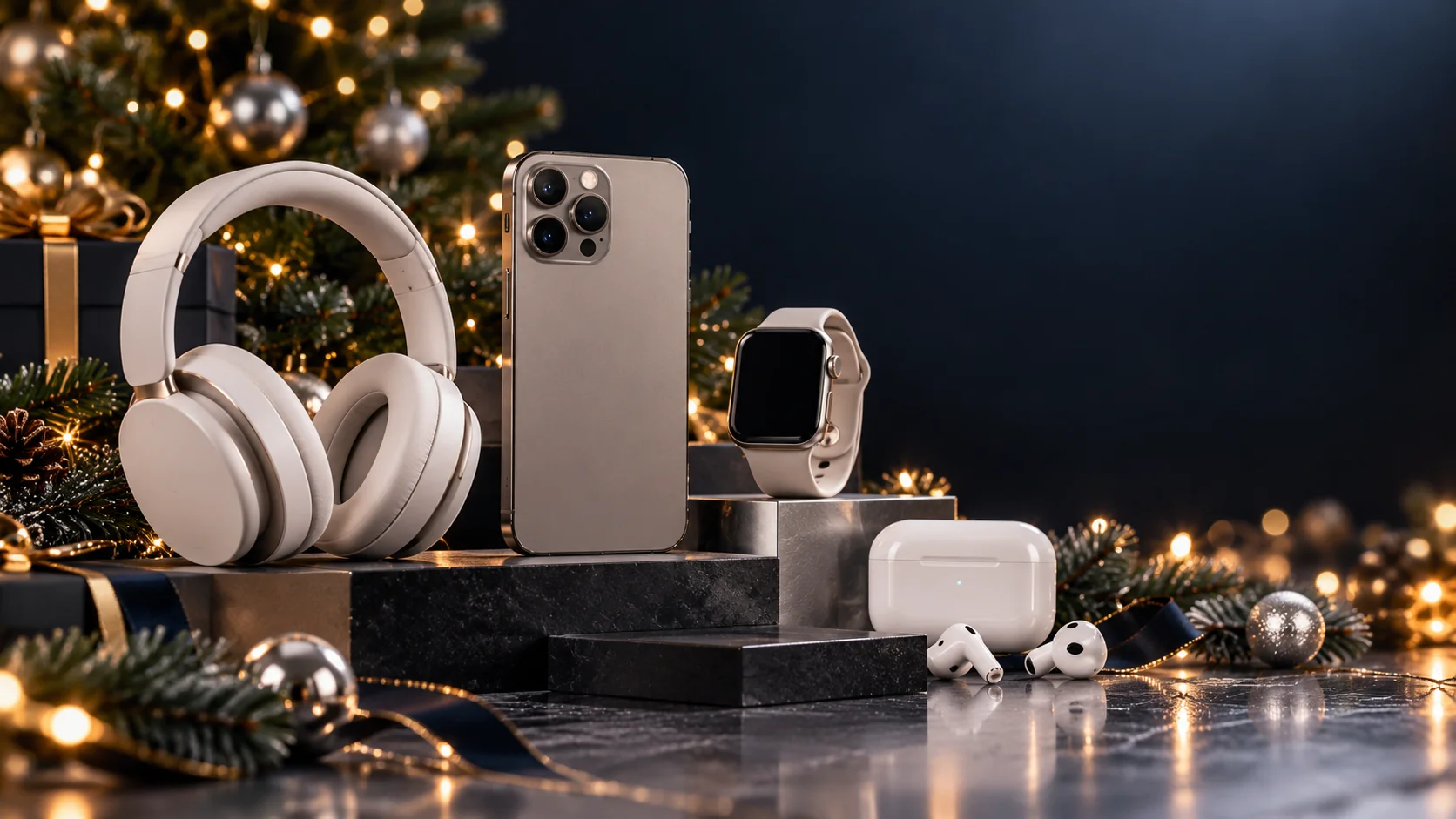
Christmas Electronics Product Display
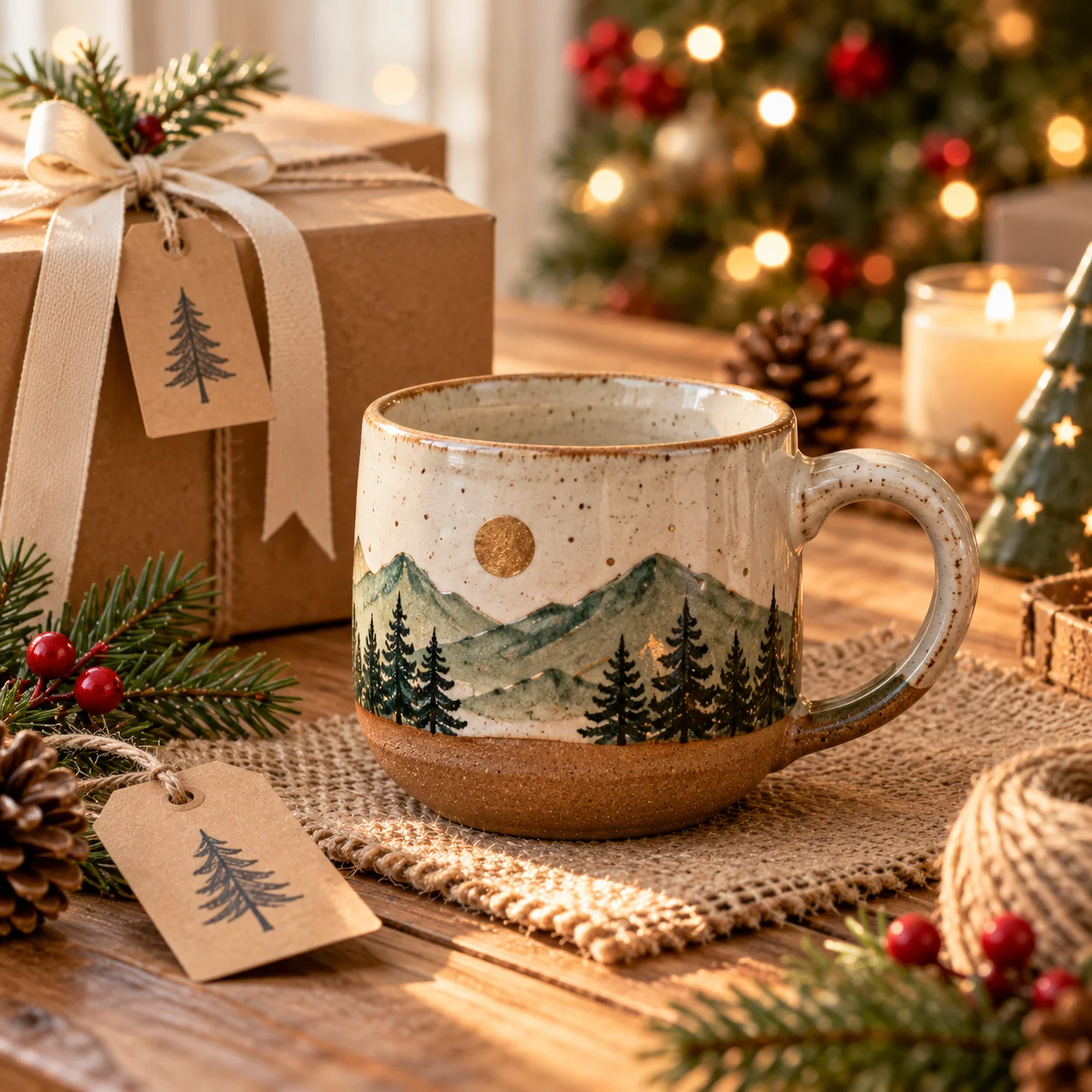
Handmade Christmas Gift Photography
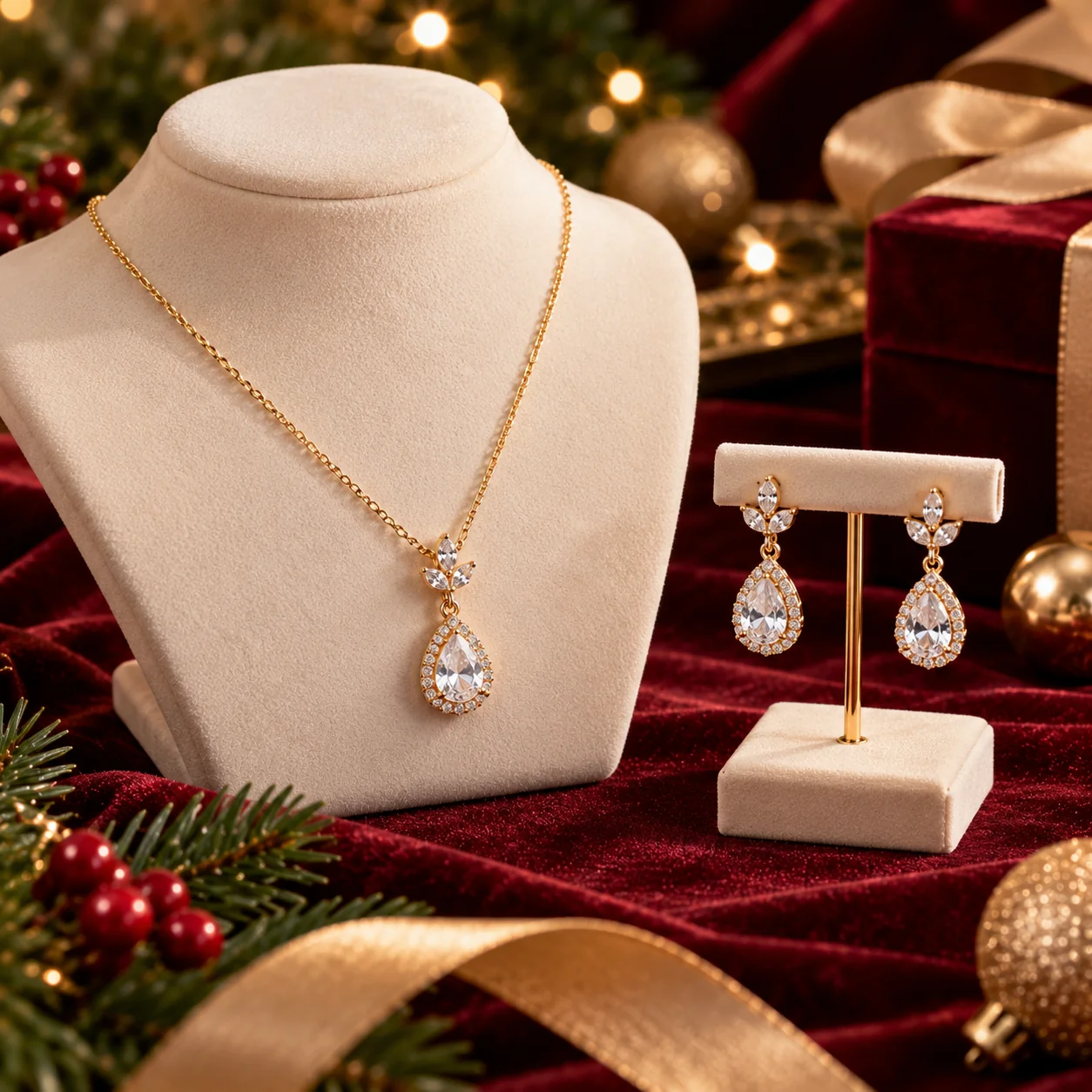
Christmas Jewelry Editorial Photography
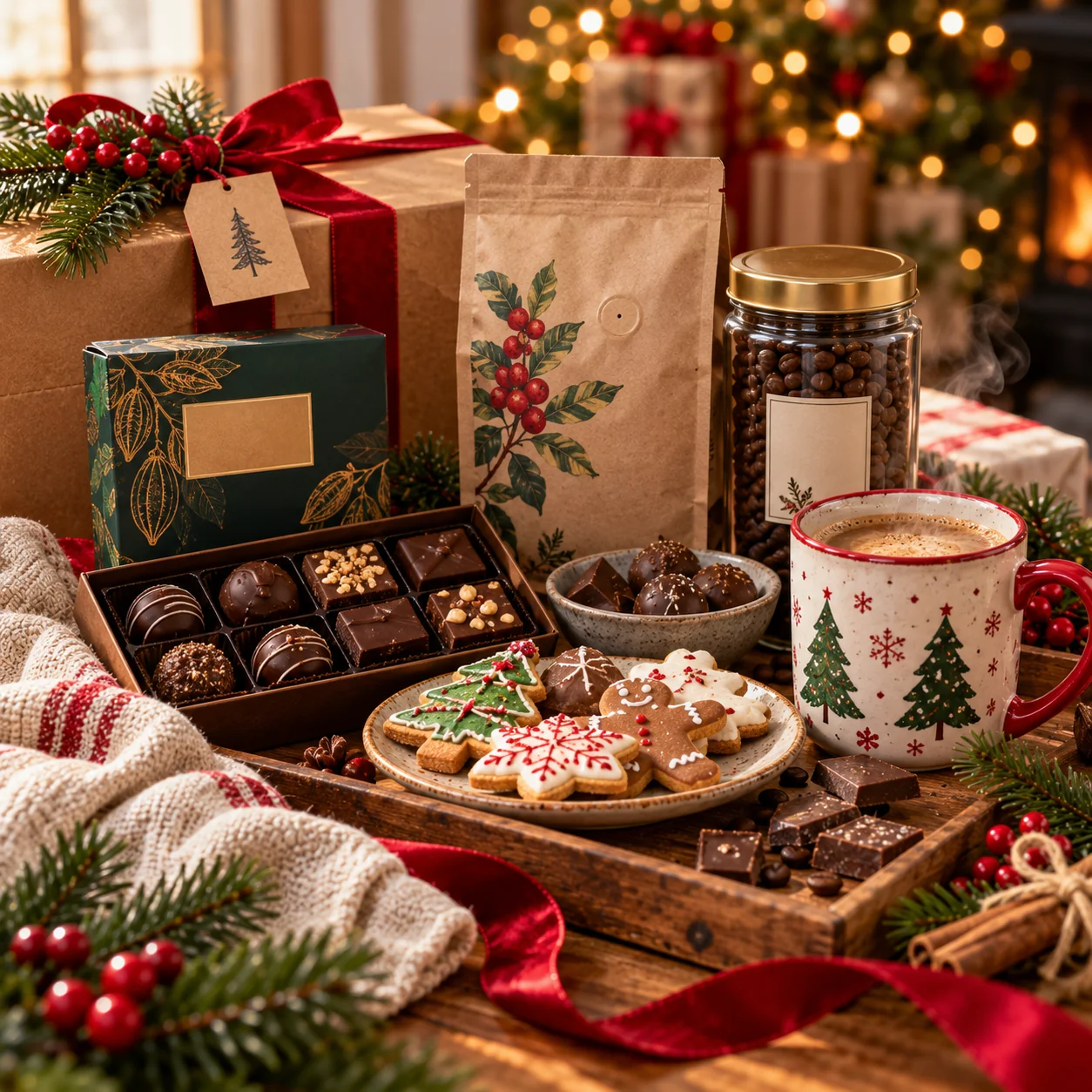
Christmas Coffee and Gourmet Gift Product Photography
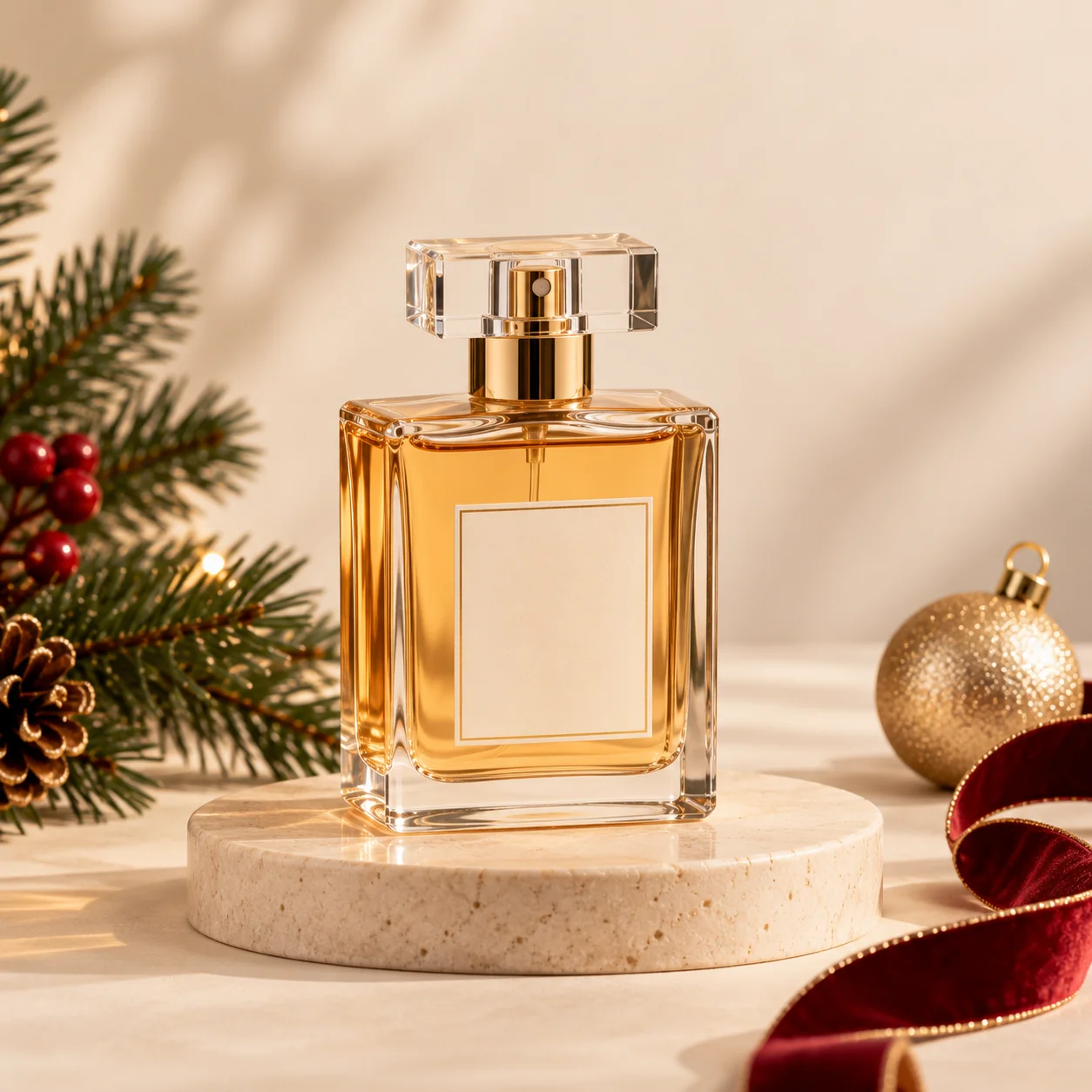
Minimalist Christmas Ecommerce Product Photography
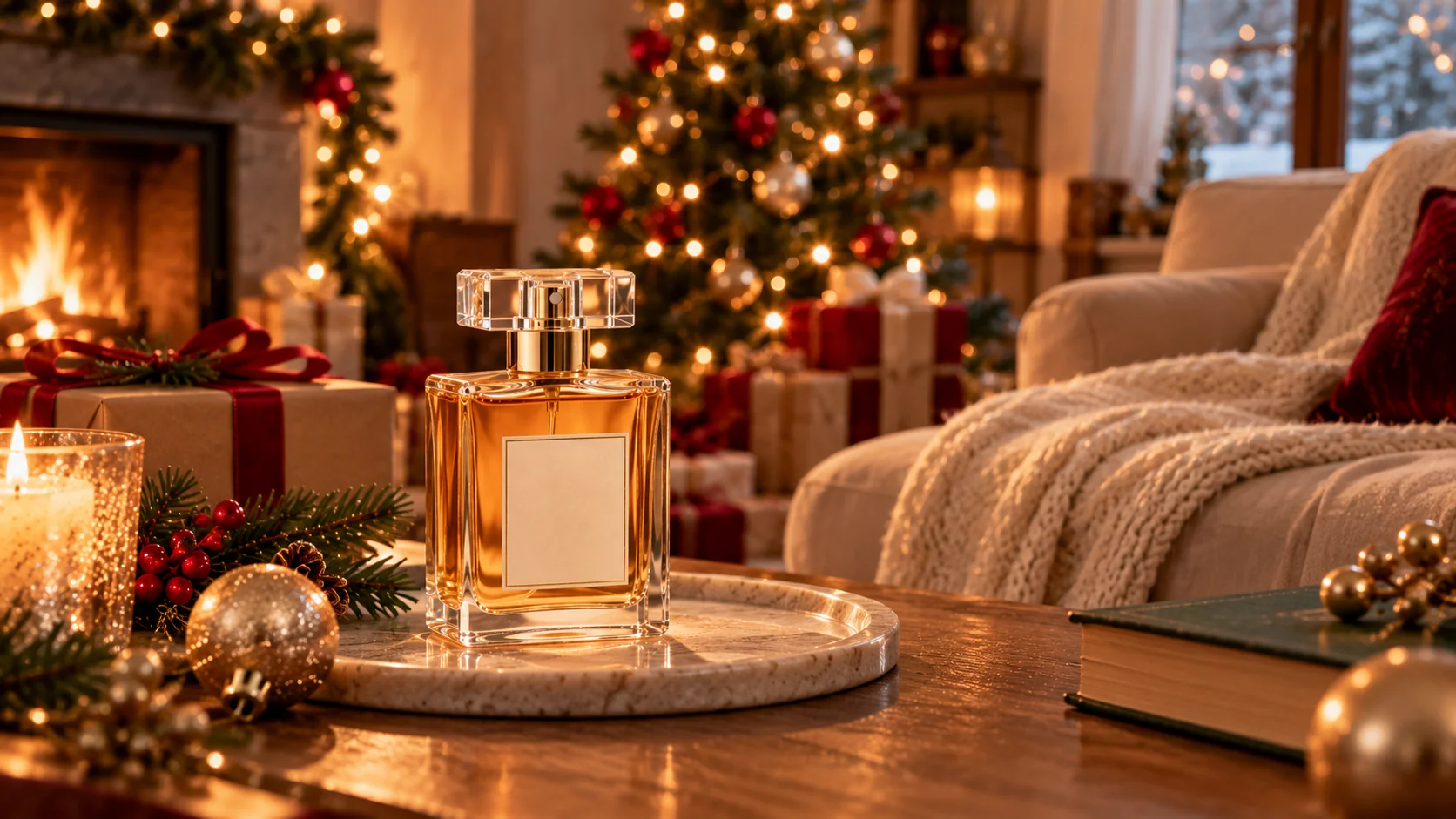
Christmas Product Lifestyle Photography
Christmas product photography is about more than adding a tree, some ornaments, and a few warm lights to an image. Effective product visuals help customers understand what they are buying while creating a seasonal atmosphere that suits the brand. These 10 Christmas AI product photography prompts offer different approaches, from luxurious perfume advertisements and elegant jewelry displays to handmade gifts, gourmet collections, and minimalist ecommerce images.
For the strongest results, begin with a clear photograph of the actual product and describe the product details that must remain unchanged. Specify the material, dimensions, color, packaging, label placement, and distinctive features. Then describe the festive environment, lighting, camera angle, background, and composition. This approach helps establish a clear visual direction while reducing the chance of the AI replacing your real product with a generic alternative.
Keep the final use case in mind when choosing an image style. A website banner may need a wide composition with space for a headline, while a social media post may benefit from a vertical layout. Product listings often require a clearer view of the item, whereas lifestyle images can show how it fits into a holiday setting. Check the current requirements of your intended platform before preparing the final artwork.
Remember that generated images are not automatically accurate representations of real products. AI tools may change packaging text, invent product features, alter colors, or produce unrealistic materials. Review every image carefully and make corrections before publishing it. Add exact product names, prices, discount percentages, ingredients, and promotional messages separately whenever possible. Never use generated imagery to imply that a product includes features or accessories that customers will not receive.
Finally, develop a consistent visual identity across your Christmas campaign. Choose a small set of colors, lighting styles, and decorative elements that complement your products. You can use different compositions for individual items while keeping the overall campaign visually connected. With thoughtful prompts, accurate reference images, and careful quality checks, AI can help you explore creative holiday product photography ideas and prepare a more cohesive collection of Christmas marketing assets.
How to Create Better Christmas AI Product Photos
High-quality Christmas product images combine accurate product details, thoughtful holiday styling, and lighting that supports the product rather than distracting from it. Use these five practical techniques to improve the results you get from ChatGPT, Gemini, or another image-generation tool.
Upload Clear Product References
Use a well-lit photograph that clearly shows the product's shape, color, packaging, and distinctive details. Explicitly instruct the AI to preserve these features while changing the background or adding Christmas decorations. Reference images improve guidance but do not guarantee perfect reproduction, so always inspect the result.
Keep Christmas Decorations Balanced
Use a few relevant festive elements rather than filling every part of the scene. Evergreen branches, warm lights, ribbons, and understated ornaments can establish a Christmas atmosphere without hiding the product. Match the decoration style to your brand and product category.
Describe the Lighting and Materials
Specify soft window light, controlled studio highlights, warm ambient lighting, or dramatic rim lighting depending on the desired style. Mention materials such as glass, velvet, wood, metal, and paper so the AI has a clearer visual direction. Realistic reflections and shadows help products feel grounded in the scene.
Choose the Correct Composition
Decide where the image will appear before generating it. Wide landscape compositions can suit website banners, square images can work for product tiles, and vertical layouts can suit many social media placements. Leave enough negative space for accurate headlines and promotional details.
Verify Product and Marketing Accuracy
Compare generated images with the actual products before publishing. Check packaging, labels, colors, quantities, dimensions, and any visible accessories. Add exact wording separately and ensure every promotional claim is true. Also review the image tool's terms and obtain permission for any reference images or brand assets you use.
Frequently Asked Questions
How do I create Christmas product photography with ChatGPT?
Use a ChatGPT experience that supports image generation or reference-image editing. Upload a clear product photograph, then describe the Christmas setting, lighting, camera angle, composition, and decorations you want. Explicitly ask the tool to preserve the real product's shape, colors, packaging, and distinctive details. Review the result carefully because generated images may still contain inaccuracies.
Can I use these Christmas product photography prompts in Google Gemini?
Yes. You can adapt these prompts for a Gemini experience that supports image generation or image editing. Upload product references when appropriate and describe the desired setting, lighting, composition, and Christmas styling. Check the output against the original product before publishing it. Available image features may vary depending on the Gemini version and your account.
How can I keep my product packaging accurate in AI-generated images?
Upload a clear reference image and explicitly instruct the AI to preserve the packaging shape, label placement, product colors, materials, and distinctive details. Keep the instructions specific and avoid asking the tool to redesign the product. Since AI may still alter labels or small details, inspect the image and correct inaccuracies before using it in a commercial campaign.
Can I use AI-generated Christmas product photos for my online store?
AI-generated product images can help create promotional concepts, seasonal backgrounds, and lifestyle scenes, but you should ensure they accurately represent the real product. Follow the marketplace's current image rules and compare the result with the actual item. Avoid displaying accessories, packaging, features, or quantities that customers will not receive.
What are the best Christmas styles for AI product photography?
Popular creative directions include luxury black-and-gold styling, cozy candlelight, minimalist ivory backgrounds, rustic handmade-product scenes, elegant jewelry editorials, and lifestyle images featuring decorated homes. The best choice depends on your product and audience. Select a style that supports the product's identity rather than relying on decorations alone.
Can I use Christmas AI product images for commercial advertising?
Commercial use depends on the image-generation service's terms, applicable law, and the rights associated with your reference photographs, logos, and other assets. Review the relevant terms before using generated images in advertisements or product listings. Ensure that the final visuals accurately represent your products and do not contain misleading claims or unauthorized branding.

Jitendra Patra
AI Prompt Researcher & Software Engineering Student
Jitendra Patra is a software engineering student and AI prompt researcher specializing in Google Gemini and generative image models. He actively experiments with structured prompt engineering techniques to produce high-quality, reproducible visual outputs.
His work focuses on iterative prompt development, with attention to subject, lighting, composition, and visual style.
The prompts in this guide are developed with attention to structure, detail, and visual quality.
You Might Also Like
10 Best AI Image Prompts for Sports Photos — Viral Football, Basketball, Soccer, Action & Professional Sports AI Image Ideas
Explore the best AI image prompts for sports photos, including football, basketball, soccer, action shots, athlete portraits and professional sports scenes.
Black Friday AI Image Prompts for Sale Banners, Product Photos & Ads
Discover 10 Black Friday AI image prompts for ChatGPT and Gemini. Create sale banners, product photos, fashion ads, social posts, and Cyber Monday graphics.
10 Best AI Image Prompts for Kids (4K Cute & Magical Portraits)
Discover 10 best AI image prompts for kids — ultra-realistic 4K cute portraits for ChatGPT, Gemini & Midjourney.
Trending Now
10 Best AI Image Prompts for Car Photos — Luxury & Cinematic Ideas
AI-generated cinematic luxury sports car
10 Best AI Image Prompts for Instagram-Worthy Photos
AI-generated Instagram-worthy photos showing stylish