Cinematic Portrait Prompts for AI Photos — Moody, Vintage, Neon & Film-Inspired Styles
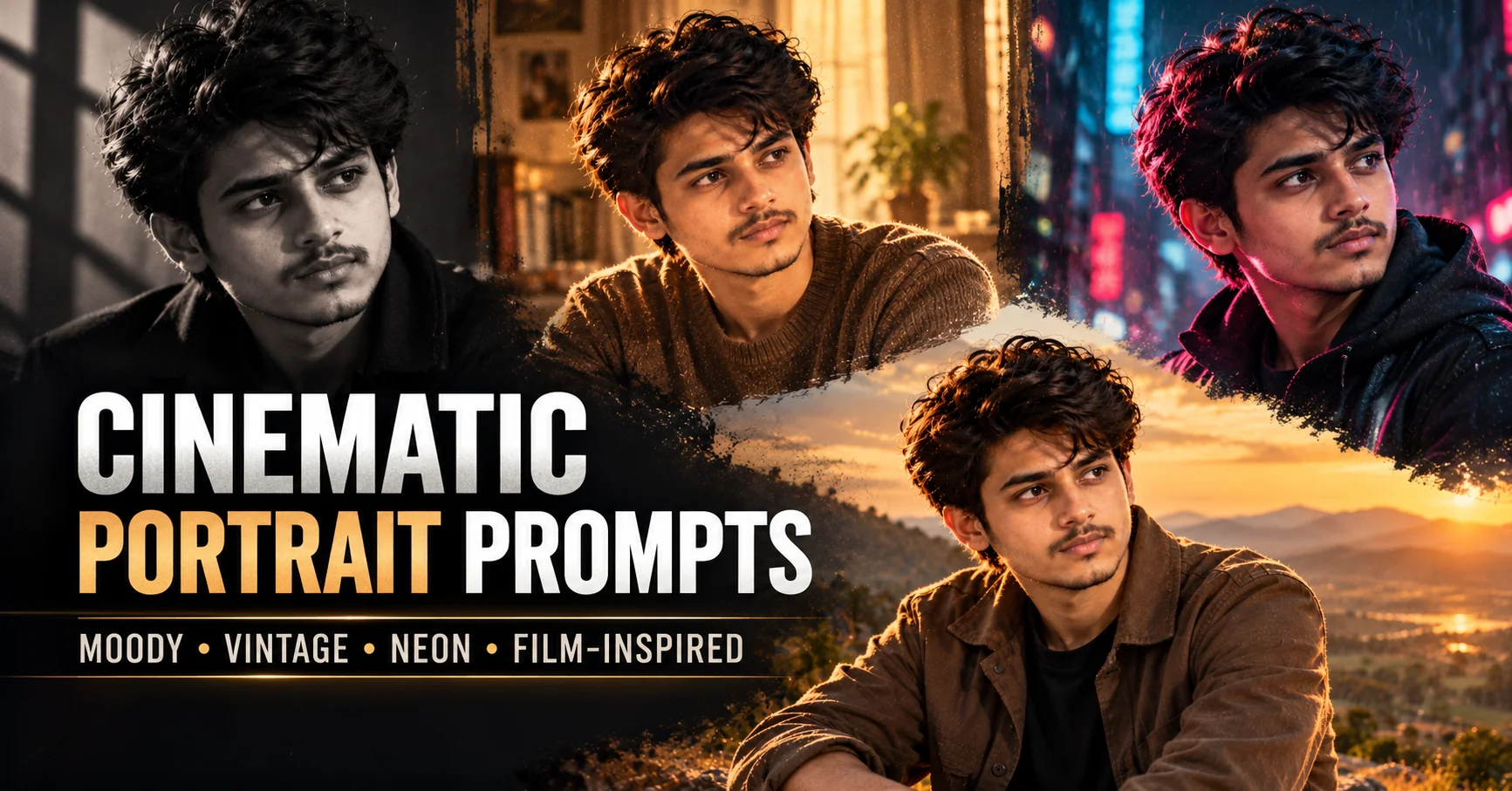
Want to turn an ordinary photograph into a cinematic portrait that looks like a frame from a professionally shot movie? The right cinematic portrait prompt can help you create dramatic lighting, atmospheric backgrounds, expressive compositions, and realistic photographic details using Stable Diffusion and other compatible AI image generators. However, simply adding the word cinematic to a prompt often produces generic results. A convincing cinematic portrait needs a clear visual direction, including the source of light, camera angle, color palette, background, mood, and photographic style. A vintage film portrait should look different from a neon-lit cyberpunk photograph, while a black-and-white noir image needs a completely different approach from a bright, sun-drenched editorial portrait. This guide gives you 10 detailed, copy-and-paste cinematic portrait prompts, each designed around a distinct visual aesthetic. Every prompt instructs you to upload a reference image so the AI can use your photograph as its main visual and identity reference when supported. You will also learn how to customize lighting, improve photographic realism, avoid common AI-generated portrait problems, and adapt prompts to your preferred image generator. Whether you are creating portraits for social media, a creative portfolio, personal projects, or visual storytelling, these ideas will help you explore cinematic photography beyond a single repetitive style.
- ✔ 10 detailed cinematic portrait prompts with genuinely different visual aesthetics.
- ✔ Every prompt requires an uploaded reference image and includes identity-preservation instructions when depicting a real person.
- ✔ Explore neo-noir, vintage film, neon cyberpunk, black-and-white drama, golden-hour cinema, and other distinct styles.
- ✔ Learn how lighting, camera angles, color grading, and backgrounds influence cinematic photography.
- ✔ Get practical customization tips for Stable Diffusion and other compatible AI image generators.
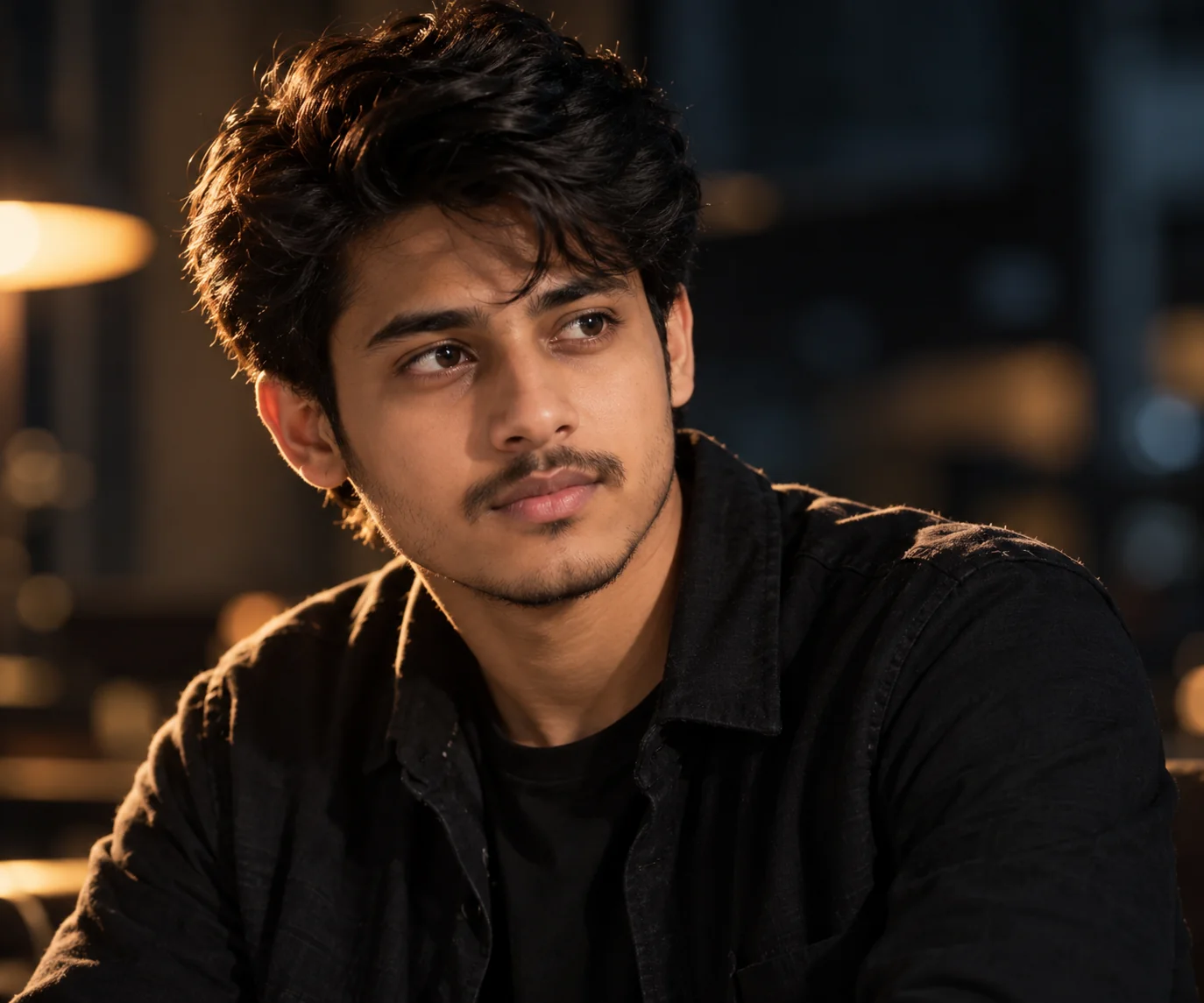
1. Dramatic Hollywood Movie Portrait — AI Prompt
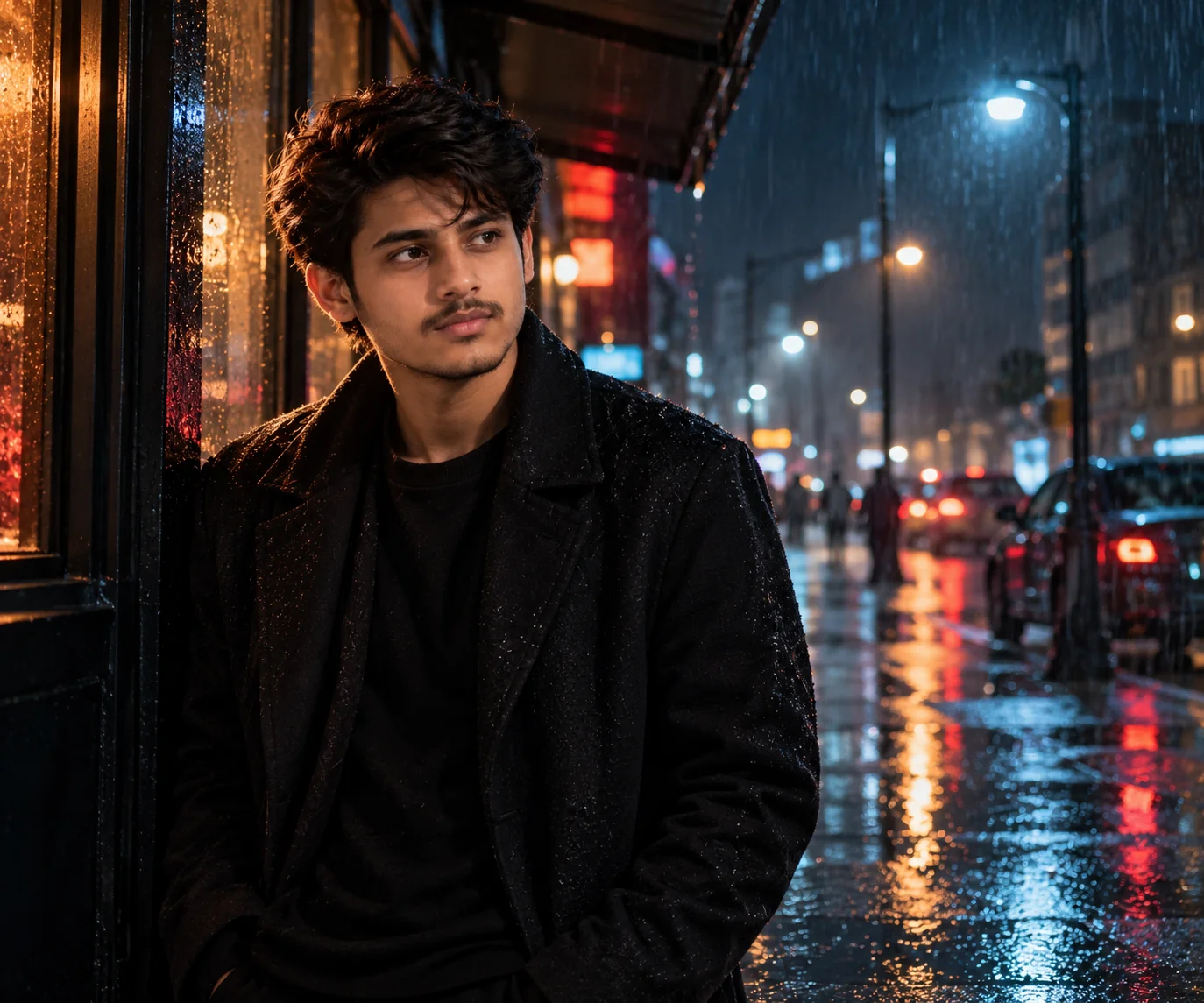
2. Neo-Noir Rainy City Portrait — AI Prompt
3. Vintage 1970s Film Portrait — AI Prompt
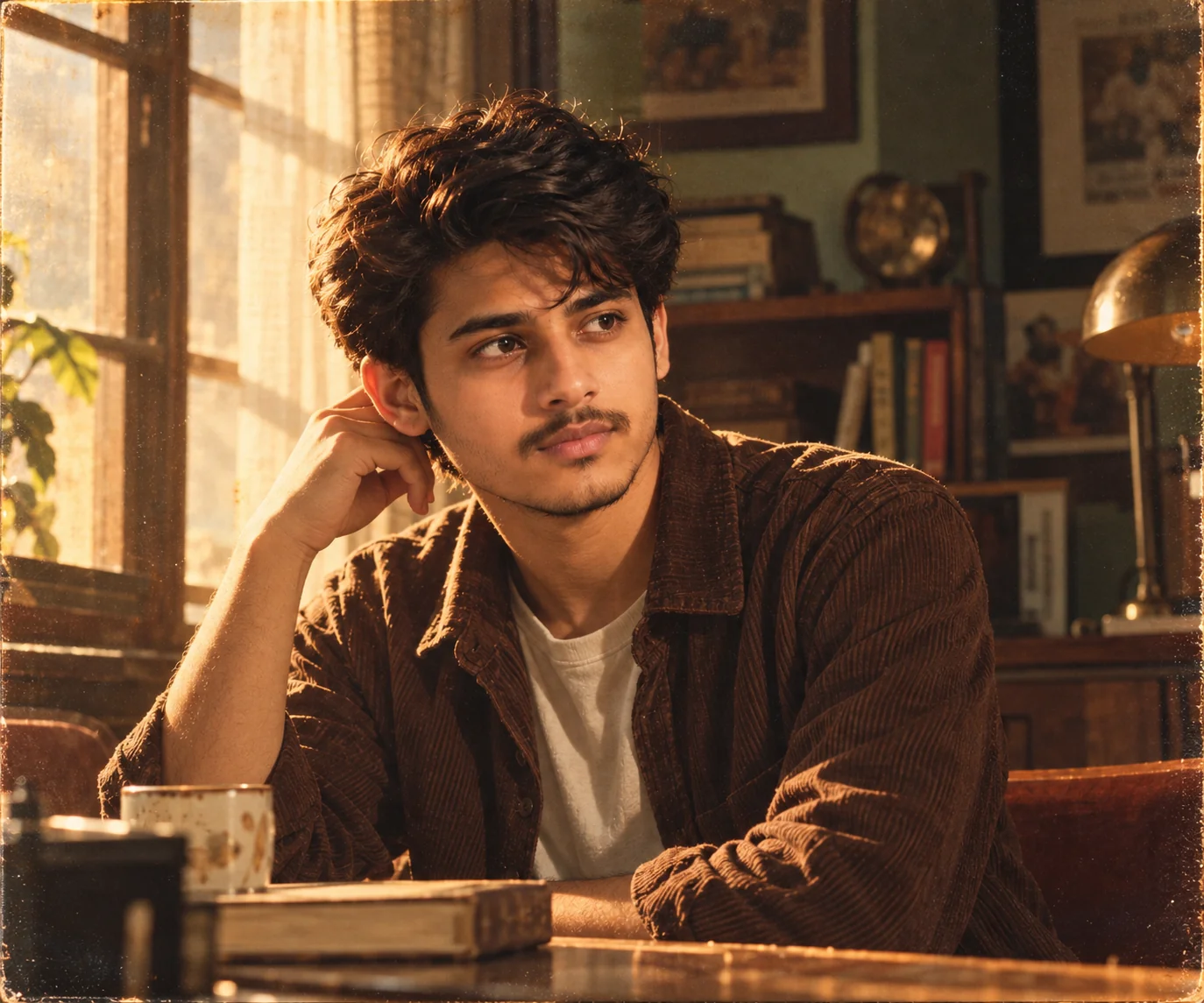
4. Neon Cyberpunk Portrait — AI Prompt
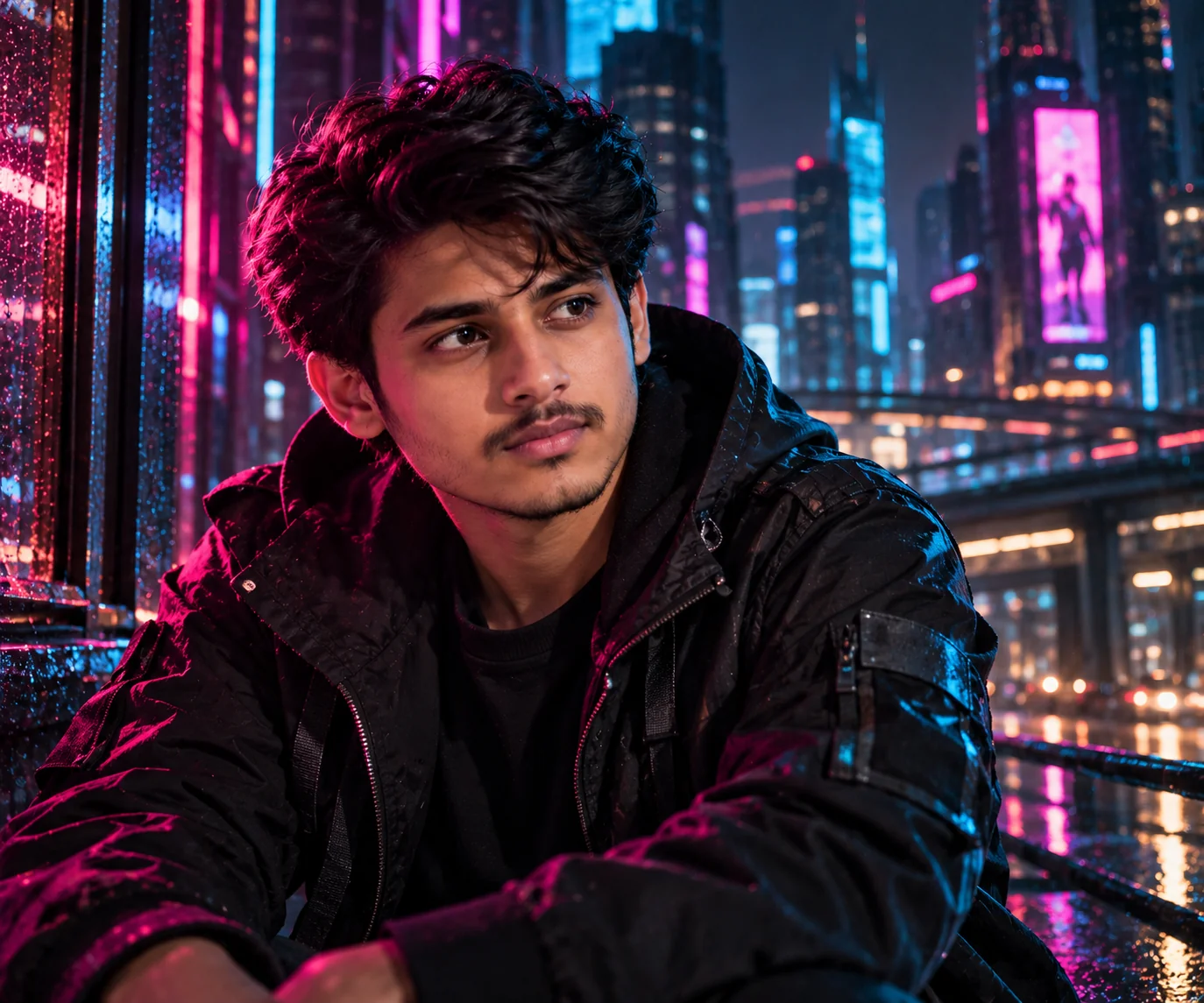
5. Classic Black-and-White Film Noir Portrait — AI Prompt
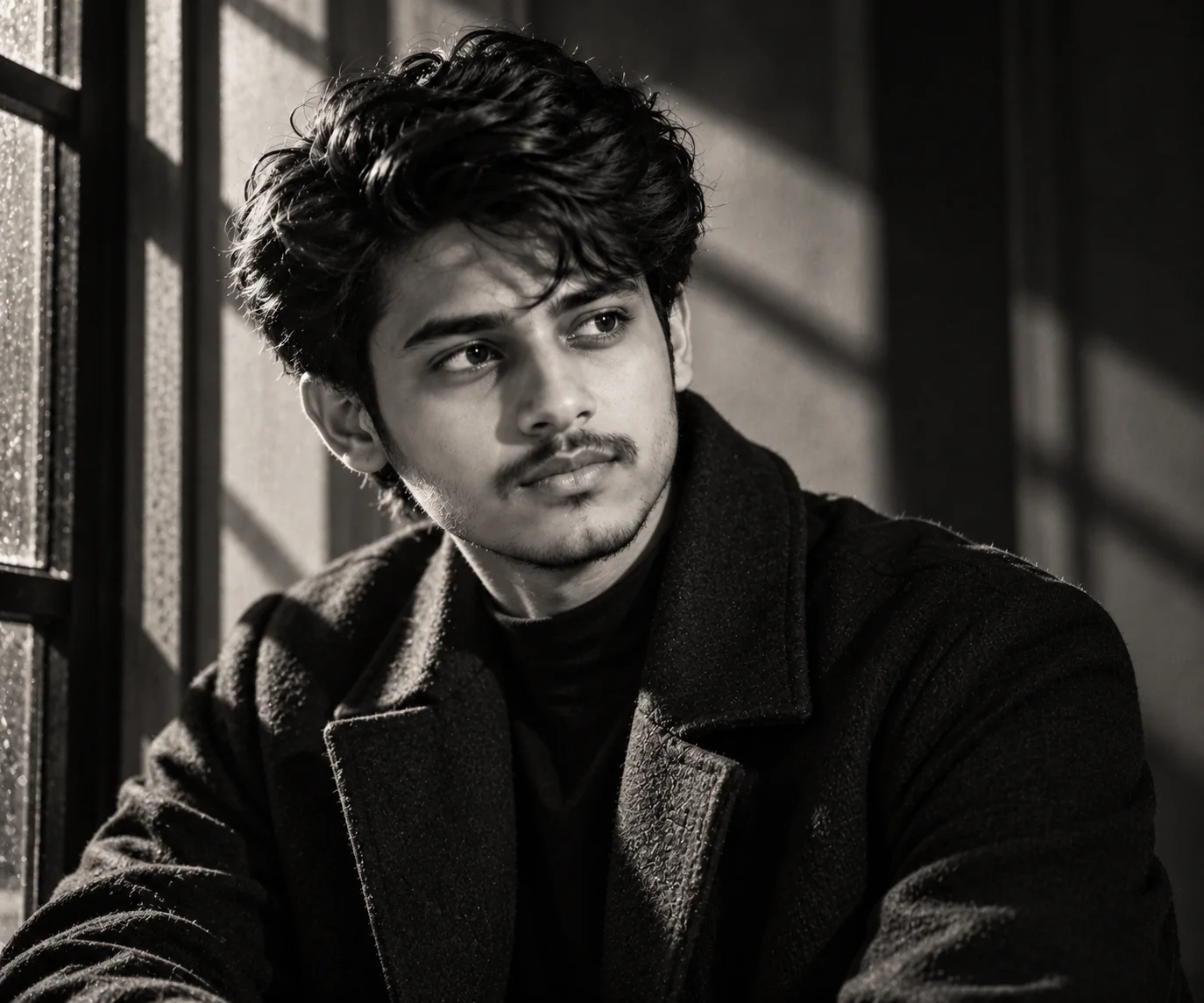
6. Golden-Hour Epic Cinema Portrait — AI Prompt
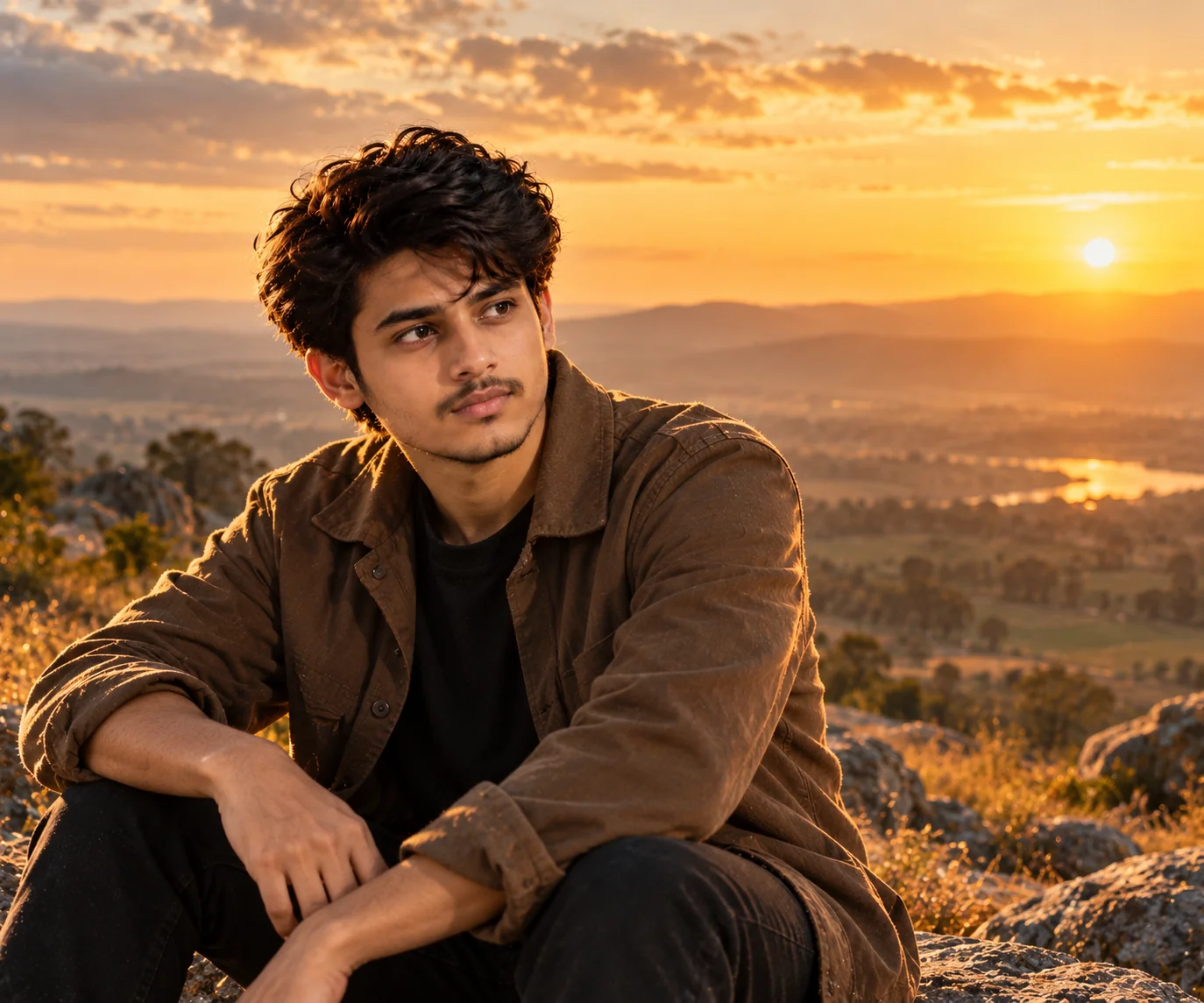
7. Soft Romantic Indie-Film Portrait — AI Prompt
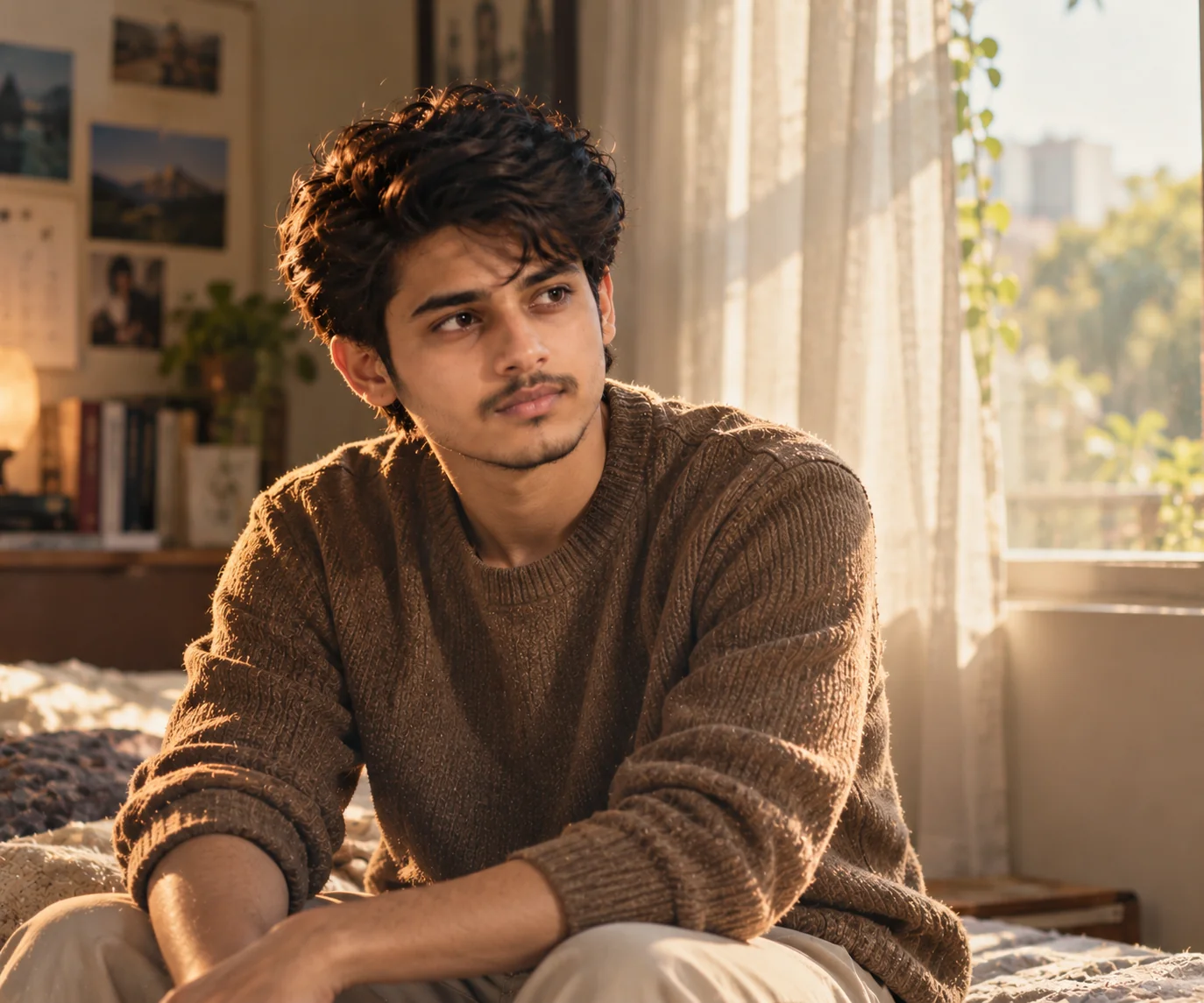
8. High-Contrast Fashion Editorial Cinema Portrait — AI Prompt
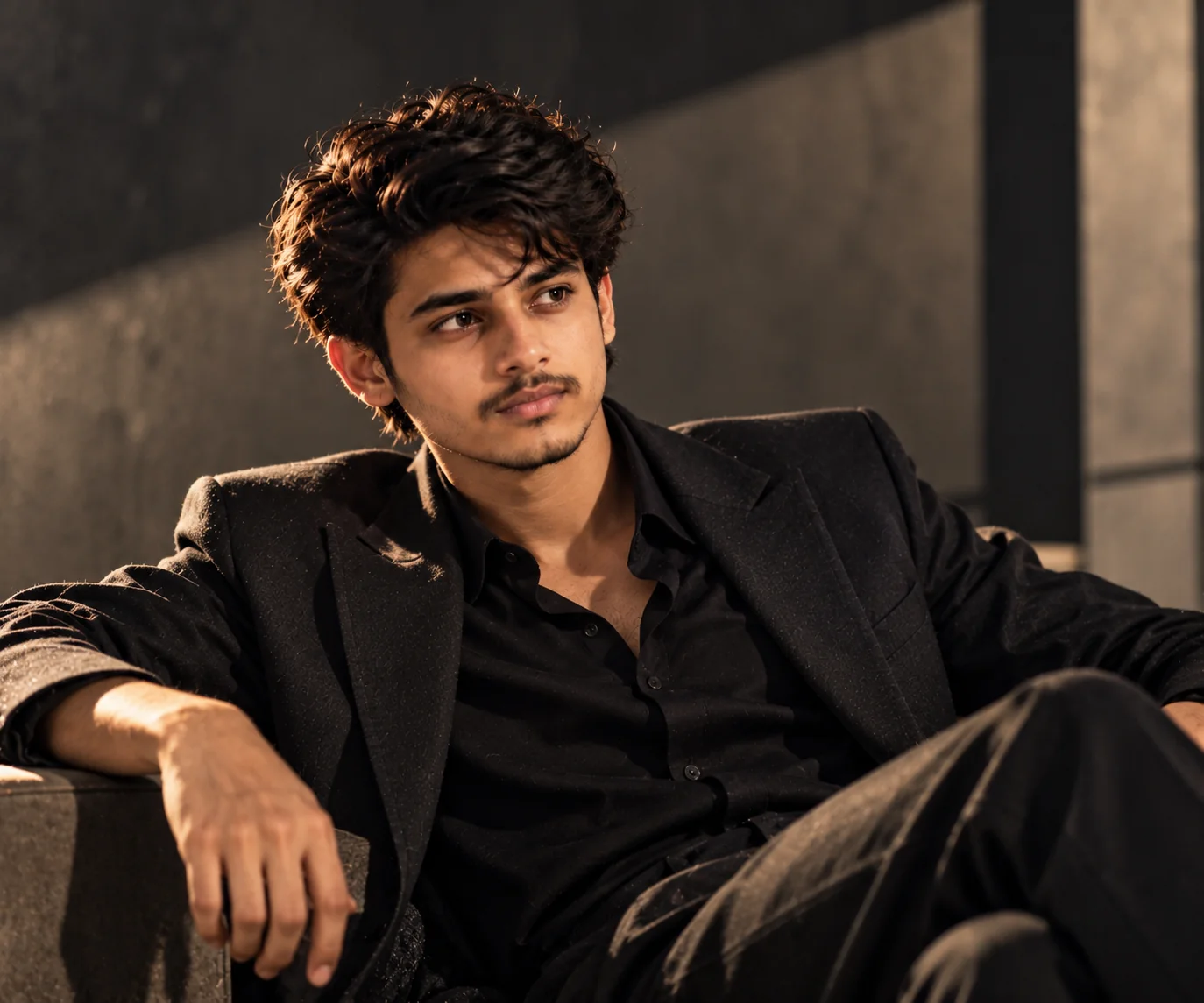
9. Handheld Documentary Film Portrait — AI Prompt
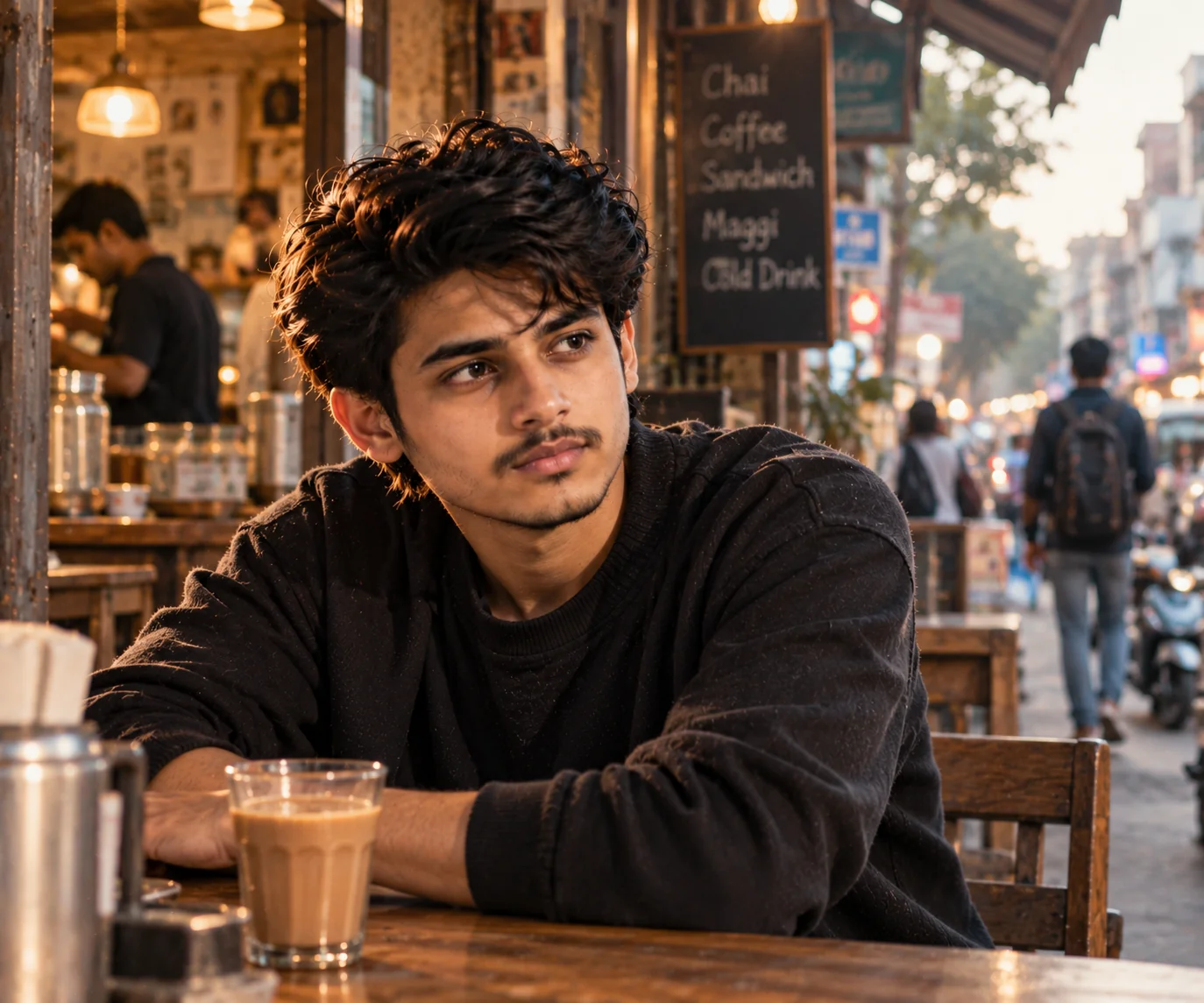
10. Dreamlike Double-Exposure Cinematic Portrait — AI Prompt
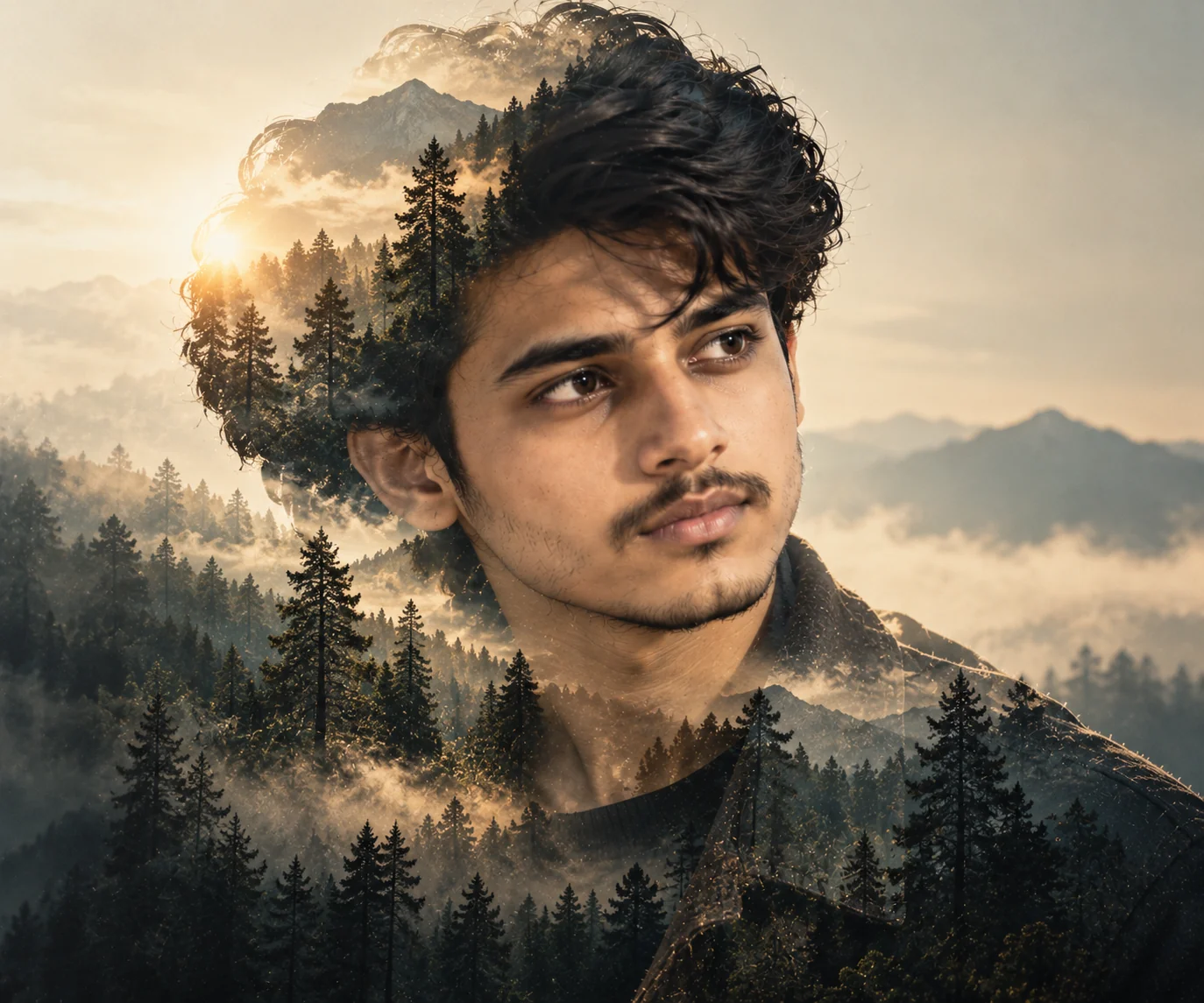
The best cinematic portrait prompts create a clear visual story instead of relying on the word cinematic alone. These 10 prompts explore different photographic directions, from dramatic Hollywood lighting and rainy neo-noir streets to vintage analog film, futuristic neon, classic monochrome, and experimental double exposure. Each style uses a different combination of light, composition, color, environment, and mood. To get started, upload a reference photograph and select the prompt that best matches your creative vision. Ask your image generator to preserve recognizable facial features and natural skin tone if you want the final portrait to represent you. Generate several variations, compare the results, and adjust one or two details at a time. For example, changing the light source can alter the emotional tone, while changing the lens aesthetic or framing can make the image feel more intimate or more environmental. Remember that image generators interpret photographic language differently, and reference-based identity preservation is not always exact. Review the final result carefully before publishing or using it professionally. With a clear visual direction and thoughtful experimentation, you can develop cinematic portraits that feel distinct, believable, and creatively purposeful rather than producing the same image with a different color filter.
Why These Cinematic Portrait Prompts Work So Well
A compelling cinematic portrait is built from several connected visual decisions. The lighting establishes the mood, the composition directs attention, the environment adds context, and the color treatment helps define the overall aesthetic. These prompts separate those creative choices into distinct styles instead of relying on repetitive descriptions. Understanding how the elements work together will help you customize the prompts and create more intentional results with Stable Diffusion and other compatible image generators.
Clear Photographic Direction
Each prompt describes a specific photographic approach, such as a dramatic close-up, a documentary environmental portrait, a vintage film photograph, or an experimental double exposure. Camera angles, framing, and lens aesthetics help communicate the intended composition. These terms are creative guidance rather than a guarantee that an AI model will reproduce the exact behavior of a physical camera.
Lighting Creates the Mood
Directional studio light, colored neon, sunset backlighting, soft window light, and hard noir shadows create different emotional effects. Describing the light source and how it interacts with the face gives the image generator a more specific target than simply requesting dramatic lighting. Matching the lighting to the chosen style helps each portrait feel visually distinct.
Reference-Based Identity Preservation
Every prompt begins by asking for an uploaded reference image and instructions to preserve recognizable features when the subject is a real person. This is useful when transforming an existing photograph into a new cinematic style. Results depend on the image generator and its reference-image capabilities, so always inspect the final face, skin tone, hairstyle, and proportions before using the image.
Composition Supports the Story
A close-up Hollywood portrait creates intimacy, while a wider rainy-street composition establishes an urban setting. A fashion editorial uses controlled negative space, whereas a documentary portrait includes environmental context. Choosing framing that supports the intended story prevents every image from looking like the same centered headshot.
Distinct Styles Are Easier to Customize
The prompts use different visual foundations, including monochrome contrast, analog film color, neon illumination, natural outdoor light, and layered double exposure. You can customize the setting, palette, clothing, or atmosphere while keeping the core visual direction intact. Changing one or two elements at a time makes it easier to identify which adjustments improve the final result.
Frequently Asked Questions
What is the best cinematic portrait prompt for Stable Diffusion?
A useful cinematic portrait prompt describes the subject, lighting direction, camera framing, environment, mood, and color palette. For a realistic movie-style portrait, you might specify a close-up composition, directional key light, shallow depth of field, natural skin texture, and restrained cinematic color grading. If you want the image to resemble a particular photograph of yourself, upload a reference image and request preservation of your recognizable facial features. The best wording depends on your model, checkpoint, settings, and intended aesthetic.
How do I make an AI portrait look like a movie still?
Start with a clear visual direction rather than using the word cinematic by itself. Describe where the light comes from, how much of the environment should be visible, the intended camera angle, and the emotional atmosphere. Add a coherent color palette and a realistic depth-of-field description. For example, a rainy nighttime scene with cool street lighting and wet reflections creates a different movie-like appearance from a warm vintage portrait in a sunlit room. Generate several variations and refine the details that matter most.
Can I use these cinematic portrait prompts with Midjourney and other AI image generators?
Yes. These prompts provide descriptive visual instructions that can be adapted for Stable Diffusion, Midjourney, and other image generators that support compatible text and image inputs. Some tools respond well to detailed natural-language descriptions, while others work better with concise prompts or model-specific parameters. Reference-image controls, negative prompts, aspect-ratio options, and style settings also vary between tools. Follow the documentation for your chosen generator and adjust the prompt when necessary.
How do I preserve my face when creating a cinematic AI portrait?
Upload a clear reference photograph in which your face is visible, then explicitly ask the image generator to preserve your recognizable facial features, face shape, natural skin tone, eye shape, and hairstyle while changing the lighting, background, or photographic style. If your tool provides identity-reference or image-strength settings, experiment with them according to its instructions. Exact identity preservation is not guaranteed, so inspect the output carefully and regenerate it if the face changes substantially.
What makes a cinematic portrait different from a regular AI portrait?
A cinematic portrait usually has a more deliberate relationship between lighting, composition, color, environment, and mood. A regular portrait may simply emphasize the subject against a neutral background. A cinematic image might use directional shadows, a distinctive color palette, atmospheric depth, or environmental details to suggest a particular scene or story. The effect comes from how these elements work together rather than from adding a long list of quality keywords.
Why do my cinematic AI portraits sometimes look artificial?
Common problems include excessive skin smoothing, inconsistent lighting, exaggerated reflections, unnatural facial proportions, oversaturated colors, and backgrounds that do not match the subject. Overloading a prompt with conflicting visual styles can also make the result less coherent. Start with one clear aesthetic, describe a consistent lighting setup, and request realistic facial texture and proportions. If your generator supports negative prompts, use them selectively for specific defects. Generate several variations and make small adjustments rather than rewriting everything at once.

Jitendra Patra
AI Prompt Researcher & Software Engineering Student
Jitendra Patra is a software engineering student and AI prompt researcher specializing in Google Gemini and generative image models. He actively experiments with structured prompt engineering techniques to produce high-quality, reproducible visual outputs.
His work focuses on iterative prompt development, with attention to subject, lighting, composition, and visual style.
The prompts in this guide are developed with attention to structure, detail, and visual quality.
You Might Also Like
10 Best AI Image Prompts for Humanoid Robot Photography (4K Realistic & Cinematic)
10 best AI image prompts for humanoid robot photography — 4K android studio portraits, factory scenes, urban street, sci-fi server rooms & action sprints.
10 Best AI Image Prompts for Office Photos — Corporate & LinkedIn Ideas
Discover 10 AI image prompts for office photos, including corporate portraits, LinkedIn headshots, modern workspaces, executive looks, and professional branding.
10 Best ChatGPT 80s Photo Prompts — Transform Pictures Into Retro Portraits
Discover the 10 best ChatGPT 80s photo prompts to transform your pictures into stunning retro portraits.
Trending Now
10 Best AI Image Prompts for Kids (4K Cute & Magical Portraits)
10 Best AI Image Prompts
10 Best AI Image Prompts for Men — 4K Ultra-Realistic & Cinematic Portraits (2026)
4K Ultra-Realistic Male Portraits