Microsoft Outlook Outage: What Caused the 2026 Microsoft 365 Failure — EX1464935 Explained
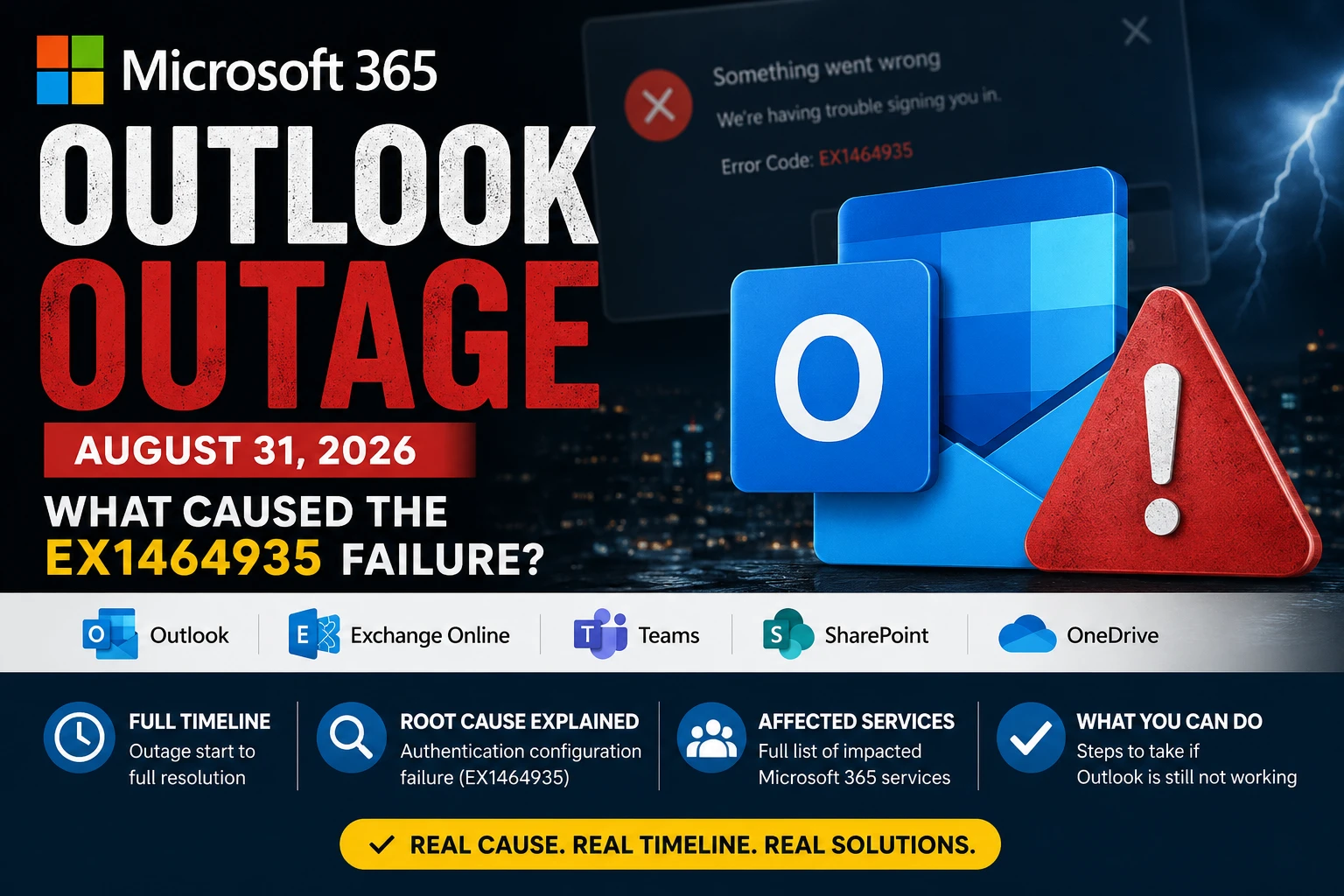
On August 31, 2026, millions of workers across the United States and around the world opened their laptops and found themselves locked out of Microsoft Outlook. Emails refused to send. Mailboxes stalled. Login screens looped. What followed was one of the most widely reported technology service disruptions of the year — a Microsoft 365 outage that crippled Exchange Online and cascaded across Teams, SharePoint, OneDrive, Microsoft Copilot, and beyond. Here is the complete, verified breakdown of what happened, why it happened, and what you should do if Outlook is still misbehaving on your device.
- Root cause confirmed — authentication configuration failure in Microsoft 365
- Full timeline — from first reports to full recovery (Aug 31 – Sep 1)
- All affected services — Outlook, Teams, SharePoint, OneDrive, Copilot & more
- Step-by-step fix guide — what to do if Outlook is still not working
- How to monitor future outages — official tools and real-time trackers
What Was the Microsoft Outlook Outage?
The Microsoft Outlook outage that began on August 31, 2026 was a large-scale disruption to Exchange Online — the cloud-hosted email backbone that powers Outlook for hundreds of millions of business and consumer users worldwide. Unlike isolated app glitches or regional server hiccups, this outage originated inside Microsoft’s core infrastructure and triggered failures across the entire Microsoft 365 platform within hours.
Microsoft tracked the incident internally under two identifiers: EX1464935 (the primary Exchange Online incident) and MO1465074 (a linked multi-service impact report). These IDs were visible to IT administrators inside the Microsoft 365 Admin Center Service Health portal, and became the go-to reference for enterprise teams worldwide trying to understand the scope of the disruption.
Incident Reference: Microsoft Incident ID EX1464935 / MO1465074 — Exchange Online and Microsoft 365 Multi-Service Outage, August 31 – September 1, 2026.
At its peak, the outage prevented users from sending or receiving email, signing into their Outlook accounts, running mailbox searches, and syncing their calendars. For businesses operating on Microsoft 365 — which includes a significant portion of the global enterprise market — the impact was immediate, disruptive, and frustrating.
Complete Timeline: When Did Outlook Go Down?
The outage unfolded over roughly 24 hours, from the first wave of user complaints through to Microsoft’s confirmation of full recovery. Here is the verified sequence of events.
August 31 — First Reports Spike on Downdetector
The trouble began in the early morning hours (US Pacific time) on Monday, August 31, 2026. Reports of Outlook connectivity failures, authentication errors, and mailbox access problems began appearing on Downdetector, a third-party outage monitoring service. By approximately 11:00 a.m. Eastern Time, Downdetector logged more than 6,000 simultaneous reports for Outlook alone — a spike large enough to register as a major widespread incident rather than isolated user errors.
Social media platforms, particularly X (formerly Twitter), were quickly flooded with users reporting identical symptoms: Outlook desktop apps stuck on loading screens, mobile apps failing to authenticate, and web access through outlook.office.com returning authentication errors or blank pages.
Microsoft Officially Acknowledges EX1464935
At approximately 5:30 p.m. UTC on August 31, Microsoft posted an official acknowledgement of the incident in the Microsoft 365 Admin Center under the identifier EX1464935. The initial advisory confirmed that Exchange Online was experiencing widespread issues affecting mail flow, mailbox access, and connectivity — and that Microsoft engineers were actively investigating the root cause.
At this stage, Microsoft’s official communication was careful and measured, describing the problem as an issue with a “service component” without specifying the precise failure point. For the millions of users already locked out for hours, the acknowledgement — while reassuring — confirmed the scale of the problem.
Engineers Deploy a Rolling Fix
Throughout the afternoon and into the evening of August 31, Microsoft engineers worked to isolate the precise failure point within the authentication layer. Once the root cause was confirmed, they developed a remediation strategy and began a staged rollout — testing the fix on a controlled slice of the affected infrastructure before progressively expanding it across all regions and server pools.
By approximately 6:00 p.m. to 8:00 p.m. Pacific Time, Microsoft began reporting measurable recovery in service telemetry. Core mail flow began restoring across most regions. Some residual issues persisted, particularly with search functionality and calendar sync, as the fix propagated fully through Microsoft’s distributed global infrastructure.
September 1 — Services Declared Restored
By the morning of September 1, 2026, Microsoft confirmed that the core Exchange Online experience had been restored and that service telemetry was returning to expected levels. The company maintained extended monitoring across its infrastructure for several additional hours to ensure the fix was stable and that no secondary failures were triggered by the recovery process itself.
Some enterprise customers experienced residual delays as backlogged email queues cleared. By midday on September 1, the outage was considered fully resolved for the vast majority of users.
What Actually Caused the Microsoft Outlook Outage?
Microsoft’s official root cause statement identified the failure as a problem within a core authentication configuration used by multiple Microsoft 365 services. In plain terms: a central component responsible for verifying user identities and authorizing service requests broke down — and because so many Microsoft 365 services depend on that same component, the failure was not contained to a single product.
Why One Authentication Component Can Bring Down So Many Services
Modern cloud platforms like Microsoft 365 are not a collection of independent, isolated services. They are deeply interconnected systems that share common infrastructure layers — and identity and authentication is one of the most foundational of those layers.
When you sign into Outlook, Teams, SharePoint, or OneDrive, your login credentials are not validated separately by each application. Instead, they are all authenticated through a centralized identity platform — in Microsoft’s case, a component of Microsoft Entra ID (formerly Azure Active Directory), the system that issues and validates the tokens used by every Microsoft 365 service to confirm you are who you say you are.
Think of this authentication layer as a master key system for a building. If the master key mechanism fails, every door in the building becomes inaccessible — regardless of which floor it is on or what the room contains. The 2026 outage was precisely this scenario: a single failure point in the authentication configuration that controlled access to the entire Microsoft 365 ecosystem.
This architectural reality — known as a single point of failure — is a known risk in large-scale cloud systems. Microsoft has invested heavily in redundancy and failover mechanisms to prevent it, which is why outages of this magnitude are rare. But when they do occur, they are proportionally impactful.
Was It an Expired Certificate?
In the hours following the outage, technology communities on Reddit, Hacker News, and X began speculating that an expired internal TLS or authentication certificate might have been the culprit. Certificate expiration has been responsible for high-profile cloud outages in the past — most notably Microsoft’s own Azure Active Directory outage in 2020 and a LinkedIn outage in 2022.
Microsoft’s official communications did not confirm or deny the certificate theory. The company’s language — “faulty authentication configuration” — is broad enough to encompass a misconfigured or expired certificate, but also covers other authentication-layer problems such as a bad configuration file deployment, a failed policy update, or a corrupted token-signing key rotation.
Microsoft typically publishes a detailed Post Incident Review (PIR) within five business days of major outage resolution. The PIR for EX1464935, once published, will contain the precise technical root cause. IT administrators can find this document in the Microsoft 365 Admin Center → Health → Service Health → History.
Which Microsoft 365 Services Were Affected?
While Outlook and Exchange Online were the most prominently reported failures, the authentication layer outage cascaded across a surprisingly wide range of Microsoft 365 services. The table below summarises the confirmed impact by service.
| Service | Impact | Severity |
|---|---|---|
| Microsoft Outlook / Exchange Online | Email send/receive failures, login errors, search failure, calendar sync broken | Critical |
| Microsoft Teams | Calendar sync failures, search issues, user presence not updating | High |
| SharePoint Online | Partial page load failures, stale data, search not functioning | High |
| OneDrive for Business | File sync errors, authentication failures preventing file access | High |
| Microsoft 365 Copilot | Unable to process prompts or access mailbox/document context | Medium |
| Microsoft Purview | Compliance and data governance tools inaccessible | Medium |
| Microsoft Defender XDR | Security dashboard access degraded | Medium |
| Microsoft 365 Admin Center | Admin portal itself intermittently inaccessible during peak impact | Medium |
Services not listed above — such as Microsoft Word, Excel, and PowerPoint Online in basic editing mode — were generally not impacted by the outage, as they do not rely as heavily on the specific authentication configuration that failed.
How Many Users Were Impacted?
Quantifying the precise number of affected users in a Microsoft 365 outage is difficult, since Microsoft does not publicly release per-incident impact counts. However, the publicly visible signal was significant: Downdetector logged more than 6,000 simultaneous reports for Outlook at the outage’s peak — a figure that represents only a fraction of affected users, since most people do not report outages to third-party trackers.
Microsoft 365 serves over 400 million paid seats globally as of 2026, with Exchange Online underpinning email for the vast majority of enterprise customers. The outage disproportionately affected business users in the United States and Europe during their respective work hours on Monday, August 31 — a particularly high-impact time given that it was the first working day of the week and the final day of August for many businesses managing month-end operations.
The disruption to Microsoft 365 Copilot was particularly notable given the tool’s rapid enterprise adoption in 2026. Organizations that had integrated Copilot into daily workflows — using it to summarize emails, draft replies, and analyze documents — found the AI layer completely non-functional for the duration of the outage, since Copilot requires active Exchange Online and Entra ID access to operate.
Microsoft’s Official Response
Microsoft’s communication during the outage followed its standard major-incident protocol. Updates were posted at regular intervals inside the Microsoft 365 Admin Center Service Health portal, where administrators could track the incident status, view impact descriptions, and read engineering updates in real time.
The company also used its official @MSFT365status account on X (formerly Twitter) to broadcast public-facing updates — a channel increasingly used by IT teams who cannot access the Admin Center during widespread outages (since the Admin Center itself was intermittently affected in the early hours of the incident).
Microsoft’s messaging was consistent with its established incident-response language: acknowledging user impact, confirming active investigation, describing the remediation approach (progressive infrastructure restarts and configuration corrections), and providing estimated timelines for recovery. The company avoided speculating publicly about the precise root cause until engineers had confirmed their findings — a practice consistent with responsible incident management, but one that frustrated users and IT professionals seeking a faster answer.
Once services were restored, Microsoft committed to publishing a full Post Incident Review (PIR) — a detailed document that breaks down the root cause, contributing factors, mitigation steps taken, and long-term remediation plans to prevent recurrence. The PIR for EX1464935 is expected in the Microsoft 365 Admin Center within five business days of the September 1 resolution.
Is Outlook Fixed Now? Current Status
As of September 2, 2026 — the date of this article — the Microsoft Outlook outage is fully resolved. Microsoft’s service telemetry confirmed recovery of all core Exchange Online capabilities including mail flow, mailbox access, calendar sync, and search by the afternoon of September 1, 2026.
Current Status: Resolved. Exchange Online and all affected Microsoft 365 services are operating normally. Microsoft is maintaining extended monitoring and a full Post Incident Review (PIR) is pending.
If you are still experiencing Outlook issues after September 1, 2026, the problem is most likely local to your device or account rather than a continuation of the platform-wide outage. The troubleshooting section below covers the most effective steps for resolving residual issues.
To confirm Microsoft’s current service health at any time, visit status.office.com or sign into the Microsoft 365 Admin Center and navigate to Health → Service Health.
What to Do If Outlook Is Still Not Working
If the platform-wide outage is resolved but your Outlook remains broken, the issue has shifted from Microsoft’s infrastructure to your local device, cached credentials, or account configuration. Work through these steps in order.
Step 1 — Verify via Microsoft Service Health
Before troubleshooting your device, always confirm whether a new incident has been declared. Visit admin.microsoft.com → Health → Service Health and check for any active Exchange Online advisories. If you cannot reach the Admin Center, use the public status page at status.office.com or check @MSFT365status on X. If no new incidents are reported, the problem is local.
Step 2 — Try Outlook on the Web (OWA)
Open a browser and navigate to outlook.office.com (work/school accounts) or outlook.live.com (personal Microsoft accounts). If Outlook on the Web loads and works correctly, your email infrastructure is fine — the problem is isolated to your desktop app, cached authentication tokens, or local Outlook profile. This single test eliminates Microsoft’s servers as the cause and points you directly toward local remediation.
Step 3 — Clear Cached Credentials in Windows
Authentication outages often leave corrupted or stale credential tokens on your device, which prevent the Outlook desktop app from re-authenticating even after the server-side issue is fixed. To clear them:
- Open Control Panel → Credential Manager (or search “Credential Manager” in the Start menu).
- Select Windows Credentials.
- Look for any entries referencing
MicrosoftOffice,MicrosoftAccount, or your organisation’s domain. - Remove those entries, then restart Outlook and sign in again from scratch.
Step 4 — Repair or Reset the Outlook App
If clearing credentials does not resolve the issue, use Windows’ built-in app repair function:
- Open Windows Settings → Apps → Installed Apps.
- Search for Outlook (New) or Microsoft Office.
- Click the three-dot menu → Advanced options.
- Try Repair first (this fixes the app without deleting data).
- If repair does not help, use Reset (this clears all local app data and forces a clean sign-in).
For the classic Outlook desktop application (part of a Microsoft 365 subscription), you can also run a repair through Control Panel → Programs → Microsoft 365 → Change → Quick Repair.
How to Monitor Microsoft 365 Outages in the Future
The August 2026 outage caught many organisations off-guard because they had no automated monitoring in place. Here is how to build a simple, reliable early-warning system for Microsoft 365 health.
- Microsoft 365 Admin Center: The authoritative source. Navigate to admin.microsoft.com → Health → Service Health. This is the first place Microsoft posts official incident updates.
- Public Status Page: status.office.com — publicly accessible without admin login. Useful when the Admin Center itself is unreachable during an outage.
- @MSFT365status on X: Microsoft’s official real-time incident broadcast channel. Follow this account for immediate public acknowledgements during major service events.
- Downdetector (downdetector.com): A crowd-sourced tracker that often registers user-reported problems before Microsoft officially acknowledges them. Useful for early triangulation of a widespread issue.
- Microsoft 365 Message Center: For planned maintenance and service changes, navigate to Admin Center → Health → Message Center. Microsoft posts planned downtime notifications here at least five days in advance.
- Email Alerts: In the Admin Center under Service Health → Preferences, administrators can configure email notifications for specific services — ensuring they are alerted by Microsoft directly when an incident is declared.
What This Outage Reveals About Cloud Dependency
The 2026 Microsoft 365 outage is a useful moment to reflect on a fundamental reality of modern enterprise technology: when critical business functions run on a single cloud platform, that platform’s reliability becomes a direct determinant of organisational productivity.
For most businesses, this is an acceptable trade-off. The operational efficiency, collaboration features, security tooling, and AI capabilities that Microsoft 365 provides far outweigh the risk of occasional downtime — particularly since Microsoft’s historically strong uptime record means major disruptions are rare. But “rare” is not the same as “impossible,” and August 31 proved that point emphatically.
Several important lessons emerge from this incident for IT teams and decision-makers:
- Centralised authentication is both a strength and a risk. Shared identity infrastructure enables seamless single sign-on and consistent security policy — but it also means a single configuration failure can cascade across dozens of services simultaneously.
- Webmail is your first fallback. Outlook on the Web (OWA) often remains partially functional even when the desktop app fails, because it bypasses locally cached tokens. Every user should know their OWA URL.
- Communication plans matter more than technology. During the outage, many organisations struggled not because they lost email access, but because they had no tested alternative communication channel. Teams had already failed, and not every employee knew to check an alternative platform or internal status page.
- Monitor proactively, not reactively. Organisations that had configured Admin Center email alerts or were already following @MSFT365status knew about the outage within minutes of Microsoft’s acknowledgement — rather than hours later through user complaints.
- AI tools inherit cloud platform fragility. The failure of Microsoft 365 Copilot during the outage is an early signal of what happens when AI productivity tools are tightly coupled to the same infrastructure layer as core services. As Copilot adoption grows, its availability SLA becomes as business-critical as email.
Final Thoughts: Outlook Is Back — Here Is What Matters Now
The Microsoft Outlook outage of August 31, 2026 was a significant and broadly felt disruption — but it was also, by enterprise cloud standards, a relatively well-handled one. Microsoft acknowledged the incident, deployed a fix, and restored services within roughly 24 hours. The company maintained transparent communication throughout and has committed to a full Post Incident Review.
For the vast majority of users, Outlook and Microsoft 365 are back to full functionality as of September 2, 2026. If you are still experiencing issues, the step-by-step troubleshooting guide above covers the most common residual problems and their fixes.
For IT administrators, the event is an actionable reminder to configure Admin Center health alerts, bookmark status.office.com, follow @MSFT365status, and — most importantly — ensure your organisation has a tested communication contingency plan for the next time a cloud platform goes down. Because in a world where email, collaboration, compliance, and AI all run on the same authentication token, it is only a matter of time before that token is tested again.

Jitendra Patra
AI Researcher & Software Engineering Student
Jitendra Patra is a software engineering student and AI researcher with a focus on how cloud platforms, generative AI tools, and large-scale infrastructure interact in real-world enterprise environments. He tracks emerging technology incidents, platform reliability events, and the growing dependency of modern workflows on AI-integrated cloud services.
His writing covers a broad range of technology topics — from AI prompt engineering and generative model capabilities to cloud infrastructure analysis and practical guidance for users navigating platform disruptions like the Microsoft 365 outage covered in this article.
This article was researched and written using verified information from Microsoft’s official Service Health communications, technology reporting sources, and community incident tracking at the time of the August 31, 2026 outage.
Frequently Asked Questions
Is the Microsoft Outlook outage fixed?
Yes. Microsoft confirmed the outage was largely resolved by September 1, 2026, with core mail flow, mailbox access, calendar sync, and search restored across Exchange Online and all other affected Microsoft 365 services. As of September 2, 2026, Microsoft 365 is operating normally.
What caused the Microsoft Outlook outage on August 31, 2026?
Microsoft officially identified the root cause as a failure within a core authentication configuration shared by multiple Microsoft 365 services. This central component — part of the Microsoft Entra ID (formerly Azure Active Directory) identity platform — controls login verification and API authorization for Exchange Online, Teams, SharePoint, OneDrive, and more. When it failed, the disruption cascaded across the entire Microsoft 365 platform simultaneously.
What is EX1464935?
EX1464935 is the internal Microsoft incident tracking ID assigned to the August 31, 2026 Exchange Online and Microsoft 365 multi-service outage. A linked secondary identifier, MO1465074, tracked the broader multi-service impact. Both IDs were visible to IT administrators inside the Microsoft 365 Admin Center Service Health portal. Administrators can search for EX1464935 under Health → Service Health → History to access the official incident timeline and the full Post Incident Review (PIR).
Which Microsoft 365 services were affected by the outage?
The primary service affected was Exchange Online (Outlook email) — including mail flow, mailbox access, search, and calendar sync. The authentication failure cascaded to Microsoft Teams (calendar sync, user presence, search), SharePoint Online (page load errors, stale data), OneDrive for Business (file sync and access failures), Microsoft 365 Copilot (unable to process prompts), Microsoft Purview, Microsoft Defender XDR, and the Microsoft 365 Admin Center itself. Basic Office apps like Word and Excel Online were largely unaffected.
What should I do if Outlook is still not working after the outage?
If the platform outage is resolved but Outlook still does not work on your device, follow these steps in order:
- Check admin.microsoft.com → Health → Service Health for any new active incidents (or use status.office.com if you cannot access the Admin Center).
- Test Outlook on the Web at outlook.office.com. If web access works, the issue is local to your device.
- Clear cached credentials in Windows Credential Manager — remove any entries referencing MicrosoftOffice or MicrosoftAccount, then restart Outlook and sign in again.
- Repair or reset the Outlook app via Windows Settings → Apps → Outlook → Advanced options → Repair.
How do I check if Microsoft 365 is currently down?
The fastest and most authoritative way is to visit the Microsoft 365 Admin Center at admin.microsoft.com and navigate to Health → Service Health. If you cannot sign in during a suspected outage, check the public status page at status.office.com — no login required. You can also follow @MSFT365status on X (formerly Twitter) for real-time Microsoft incident broadcasts, or check Downdetector to see crowd-sourced user reports from your region.
Will Microsoft publish a post-incident report for the August 2026 outage?
Yes. Microsoft’s standard practice is to publish a detailed Post Incident Review (PIR) within five business days of major outage resolution. The PIR for EX1464935 will include the precise technical root cause, contributing factors, the exact remediation steps taken by engineers, and the long-term corrective actions Microsoft plans to implement to prevent recurrence. Administrators can find it under Microsoft 365 Admin Center → Health → Service Health → History, or it may also appear in the Message Center.