AI Christmas Card Prompts for Personalized Family, Couple & Pet Photos
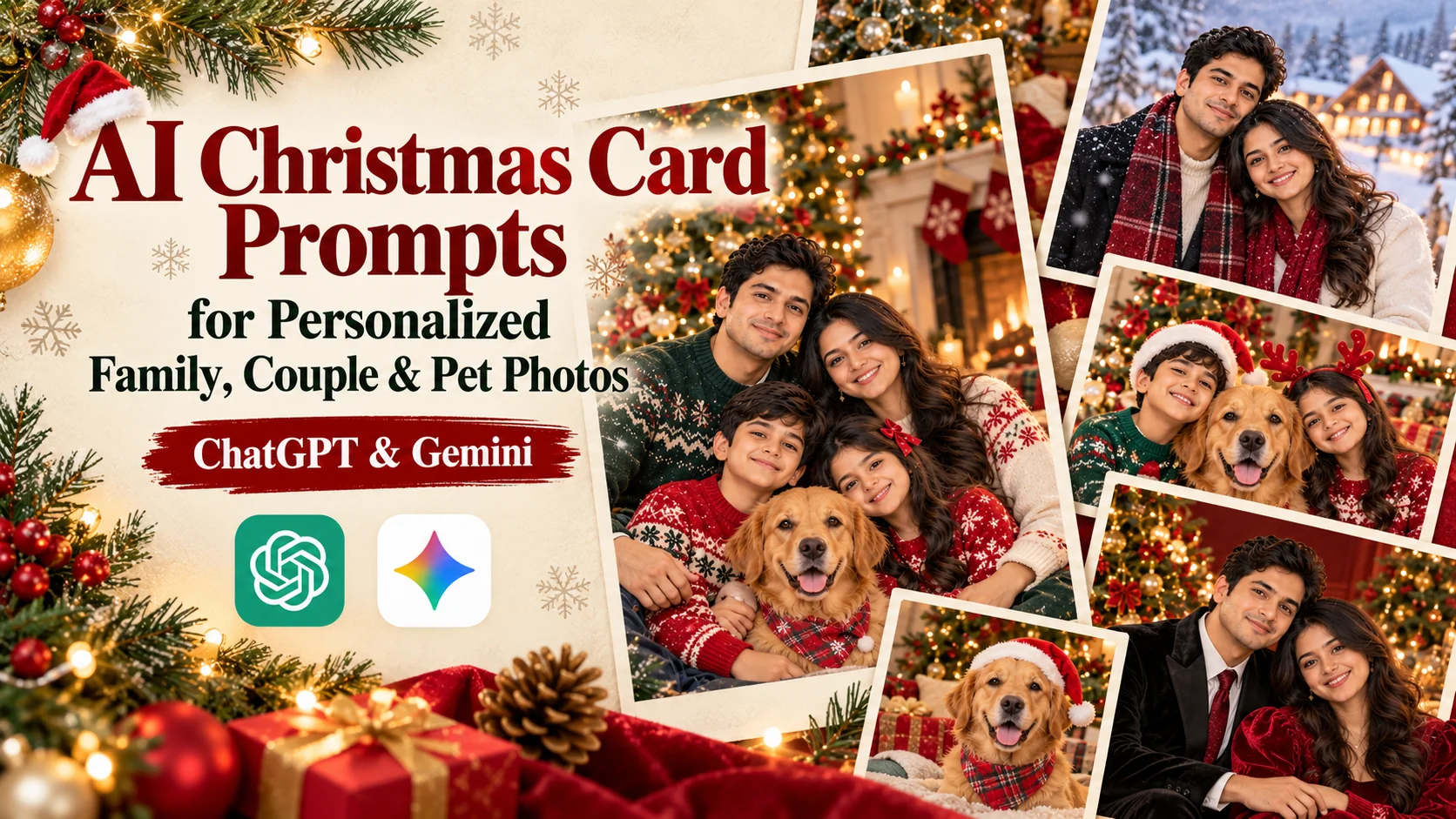
Christmas is the perfect time to share meaningful memories, warm wishes, and beautiful family photographs. But you do not need to organize a professional photoshoot or spend hours designing a greeting card to create something special. With the right AI Christmas card prompts, you can transform a reference photo into a personalized holiday greeting using AI image-generation tools such as ChatGPT and Google Gemini.
Whether you want an elegant family Christmas card, a romantic greeting for your partner, a funny card featuring your pet, or a nostalgic design inspired by vintage holiday illustrations, a detailed prompt can help you explore different creative directions. The key is to describe the composition, festive decorations, lighting, colors, clothing, and space needed for your greeting or message.
In this guide, you will find 10 copy-and-paste Christmas card prompts, each designed around a distinct visual style. Every prompt includes reference-image instructions to help preserve the recognizable appearance of the people or pets in your uploaded photo. You can personalize the concepts with your preferred colors, names, greeting, and holiday atmosphere to create cards for printing, messaging apps, or social media.
Helpful tip: AI-generated lettering may contain spelling mistakes or distorted characters. For the cleanest result, ask the image generator to leave an empty area for text, then add your final greeting using a design editor if necessary.
- 10 copy-and-paste AI Christmas card prompts for ChatGPT and Gemini
- Personalized concepts for families, couples, pets, and holiday greetings
- Distinct visual styles, including vintage, minimalist, luxury, and winter wonderland
- Reference-photo instructions for preserving recognizable faces and appearances
- Practical design tips for readable text, balanced layouts, and print-ready cards
Classic Family Christmas Card with a Professional Portrait
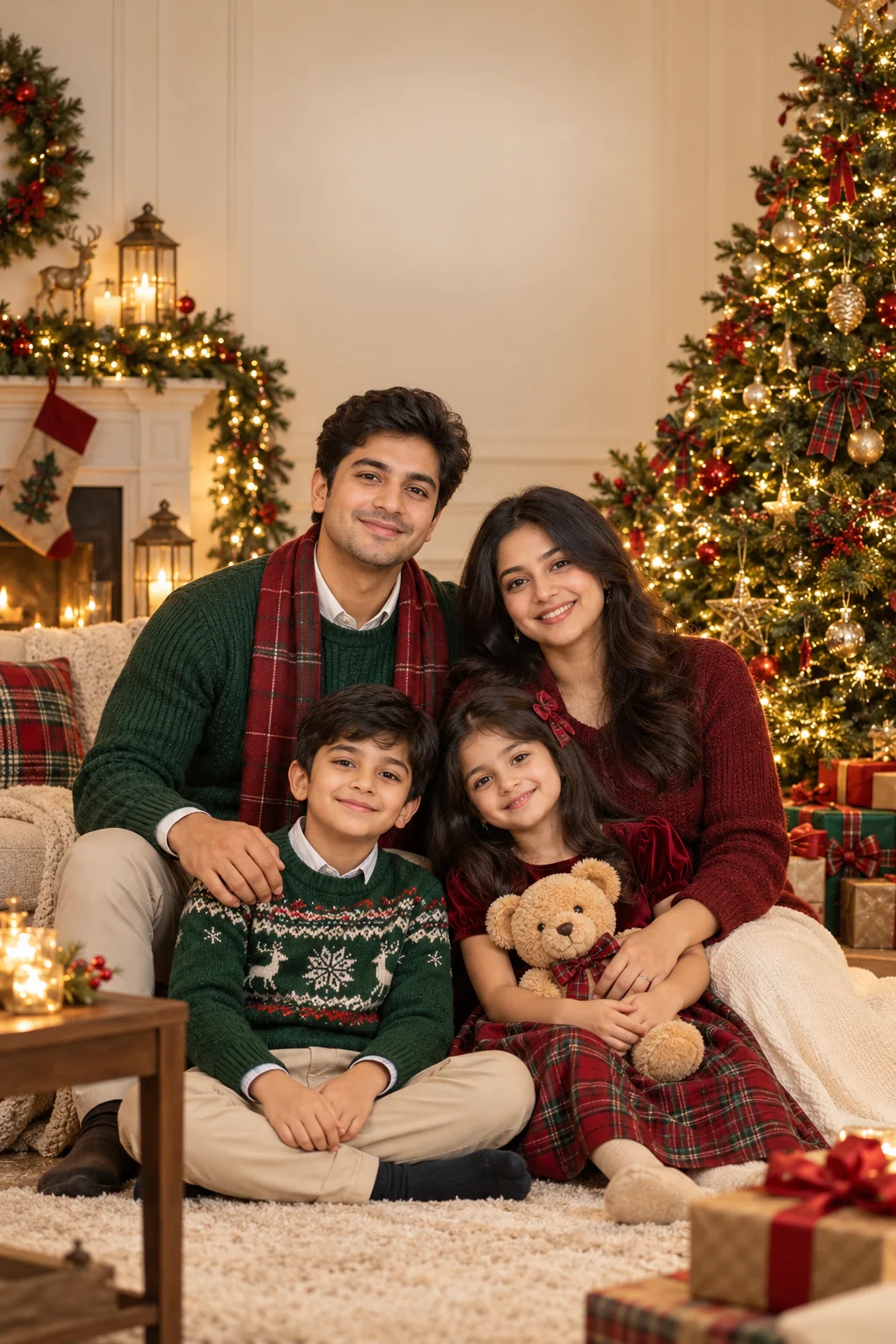
Minimalist Modern Christmas Greeting Card
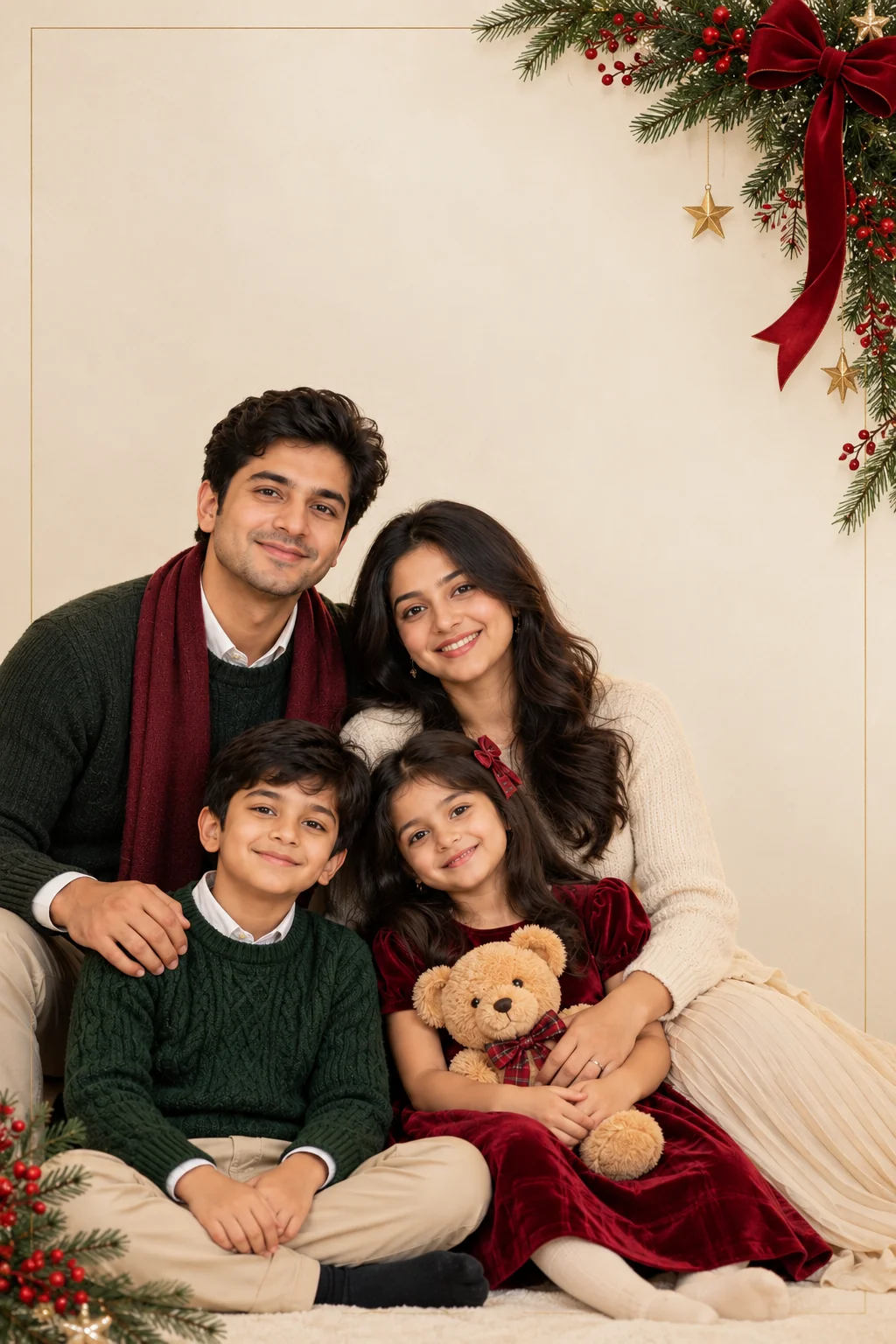
Cozy Christmas-at-Home Card in Matching Pajamas
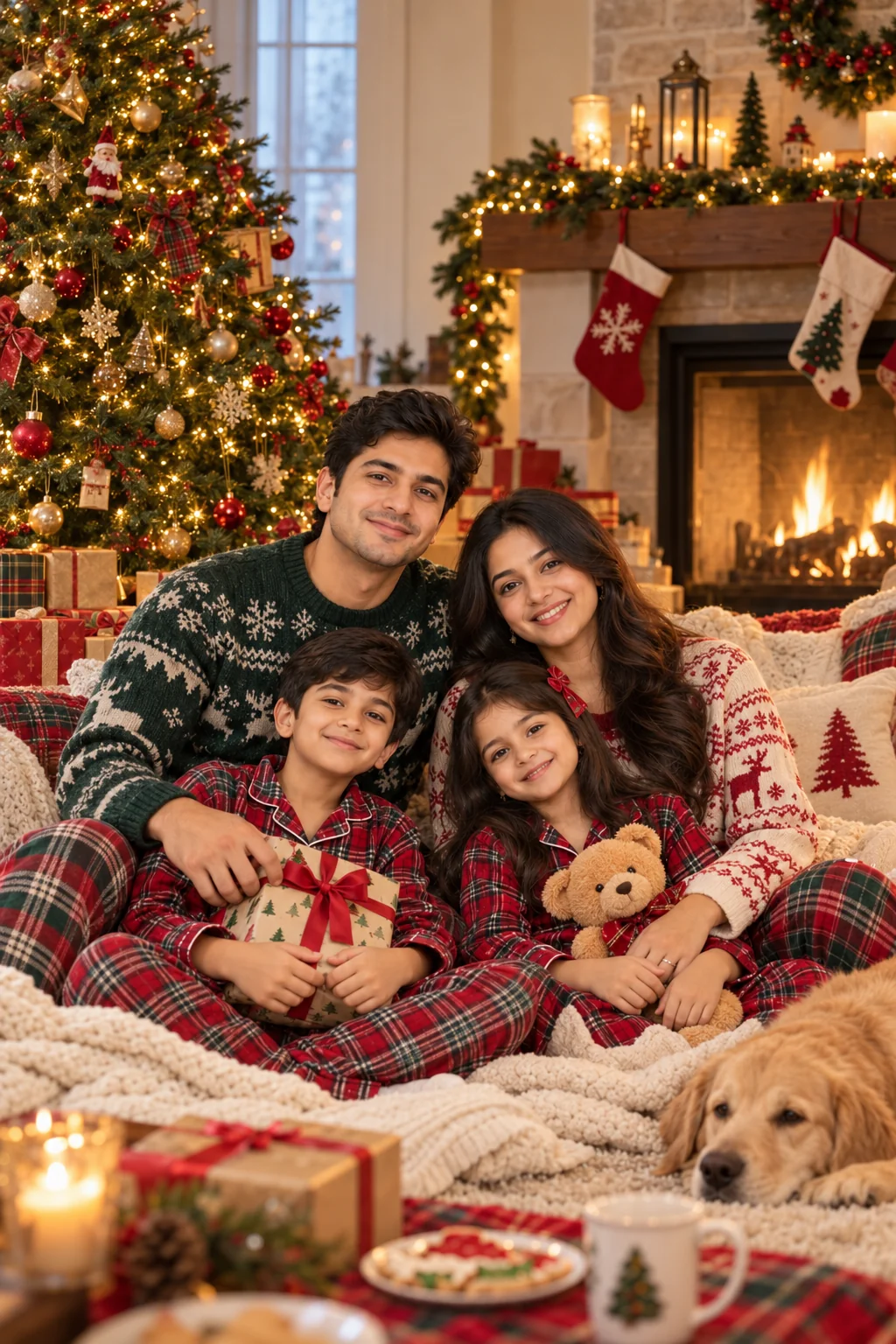
Romantic Christmas Card for Couples

Adorable Christmas Card Featuring a Pet
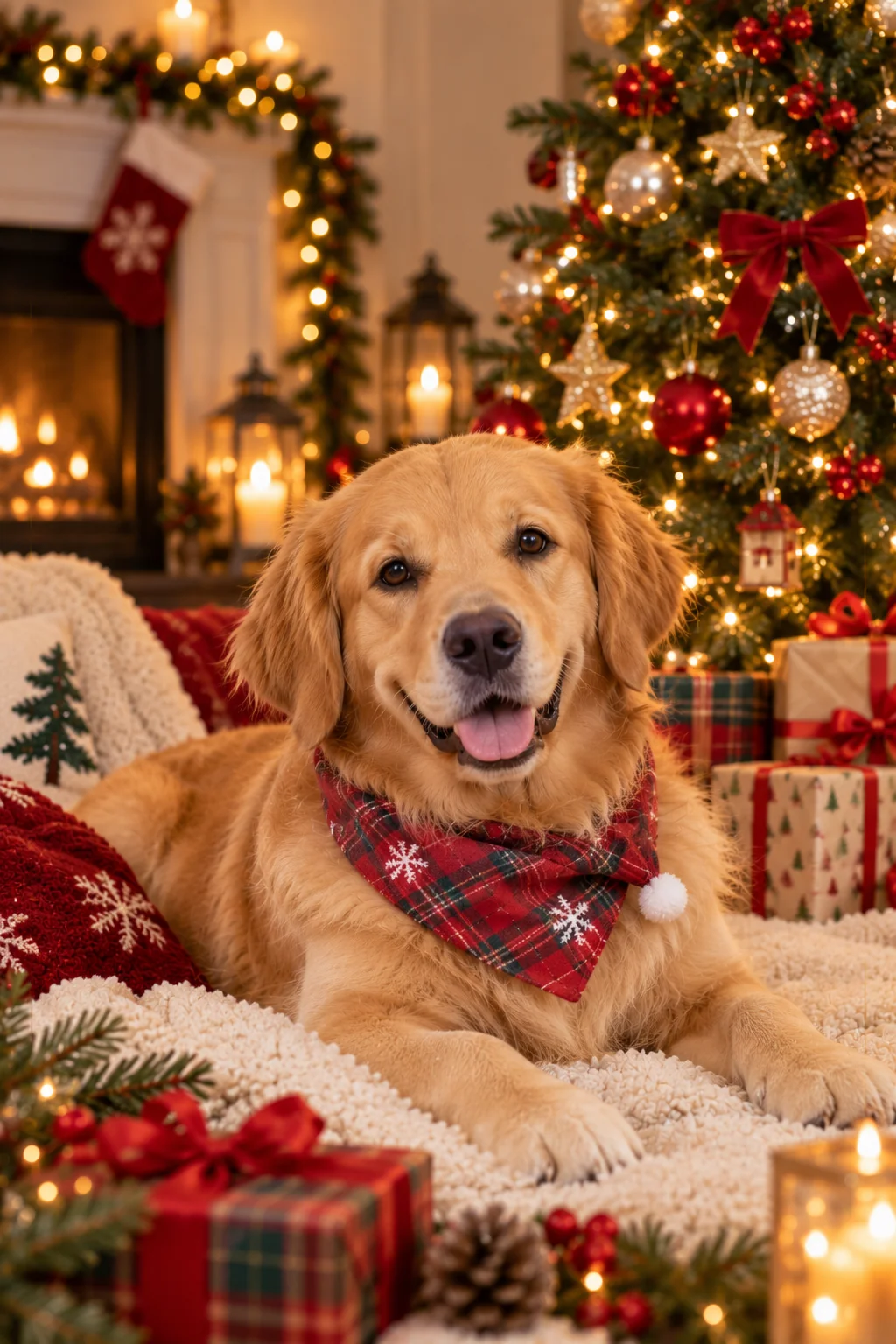
Snowy Winter Wonderland Christmas Card
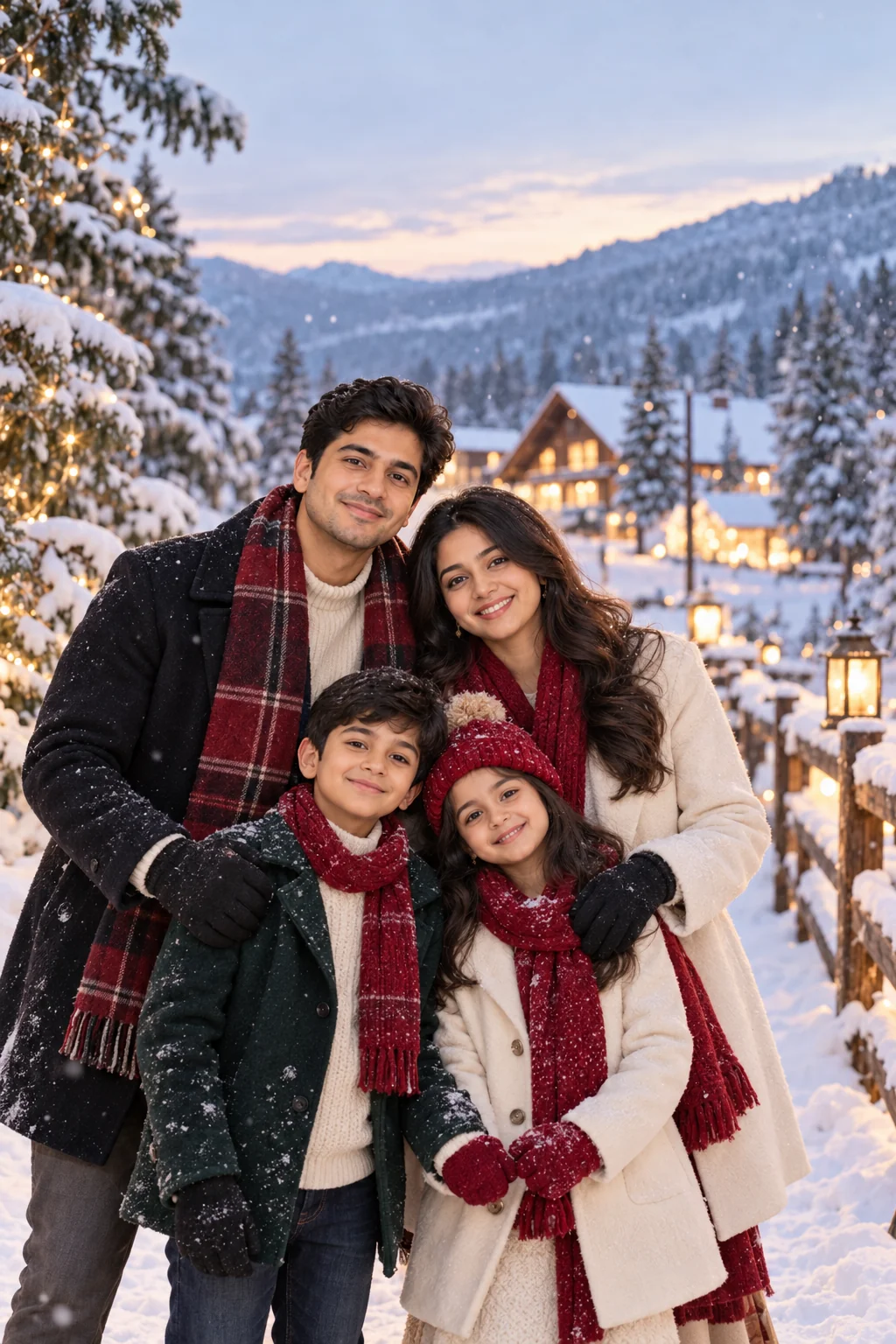
Vintage Retro Christmas Greeting Card
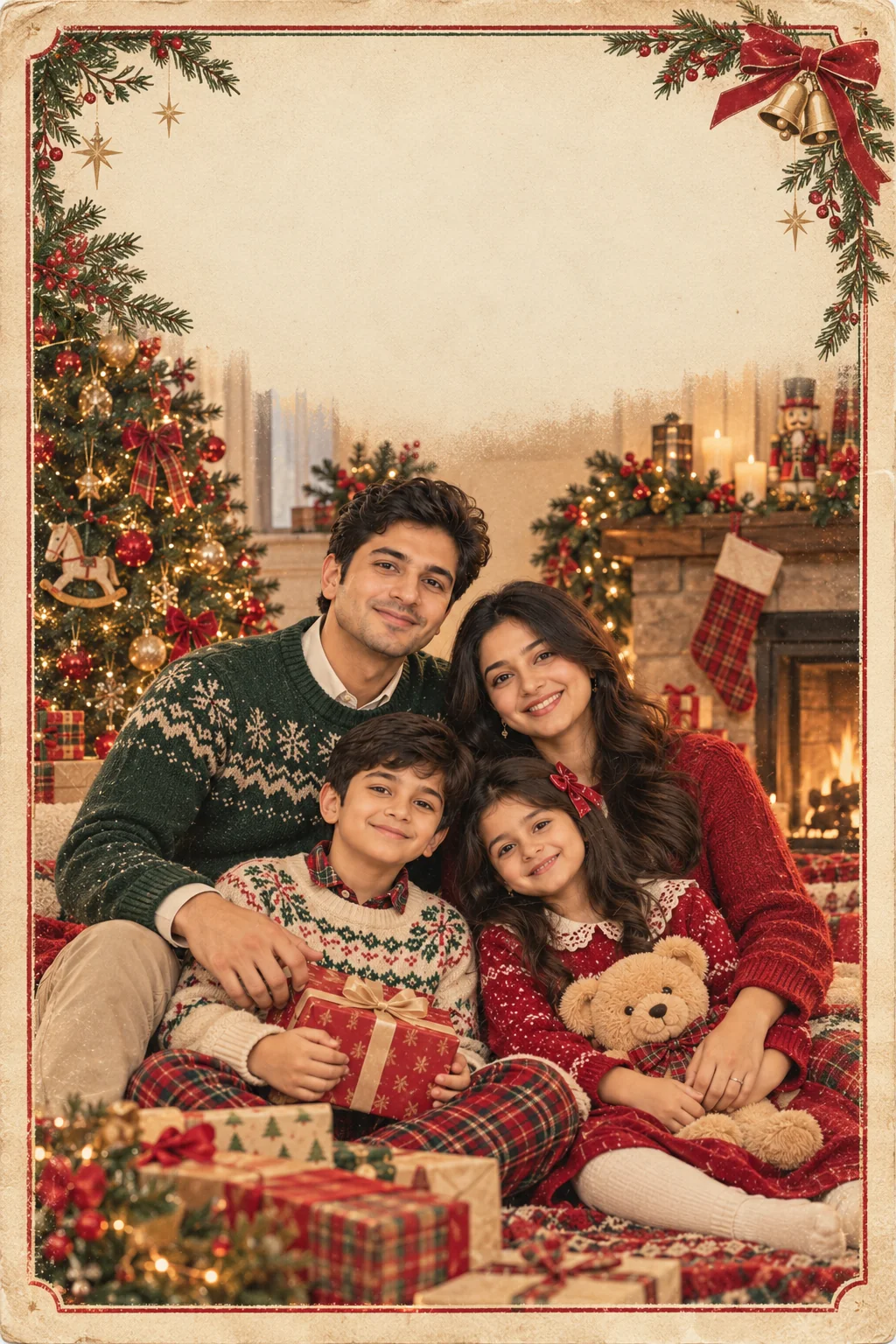
Luxury Red-and-Gold Christmas Card Design
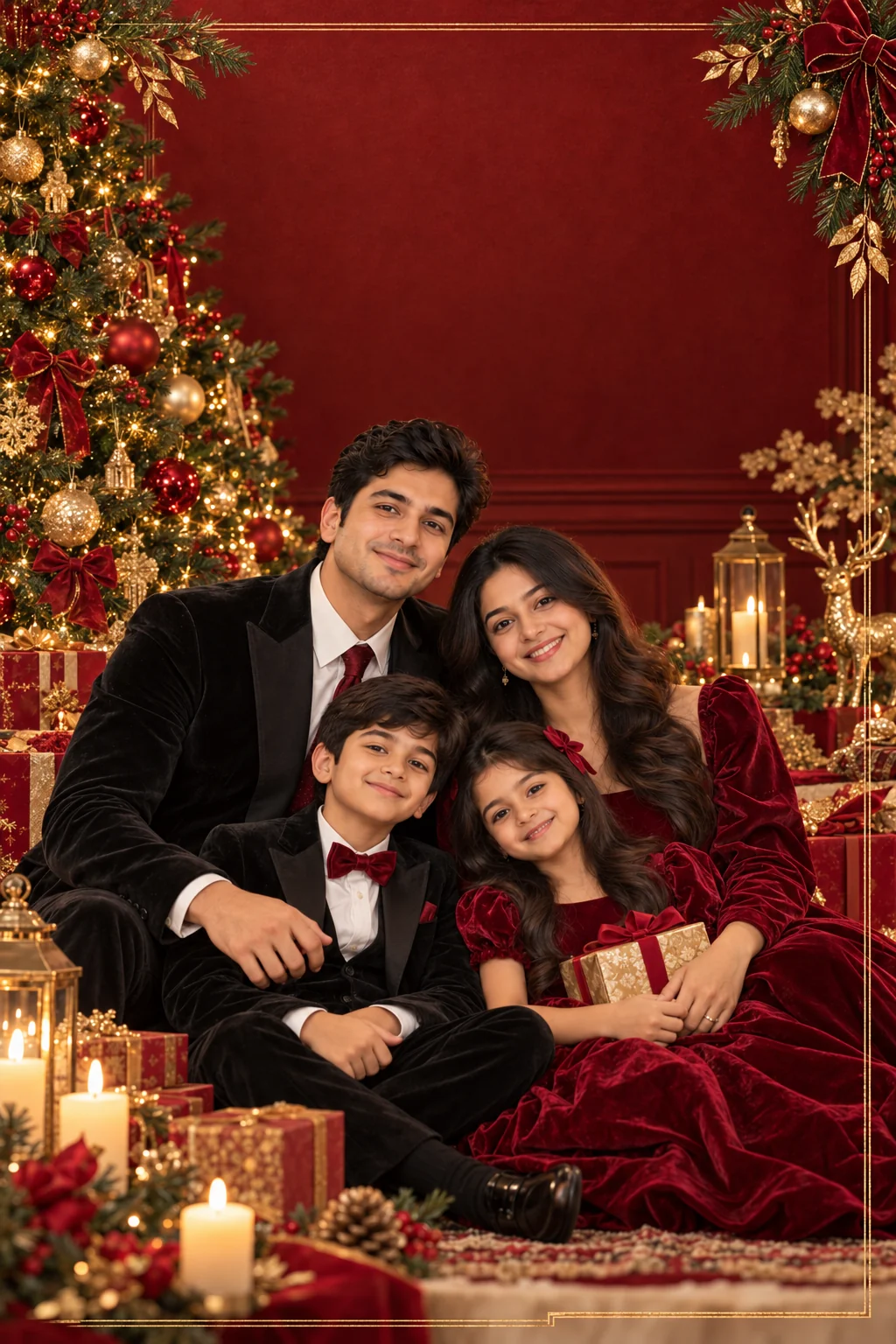
Funny Christmas Card with a Playful Photo Concept
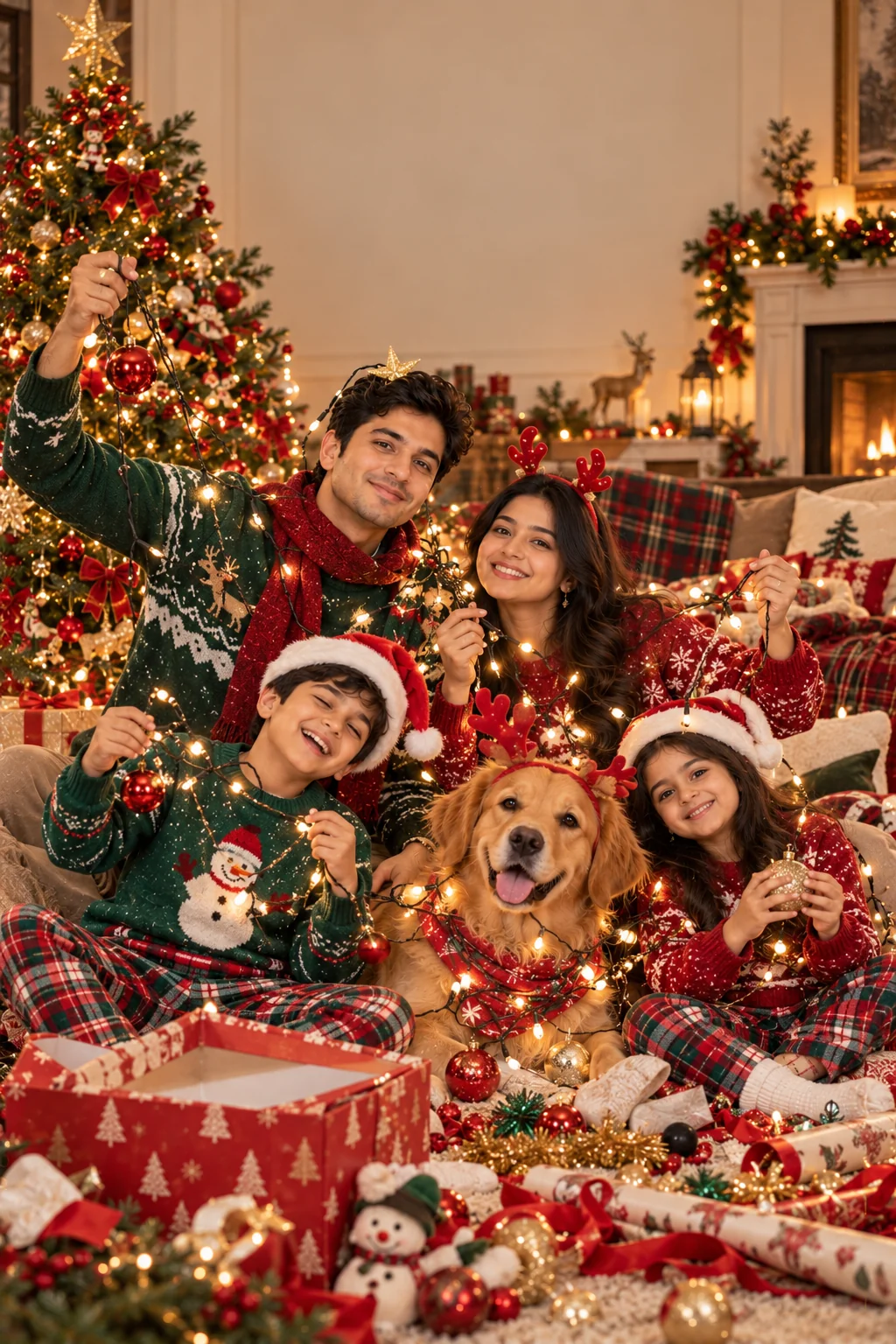
Personalized Digital Christmas Greeting Card
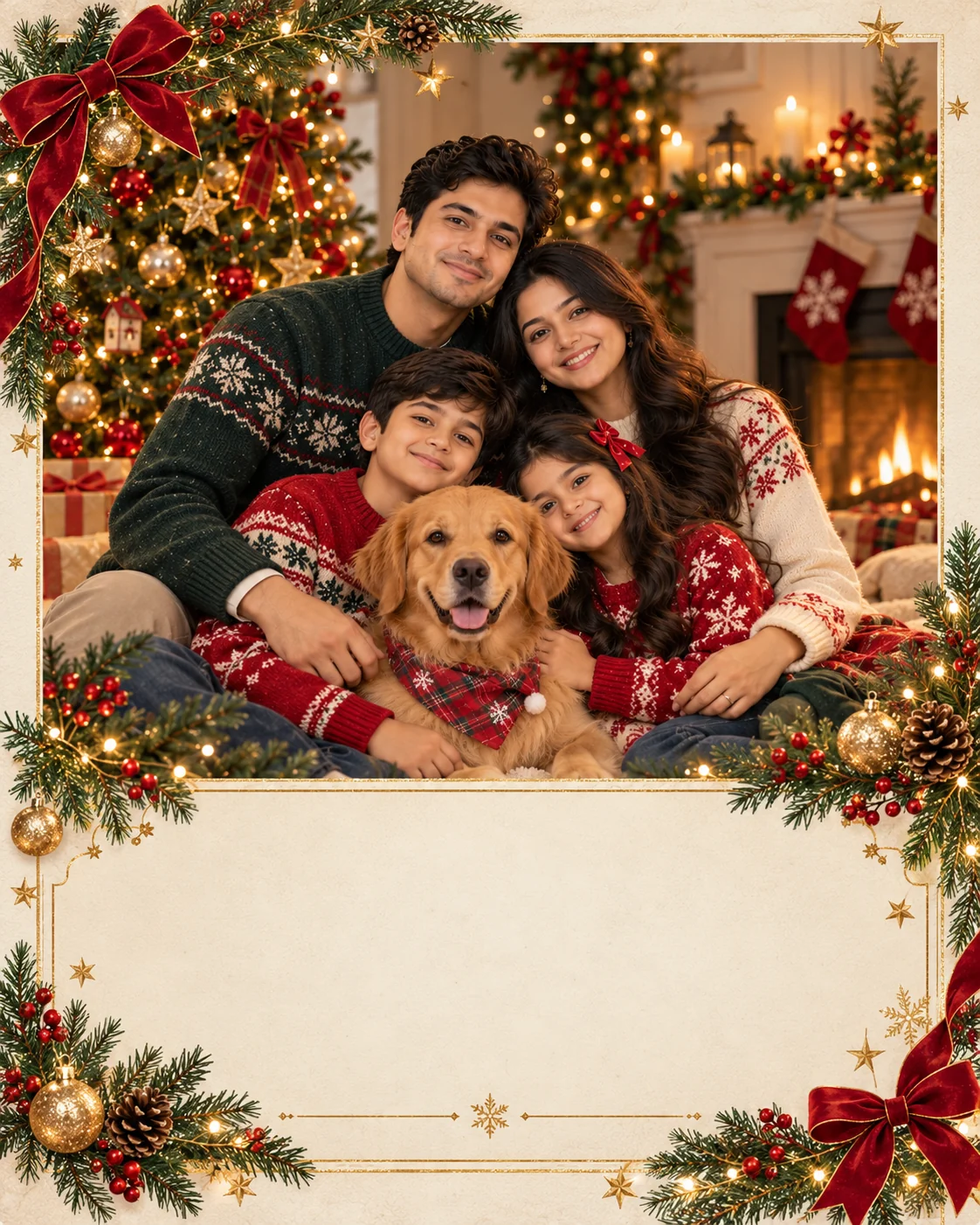
Creating a personalized holiday greeting can be as simple as choosing a reference photo, selecting a visual style, and describing the Christmas atmosphere you want. These AI Christmas card prompts cover traditional family portraits, cozy home scenes, romantic couple photographs, pet greetings, snowy landscapes, retro stationery, luxury designs, and playful holiday concepts. Each approach gives you a different starting point, so you can choose a design that fits the people receiving your card and the message you want to share.
For the best results, use a clear reference image and provide specific instructions about identity, composition, lighting, colors, and the space needed for your greeting. If the first result is not quite right, refine one element at a time rather than changing the entire prompt. Ask for a wider layout, simpler decorations, more natural expressions, or a cleaner text area depending on what needs improvement.
One important detail is typography. Image-generation tools can sometimes misspell names or create distorted lettering, so it is often better to generate the artwork first and add the final greeting separately. Before printing, check the image dimensions, resolution, margins, and any important text. For digital sharing, preview the card on a phone to make sure the message is easy to read.
Most importantly, make the design personal. Choose colors your family loves, include a favorite pet, or select a setting that reflects a special memory. With a thoughtful reference photo and a well-written prompt, you can create a Christmas card that feels much more meaningful than a generic holiday template.
How to Create Better AI Christmas Cards
A good Christmas card combines a strong visual concept with a clear, readable layout. These five practical tips can help you get more useful results from ChatGPT, Gemini, and other image-generation tools that support reference images.
Start with a Clear Reference Photo
Choose a photo with good lighting, visible faces, and enough detail to identify everyone who should appear in the card. For family or couple designs, make sure both people are visible. For pet cards, use an image that clearly shows the animal's face and distinctive markings. A reference image can help guide the result, but exact identity preservation is not guaranteed.
Choose One Main Christmas Theme
Decide whether your card should look traditional, minimalist, romantic, funny, vintage, or luxurious before writing the prompt. A clear visual direction helps the design feel cohesive. Too many competing styles, colors, and decorations can make the result cluttered and reduce the impact of the main portrait.
Leave Space for a Readable Greeting
Tell the image generator where the greeting should appear and ask it to leave that area uncluttered. Since generated lettering can contain errors, consider adding names and the final message separately using a graphic design editor. This gives you more control over spelling, typography, alignment, and contrast.
Prepare the Card for Its Final Format
Decide whether you need a printed card, a social media graphic, or a digital greeting before generating the image. For printing, check the required dimensions, resolution, color reproduction, and safe margins. For digital use, choose an appropriate aspect ratio and preview the result on a phone to ensure the greeting remains legible.
Use Photos Responsibly
Only upload reference photos that you have permission to use, particularly when they include your partner, relatives, children, or other people. Review the privacy practices of your chosen AI service before uploading personal images. Before sharing a generated card publicly, consider whether everyone depicted is comfortable with the image and how it represents them.
Frequently Asked Questions
How do I make an AI Christmas card with ChatGPT?
Use a ChatGPT experience that supports image generation, upload a suitable reference photo, and paste in a detailed Christmas card prompt. Describe the people or pets, festive setting, color palette, composition, lighting, and space needed for the greeting. Review the result and request specific changes if necessary. Features and image-generation capabilities may vary depending on your account and the version available to you.
Can I use these Christmas card prompts with Google Gemini?
Yes. You can adapt these prompts for a Gemini experience that supports image generation or reference-image editing. Upload your chosen photo, describe the Christmas card design, and explain which features should remain recognizable. The exact interface and available editing capabilities may vary by product version.
How can I preserve faces in an AI-generated family Christmas card?
Begin with a clear, well-lit reference photo and explicitly ask the tool to preserve each person's recognizable facial features, skin tone, hairstyle, age, and natural proportions. Avoid unnecessary changes to faces when the main goal is to transform the setting or clothing. If a generated result changes someone's appearance, request a focused correction. Image-generation systems may still produce variations, so review the result carefully.
Can AI generate Christmas cards with our names and a custom greeting?
You can ask an image generator to include names and a greeting, but generated text may contain spelling errors, inconsistent letters, or unusual spacing. A reliable approach is to request a clean area for text and add the exact greeting afterward using a graphic design editor. This gives you better control over spelling, typography, alignment, and readability.
What is the best image size for a digital Christmas card?
The best size depends on where you plan to share the card. A vertical 4:5 layout can work well for many social media feeds, a square design can suit profile-oriented sharing, and a landscape layout can work for email greetings or traditional card formats. For printing, follow the print provider's recommended dimensions and resolution, and leave adequate margins around the edges.
Can I use AI-generated Christmas cards for printing and commercial projects?
Potentially, but the answer depends on the AI service's current terms, the rights to the reference images and other assets, and the rules in your jurisdiction. Review the service's usage terms before using a design commercially. If you include recognizable people, logos, copyrighted characters, or third-party artwork, check the relevant permissions and rights. For printed cards, also verify the resolution and print provider's specifications before placing an order.

Jitendra Patra
AI Prompt Researcher & Software Engineering Student
Jitendra Patra is a software engineering student and AI prompt researcher specializing in Google Gemini and generative image models. He actively experiments with structured prompt engineering techniques to produce high-quality, reproducible visual outputs.
His work focuses on iterative prompt development, with attention to subject, lighting, composition, and visual style.
The prompts in this guide are developed with attention to structure, detail, and visual quality.
You Might Also Like

10 Best AI Image Prompts for Couples (4K Romantic & Cinematic)
Discover 10 best AI image prompts for couples — ultra-realistic 4K romantic portraits for ChatGPT, Gemini & Midjourney.
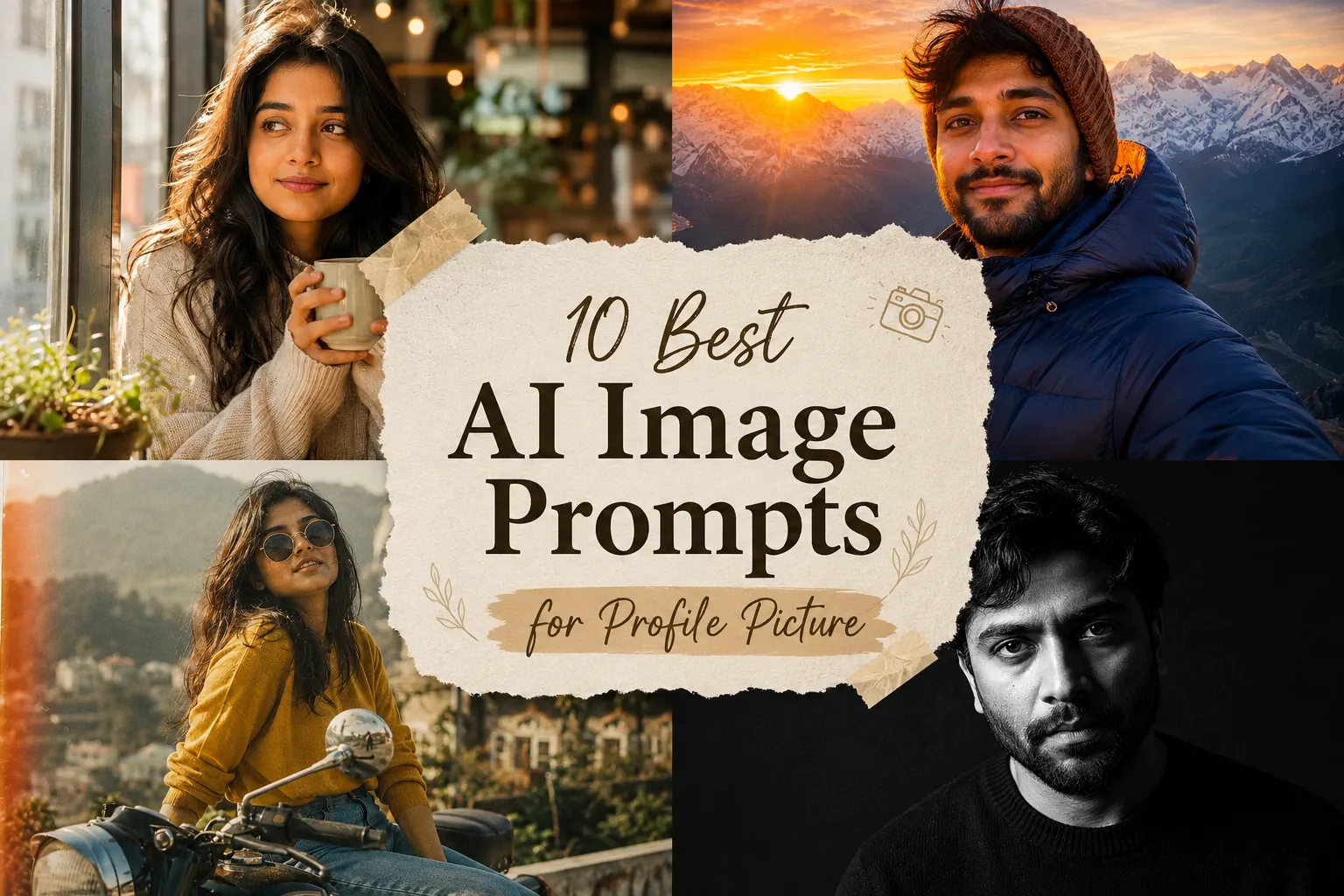
10 Best AI Image Prompts for Profile Picture — 4K Stunning Avatar & DP (2026)
Discover 10 best AI image prompts for profile picture — ultra-realistic 4K stunning avatars for WhatsApp, Instagram, Facebook & LinkedIn.

10 Best AI Image Prompts for Women (4K Ultra-Realistic & Cinematic)
Discover 10 best AI image prompts for women — ultra-realistic 4K portraits for ChatGPT, Gemini & Midjourney.
Trending Now
10 Best AI Image Prompts for Instagram-Worthy Photos
AI-generated Instagram-worthy photos showing stylish
10 Viral AI Magazine Cover Prompts for Fashion Photos
Fashion editorial magazine cover created